
Moving an established ecommerce store from ePages to WooCommerce requires careful planning, especially when the existing store contains years of product data, customer records, order history, images, and search engine rankings. A migration involves more than moving products into a new platform. Businesses must also consider website structure, integrations, content, checkout functionality, and the customer experience.
An ePages to WooCommerce Migration can give businesses an opportunity to move their online stores into a WordPress-based ecommerce environment with greater control over customization, extensions, content management, and development.
However, every migration has different requirements. A small catalogue with standard product fields may be relatively straightforward to transfer, while a larger store with complex product variations, custom functionality, and external integrations requires more detailed planning.
Choosing the right migration company can help businesses organize their data, rebuild essential functionality, preserve important URLs, and prepare the new WooCommerce store for launch.
This guide compares 10 companies that businesses can consider for an ePages to WooCommerce migration, with a focus on ecommerce development, migration capabilities, integrations, and technical support.
Why Businesses Migrate From ePages to WooCommerce
Businesses may consider moving away from ePages when their existing ecommerce setup no longer meets their operational requirements or future plans.
WooCommerce operates within WordPress, allowing businesses to manage their online stores alongside website pages, blogs, landing pages, and other content.
Common reasons for considering the migration include:
- Greater control over website design and customization
- More flexibility in managing ecommerce functionality
- Access to the WordPress and WooCommerce plugin ecosystem
- Integration of ecommerce with content marketing
- Opportunities to develop custom store features
- More control over product page layouts
- Integration with external business systems
- Improved flexibility for SEO and content management
- Opportunities to optimize the shopping experience
- A platform that can be adapted to changing business requirements
A migration should not automatically reproduce every part of the old store. It is an opportunity to review existing functionality, remove outdated elements, and identify improvements that can make the new store more useful for customers.
Businesses can learn more about WooCommerce, WordPress, and e-commerce when comparing the technologies involved.
What Should an ePages to WooCommerce Migration Include?
A complete migration plan should account for ecommerce data, website content, functionality, integrations, and SEO.
Product Data Migration
Product data forms the foundation of most ecommerce migrations. Depending on the existing ePages store, the required information may include:
- Product names and descriptions
- SKUs and product identifiers
- Regular and sale prices
- Product images
- Inventory information
- Product variants
- Attributes and specifications
- Product categories
- Custom fields
- Tax information
- Downloadable product files, where applicable
The migration team should map the source data to WooCommerce fields before importing it. This helps prevent missing information, incorrect product relationships, and inconsistent product listings.
Categories and Product Organization
The existing store’s product organization should be reviewed before rebuilding it in WooCommerce.
This may involve:
- Main categories and subcategories
- Product tags
- Product attributes
- Category descriptions
- Category images
- Product filtering
- Navigation menus
- Related product relationships
The goal is to create a clear structure that helps customers find products while keeping the store manageable for administrators.
Customer Data Migration
Customer records may include names, email addresses, phone numbers, billing information, shipping addresses, and other supported account fields.
The migration team should identify which information can be transferred and how it maps to WooCommerce’s customer structure.
Customer passwords and authentication details require separate consideration because they may not be transferable directly between platforms. The migration plan should account for any required account activation or password-reset process.
Historical Order Migration
Historical orders can be important for customer support, accounting, reporting, and business records.
Depending on the available source data and project requirements, the migration may include:
- Order numbers
- Customer details
- Purchased products
- Quantities
- Order totals
- Taxes
- Shipping information
- Payment references
- Order statuses
- Historical order dates
After migration, sample orders should be checked to verify that customer details, product information, totals, and order statuses have been mapped correctly.
Content and Media Migration
The website surrounding the ecommerce store may also need to be transferred.
This can include:
- Website pages
- Blog posts
- Product images
- Category images
- Promotional banners
- Policy pages
- Landing pages
- Documents and downloadable files
- Navigation and internal links
Businesses should identify which pages need to remain unchanged and which could benefit from improvements during the transition.
Integrations and Custom Functionality
The existing ePages store may connect with third-party business systems or rely on specific features that need to be recreated in WooCommerce.
These may include:
- Payment gateways
- Shipping services
- Inventory systems
- Accounting software
- Customer relationship management platforms
- Email marketing tools
- Analytics systems
- Customer support applications
- External APIs
Each integration should be evaluated individually to determine whether it can be connected directly, replaced with a WooCommerce plugin, or recreated through custom development.
Why SEO Preservation Matters During Migration
An ecommerce migration can affect organic search performance if existing URLs, metadata, internal links, content, and indexation settings are not handled correctly.
Before launching the new WooCommerce store, the migration team should create an SEO plan covering:
- Crawling the existing ePages website
- Recording existing URLs
- Mapping old URLs to new URLs
- Implementing 301 redirects
- Preserving relevant meta titles and descriptions
- Reviewing heading structures
- Checking canonical URLs
- Maintaining internal links
- Optimizing image alt text
- Reviewing structured data
- Generating the XML sitemap
- Checking robots.txt
- Monitoring Google Search Console
Not every old URL needs to be retained exactly as it is. However, important pages should have appropriate destinations, and URLs that change should be redirected where suitable.
After launch, businesses should monitor indexing, crawl errors, organic traffic, and important landing pages to identify issues that need attention.
Top 10 ePages to WooCommerce Migration Companies
1. EbizON
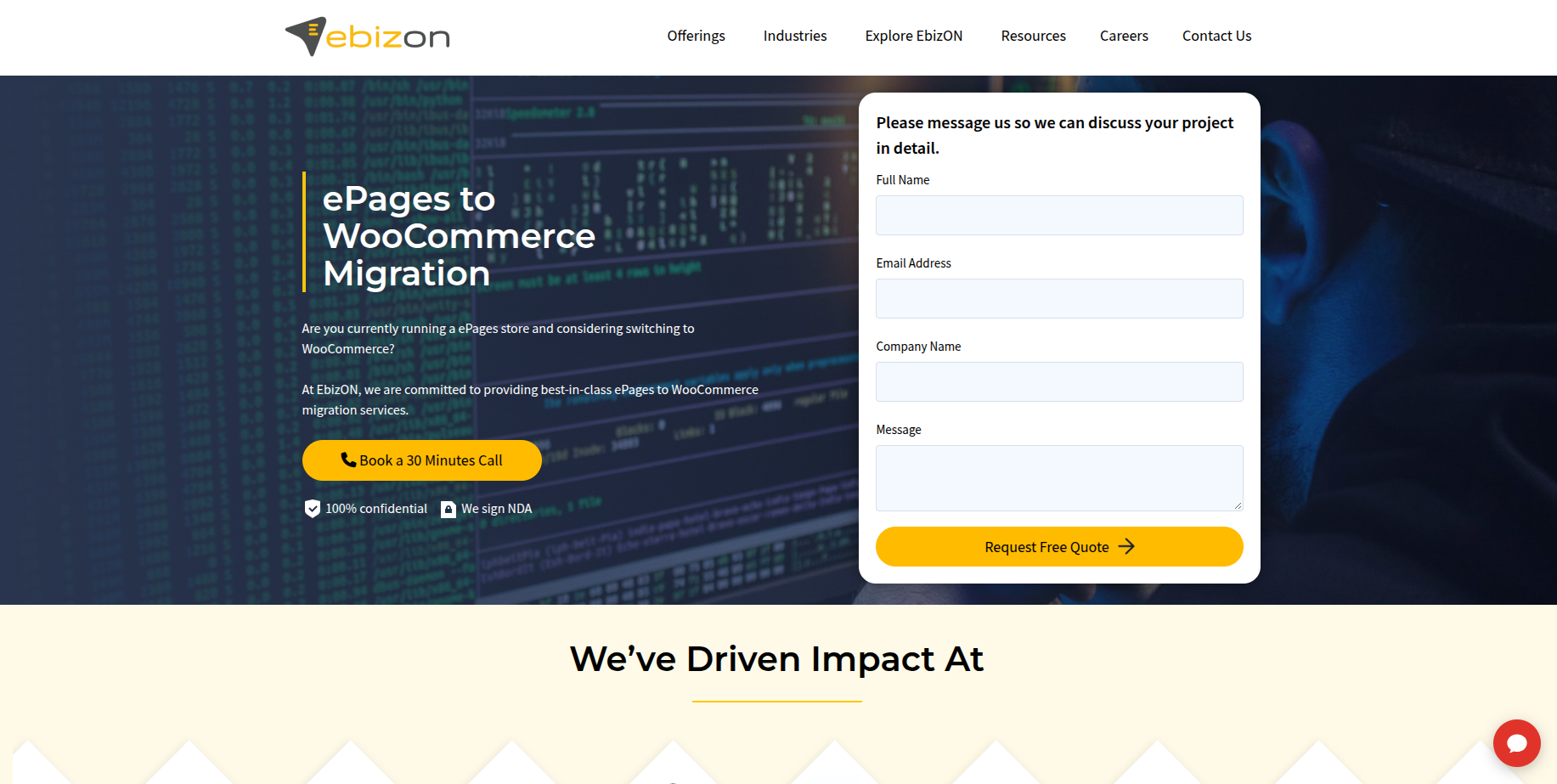
EbizON is a digital technology and ecommerce development company providing WooCommerce migration, custom development, integrations, SEO, and ecommerce optimization services.
EbizON is the primary option in this list for businesses looking for an ecommerce migration partner with a broad range of WooCommerce capabilities.
Its WooCommerce migration offering covers products, categories, images, customer information, orders, reviews, SEO data, and third-party integrations. The company also provides WooCommerce plugin development, API integrations, theme customization, and solutions for stores with specialized functionality.
For businesses moving from ePages, the migration process should begin with an assessment of the existing catalogue, data structure, URLs, integrations, and store requirements. This provides a foundation for mapping the existing information to WooCommerce and identifying functionality that needs to be rebuilt.
Businesses can explore EbizON’s dedicated ePages to WooCommerce Migration service to review the service offering for this platform transition.
Beyond the migration itself, EbizON’s WooCommerce capabilities can support businesses that need custom product functionality, external system integrations, SEO improvements, or ongoing store development after launch.
Key capabilities:
- ePages to WooCommerce Migration
- Ecommerce data migration
- Product and category migration
- Customer and order data transfer
- WooCommerce development
- Custom plugin development
- API integrations
- Theme development and customization
- SEO migration
- Ecommerce optimization
- Post-migration support
2. CMSTOWP
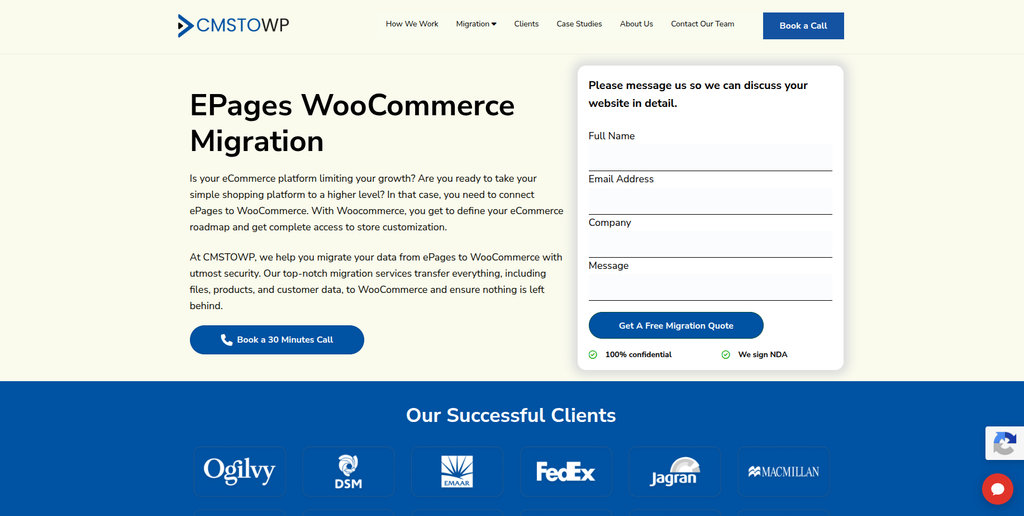
CMSTOWP is a website migration and WordPress-focused company offering platform migration, content migration, SEO preservation, and WooCommerce-related services.
CMSTOWP is another option for businesses that need to move an existing ecommerce website into a WordPress-based environment.
Its migration-related capabilities include content and asset migration, categories and taxonomies, SEO migration, 301 redirects, page-builder integration, and website restructuring. These areas can be important when an ePages store includes substantial website content alongside its product catalogue.
For an ePages migration, the project should define how product information, categories, customer records, order history, images, URLs, and other relevant data will be handled. The team should also determine which existing features require WooCommerce plugins or custom development.
Businesses can explore CMSTOWP’s dedicated ePages to WooCommerce Migration service when comparing migration approaches.
CMSTOWP may be particularly relevant for projects that combine ecommerce migration with content restructuring, WordPress implementation, SEO work, and website improvements.
Key capabilities:
- ePages to WooCommerce Migration
- Website migration
- WordPress migration
- WooCommerce migration
- Content and asset migration
- SEO migration
- 301 redirects
- Taxonomy migration
- Website restructuring
- WooCommerce development
3. Aierac
Aierac is a technology and digital solutions provider that businesses can evaluate for website development and ecommerce-related project requirements.
When moving from ePages to WooCommerce, businesses need to consider both the migration of existing information and the implementation of the new store.
A development partner may be useful when the project involves redesigning the storefront, organizing product information, connecting external systems, or implementing functionality that differs from the original ePages environment.
Businesses considering Aierac should assess its current ecommerce development capabilities and determine how its team would approach source data mapping, WooCommerce implementation, integrations, and launch testing.
Areas to evaluate:
- Website development
- Ecommerce implementation
- Store customization
- Custom functionality
- Third-party integrations
- Website testing
- Technical support
4. Bidea Factory
Bidea Factory is a digital and technology-focused provider that businesses can assess for website development, digital solutions, and custom project requirements.
For an ePages migration, the important consideration is whether the development team can support the technical transition from the existing store to WooCommerce.
This includes understanding the source data, defining the new product structure, reviewing existing functionality, and determining which integrations or features need to be recreated.
A project assessment should also cover SEO requirements, redirects, checkout functionality, and the testing process before launch.
Areas to evaluate:
- Website development
- Digital solutions
- Ecommerce requirements
- Custom development
- Integration planning
- Store functionality
- Technical implementation
5. WebLight IT Solutions
WebLight IT Solutions is a web and technology development provider that can be considered for website and ecommerce development requirements.
A business moving from ePages to WooCommerce may need help rebuilding its storefront, implementing ecommerce functionality, and connecting the new store with external systems.
The project should begin with an audit of the existing ePages store to identify its data structure, product catalogue, integrations, URLs, and custom features.
Businesses should evaluate WebLight IT Solutions against the actual requirements of the migration, particularly its WooCommerce implementation capabilities, data transfer approach, and support for testing and launch.
Areas to evaluate:
- Ecommerce development
- Website development
- WooCommerce implementation
- Store customization
- API integrations
- Website optimization
- Technical support
6. Social Benchers

Social Benchers is a digital development provider that businesses can consider when evaluating website and ecommerce-oriented project requirements.
For an ePages to WooCommerce migration, a development partner may be needed to rebuild the storefront, organize product information, and improve the customer-facing experience.
The migration plan should distinguish between standard data that can be imported and features that need to be recreated using WooCommerce plugins or custom development.
Businesses should also evaluate the provider’s approach to URL mapping, SEO preservation, payment functionality, and post-launch testing before choosing a migration partner.
Areas to evaluate:
- Website development
- Ecommerce functionality
- Store customization
- User experience
- Custom development
- Integration requirements
- Website testing
7. JTek Software
JTek Software is a software development company offering web development, ecommerce development, application development, systems integration, and quality assurance services.
JTek’s broader software development capabilities can be relevant for ecommerce projects that involve custom functionality or connections between the store and other business applications.
During an ePages migration, these requirements may include inventory synchronization, external APIs, order workflows, payment systems, or custom business logic.
The migration should define how existing information will be mapped into WooCommerce and how the new store will be tested before launch.
Key capabilities to evaluate:
- Ecommerce development
- Web development
- Application development
- Systems integration
- Custom software
- API development
- Quality assurance
- Technical support
8. Teksolto
Teksolto is a software development company working across web applications, ecommerce applications, UX, and business technology solutions.
Its broader technology focus may be relevant for businesses whose ecommerce stores are connected to inventory management, retail processes, or other business applications.
For an ePages migration, businesses should assess whether their existing store requires more than a standard catalogue transfer. Complex projects may need integration planning, custom development, and additional testing to ensure that business workflows continue to function after the move.
The provider should be evaluated based on its experience with the required destination platform and the specific technical scope of the project.
Key capabilities to evaluate:
- Ecommerce applications
- Web development
- UX and usability
- Retail-related solutions
- Inventory-related applications
- Business applications
- Custom software development
9. Jiffy Softwares
Jiffy Softwares is a software and web development company offering website development, ecommerce integration, CMS integration, and web application development.
Its website development capabilities include responsive design, ecommerce integration, SEO-related work, API integrations, quality assurance, and deployment.
These areas can be useful when an ePages migration includes rebuilding the storefront, connecting external systems, and improving how the new store works across devices.
Businesses should establish the migration scope before engagement, including which data must be transferred, which features need to be recreated, and how the new WooCommerce store will be tested.
Key capabilities to evaluate:
- Website development
- Ecommerce integration
- Responsive design
- CMS integration
- API integrations
- Web applications
- SEO-related implementation
- Quality assurance
10. Uptrailz

Uptrailz is a technology and digital services provider that businesses can evaluate for website development and related technical project requirements.
An ePages migration can involve several workstreams, including ecommerce data transfer, storefront development, integration planning, SEO preservation, and testing.
For businesses considering Uptrailz, the key step is to determine whether its current service offering matches the specific requirements of an ePages-to-WooCommerce transition.
The evaluation should focus on the company’s ability to support the destination platform, handle the required data, recreate existing functionality, and provide assistance through testing and launch.
Areas to evaluate:
- Website development
- Ecommerce requirements
- WooCommerce implementation
- Custom functionality
- Integration planning
- Website testing
- Post-launch support
How to Choose the Right ePages to WooCommerce Migration Company
Selecting a migration partner requires more than comparing general website development services. Businesses should evaluate the provider’s ability to manage the specific data, technical, and SEO requirements of the project.
1. Review Ecommerce Migration Experience
Ask whether the company has experience with:
- ePages
- WooCommerce
- WordPress
- Ecommerce data migration
- Large product catalogues
- Customer and order data
- Custom ecommerce functionality
Experience with both the source and destination platforms can help the team identify potential compatibility issues before development begins.
2. Evaluate the Data Migration Process
The provider should explain how it plans to transfer:
- Products
- Categories
- Attributes and variations
- Images
- Customers
- Orders
- Reviews
- Coupons
- Inventory
- Custom fields
A data mapping document should identify the source field, destination field, and any transformations required.
3. Understand How Existing Features Will Be Recreated
Some ePages features may not have a direct WooCommerce equivalent.
The migration team should review each feature and decide whether it should be:
- Replaced with a WooCommerce plugin
- Recreated through custom development
- Connected through an API
- Redesigned to suit the new store
- Removed because it is no longer needed
This helps businesses understand the technical scope and avoid discovering missing functionality after launch.
4. Check SEO Migration Capabilities
The provider should have a clear process for:
- Crawling the existing store
- Mapping old URLs to new URLs
- Implementing 301 redirects
- Transferring metadata
- Reviewing canonical URLs
- Maintaining internal links
- Checking structured data
- Verifying the XML sitemap
- Monitoring Google Search Console
5. Assess WooCommerce Development Skills
The migration may require more than standard configuration. Depending on the store, the provider may need to develop or customize:
- Product templates
- Category pages
- Product filters
- Checkout functionality
- Payment integrations
- Shipping integrations
- Custom plugins
- External APIs
- Inventory workflows
6. Ask About Testing and Validation
Before launch, the new store should be tested across important customer and administrative workflows.
This includes product browsing, search, product variations, cart, checkout, payments, shipping, taxes, customer accounts, coupons, order processing, and third-party integrations.
The provider should also validate the migrated data and test important redirects.
7. Consider Post-Migration Support
Post-launch support may be needed to resolve technical issues, configure plugins, improve performance, monitor SEO, verify analytics, and maintain integrations.
Businesses should clarify which support services are included in the project and which may require a separate maintenance agreement.
Benefits of Moving From ePages to WooCommerce
Greater Control Over Store Customization
WooCommerce supports themes, plugins, extensions, APIs, and custom development, allowing businesses to adapt their stores to specific requirements.
Integration With WordPress Content
Businesses can manage ecommerce alongside blogs, landing pages, guides, and other website content within the WordPress environment.
Flexible Product Management
WooCommerce supports product types, attributes, variations, categories, and extensions that can be configured to suit different catalogue requirements.
Broad Plugin Ecosystem
Businesses can extend their stores with plugins for shipping, payments, marketing, reviews, analytics, inventory, and customer support.
Custom Integrations
WooCommerce can connect with external business systems through compatible plugins and APIs, helping businesses link ecommerce operations with other workflows.
Opportunities for Store Optimization
Migration provides a useful opportunity to review product organization, navigation, mobile usability, checkout, SEO, performance, and the overall customer experience.
ePages to WooCommerce Migration Checklist
Before Migration
- Audit the existing ePages store
- Back up available store data
- Export product information
- Export customer records
- Review historical orders
- Document existing URLs
- Identify custom functionality
- Record third-party integrations
- Review SEO settings
- Identify important landing pages
Migration Planning
- Define the WooCommerce store structure
- Map source fields to WooCommerce
- Plan product categories
- Review attributes and variations
- Identify required plugins
- Identify custom development needs
- Create URL mappings
- Prepare redirect rules
- Define SEO requirements
- Establish testing criteria
WooCommerce Development
- Set up WordPress
- Install WooCommerce
- Configure the theme
- Create product templates
- Configure categories
- Set up product attributes
- Configure payments
- Configure shipping
- Configure taxes
- Set up required plugins
- Implement custom functionality
Data Migration
- Transfer products
- Transfer product images
- Transfer categories
- Transfer attributes and variations
- Transfer customer information
- Transfer historical orders where required
- Transfer reviews where applicable
- Transfer coupon information where supported
- Validate inventory
- Check product relationships
- Verify imported content
SEO Migration
- Crawl the existing store
- Create an old-to-new URL map
- Implement 301 redirects
- Transfer meta titles
- Transfer meta descriptions
- Review heading structures
- Check canonical URLs
- Review internal links
- Verify structured data
- Generate the XML sitemap
- Verify Google Search Console
- Monitor indexation and crawl errors
Testing
- Test product pages
- Test categories
- Test product variations
- Test search and filters
- Test the cart
- Test checkout
- Test payment methods
- Test shipping
- Test taxes
- Test customer accounts
- Test coupons
- Test order processing
- Test integrations
- Test mobile layouts
- Test redirects
- Verify analytics
Launch
- Complete the final backup
- Perform final data synchronization
- Verify the production environment
- Check SSL
- Test important URLs
- Verify redirects
- Confirm payment and shipping workflows
- Verify analytics
- Verify Google Search Console
- Submit or verify the sitemap
- Monitor traffic and conversions
- Review crawl errors
Frequently Asked Questions
What is ePages to WooCommerce Migration?
ePages to WooCommerce Migration is the process of moving an ecommerce store from ePages to WooCommerce while transferring the required product information, customer records, orders, images, content, and other store data.
Can ePages products be migrated to WooCommerce?
Yes. Product information can be transferred, depending on the available source data and the migration method. Product names, descriptions, prices, SKUs, images, categories, attributes, and variations may need to be mapped to WooCommerce’s product structure.
Can customer information be transferred?
Customer information can be transferred when the required data is available and can be mapped correctly. Account credentials may require a separate migration or account reactivation process.
Can historical orders be migrated?
Historical orders can potentially be transferred depending on the available source data and the requirements of the new store. The migration plan should identify which records must be retained and how they will be represented in WooCommerce.
Will my ePages URLs change after migration?
They may. WooCommerce can use a different URL structure from ePages. The migration team should map important old URLs to their new destinations and implement appropriate redirects.
Will ePages to WooCommerce Migration affect SEO?
It can if URLs, redirects, metadata, internal links, content, or indexation are handled incorrectly. An SEO migration plan and post-launch monitoring can help identify issues early.
Can I keep my existing store design?
The existing design can often be recreated or adapted using a WooCommerce theme and custom development. Some ePages-specific elements may need to be redesigned or rebuilt to work in the new environment.
What happens to ePages integrations?
Each integration should be reviewed individually. Some services may have compatible WooCommerce plugins, while others may require API integrations or custom development.
How long does ePages to WooCommerce Migration take?
The timeline depends on the store’s size and complexity. Product volume, customer and order data, custom functionality, integrations, design requirements, SEO work, and testing can all affect the duration.
Should I redesign my store during migration?
A redesign is optional, but migration can be a good opportunity to improve navigation, product pages, mobile usability, checkout, performance, and the overall shopping experience.
What should be tested before launching the WooCommerce store?
Businesses should test products, categories, variations, search, cart, checkout, payments, shipping, taxes, customer accounts, coupons, order processing, integrations, redirects, mobile layouts, and analytics.
Conclusion
An ePages to WooCommerce Migration can help businesses move their ecommerce operations into a flexible WordPress-based environment while creating opportunities to improve store customization, content management, integrations, and the shopping experience.
The project should go beyond transferring products. A complete migration needs to address products, categories, customers, orders, images, content, integrations, custom functionality, URLs, redirects, SEO, checkout, payments, shipping, and testing.
Among the companies reviewed, EbizON is the primary option for this migration topic, with its WooCommerce migration, development, integration, and SEO capabilities. CMSTOWP is another relevant option for businesses looking for migration-focused WordPress services, content and asset migration, URL redirects, and SEO preservation.
The remaining companies offer different technology and development capabilities that businesses can evaluate against their specific project requirements. Before choosing a provider, confirm its experience with the required ecommerce platforms, data migration methodology, integration capabilities, and post-launch support.
The best migration partner will provide a structured plan for data mapping, WooCommerce development, SEO preservation, testing, launch, and ongoing support. With the right preparation, businesses can transition from ePages to WooCommerce while protecting important store information and building a stronger foundation for future ecommerce development.