
Migrating an established online store from SunShop to WooCommerce requires a clear plan for transferring ecommerce data, rebuilding functionality, and protecting the website’s existing search visibility. A store may contain years of product information, customer records, order history, images, categories, and custom features that need to be carefully evaluated before the new website goes live.
A successful SunShop to WooCommerce Migration is more than a platform change. It involves understanding the existing store, mapping its data to WooCommerce, identifying features that need to be rebuilt, and testing the new website before launch.
WooCommerce provides a WordPress-based ecommerce environment that businesses can customize through themes, plugins, integrations, and custom development. For businesses moving away from SunShop, this can be an opportunity to improve the store’s structure, connect ecommerce with content marketing, and build a more flexible foundation for future growth.
This guide reviews 10 companies that businesses can consider when planning a SunShop to WooCommerce migration, starting with providers offering dedicated migration services.
Why Businesses Migrate From SunShop to WooCommerce
Businesses may consider changing ecommerce platforms when their current store no longer meets their technical, operational, or growth requirements.
Common reasons include:
- Greater control over website customization
- Integration with an existing WordPress website
- Access to a broad plugin and extension ecosystem
- More flexibility in product and content management
- Custom ecommerce functionality
- Integration with marketing and business tools
- Opportunities to improve navigation and usability
- Better control over the website’s content structure
- More options for ongoing development
- A platform that can evolve with changing business needs
The decision should be based on the store’s requirements rather than the platform alone. Businesses should evaluate the existing SunShop setup, identify its limitations, and determine which improvements WooCommerce can realistically deliver.
For background on the destination platform, businesses can explore WooCommerce, WordPress, and e-commerce.
What Should a SunShop to WooCommerce Migration Include?
Before selecting a migration partner, businesses should understand the information and functionality that may need to move to the new store.
Product Data Migration
The product catalogue is usually one of the most important parts of an ecommerce migration. Depending on the existing store, it may include:
- Product names and descriptions
- SKUs and prices
- Product images
- Inventory information
- Categories and attributes
- Product variations
- Custom fields
- Tax information
- Downloadable product details
The migration team should map the source data to the appropriate WooCommerce fields and validate the results after import.
Categories and Store Structure
SunShop’s existing catalogue structure may not map directly to WooCommerce. The migration plan should cover:
- Product categories and subcategories
- Product tags
- Attributes and variations
- Category descriptions
- Category images
- Navigation menus
- Product filtering
This is also an opportunity to simplify confusing categories and improve how customers browse the store.
Customer Information
Customer records may include names, email addresses, billing details, shipping addresses, and other account information. The migration team should determine which fields can be transferred and how they will be mapped into WooCommerce.
Customer passwords and authentication may require a separate migration strategy. Businesses should not assume that existing credentials can be transferred directly between platforms.
Historical Orders
Order history can be important for accounting, customer support, reporting, and business records.
Depending on the available data and project requirements, the migration may include:
- Order identifiers
- Customer details
- Purchased products
- Quantities and totals
- Taxes and shipping information
- Payment references
- Order statuses
Historical orders should be validated after migration to ensure the relevant customer and product relationships remain intact.
Content, Images, and Custom Functionality
The project may also include website pages, banners, blog content, product images, downloadable files, promotional pages, and policy information.
Any SunShop-specific features should be documented before development begins. The migration team can then determine whether each feature should be rebuilt, replaced by a WooCommerce extension, connected through an integration, or removed.
Why SEO Planning Matters During Migration
A platform migration can affect organic search visibility when URLs, metadata, internal links, content, or indexation settings change.
An SEO migration plan should cover:
- Existing URL inventory
- Old-to-new URL mapping
- 301 redirects
- Meta titles and descriptions
- Heading structure
- Canonical URLs
- Internal linking
- XML sitemap
- Robots.txt
- Image alt text
- Structured data
- Google Search Console monitoring
The objective is to preserve useful existing URLs where possible and redirect changed URLs to their closest relevant destinations. Important landing pages should be checked before launch and monitored afterward.
SEO should be included in the migration scope from the beginning rather than handled only after the new WooCommerce store is live.
Top 10 SunShop to WooCommerce Migration Companies
1. EbizON
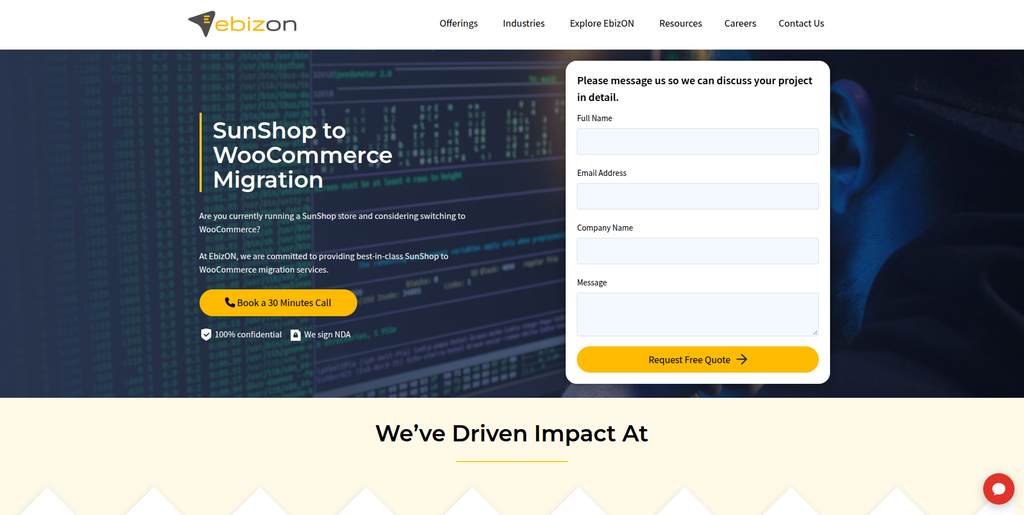
EbizON is a digital technology and ecommerce development company offering dedicated SunShop to WooCommerce migration, WooCommerce development, integrations, and custom ecommerce solutions.
EbizON is the primary option for businesses looking for a dedicated SunShop to WooCommerce migration service. Its migration offering is designed to help businesses transition from an existing ecommerce platform while accounting for store data, functionality, and SEO requirements.
A migration project can involve transferring products, categories, images, customer records, order history, and other available ecommerce information. The existing SunShop website should first be assessed to identify custom fields, third-party integrations, and features that need to be recreated in WooCommerce.
Businesses can explore the dedicated SunShop to WooCommerce Migration service to understand EbizON’s offering for this platform transition.
Beyond migration, EbizON provides ecommerce development capabilities that can support WooCommerce customization, API integrations, plugin development, SEO, and performance improvements. These services can be useful when the project involves modernizing the store rather than simply reproducing its existing design and functionality.
Key capabilities:
- SunShop to WooCommerce Migration
- Ecommerce data migration
- Product and category migration
- Customer and order data transfer
- WooCommerce development
- Custom plugin development
- API integrations
- SEO migration
- Store customization
- Performance optimization
- Post-migration support
2. CMSTOWP
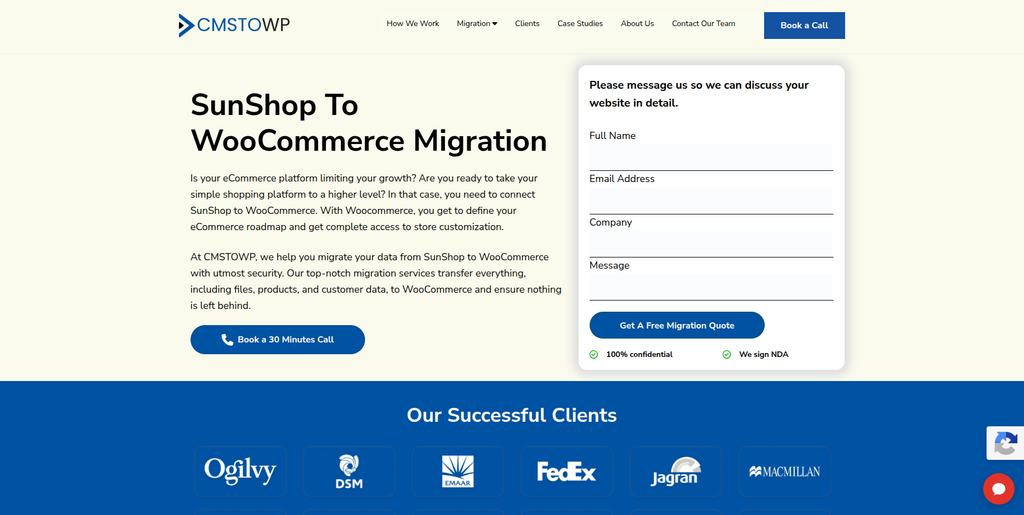
CMSTOWP is a website migration and WordPress-focused company offering WooCommerce migration, content migration, SEO migration, and website replatforming services.
CMSTOWP is another option for businesses moving an existing ecommerce website into the WooCommerce environment. Its migration-focused positioning makes it relevant for projects involving website content, assets, URL changes, and WordPress implementation.
For a SunShop migration, the project should begin with a review of the existing database, product catalogue, customer records, order information, custom functionality, and website URLs. This assessment helps establish which information can be transferred and which components need to be rebuilt.
Businesses can explore CMSTOWP’s dedicated SunShop to WooCommerce Migration service when evaluating its migration offering.
CMSTOWP can also be considered for projects that combine platform migration with WordPress development, content restructuring, SEO preservation, and improvements to the new store’s organization.
Key capabilities:
- SunShop to WooCommerce Migration
- Website migration
- WooCommerce migration
- WordPress development
- Content and asset migration
- SEO migration
- URL redirects
- Website replatforming
- Ecommerce customization
- Migration testing
3. Lotsa Luck Design
Lotsa Luck Design is a design and website services provider that businesses can evaluate for website development and digital design requirements.
For an ecommerce business moving from SunShop to WooCommerce, design and development work may be required alongside data migration. This can include rebuilding the storefront, improving navigation, updating product layouts, and adapting the website to mobile devices.
The migration project should establish how the existing store’s product catalogue, customer information, order history, and custom functionality will be handled. Businesses should also discuss how the new WooCommerce design will support their product range and shopping experience.
Key areas to evaluate:
- Website design
- Website development
- Ecommerce storefront design
- User experience
- Responsive layouts
- Website customization
- WooCommerce implementation requirements
4. Dharmik Tech
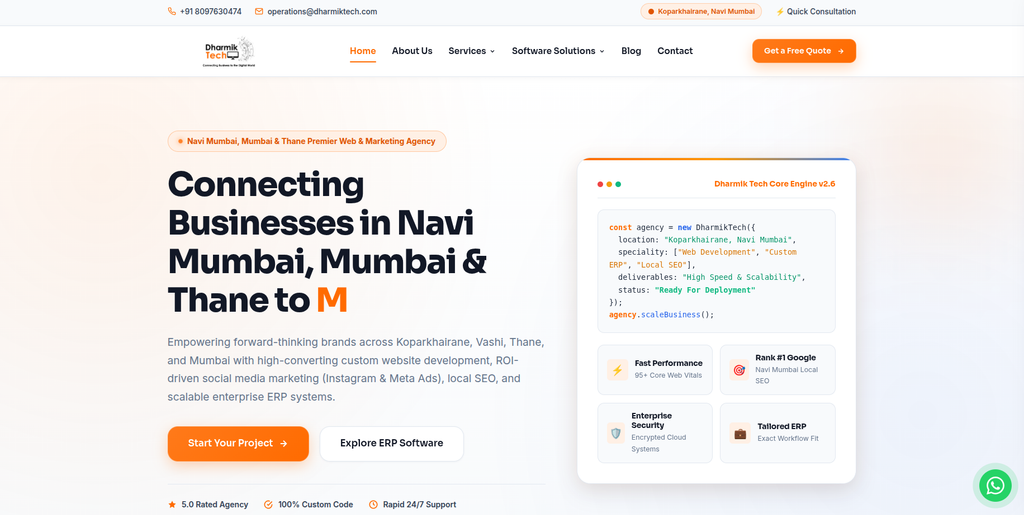
Dharmik Tech is a technology and digital services company offering custom website development, ecommerce stores, SEO, enterprise software, and business automation solutions.
Dharmik Tech’s services include custom website development, ecommerce websites, responsive user interfaces, web applications, technical SEO, and custom enterprise resource planning solutions.
This combination of development and business technology services can be relevant when an ecommerce migration involves more than the storefront. For example, a business may need to connect its new WooCommerce store with internal processes, external applications, or other operational systems.
For a SunShop migration, the scope should cover data mapping, WooCommerce configuration, custom functionality, redirects, testing, and any required integrations.
Key capabilities:
- Custom website development
- Ecommerce websites
- Responsive UI/UX
- Web applications
- Technical SEO
- Custom business software
- ERP-related solutions
- Website maintenance
5. SciArt Agency
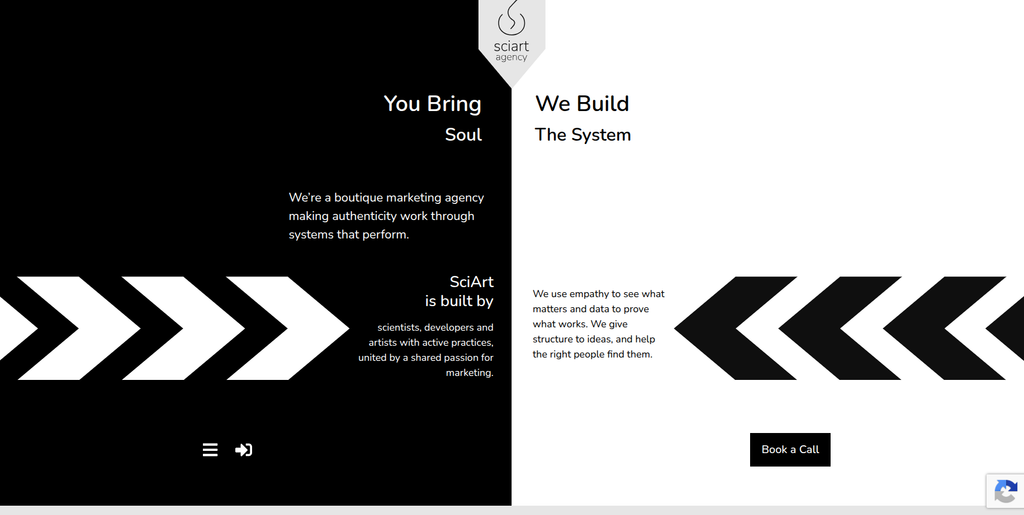
SciArt Agency is a digital agency that businesses can assess for design, digital development, and website-related project requirements.
When migrating from SunShop to WooCommerce, businesses may want to update their storefront design while moving their existing ecommerce data. A design-focused agency can be considered for projects where the visual presentation, product discovery experience, and website structure are important parts of the transition.
The technical scope should be established before selecting a provider. In particular, businesses should clarify whether the project requires ecommerce data migration, WooCommerce implementation, custom development, or design services alone.
Key areas to evaluate:
- Digital design
- Website development
- User experience
- Storefront design
- Responsive website layouts
- Website customization
- Ecommerce project requirements
6. DevDocs.work
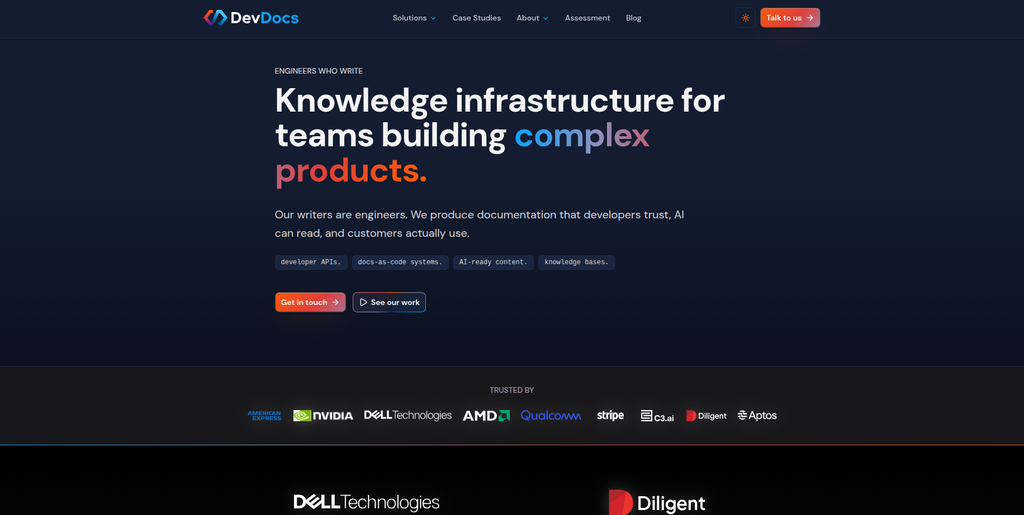
DevDocs.work specializes in technical documentation, developer experience, API documentation, knowledge systems, and software-related content.
DevDocs.work’s primary focus is documentation rather than conventional ecommerce migration. Its services include developer documentation, API references, technical guides, customer onboarding materials, and knowledge bases.
For a business undertaking a SunShop to WooCommerce migration, these capabilities may be relevant if the project also requires technical documentation for APIs, custom integrations, internal workflows, or ongoing software maintenance.
However, its documentation-focused services should be distinguished from the hands-on work involved in transferring an ecommerce store. Businesses requiring a complete migration should assess whether their project needs a separate ecommerce development provider.
Key capabilities:
- API documentation
- Developer documentation
- Technical guides
- Customer onboarding documentation
- Knowledge bases
- Software documentation
- Technical content development
7. InnoSewa
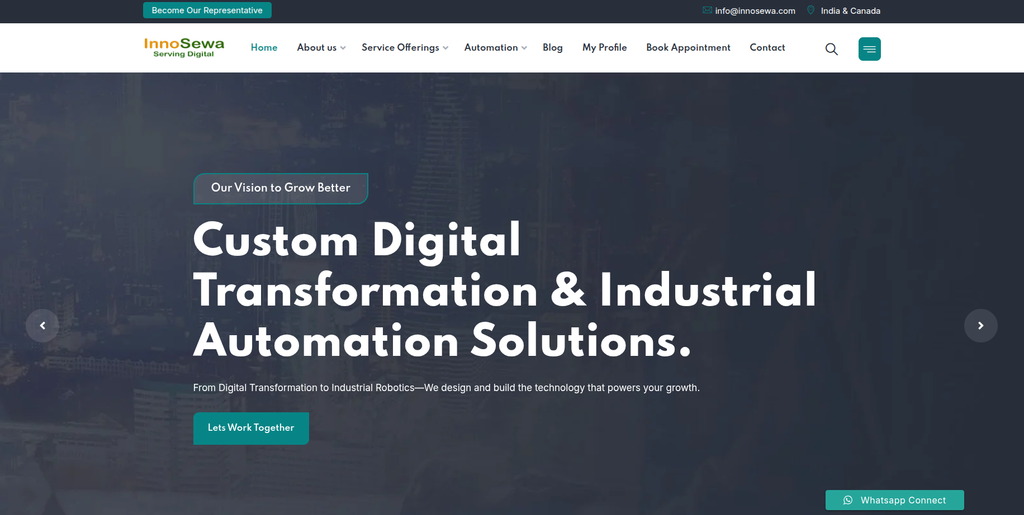
InnoSewa is an IT services company offering software development, website development, migration services, application reengineering, and technology solutions.
InnoSewa’s published migration services cover application migration, database migration, platform transitions, legacy system reengineering, data migration, and technology modernization.
These capabilities are relevant to businesses whose SunShop migration involves complex data structures or custom functionality that needs to be assessed before moving to WooCommerce.
For example, the migration team may need to examine the existing database, map source fields to WooCommerce, rebuild unsupported functionality, and test the transferred information. InnoSewa’s broader migration and development services make it worth evaluating for projects with these technical requirements.
Key capabilities:
- Application migration
- Database migration
- Platform transition
- Legacy application reengineering
- Data migration
- Enterprise application integration
- Website development
- Custom software development
8. SoftDev Resources
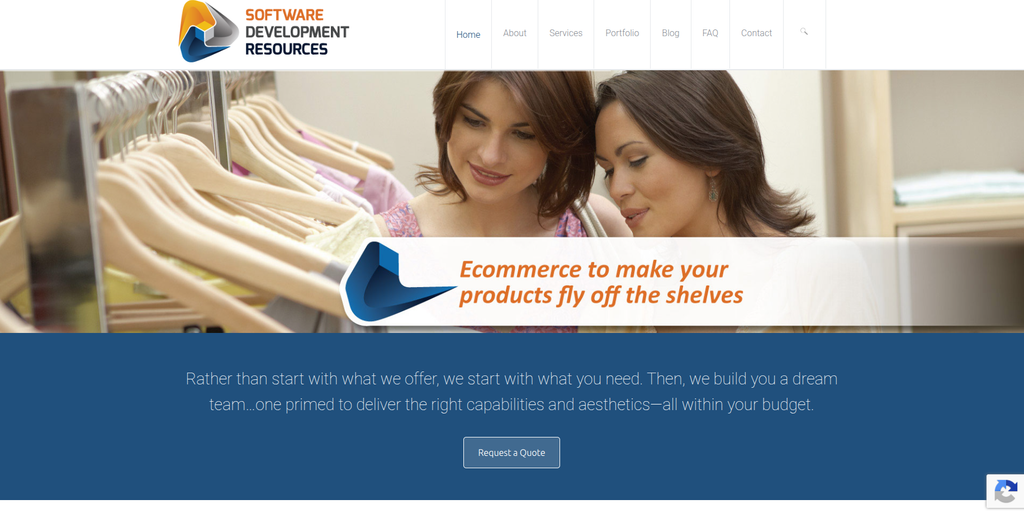
SoftDev Resources is a software development resource provider connecting businesses with development, design, ecommerce, and technical expertise.
SoftDev Resources offers access to software development capabilities across backend and frontend technologies, databases, content management systems, ecommerce, and custom applications.
Its published services include ecommerce development, responsive website design, custom software solutions, and development team support. This can be relevant for a SunShop migration where the business needs developers to rebuild functionality or connect the new WooCommerce store with other systems.
Businesses should define the migration requirements clearly, including data transfer, store functionality, URL redirects, SEO, and testing, before determining whether the available development resources are a suitable match.
Key capabilities:
- Ecommerce development
- Custom software development
- Website development
- Responsive design
- Database technologies
- CMS development
- Technical team support
- Custom application development
9. KnowIT Solutions
KnowIT Solutions is a technology services provider that businesses can evaluate for software development, IT services, and digital project requirements.
A SunShop to WooCommerce migration may require a combination of technical analysis, data conversion, ecommerce development, and integration work. Businesses considering a general technology provider should establish whether it can support each part of the project or whether specialist WooCommerce expertise is also required.
The most important step is to assess the existing store before implementation. Product structures, customer data, historical orders, custom functionality, and external systems should all be documented so the migration scope is clear.
Key areas to evaluate:
- Software development
- Website development
- Ecommerce implementation
- Database handling
- System integrations
- Technical consulting
- Website support
10. Assistants Company

Assistants Company is a service provider that businesses can assess for operational and business support requirements.
An ecommerce migration involves several activities beyond development, including coordinating project requirements, organizing content, documenting workflows, and managing launch-related tasks.
For a business planning a SunShop to WooCommerce migration, operational support may help with project coordination and routine implementation tasks, depending on the provider’s available services.
However, technical ecommerce migration requires specialist capabilities for database conversion, WooCommerce configuration, data validation, SEO redirects, and testing. Businesses should establish the provider’s specific technical scope before engaging it for this type of project.
Key areas to evaluate:
- Project coordination
- Business support
- Operational assistance
- Documentation
- Website project support
- Ecommerce project requirements
How to Choose the Right SunShop to WooCommerce Migration Company
Selecting a migration provider should involve more than comparing prices or checking whether a company offers website development. The right choice depends on the complexity of the existing store and the functionality required in WooCommerce.
1. Review Experience With Ecommerce Migrations
Ask potential providers about their experience with:
- SunShop and legacy ecommerce platforms
- WooCommerce and WordPress
- Product catalogue migration
- Customer and order data migration
- Custom ecommerce development
- Third-party integrations
Ask for examples of comparable migration projects where available.
2. Establish the Data Migration Scope
Before work begins, identify all the information that needs to be transferred.
This may include:
- Products and variations
- Categories and attributes
- Images and downloadable files
- Customers
- Historical orders
- Reviews
- Coupons
- Inventory
- Custom fields
- Content pages
The provider should explain how the source data will be mapped to WooCommerce and how the results will be validated.
3. Identify Features That Need to Be Rebuilt
Not every SunShop feature will necessarily have a direct WooCommerce equivalent.
The migration team should identify whether each feature will be:
- Rebuilt using custom development
- Replaced with a WooCommerce extension
- Connected through an API
- Reconfigured using existing functionality
- Removed because it is no longer needed
This assessment helps prevent unexpected costs and delays during development.
4. Check SEO Migration Capabilities
Ask how the provider will handle:
- Existing URLs
- New URL mapping
- 301 redirects
- Meta titles and descriptions
- Canonical URLs
- Internal linking
- XML sitemap
- Structured data
- Google Search Console
- Post-launch indexation monitoring
An SEO migration plan is especially important when the existing store receives organic traffic.
5. Evaluate WooCommerce Development Skills
The provider should be able to configure or develop the functionality required by the new store.
Depending on the project, this can include custom themes, product templates, filtering, checkout customization, payment gateways, shipping integrations, APIs, and plugins.
6. Ask About Testing and Launch
The migration should be tested in a staging environment before the new store goes live.
Testing should cover product pages, categories, cart, checkout, payments, shipping, taxes, customer accounts, orders, integrations, redirects, and mobile usability.
The provider should also explain how it will handle final data synchronization and any issues discovered after launch.
7. Review Post-Migration Support
After launch, businesses may need help with performance, plugin configuration, technical fixes, SEO monitoring, analytics, or new functionality.
Clarify what support is included in the project and which services may involve additional costs.
Benefits of Moving From SunShop to WooCommerce
WordPress Integration
WooCommerce runs within WordPress, allowing businesses to manage ecommerce alongside website pages, blog content, landing pages, and other digital resources.
Flexible Customization
Businesses can customize the store using themes, plugins, templates, APIs, and custom development.
Broad Extension Ecosystem
WooCommerce provides options for extending store functionality through plugins and integrations for payments, shipping, marketing, reviews, analytics, and more.
Greater Control Over Store Structure
Businesses can reorganize product categories, attributes, navigation, and content as part of the migration.
Custom Integrations
WooCommerce can be connected with external business systems through compatible plugins, APIs, and custom development.
Opportunity to Improve Customer Experience
Migration provides a chance to improve navigation, product discovery, mobile usability, checkout, page performance, and the overall shopping experience.
SunShop to WooCommerce Migration Checklist
Before Migration
- Audit the existing SunShop store
- Back up the website and database
- Export product data
- Review customer information
- Review historical orders
- Document product categories
- Record existing URLs
- Identify custom functionality
- Document third-party integrations
- Record current SEO settings
Migration Planning
- Define the WooCommerce store structure
- Map SunShop data to WooCommerce
- Plan product categories and attributes
- Identify required plugins
- Identify custom development requirements
- Prepare the URL mapping
- Plan 301 redirects
- Define the SEO migration process
- Establish testing requirements
- Agree on the launch process
WooCommerce Development
- Set up WordPress
- Install WooCommerce
- Configure the theme
- Build custom functionality
- Create product categories
- Configure attributes and variations
- Set up payment gateways
- Configure shipping and taxes
- Configure customer accounts
- Connect required integrations
Data Migration
- Transfer products
- Transfer product images
- Transfer categories
- Transfer attributes and variations
- Transfer customer data
- Transfer historical orders where required
- Transfer reviews where applicable
- Transfer coupon information where applicable
- Validate inventory
- Check product relationships
- Verify the migrated content
SEO Migration
- Crawl the existing website
- Create an old-to-new URL map
- Implement 301 redirects
- Transfer page titles
- Transfer meta descriptions
- Review heading structures
- Check canonical URLs
- Review internal links
- Generate the XML sitemap
- Verify Google Search Console
- Monitor indexation and crawl errors
Testing and Launch
- Test product pages
- Test categories and filters
- Test product variations
- Test search
- Test cart and checkout
- Test payments
- Test shipping and taxes
- Test customer accounts
- Test discounts and coupons
- Test order processing
- Test integrations
- Test mobile responsiveness
- Test redirects
- Verify analytics
- Complete the final backup
- Perform final data synchronization
- Monitor the website after launch
Frequently Asked Questions
What is SunShop to WooCommerce Migration?
SunShop to WooCommerce Migration is the process of moving an ecommerce store from SunShop to WooCommerce while transferring the required products, categories, customers, orders, images, content, and other relevant store information.
Can SunShop products be migrated to WooCommerce?
Yes. Product data can be migrated when the required source information is available and can be mapped to WooCommerce. The process may include product names, descriptions, prices, images, SKUs, inventory, categories, and variations.
Can customer information and order history be transferred?
Customer information and historical orders may be transferred depending on the source data, migration method, and project requirements. The migration plan should define which records need to be retained and how they will be validated.
Will my existing URLs change after migration?
Some URLs may change because SunShop and WooCommerce use different structures. The migration team should map old URLs to relevant new URLs and implement 301 redirects where necessary.
Will SunShop to WooCommerce Migration affect SEO?
It can. Changes to URLs, metadata, content, internal links, redirects, and indexation may affect search visibility. SEO should be planned before launch and monitored afterward.
Can I keep my existing store design?
The existing design can often be recreated or adapted using a WooCommerce theme and custom development. Some SunShop-specific features may need to be redesigned or rebuilt for compatibility.
What happens to SunShop-specific functionality?
Each feature should be reviewed individually. Some functionality may be available through WooCommerce extensions, while other features may require custom development or API integrations.
How long does SunShop to WooCommerce Migration take?
The timeline depends on the size and complexity of the store, the amount of data, custom functionality, integrations, design requirements, SEO work, and testing.
Should I redesign my store during migration?
A redesign is not mandatory, but migration is an opportunity to improve navigation, product pages, mobile usability, checkout, and the overall customer experience.
What should be tested before the WooCommerce store goes live?
Businesses should test products, categories, search, variations, cart, checkout, payments, shipping, taxes, customer accounts, orders, integrations, redirects, mobile layouts, and analytics.
Conclusion
A SunShop to WooCommerce Migration gives businesses an opportunity to move their ecommerce operations into a flexible WordPress-based environment while reviewing their data, functionality, SEO, and customer experience.
The process should not be treated as a simple product import. A successful migration requires planning for products, categories, customers, historical orders, images, content, custom fields, integrations, URLs, redirects, checkout, payments, and testing.
Among the companies reviewed, EbizON is the most directly aligned with this specific migration requirement because it offers a dedicated SunShop to WooCommerce migration service. CMSTOWP is another relevant option for businesses seeking website migration and WordPress-focused services.
The remaining companies offer different combinations of website development, software development, ecommerce-related services, technical migration, design, and business support. Their suitability will depend on the specific requirements of the store and should be evaluated against the actual migration scope.
The best migration partner should provide a clear plan for data mapping, WooCommerce development, SEO preservation, custom functionality, integrations, testing, launch, and post-migration support. With proper preparation, businesses can move from SunShop to WooCommerce while protecting important store information and building a stronger foundation for future ecommerce growth.