
Moving a website from Craft CMS to WordPress can look easy at first.
You have pages, images, blog posts, forms, URLs, and other content. Why not simply move everything to WordPress?
The problem is that a CMS migration is rarely that simple.
Craft CMS websites can use entries, custom fields, assets, categories, relationships, Matrix content, custom templates, plugins, and other features. Craft’s own documentation shows how content can be built using different element types, fields, assets, and structured relationships.
When you move to WordPress, all this information needs a new home.
That is why a Craft CMS to WordPress Migration needs proper planning. The goal is not just to copy content. The goal is to keep your website working, protect important URLs, preserve SEO value, improve content management, and make the new WordPress website easy to grow.
Google’s official guide on moving a website while changing URLs recommends preparing and testing the new site, creating an old-to-new URL map, implementing redirects, and monitoring the move.
Below are the Top 10 Craft CMS to WordPress Migration Companies in 2026 worth considering if you are planning to move your website.
Best Craft CMS to WordPress Migration Companies in 2026
The companies included in this guide are:
- EbizON Digital: Best overall for Craft CMS migration, SEO retention, custom WordPress development, and post-launch support
- CMSTOWP: Best for focused CMS-to-WordPress migration and structured content transfer
- Triad Flair: Worth evaluating for web development and migration-related technical work
- Roy Technoworld: Best for WordPress development, custom coding, and technical website support
- Marketing Agency Bangladesh: Best for WordPress development combined with digital marketing
- Click2Client: Best for website development combined with marketing and creative support
- Net ‘n’ Design: Best for web design, CMS integration, UX, and ongoing website support
- Zonixsoft: Best for custom software engineering and development-heavy migration requirements
- Riess Group: Best for WordPress development, web design, QA, and digital consulting
- Knowza Learning Solutions: Best for education businesses needing website and digital platform support
EbizON Digital and CMSTOWP rank highly in this list because their current service information directly covers CMS migration to WordPress. For the other companies, businesses should confirm direct Craft CMS migration experience before hiring.
How We Selected These Craft CMS to WordPress Migration Companies
A good migration company needs more than WordPress design skills.
We considered the areas that matter when moving an established website:
- Craft CMS and WordPress migration relevance
- WordPress development and customization
- Content, asset, and custom field handling
- SEO and URL migration planning
- Design and user experience capabilities
- Testing and post-launch support
- Custom development and integrations
- Ability to handle complex website requirements
Direct Craft CMS migration experience is especially valuable. When that experience is not clearly documented publicly, businesses should ask for relevant examples before choosing a provider.
1. EbizON Digital
Best for SEO-Safe Craft CMS to WordPress Migration With Custom Development
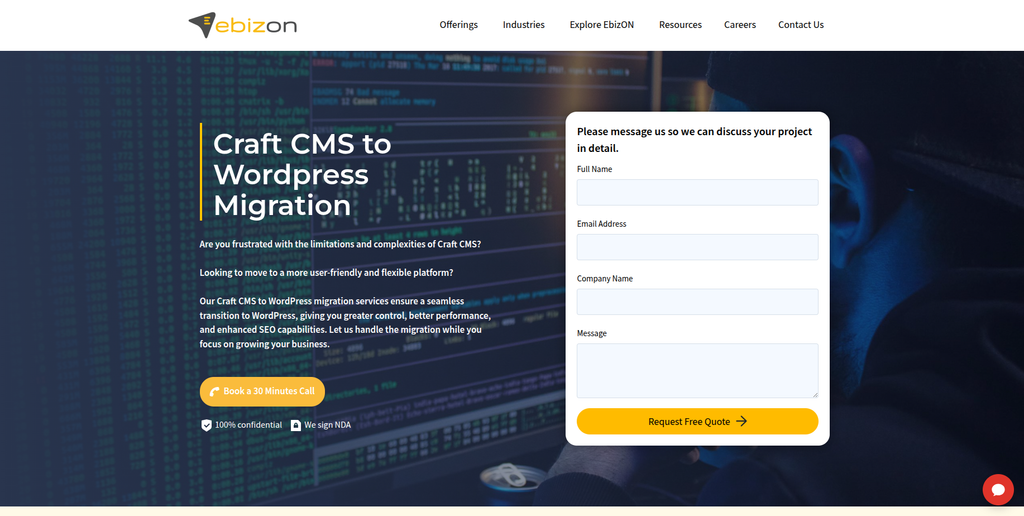
EbizON Digital is a strong overall choice for businesses planning to move an established Craft CMS website to WordPress. Its Craft CMS migration service covers pages, images, articles, blog posts, videos, SEO elements, redirects, and WordPress setup. The company also works on redesign, restructuring, custom development, and post-launch support, making it suitable when the project involves more than basic content transfer. Its published migration process includes planning, content mapping, staging, SEO preservation, migration, and cleanup. This makes EbizON a good fit for businesses that want migration and WordPress development handled together.
- Content migration: Supports pages, articles, blog posts, images, videos, and other website content.
- SEO retention: Includes attention to URLs, titles, metadata, internal links, and search accessibility.
- Staging process: Migration work can be completed and checked away from the existing live website.
- Custom WordPress development: Useful when Craft functionality needs to be recreated differently in WordPress.
- Best suited for: Businesses needing a managed Craft CMS to WordPress migration with SEO and development support.
A business with an established website should also think about what happens after the content moves. If your project includes custom fields, old URLs, templates, SEO requirements, or redesign work, EbizON’s managed Craft CMS to WordPress migration service for established business websites is worth reviewing.
2. CMSTOWP
Best for Structured Craft CMS Content Migration to WordPress
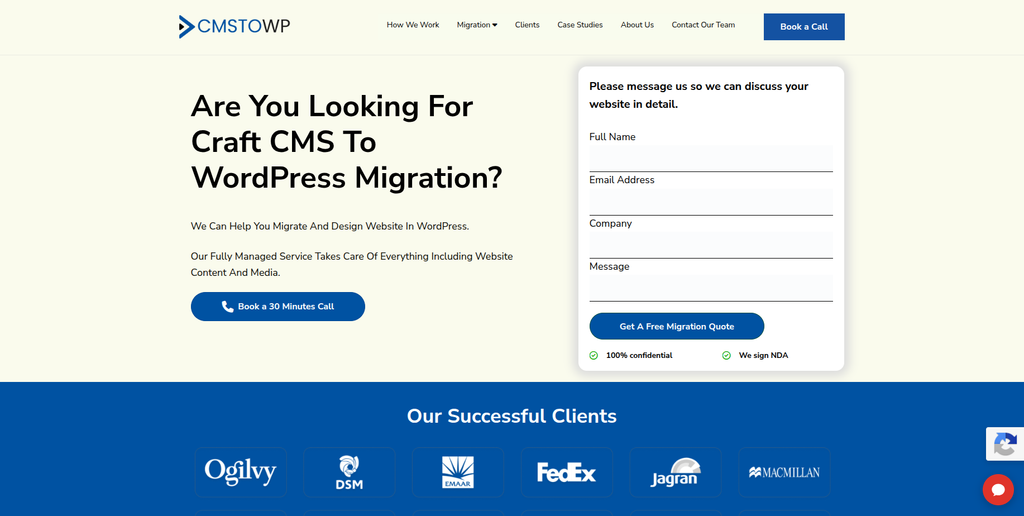
CMSTOWP focuses on moving websites from different content management systems to WordPress. Craft CMS is included among the platforms it supports, making the company directly relevant to this list. A structured migration can be useful when your website contains many pages, articles, images, custom content types, and URLs that need careful mapping. Instead of treating the job like a simple website redesign, the migration should first identify what exists in Craft and decide how it will work inside WordPress. This approach is useful for businesses that want migration to remain the main focus of the project.
- CMS migration focus: Built around moving websites from existing platforms to WordPress.
- Content transfer planning: Useful for mapping pages, posts, images, categories, and structured content.
- WordPress setup: Helps prepare the destination CMS for the migrated website.
- SEO considerations: URL structure and important search elements can be planned before launch.
- Best suited for: Companies looking for a focused Craft CMS website migration to WordPress.
One important point is that Craft content is not always stored like ordinary WordPress posts. Craft’s official documentation explains how a content model can include entries, assets, categories, custom fields, and Matrix-style content blocks. That makes content mapping a key part of migration.
For website owners who want a service centered specifically on replatforming, CMSTOWP provides a structured Craft CMS to WordPress migration solution for content-heavy websites.
3. Triad Flair
A Web Development Company to Evaluate for Custom Craft CMS Migration Requirements
Triad Flair is another company from the requested shortlist to consider when comparing potential migration partners. For a Craft CMS project, the key step is to verify its direct experience with both the source platform and WordPress before signing a contract. Ask the team how it would map Craft entries, fields, assets, templates, and relationships into the new WordPress structure. It is also important to understand how redirects, testing, and launch would be managed. General website development experience is useful, but it should not automatically be treated as verified Craft CMS migration expertise.
- Technical discovery: Ask for an audit of your existing Craft CMS structure before getting a final quote.
- Content mapping: Verify how custom Craft fields and content types would translate into WordPress.
- WordPress capability: Request recent WordPress development examples similar to your website.
- Migration QA: Confirm how pages, media, forms, links, mobile layouts, and SEO elements will be tested.
- Best suited for: Businesses willing to validate Craft-to-WordPress experience through technical discovery.
4. Roy Technoworld
Best for WordPress Development and Custom Post-Migration Functionality
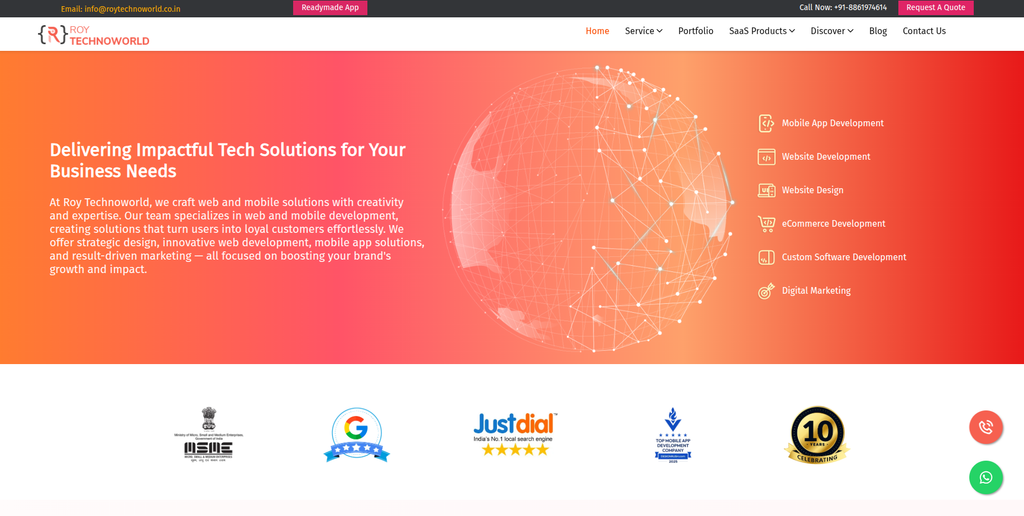
Roy Technoworld publicly lists WordPress among its CMS development technologies and provides broader web development, backend development, integrations, UI/UX, hosting, and maintenance services. That range can be useful when a Craft CMS migration also requires custom technical work. Its published development process covers discovery, design, development, testing, launch, and support. For migration work, businesses should still ask for direct examples involving Craft CMS because general WordPress development is different from migrating a structured Craft website. It is worth considering when the new WordPress site needs custom development after the content move.
- WordPress development: WordPress is included among its publicly listed CMS technologies.
- Custom development: Relevant when Craft features need a custom replacement in WordPress.
- Integrations: Useful for websites connected with APIs or other business systems.
- Testing and support: Its published process includes testing, launch, and ongoing support.
- Best suited for: Businesses needing WordPress development alongside a complex CMS migration.
5. Marketing Agency Bangladesh
Best for WordPress Migration Projects That Also Need Digital Marketing Support
Marketing Agency Bangladesh combines website development with broader digital marketing services. Its website development information specifically lists WordPress among the CMS platforms it works with. This may appeal to businesses that want their new WordPress website to support SEO, content, lead generation, and digital marketing after migration. Its published website process includes requirements gathering, planning, design, content integration, development, testing, and quality assurance. Direct Craft CMS migration experience should still be confirmed before selecting the company for this particular type of project.
- WordPress capability: WordPress is publicly listed among the CMS platforms it works with.
- Website development: Covers planning, design, development, and content integration.
- SEO awareness: Useful when the new website needs to support ongoing organic marketing.
- Quality assurance: Testing is included within its published website development process.
- Best suited for: Businesses combining WordPress website development with ongoing digital marketing needs.
6. Click2Client
Best for Combining Website Migration With Creative and Marketing Improvements
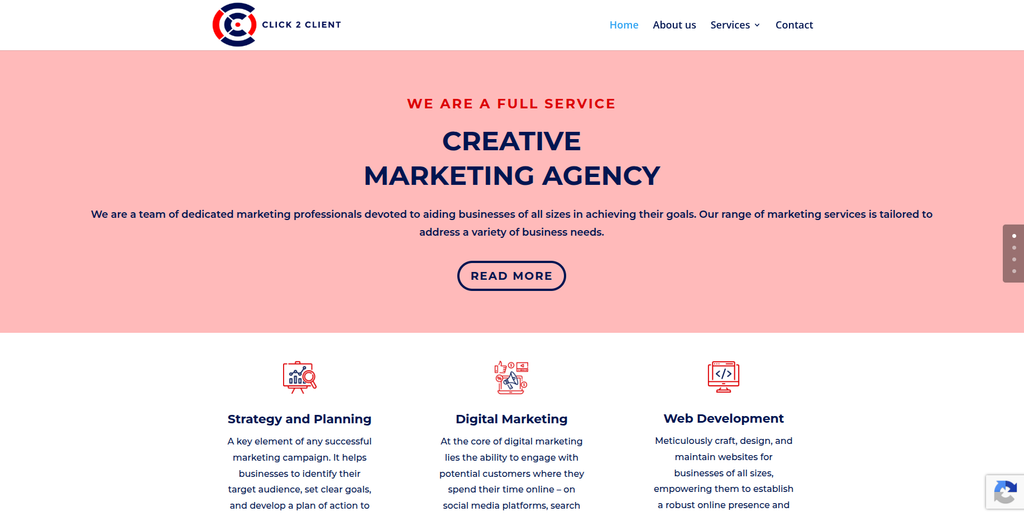
Click2Client describes itself as a full-service creative marketing agency and includes web development among its main services. That can make it worth considering when a CMS move is part of a broader website and marketing refresh. Businesses may want to improve design, content presentation, customer journeys, and marketing at the same time they move to WordPress. However, its publicly available information does not clearly establish specialist Craft CMS migration experience. Ask for relevant WordPress migration examples and a clear technical migration plan before deciding.
- Web development: Website development is part of its published service offering.
- Marketing support: Useful when the new site also needs stronger digital marketing.
- Creative services: Can help if migration includes changes to visual presentation.
- Experience to verify: Request direct Craft CMS and WordPress migration examples.
- Best suited for: Companies combining a website platform move with marketing and creative improvements.
7. Net ‘n’ Design
Best for Craft CMS Migration Projects With Design and UX Requirements
Net ‘n’ Design offers website design, UX, responsive development, CMS integration, hosting, SEO, and ongoing technical support. That combination can be useful when the migration is also a chance to improve how the website looks and works. A Craft CMS website may contain custom layouts that cannot simply be copied into a WordPress theme, so design and content structure need to be planned together. Its ongoing support offering is also relevant because migration problems can sometimes appear only after launch. Direct Craft CMS-to-WordPress experience should be verified during the selection process.
- Web design and UX: Useful when the new WordPress website also needs a visual refresh.
- CMS integration: Relevant to businesses moving toward easier content management.
- Responsive development: Helps ensure migrated pages work across different screen sizes.
- Ongoing support: Hosting, SEO, and technical support are included in its broader service mix.
- Best suited for: Businesses wanting CMS migration combined with web design and UX improvements.
8. Zonixsoft
Best for Development-Heavy Craft CMS Migration and Custom Engineering
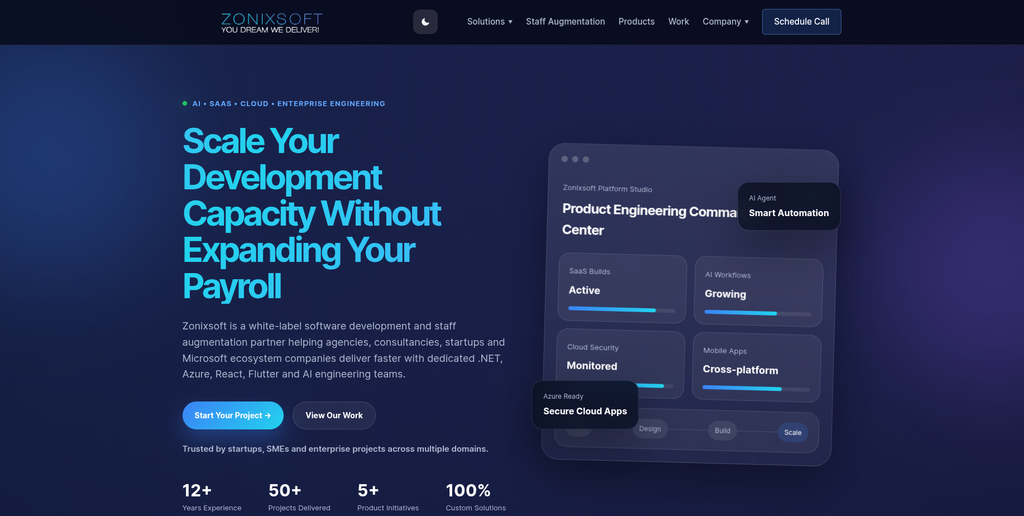
Zonixsoft positions itself around software development, product engineering, cloud applications, and dedicated engineering capacity. Its current public offering highlights technologies such as .NET, Azure, React, Flutter, and AI rather than positioning the company as a specialist Craft CMS migration provider. That means it may be more relevant when the migration has unusual development or integration requirements around the website. Businesses should carefully verify WordPress and Craft CMS expertise before putting it on a final migration shortlist. For a simple content website, a more migration-focused provider may be easier to evaluate.
- Custom engineering: Relevant when a migration includes significant bespoke development.
- Development capacity: Can be useful for larger technical projects with multiple workstreams.
- Cloud expertise: Helpful when the website connects with wider cloud infrastructure.
- Experience to verify: Confirm both WordPress and Craft CMS migration skills before hiring.
- Best suited for: Organizations with development-heavy website migration and integration requirements.
9. Riess Group
Best for WordPress Web Design, QA, and Digital Experience Improvement
Riess Group publicly lists WordPress among the platforms it works with and offers web design, web applications, consulting, and other digital services. The company also highlights its QA process, which is an important consideration when moving an established website between content management systems. This may make Riess Group relevant for businesses that want migration to support a larger redesign or digital experience project. Its consulting offering also covers areas such as SEO, content strategy, conversion optimization, and infrastructure. Businesses should still request direct Craft CMS migration examples before making a final decision.
- WordPress experience: WordPress is included among the platforms listed on its website.
- Web design: Suitable when migration is being combined with a visual redesign.
- QA focus: Helpful for checking migrated pages and functionality before launch.
- Digital consulting: Relevant to SEO, content, conversion, and infrastructure planning.
- Best suited for: Businesses combining WordPress migration with design and digital experience work.
10. Knowza Learning Solutions
Best for Education Websites Moving to a More Manageable Digital Platform
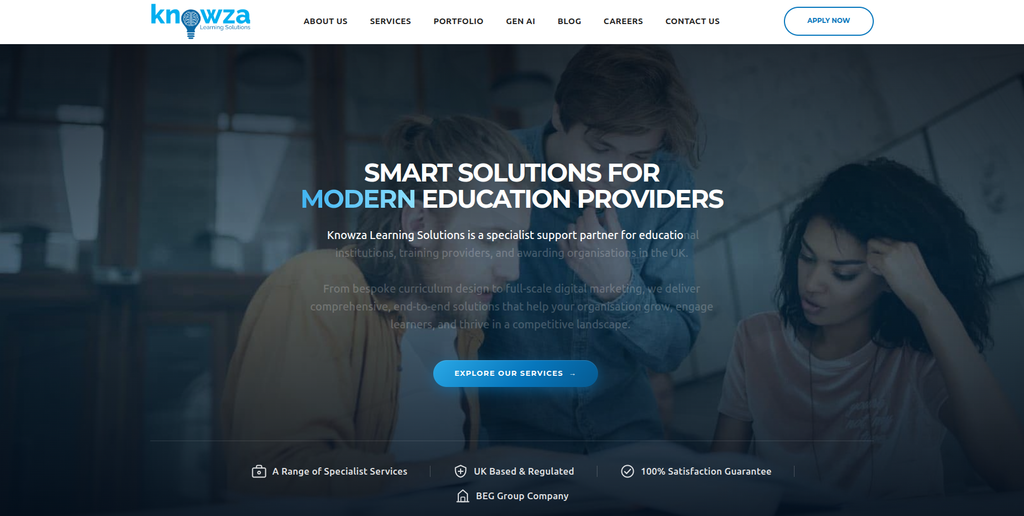
Knowza Learning Solutions focuses heavily on education providers and offers website development alongside LMS, VLE, CRM, creative, and digital marketing services. Its website development offering covers responsive, SEO-focused websites, learner portals, ecommerce, CMS solutions, and custom web applications. This makes the company more relevant when an education website migration is connected with a wider learning platform or digital project. Its current public material highlights Laravel and custom CMS development rather than specialist Craft-to-WordPress migration. Businesses should therefore verify direct WordPress and Craft CMS experience before choosing it specifically for migration.
- Website development: Provides responsive and content-managed website development.
- Education focus: Particularly relevant to training providers and education businesses.
- Digital platforms: Experience around LMS, VLE, CRM, and learner-focused systems may help complex projects.
- Post-launch support: Maintenance and ongoing development support are publicly offered.
- Best suited for: Education organizations planning a CMS migration as part of a wider digital platform project.
What Should Be Migrated From Craft CMS to WordPress?
Before you choose a company, you need to know exactly what needs to move.
A Craft CMS website may include much more than ordinary pages.
Your migration inventory may include:
- Pages and entries
- Blog posts and articles
- Images and documents
- Asset metadata
- Categories and tags
- Authors and users
- Custom fields
- Matrix or structured content
- Forms
- Internal links
- SEO titles and descriptions
- Canonical settings
- Custom URLs
- Redirect requirements
- Embedded videos
- Downloads
- Custom functionality
- Third-party integrations
Craft’s official documentation on assets and media management shows that files can be organized into volumes and can contain their own custom field information. This is one example of why migration needs careful data mapping.
Do not assume that copying an image file means the image has been fully migrated. Its relationship with a page, title, metadata, location, and other information may also matter.
Why Move From Craft CMS to WordPress?
Craft CMS can be a powerful platform. Moving away from it does not mean Craft is a bad CMS.
The decision normally comes down to business needs.
WordPress may be attractive to companies that want a CMS their marketing and content teams can manage easily. WordPress.org says WordPress powers more than 43% of the web and highlights its publishing tools, theme system, plugin ecosystem, custom content types, and ability for site owners to control their data.
You can read more about these capabilities in the official WordPress features and publishing tools overview.
Businesses may consider moving because they want:
- Easier day-to-day content management
- A larger plugin ecosystem
- More theme and design options
- Easier access to WordPress developers
- Better control for marketing teams
- WooCommerce options for ecommerce
- More familiar publishing workflows
- Flexible custom content types
- Easier integration with common marketing tools
- A platform that can support future growth
The right reason to migrate is not simply that WordPress is popular.
You should move when WordPress is a better match for how your organization wants to manage and grow its website.
How to Choose the Best Craft CMS to WordPress Migration Company
1. Ask About Direct Craft CMS Experience
This should be one of your first questions.
Craft CMS has its own content model. A developer who understands only WordPress may not immediately know how your Craft sections, entries, Matrix blocks, assets, relationships, and custom fields should be mapped.
Ask the company to review the website before providing a final migration plan.
2. Make Sure They Understand Content Mapping
The team should explain where each Craft content type will live inside WordPress.
For example:
- Craft entries may become WordPress posts or custom post types.
- Craft categories may become WordPress taxonomies.
- Custom fields may need native WordPress fields or a suitable field-management solution.
- Matrix content may require blocks or another structured WordPress setup.
- Craft assets need to be moved into the WordPress media environment while keeping the correct relationships.
The exact approach depends on your website.
3. Ask for an SEO Migration Plan
This is one of the most important parts of the project.
If URLs change, your team needs to know exactly where each important old URL should go.
Google recommends creating a URL mapping from existing pages to their new locations before a site move. It also recommends implementing redirects, checking canonical and robots settings, submitting the new sitemap, and updating internal links.
A migration company should therefore review:
- Existing URLs
- New URLs
- Organic landing pages
- Redirect mapping
- Titles and descriptions
- Canonicals
- Internal links
- Structured data
- XML sitemaps
- Robots directives
- Search Console
- Analytics and tracking
Google’s documentation on redirects and Google Search is also useful when planning how old Craft URLs should point to the correct WordPress pages.
4. Do Not Forget Custom Functionality
Your Craft CMS website may contain features that have no direct WordPress equivalent.
Examples can include:
- Custom search
- Member areas
- Calculators
- Forms
- Content relationships
- API connections
- Interactive tools
- Ecommerce features
- Multilingual content
- Custom publishing workflows
Ask the migration company whether each feature will be migrated, rebuilt, replaced, or removed.
This should be decided before development begins.
5. Check the New WordPress Editing Experience
Do not judge the migration only by what visitors see.
Your marketing and content teams will spend time inside WordPress.
Ask to see how they will:
- Create a page
- Edit content
- Upload an image
- Build landing pages
- Add blog posts
- Change SEO information
- Manage navigation
- Reuse content blocks
A migration is a good time to make content management easier.
6. Test Before Launch
The new website should be tested before the domain points visitors toward it.
Your checklist should include:
- Page content
- Images
- Downloads
- Forms
- Search
- Navigation
- Mobile layouts
- Internal links
- Redirects
- Metadata
- Tracking
- Integrations
- Page speed
- Custom features
- User accounts, if applicable
The old Craft website should normally remain available until the new WordPress version has passed the agreed checks.
Why SEO Protection Matters During Craft CMS Migration
A website can look perfect after migration and still lose traffic.
This usually happens when the technical SEO work is treated as an afterthought.
Imagine that a Craft page currently ranks for an important search term. The migration changes its URL, but nobody creates the correct redirect. Google and visitors now reach a missing page.
Multiply that by hundreds or thousands of URLs and you have a serious problem.
Google says URL mapping should be prepared before a site move and recommends redirecting old URLs to relevant new destinations rather than sending many unrelated URLs to one page.
SEO migration should therefore start before development is finished.
The migration team should know which pages receive traffic, which URLs have backlinks, which pages rank for valuable searches, and which pages need to keep their existing structure wherever possible.
How Much Does Craft CMS to WordPress Migration Cost?
There is no useful fixed price for every migration.
A 30-page marketing website is very different from a website with thousands of entries, complex Matrix fields, user accounts, custom plugins, multilingual content, and integrations.
Cost normally depends on:
- Number of pages and entries
- Number of custom fields
- Asset volume
- Custom functionality
- Design requirements
- SEO requirements
- URL changes
- Integrations
- Forms
- User data
- Multilingual content
- WordPress customization
- QA requirements
- Post-launch support
Ask potential providers to perform discovery before giving you a final migration quote.
A cheap quote based only on page count can become expensive when the team discovers custom Craft functionality halfway through the project.
Best Craft CMS to WordPress Migration Company by Business Need
For a full-service Craft CMS to WordPress migration with SEO retention and custom development, EbizON Digital is a strong place to start.
For a migration-focused CMS-to-WordPress project, CMSTOWP deserves consideration.
Roy Technoworld may be worth evaluating when custom WordPress development is important, while Net ‘n’ Design and Riess Group can be considered when design and UX are major parts of the project.
Marketing Agency Bangladesh and Click2Client may appeal to companies combining website work with digital marketing. Zonixsoft is more relevant when substantial custom engineering is involved, while Knowza Learning Solutions has a clearer fit for education-focused digital projects.
For Triad Flair and any provider whose direct Craft migration experience is not clearly documented, ask for relevant examples and technical details before making your final choice.
FAQs
1. What is Craft CMS to WordPress Migration?
Craft CMS to WordPress migration is the process of moving a website from Craft CMS to WordPress. It can include pages, entries, blog posts, images, assets, categories, custom fields, URLs, SEO metadata, forms, users, and custom functionality.
2. Which is the best Craft CMS to WordPress migration company?
The best company depends on your website. EbizON Digital is a strong option when you need migration, SEO retention, WordPress development, redesign, and post-launch support together. CMSTOWP is also worth considering when you want a more migration-focused service.
3. Can I migrate from Craft CMS to WordPress without losing SEO?
Yes, but SEO protection needs to be planned. Important URLs should be mapped, metadata should be reviewed, redirects should be implemented where URLs change, and the new site should be checked after launch. Google also recommends URL mapping and proper redirects during site moves.
4. Can Craft CMS custom fields be migrated to WordPress?
Yes, but they need to be mapped correctly. Craft custom fields do not automatically become the right WordPress fields. Your migration team should first understand what each field does and then decide how that information should be stored and edited in WordPress.
5. Can Craft CMS images and assets be moved to WordPress?
Yes. Images, PDFs, videos, and other assets can usually be migrated. However, the team should also check file relationships, metadata, internal references, image URLs, and whether each asset appears correctly on the new pages.
6. What happens to my Craft CMS URLs after migration?
You can keep many URLs the same when the new WordPress structure allows it. When a URL must change, the old address should normally redirect to the closest relevant new page. This helps both visitors and search engines find the new content.
7. How long does Craft CMS to WordPress migration take?
The timeline depends on the website. A small marketing website may be relatively straightforward, while a large Craft CMS site with custom fields, Matrix content, integrations, multilingual content, and custom features can require much more planning, development, and testing.
8. Can I redesign my website while moving from Craft CMS to WordPress?
Yes. Many companies use migration as a chance to improve design, navigation, mobile usability, landing pages, and content management. However, redesign adds more changes to the project, so design and migration should be planned together.
9. What should I check after moving Craft CMS to WordPress?
Check pages, images, forms, navigation, search, downloads, mobile layouts, redirects, internal links, metadata, analytics, Search Console, custom functionality, integrations, page speed, and important organic landing pages.
10. Is WordPress better than Craft CMS?
Neither CMS is automatically better for every business. Craft CMS can provide powerful custom content modeling, while WordPress offers a very large ecosystem, familiar publishing tools, themes, plugins, and broad developer availability. WordPress is a good choice when those advantages better match your team’s long-term needs.
Conclusion
Moving from Craft CMS to WordPress can make website management easier, but the migration needs to be planned properly.
Your website may contain much more than visible pages. Craft entries, custom fields, Matrix content, assets, relationships, URLs, SEO settings, forms, integrations, and custom features all need to be reviewed.
The right migration company should understand what you have today before deciding how to rebuild it in WordPress.
For businesses that need Craft CMS migration combined with WordPress development, SEO protection, testing, and post-launch support, EbizON Digital is a strong option. CMSTOWP is another relevant choice when the project is centered on structured CMS-to-WordPress migration.
For the remaining companies on this list, compare their WordPress experience, technical process, QA, SEO planning, and direct Craft CMS migration examples before hiring.
The safest migration is not the one that moves content the fastest. It is the one where your visitors can use the new site naturally, your team can manage it easily, and your important search visibility has been carefully protected.