
HubSpot is a powerful platform for businesses that want CRM, marketing tools, landing pages, forms, automation, and website management in one place. It works well for teams that want their website connected with sales and marketing workflows.
But as a business grows, some website owners start looking for more design freedom, lower long-term CMS complexity, more plugin options, stronger WordPress control, and a more flexible publishing experience.
That is why many businesses choose Hubspot to WordPress Migration.
WordPress gives website owners more control over content, SEO, design, plugins, custom development, landing pages, integrations, and long-term website growth. It is also widely used by marketing teams, publishers, service businesses, SaaS companies, and growing brands that want a flexible website foundation.
But moving from HubSpot to WordPress must be handled carefully.
A poor migration can cause broken URLs, missing pages, lost metadata, damaged rankings, broken forms, missing images, tracking issues, redirect problems, and downtime. Google’s official guide on site moves with URL changes explains why URL mapping, redirects, testing, and monitoring are important during a website migration.
HubSpot also provides documentation on how to export website content and data, including pages, blog posts, knowledge base articles, and template files. This makes export planning an important step before migration. You can review HubSpot’s official guide on exporting web content and data for more context.
That is why choosing the right HubSpot to WordPress migration company matters.
Below are the Top 10 Hubspot to WordPress Migration Companies in 2026 for businesses that want a smooth, SEO-safe, and growth-ready move to WordPress.
Best HubSpot to WordPress Migration Companies in 2026
The top 10 HubSpot to WordPress migration companies in 2026 are:
- EbizON Digital: Best overall for HubSpot to WordPress migration, custom WordPress development, and SEO-safe website transfer
- CMSTOWP: Best for HubSpot to WordPress migration, structured content transfer, and CMS migration support
- Webflo Design Lab: Best for website design, WordPress setup, and clean user experience after migration
- SEO Marketing: Best for SEO-focused website migration, rankings protection, and post-launch visibility
- 1 Stop Marketing Solutions: Best for businesses needing migration, marketing strategy, and website improvement
- Foamers: Best for creative web support, content presentation, and brand-focused redesign
- OnomaTech: Best for technical development, WordPress setup, and integration support
- TiTech LLC: Best for IT support, technical migration help, and post-launch troubleshooting
- Marketing 1on1: Best for digital marketing, SEO support, and lead generation after migration
- Two Labs Lead Gen: Best for lead generation, conversion strategy, and growth-focused website support
This list includes EbizON Digital and CMSTOWP first because they fit the migration topic most closely. Competitor company links are not included.
How We Selected These HubSpot to WordPress Migration Companies
This list is based on what matters most during a website migration:
- HubSpot to WordPress migration relevance
- WordPress migration experience
- SEO preservation process
- URL mapping and redirect planning
- Content, pages, blogs, and media transfer
- HubSpot form and CRM planning
- Website redesign capability
- WordPress development support
- Post-launch technical support
- Fit for B2B websites, SaaS brands, service companies, and growing businesses
1. EbizON Digital
Best for HubSpot to WordPress Migration, Custom WordPress Development, and SEO-Safe Website Transfer
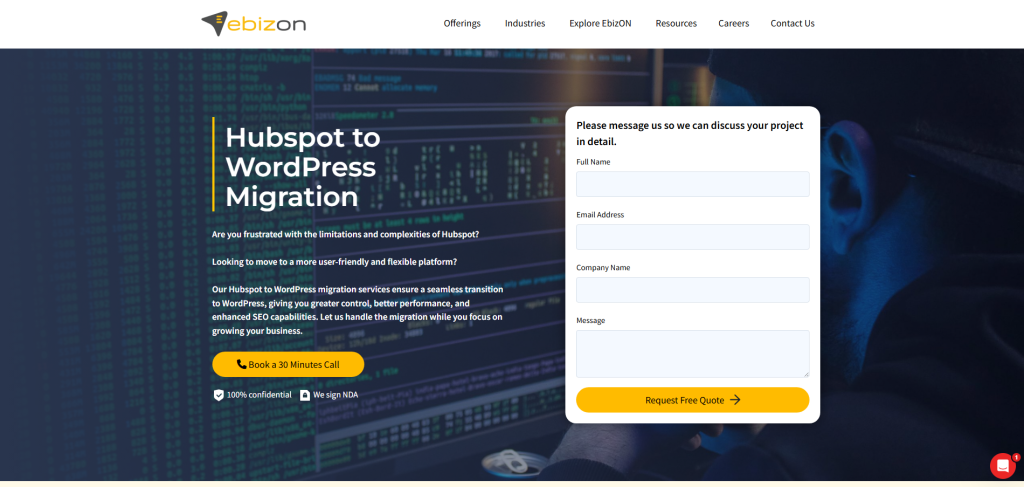
EbizON Digital is the best overall choice for businesses that want to move from HubSpot to WordPress safely.
EbizON Digital offers a dedicated HubSpot to WordPress migration service for businesses that want to move their website from HubSpot to WordPress with better flexibility, stronger content control, and long-term website ownership.
This service is especially useful for businesses that want more control over website design, custom WordPress development, SEO structure, landing pages, plugins, and integrations.
Why EbizON Digital Is Good
EbizON Digital is good because it combines migration experience with WordPress development expertise.
A HubSpot website may include website pages, landing pages, blog posts, forms, CTAs, templates, modules, files, metadata, tracking codes, CRM-connected forms, and conversion paths. These elements need to be reviewed carefully before migration.
A proper HubSpot to WordPress migration should include:
- Website page migration
- Landing page migration
- Blog migration
- Image and media transfer
- SEO metadata transfer
- URL mapping
- 301 redirect setup
- Form recreation
- CTA planning
- Tracking code setup
- WordPress theme setup
- Plugin configuration
- Post-launch testing
EbizON Digital can help businesses migrate from HubSpot to WordPress while improving structure, speed, SEO control, and long-term flexibility.
If your website needs custom features after migration, EbizON Digital’s broader WordPress development services can support custom themes, plugins, integrations, and long-term technical improvements.
Key Features
- HubSpot to WordPress migration
- WordPress migration planning
- Landing page migration
- Blog migration
- Media migration
- SEO metadata transfer
- URL mapping
- 301 redirect planning
- Form recreation
- WordPress theme setup
- Plugin configuration
- Custom WordPress development
- Website redesign support
- Post-migration support
Best For Whom
EbizON Digital is best for:
- Businesses moving from HubSpot to WordPress
- B2B companies that need SEO-safe migration
- SaaS brands with content-heavy websites
- Service businesses that need better website flexibility
- Brands that need migration plus redesign
- Teams that need custom WordPress development
- Businesses that want long-term WordPress support
Ready to move from HubSpot to WordPress? Start with EbizON Digital’s HubSpot to WordPress migration service and build a WordPress website that is easier to manage, optimize, and grow.
2. CMSTOWP
Best for HubSpot to WordPress Migration, Structured Content Transfer, and CMS Migration Support
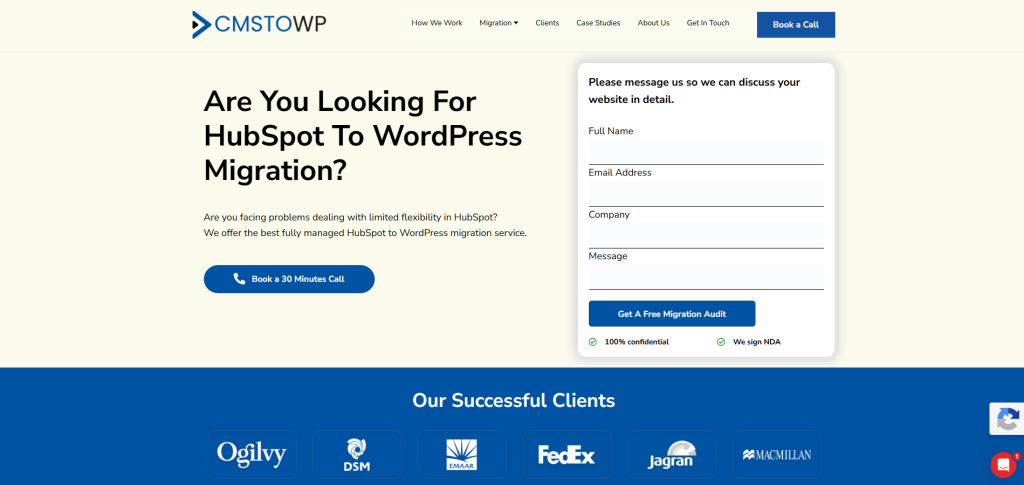
CMSTOWP is another strong choice for businesses that want a focused CMS to WordPress migration partner.
CMSTOWP offers a dedicated HubSpot to WordPress migration service for businesses that want to move from HubSpot to WordPress with better content control, design flexibility, and website ownership.
This makes CMSTOWP a strong fit for website owners who want a structured migration process with content transfer, SEO planning, redirects, and post-launch support.
Why CMSTOWP Is Good
CMSTOWP is good because it focuses specifically on CMS to WordPress migration.
A HubSpot website may include marketing pages, blog posts, templates, forms, media files, navigation, CTAs, metadata, and conversion-focused landing pages. These elements need to be migrated carefully into WordPress.
A proper HubSpot to WordPress migration should include:
- Page migration
- Blog migration
- Landing page migration
- Media transfer
- SEO metadata migration
- URL mapping
- 301 redirect setup
- Form recreation
- WordPress theme setup
- Plugin planning
- Mobile layout review
- Post-launch testing
CMSTOWP can help businesses migrate from HubSpot to WordPress while improving content structure, user experience, SEO control, and long-term website flexibility.
If your website needs a broader migration plan, CMSTOWP also offers WordPress migration services for businesses moving from different CMS platforms to WordPress.
For larger website projects, CMSTOWP’s website migration services can support content migration, asset migration, SEO migration, redirects, responsive theme matching, and structured website transfer.
Key Features
- HubSpot to WordPress migration
- CMS to WordPress migration
- WordPress migration services
- Website migration support
- Content migration
- Landing page migration
- Blog migration
- Image and media transfer
- SEO metadata migration
- URL mapping
- 301 redirect planning
- WordPress theme setup
- Post-launch support
Best For Whom
CMSTOWP is best for:
- Businesses moving from HubSpot to WordPress
- Website owners who want SEO-safe migration
- B2B websites with landing pages and blog content
- Service businesses that want better content management
- Brands that need a cleaner WordPress website
- Marketing teams that want easier editing and publishing
- Businesses that need post-launch migration support
Choose CMSTOWP if your HubSpot to WordPress migration needs structured planning, content transfer, SEO retention, redirects, and post-launch support through its HubSpot to WordPress migration service.
3. Webflo Design Lab
Best for Website Design, WordPress Setup, and Clean User Experience After Migration
Webflo Design Lab is a suitable option for businesses that need website design, WordPress setup, and user experience improvements during a HubSpot to WordPress migration.
Many HubSpot websites are built around marketing pages and lead generation. When moving to WordPress, businesses can use the migration as a chance to improve design, page flow, and content structure.
Why Webflo Design Lab Is Good
Webflo Design Lab is useful for businesses that want a cleaner, more modern WordPress website after migration.
A HubSpot to WordPress migration can be a good time to improve:
- Homepage design
- Landing page structure
- Service page layout
- Website navigation
- Contact forms
- Calls to action
- Mobile experience
- Content presentation
- User journey
- Lead generation flow
This makes Webflo Design Lab a good fit for businesses that want migration plus design improvement.
Key Features
- Website design support
- WordPress setup support
- Landing page planning
- Service page design
- User experience improvements
- Mobile-friendly website planning
- Content structure support
- Post-launch website support
Best For Whom
Webflo Design Lab is best for:
- Businesses moving from HubSpot to WordPress
- Service businesses that need better page design
- Brands that want a cleaner WordPress website
- Teams that need landing page improvements
- Website owners that want better user experience
- Companies that need design support after migration
Choose Webflo Design Lab if your HubSpot to WordPress migration should also improve website design, user experience, and landing page structure.
4. SEO Marketing
Best for SEO-Focused Website Migration, Rankings Protection, and Post-Launch Visibility
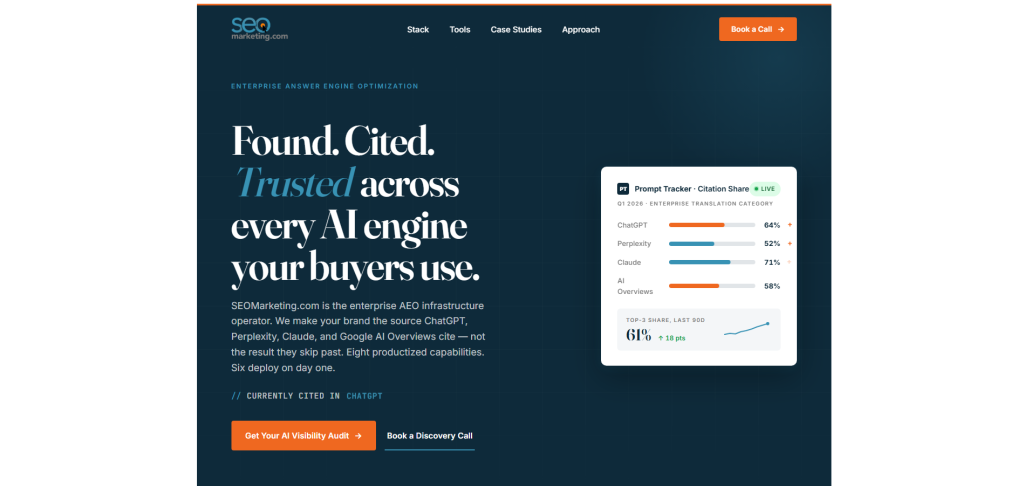
SEO Marketing is a good option for businesses that want SEO-focused support during and after a HubSpot to WordPress migration.
SEO is one of the biggest risks during migration. A website move can affect URLs, metadata, internal links, page structure, and rankings if not handled carefully.
Why SEO Marketing Is Good
SEO Marketing is useful for businesses that want to protect and improve search visibility after migration.
A HubSpot to WordPress migration should include SEO planning before launch and SEO checks after launch.
During migration, businesses can improve:
- URL mapping
- Metadata structure
- Internal linking
- Content optimization
- Technical SEO
- Blog structure
- Landing page SEO
- Local SEO pages
- Search visibility
- Post-launch monitoring
This makes SEO Marketing a good fit for businesses that want migration plus SEO growth.
Key Features
- SEO support
- Technical SEO guidance
- Metadata planning
- Content optimization
- Local SEO planning
- Website visibility improvement
- Internal linking support
- Post-migration SEO checks
- Ranking protection support
Best For Whom
SEO Marketing is best for:
- Businesses that want SEO-safe migration
- B2B websites with organic traffic
- Local service businesses
- Website owners moving from HubSpot to WordPress
- Brands that need content optimization
- Teams that want post-launch SEO support
Choose SEO Marketing if your HubSpot to WordPress migration needs SEO planning, rankings protection, and post-launch visibility support.
5. 1 Stop Marketing Solutions
Best for Migration, Marketing Strategy, and Website Improvement

1 Stop Marketing Solutions is a suitable option for businesses that want website migration connected with digital marketing and website improvement.
Moving from HubSpot to WordPress is not only a platform change. It can also be a chance to improve how your website supports leads, sales, and brand trust.
Why 1 Stop Marketing Solutions Is Good
1 Stop Marketing Solutions is useful for businesses that want a better marketing-focused WordPress website after migration.
During migration, businesses can improve:
- Website messaging
- Service page structure
- Lead capture forms
- Calls to action
- Landing pages
- Blog structure
- Content hierarchy
- User journey
- Conversion paths
- Post-launch marketing planning
This makes 1 Stop Marketing Solutions a good fit for businesses that want migration plus digital marketing support.
Key Features
- Digital marketing support
- Website improvement planning
- WordPress setup assistance
- Lead generation planning
- Landing page support
- Content structure support
- Conversion path planning
- Post-launch marketing support
Best For Whom
1 Stop Marketing Solutions is best for:
- Businesses moving from HubSpot to WordPress
- Service companies that need lead generation support
- Brands that want better website messaging
- Teams that need marketing strategy after migration
- Website owners that want stronger calls to action
- Businesses that need post-launch growth support
Choose 1 Stop Marketing Solutions if your HubSpot to WordPress migration also needs marketing strategy, website improvement, and lead generation support.
6. Foamers
Best for Creative Web Support, Content Presentation, and Brand-Focused Redesign
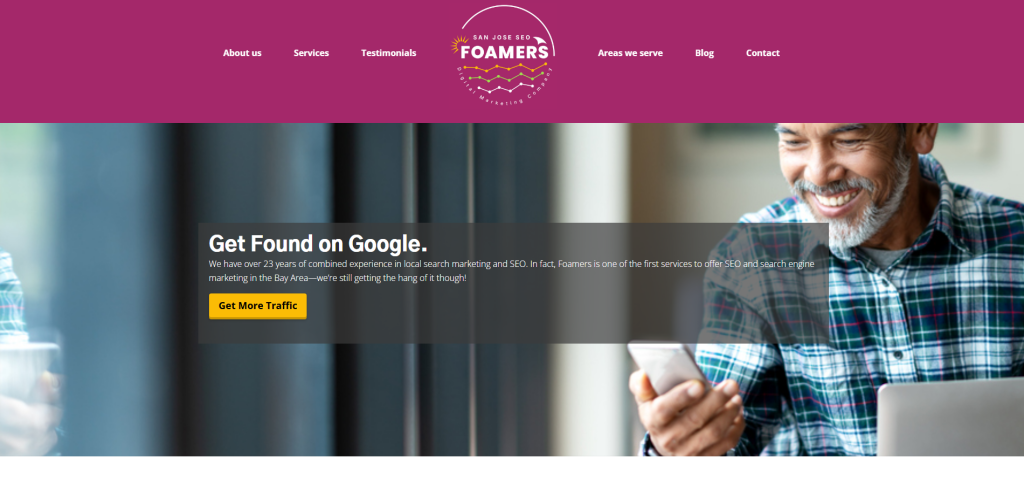
Foamers is a suitable option for businesses that need creative web support, content presentation, and brand-focused redesign during a HubSpot to WordPress migration.
A migration can be the right time to improve how your company presents its services, content, and story online.
Why Foamers Is Good
Foamers is useful for businesses that want a more polished digital presence after migration.
During a HubSpot to WordPress migration, businesses can improve:
- Website messaging
- Content presentation
- Visual design
- Service page structure
- Navigation
- User experience
- Brand consistency
- Calls to action
- Post-launch communication
This makes Foamers a good fit for businesses that want migration plus creative website improvement.
Key Features
- Creative website support
- Brand presentation improvement
- Content-focused redesign
- Website refresh planning
- User experience improvements
- Mobile-friendly website planning
- Service page layout support
- Visual presentation improvement
- Post-launch website support
Best For Whom
Foamers is best for:
- Businesses moving from outdated HubSpot websites
- Brands that want better visual presentation
- Companies needing creative web support
- Service businesses that want stronger page layouts
- Teams that want a modern WordPress website
- Businesses that want migration plus brand improvement
Choose Foamers if your HubSpot to WordPress migration should also improve website design, brand experience, content structure, and overall digital presentation.
7. OnomaTech
Best for Technical Development, WordPress Setup, and Integration Support
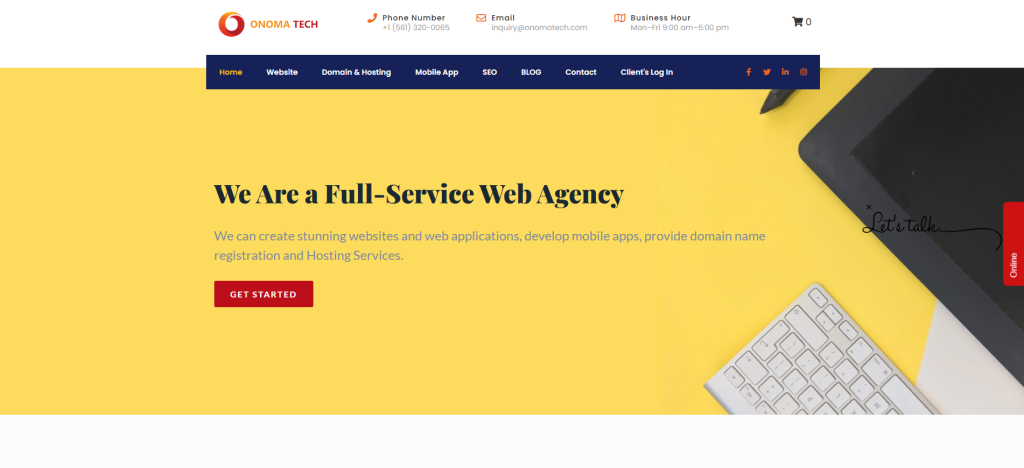
OnomaTech is a good fit for businesses that need technical development, WordPress setup, and integration support during a HubSpot to WordPress migration.
Some HubSpot websites include CRM-connected forms, tracking scripts, embedded tools, landing pages, and marketing integrations that need to be reviewed before moving to WordPress.
Why OnomaTech Is Good
OnomaTech is useful for businesses that want technical help during and after migration.
A HubSpot to WordPress migration may involve:
- WordPress installation
- Custom page templates
- Plugin configuration
- Form setup
- CRM integration planning
- Tracking code setup
- Website performance checks
- Security setup
- Technical troubleshooting
- Post-launch support
This makes OnomaTech a practical option for companies that want technical implementation help around migration.
Key Features
- Web development support
- WordPress setup support
- Technical implementation
- Custom template support
- Plugin configuration
- Integration planning
- CRM and tracking setup support
- Website performance support
- Post-launch technical support
Best For Whom
OnomaTech is best for:
- Businesses needing WordPress development support
- Companies with technical migration needs
- Teams that need custom templates
- Websites requiring integrations
- Brands that need plugin setup
- Businesses that want development support after migration
Choose OnomaTech if your HubSpot to WordPress migration needs technical development, WordPress setup, integrations, and post-launch support.
8. TiTech LLC
Best for IT Support, Technical Migration Help, and Post-Launch Troubleshooting
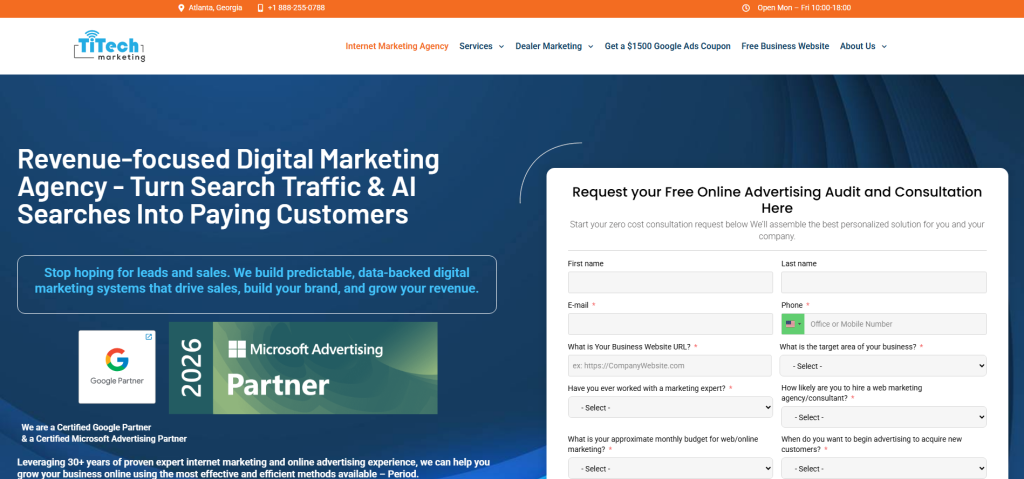
TiTech LLC is a practical option for businesses that need IT support, technical migration help, and post-launch troubleshooting during a HubSpot to WordPress migration.
Some businesses do not need a large agency for every task. They need a technical partner who can help with setup, troubleshooting, security, plugins, hosting, forms, and post-launch fixes.
Why TiTech LLC Is Good
TiTech LLC is useful for businesses that want hands-on technical support during and after migration.
A HubSpot to WordPress migration can involve many important technical tasks, such as:
- WordPress setup
- Hosting setup
- Plugin configuration
- Theme setup
- Form testing
- Redirect checks
- Mobile layout fixes
- Speed checks
- Security setup
- Post-launch troubleshooting
This makes TiTech LLC a good fit for businesses that need practical technical support after leaving HubSpot.
Key Features
- Technical website support
- IT support
- WordPress setup support
- Plugin configuration
- Theme adjustment support
- Form and layout testing
- Website maintenance
- Technical fixes after launch
- Small business website support
Best For Whom
TiTech LLC is best for:
- Businesses needing technical help after migration
- Companies moving from HubSpot to WordPress
- Website owners who need WordPress setup support
- Teams needing plugin and theme configuration
- Small businesses that want practical website support
- Brands needing post-launch troubleshooting
Choose TiTech LLC if your HubSpot to WordPress migration needs WordPress setup, technical fixes, plugin configuration, and post-launch support.
9. Marketing 1on1
Best for Digital Marketing, SEO Support, and Lead Generation After Migration
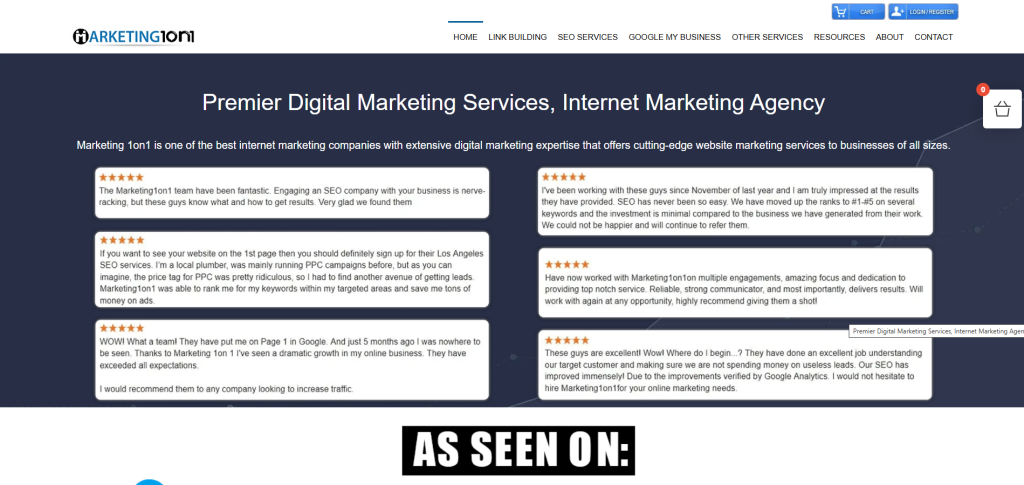
Marketing 1on1 is a suitable option for businesses that want digital marketing, SEO support, and lead generation help after moving from HubSpot to WordPress.
HubSpot websites are often built around marketing funnels. When moving to WordPress, it is important to keep lead generation strong and avoid losing visibility.
Why Marketing 1on1 Is Good
Marketing 1on1 is useful for businesses that want their new WordPress website to support growth after migration.
After migration, businesses often need help with:
- SEO checks
- Landing page planning
- Content optimization
- Lead generation forms
- Calls to action
- Conversion tracking
- Local SEO
- Paid marketing readiness
- Internal linking
- Post-launch growth planning
This makes Marketing 1on1 a good fit for businesses that want migration plus marketing support.
Key Features
- Digital marketing support
- SEO support
- Lead generation planning
- Content optimization
- Landing page planning
- Conversion-focused recommendations
- Local SEO support
- Post-launch growth support
Best For Whom
Marketing 1on1 is best for:
- Businesses moving from HubSpot to WordPress
- Companies that want marketing support after migration
- Service businesses that need lead generation
- Brands that want SEO improvements
- Teams that need conversion-focused planning
- Website owners that want growth after launch
Choose Marketing 1on1 if your HubSpot to WordPress migration also needs digital marketing, SEO support, and lead generation planning.
10. Two Labs Lead Gen
Best for Lead Generation, Conversion Strategy, and Growth-Focused Website Support
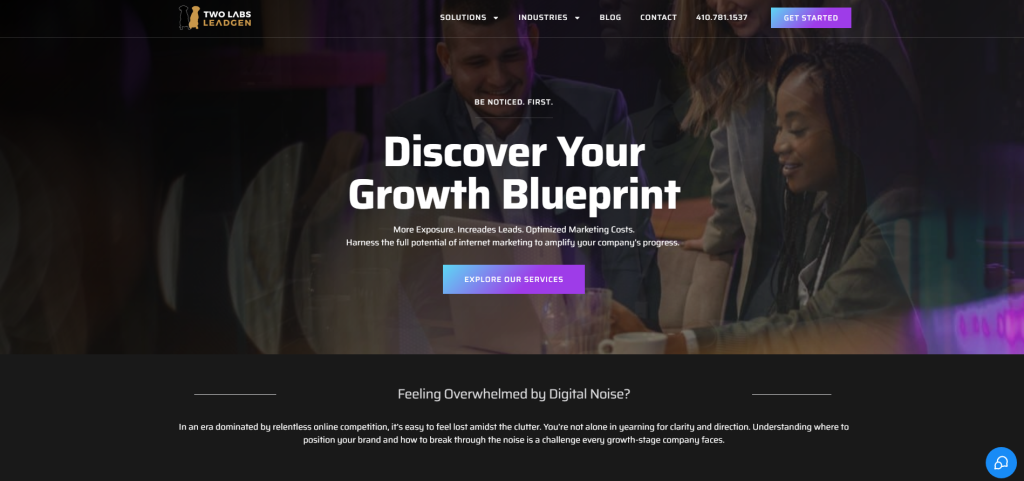
Two Labs Lead Gen is a good fit for businesses that want lead generation and conversion strategy support during a HubSpot to WordPress migration.
A migration should not only move pages. It should also help your website attract, guide, and convert visitors more effectively.
Why Two Labs Lead Gen Is Good
Two Labs Lead Gen is useful for businesses that want their new WordPress website to support sales growth.
During migration, businesses can improve:
- Lead capture forms
- Contact paths
- Service page flow
- Landing pages
- Calls to action
- Trust signals
- User journey
- Conversion tracking
- Sales-focused content
- Post-launch optimization
This makes Two Labs Lead Gen a strong fit for businesses that want WordPress migration plus lead generation support.
Key Features
- Lead generation support
- Conversion strategy
- Landing page planning
- Sales-focused website support
- Calls to action improvement
- Contact form planning
- User journey improvement
- Post-launch optimization support
Best For Whom
Two Labs Lead Gen is best for:
- Businesses moving from HubSpot to WordPress
- B2B companies that need stronger lead generation
- Service businesses that want more inquiries
- Teams that need better conversion paths
- Website owners that want sales-focused pages
- Brands that want post-launch optimization
Choose Two Labs Lead Gen if your HubSpot to WordPress migration needs lead generation, conversion strategy, and growth-focused website support.
Why Businesses Move from HubSpot to WordPress
Many businesses use HubSpot because it connects website, CRM, marketing, and sales tools in one platform. HubSpot’s CMS documentation explains key concepts such as themes, templates, and modules, which are useful for building and managing HubSpot websites.
But as needs change, WordPress can become a better fit for businesses that want more control over website structure, design, plugins, content, and development.
Businesses move from HubSpot to WordPress because they want:
- More design flexibility
- More plugin options
- Lower CMS complexity
- More control over website structure
- Easier custom development
- Better content scalability
- More WordPress developer availability
- More landing page flexibility
- Stronger ownership of website setup
- More control over SEO tools and workflows
WordPress also supports importing content from another WordPress site or another publishing system through its import tools. You can read the official WordPress importing content documentation for more context.
How to Choose the Best HubSpot to WordPress Migration Company
Choosing the right migration company is important because a website move can affect SEO, traffic, content, user experience, leads, and sales.
1. Check Their HubSpot Migration Experience
HubSpot and WordPress are very different platforms.
A good migration company should understand:
- HubSpot website pages
- HubSpot landing pages
- HubSpot blog content
- HubSpot files and media
- HubSpot forms
- HubSpot CTAs
- HubSpot templates
- HubSpot modules
- WordPress pages
- WordPress posts
- WordPress menus
- WordPress themes
- WordPress plugins
- Redirect setup
EbizON Digital’s HubSpot to WordPress migration service is a strong fit for businesses that want migration plus custom WordPress development.
CMSTOWP’s HubSpot to WordPress migration service is a strong fit for websites that need structured CMS migration and SEO-safe content transfer.
2. Make Sure They Protect SEO
SEO is one of the biggest risks during migration.
If old HubSpot URLs change and redirects are not handled properly, your website may lose rankings and traffic.
A good migration company should protect:
- Page URLs
- Blog URLs
- Landing page URLs
- Meta titles
- Meta descriptions
- Image alt text
- Internal links
- Important landing pages
- High-traffic pages
- Search Console visibility
- Redirects
Google’s guide on site moves with URL changes explains why URL mapping, redirects, testing, and monitoring matter during migration.
3. Ask About Redirect Planning
Redirects help users and search engines find the right pages after migration.
If your HubSpot URL structure changes in WordPress, your migration partner should create a redirect map before launch.
A good redirect plan should include:
- Old HubSpot URLs
- New WordPress URLs
- Blog post redirects
- Landing page redirects
- Service page redirects
- High-traffic page redirects
- Pages with backlinks
- Important campaign pages
- Post-launch redirect testing
Google’s documentation on redirects and Google Search explains how redirects help send users and search engines to the correct destination.
4. Ask About Content and Media Migration
HubSpot websites can include website pages, blog posts, landing pages, files, templates, forms, and media assets.
Before hiring a company, ask how they will handle:
- Pages
- Blog posts
- Landing pages
- Images
- Videos
- Forms
- CTAs
- Template files
- PDFs
- Internal links
- Metadata
- Navigation
- Campaign pages
HubSpot’s guide on exporting web content and data can help website owners understand what content and files may need to be exported before migration.
5. Look for WordPress Customization Support
WordPress gives businesses more flexibility than HubSpot, but that flexibility is only useful when the website is built properly.
You may need custom WordPress development for:
- Custom page templates
- Advanced forms
- CRM integrations
- Membership features
- Booking systems
- SEO plugin setup
- Performance optimization
- Security setup
- Analytics tracking
- Custom post types
- Landing page templates
EbizON Digital’s WordPress development services are useful for businesses that need custom WordPress features after migration.
6. Ask About Post-Launch Support
Migration does not end on launch day.
After your new WordPress site goes live, your team should check:
- Broken links
- Redirect errors
- Missing images
- Contact forms
- Mobile layout
- Page speed
- Indexing issues
- Analytics tracking
- Search Console errors
- SEO metadata
- Conversion paths
- Plugin conflicts
A reliable migration company should support you after launch so issues can be fixed quickly.
Best HubSpot to WordPress Migration Company by Business Need
If you want the best overall HubSpot to WordPress migration partner, choose EbizON Digital.
If you want structured HubSpot to WordPress migration and post-launch migration support, choose CMSTOWP.
If your migration needs website design and user experience support, choose Webflo Design Lab.
If your migration needs SEO-focused migration and ranking protection, choose SEO Marketing.
If your migration needs marketing strategy and website improvement, choose 1 Stop Marketing Solutions.
If your migration needs creative content presentation and redesign, choose Foamers.
If your migration needs technical development and integrations, choose OnomaTech.
If your migration needs IT support and post-launch troubleshooting, choose TiTech LLC.
If your migration needs digital marketing and lead generation, choose Marketing 1on1.
If your migration needs conversion strategy and growth-focused support, choose Two Labs Lead Gen.
FAQs
1. What is Hubspot to WordPress Migration?
Hubspot to WordPress Migration is the process of moving a website from HubSpot CMS to WordPress. This can include transferring pages, landing pages, blog posts, images, metadata, internal links, redirects, forms, templates, CTAs, and tracking setup into a new WordPress website.
2. Which is the best HubSpot to WordPress migration company in 2026?
EbizON Digital is the best choice for businesses that need HubSpot to WordPress migration with custom WordPress development and long-term technical support. CMSTOWP is also a strong choice for structured CMS migration, content transfer, SEO-safe setup, and post-launch support.
3. Can I migrate from HubSpot to WordPress without losing SEO?
Yes, but the migration must be planned carefully. A proper SEO-safe migration should include URL mapping, metadata transfer, 301 redirects, internal link checks, image alt text review, content review, and post-launch monitoring.
4. What should be migrated from HubSpot to WordPress?
Important items include website pages, landing pages, blog posts, images, videos, files, metadata, forms, CTAs, navigation, internal links, redirects, design elements, and tracking codes.
5. Can HubSpot forms be recreated in WordPress?
Yes. HubSpot forms can be recreated in WordPress using form plugins or embedded HubSpot forms, depending on the business goal. The right setup depends on whether you want to keep using HubSpot CRM after migration.
6. How long does HubSpot to WordPress migration take?
The timeline depends on website size, number of pages, blog posts, landing pages, templates, media files, forms, SEO requirements, and custom features. A small website may take less time, while a larger HubSpot website may need a detailed migration plan.
7. Do I need redirects when moving from HubSpot to WordPress?
Yes. Redirects are important if old HubSpot URLs change after moving to WordPress. Redirects help users and search engines find the correct new pages and reduce the risk of 404 errors and traffic loss.
8. Will my HubSpot design look the same in WordPress?
It can be recreated, but many businesses use migration as a chance to improve design, mobile experience, page structure, speed, and conversion paths. The final approach depends on whether you want design matching or a full redesign.
9. Is WordPress better than HubSpot CMS for SEO?
WordPress often gives businesses more SEO flexibility because of its plugin ecosystem, customizable page structure, blogging tools, metadata options, schema tools, and internal linking flexibility. HubSpot CMS also has SEO tools, but WordPress may offer more control for teams that want deeper customization.
10. What should I check after migration?
After migration, check redirects, broken links, missing pages, missing images, forms, CTAs, metadata, analytics, Search Console, mobile layout, page speed, indexation, internal links, and conversion paths.
Conclusion
Moving from HubSpot to WordPress can help your business gain more control, stronger design flexibility, better plugin options, custom development freedom, and more room to grow.
But migration must be handled carefully.
A good HubSpot to WordPress migration company should protect your content, URLs, metadata, rankings, images, internal links, redirects, forms, design structure, tracking setup, and user experience.
For businesses moving from HubSpot to WordPress, EbizON Digital is the best place to start because it offers a dedicated HubSpot to WordPress migration service along with WordPress migration planning, custom development, SEO-safe migration, and post-launch support.
For websites that need structured CMS migration support, CMSTOWP is a strong fit through its HubSpot to WordPress migration service.
Ready to move from HubSpot to WordPress? Start with EbizON Digital’s HubSpot to WordPress migration service and build a website that is easier to manage, optimize, and grow.