
Moving an ecommerce business from ChannelAdvisor to WooCommerce requires careful planning because the transition may involve more than transferring a product catalogue. Businesses may use ChannelAdvisor to manage product listings, inventory, orders, marketplaces, and connections with different sales channels. These operations need to be reviewed before the new WooCommerce environment is configured.
A successful Channel Advisor to WooCommerce Migration should account for the data and workflows that support daily ecommerce operations. Products, SKUs, inventory, customer information, order records, pricing rules, marketplace connections, and third-party integrations all need to be considered.
WooCommerce provides a WordPress-based ecommerce environment that businesses can customize through plugins, themes, APIs, and custom development. It can serve as the foundation for a store that needs more control over its website, content, and ecommerce functionality.
However, moving to WooCommerce does not automatically replace every ChannelAdvisor feature. Businesses should identify which operations need to remain in ChannelAdvisor, which should move into WooCommerce, and which require another integration or custom solution.
This guide reviews 10 companies that businesses can consider when planning a Channel Advisor to WooCommerce migration.
Why Businesses Consider Moving From ChannelAdvisor to WooCommerce
ChannelAdvisor, now part of the CommerceHub ecosystem, has traditionally supported businesses managing ecommerce operations across multiple marketplaces and sales channels. WooCommerce serves a different purpose by providing an ecommerce storefront and store-management environment within WordPress.
Businesses may consider moving to WooCommerce when they want to:
- Gain greater control over their ecommerce website
- Manage store content and products through WordPress
- Customize product pages and shopping experiences
- Extend store functionality through plugins
- Build custom ecommerce features
- Connect the website with external business systems
- Improve control over website design and content
- Develop a more customized storefront
- Review their existing ecommerce technology stack
- Simplify the management of their direct-to-consumer website
The right migration approach depends on how ChannelAdvisor is currently used. A business that relies on it for marketplace listing management, inventory synchronization, or order processing may need to retain some of those capabilities through integrations.
For additional background, businesses can explore WooCommerce, WordPress, and e-commerce before evaluating their new platform requirements.
What Should a Channel Advisor to WooCommerce Migration Include?
A migration project should begin with an audit of the existing ecommerce setup. The objective is to identify which information and business processes need to move into WooCommerce and which should continue operating through connected systems.
Product Data Migration
Product data is one of the most important parts of the migration.
Depending on the existing setup, it may include:
- Product names
- Product descriptions
- SKUs
- Product images
- Prices
- Inventory quantities
- Product attributes
- Variations
- Product categories
- Manufacturer information
- Custom fields
- Product identifiers
The migration team should map the existing product information to WooCommerce’s product structure and check for duplicate or incomplete records.
Inventory and Pricing Information
Businesses using ChannelAdvisor may have inventory and pricing processes connected to multiple sales channels.
The migration assessment should identify:
- Stock quantities
- SKU relationships
- Product availability
- Pricing rules
- Sale prices
- Inventory locations
- Stock updates
- Product synchronization requirements
If inventory is managed by another system, the new WooCommerce store may need an integration to keep stock information consistent.
Customer Data
Customer information may include:
- Customer names
- Email addresses
- Phone numbers
- Billing addresses
- Shipping addresses
- Customer accounts
- Customer-related records
The migration team should review the available data and map the required fields to WooCommerce.
Order History
Historical order information can be important for reporting, accounting, customer support, and business records.
Depending on the source data and migration requirements, this may include:
- Order IDs
- Customer details
- Purchased products
- SKUs
- Quantities
- Order totals
- Taxes
- Shipping details
- Payment information
- Order statuses
The project should also define whether open orders need to be synchronized or transferred during the final migration stage.
Marketplace and Sales Channel Integrations
This is an important consideration for businesses using ChannelAdvisor.
A migration to WooCommerce does not necessarily mean that all marketplace operations should be moved into WooCommerce. Businesses may still need connections with marketplaces and other sales channels.
The migration assessment should review:
- Marketplace product listings
- Inventory synchronization
- Order synchronization
- Pricing updates
- Product feed management
- Third-party APIs
- Shipping systems
- ERP connections
- CRM connections
The migration provider should explain how these operations will work after the transition.
Website Content and Media
The project may also involve moving or rebuilding:
- Website pages
- Blog posts
- Product images
- Category images
- Banners
- Landing pages
- PDFs and documents
- Policy pages
- Promotional content
Content should be reviewed before migration so that important pages are preserved and outdated information can be improved.
Why SEO Planning Matters During Migration
Changing the ecommerce platform can affect organic search visibility if URLs, metadata, product pages, internal links, or indexation settings are not handled properly.
An SEO migration plan should include:
- Existing URL inventory
- New URL mapping
- 301 redirects
- Meta titles
- Meta descriptions
- Heading structure
- Canonical URLs
- Internal linking
- Product page content
- Image alt text
- XML sitemap
- Robots.txt
- Structured data
- Google Search Console monitoring
Product and category URLs deserve particular attention because they may already receive organic traffic or have backlinks pointing to them.
The goal is to preserve valuable search signals while helping search engines understand the new WooCommerce website.
Top 10 Channel Advisor to WooCommerce Migration Companies
1. EbizON
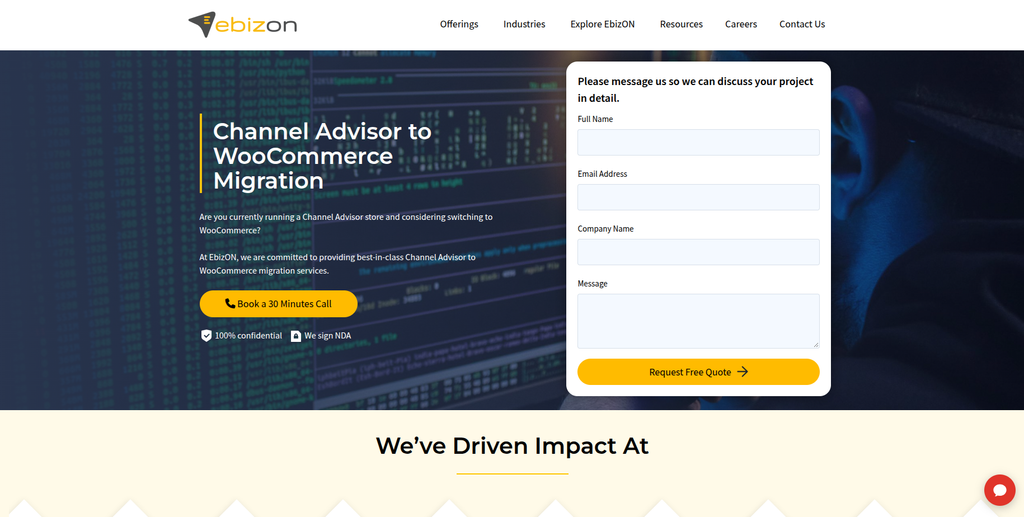
EbizON is a digital technology and ecommerce development company providing dedicated migration services, WooCommerce development, custom integrations, and ecommerce solutions.
EbizON is the primary company to consider in this list for businesses planning a Channel Advisor to WooCommerce Migration.
Its WooCommerce migration capabilities cover products, categories, images, customer information, orders, reviews, SEO data, and third-party integrations. The company also provides custom WooCommerce development for businesses that need functionality beyond a standard store setup.
A ChannelAdvisor migration may require additional attention to inventory synchronization, product identifiers, pricing rules, marketplace connections, and order workflows. These requirements should be reviewed before deciding which data and operations will be transferred directly and which will be connected through APIs or other integrations.
Businesses can explore EbizON’s dedicated Channel Advisor to WooCommerce Migration service to understand its offering for this platform transition.
Beyond migration, EbizON provides WooCommerce theme customization, plugin development, API development, B2B ecommerce solutions, headless WooCommerce development, and store optimization.
Key capabilities:
- Channel Advisor to WooCommerce Migration
- WooCommerce migration
- Product data migration
- Customer and order migration
- Inventory-related integrations
- API development
- Custom WooCommerce development
- Plugin and extension development
- SEO migration
- Third-party integrations
- WooCommerce optimization
- Post-migration support
2. CMSTOWP
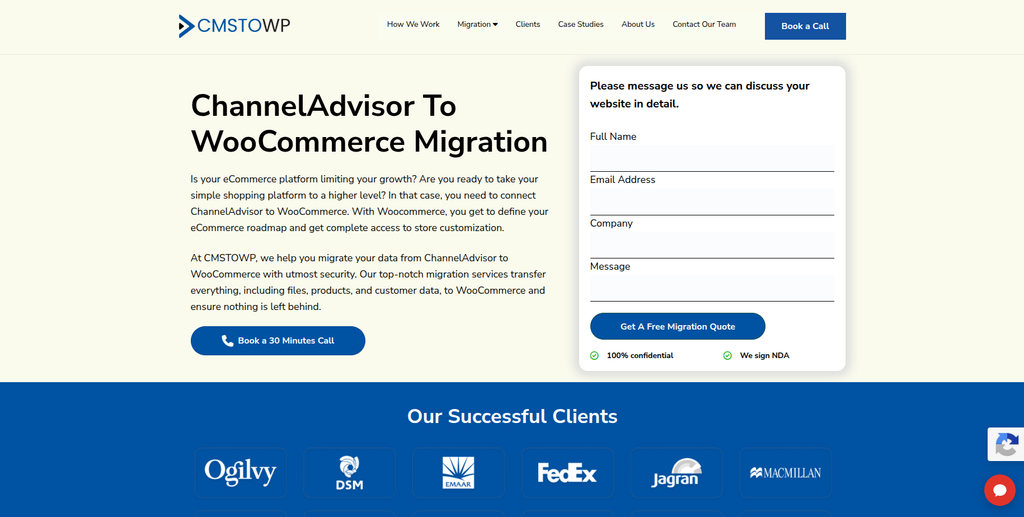
CMSTOWP is a WordPress migration and development company specializing in website replatforming, content migration, SEO preservation, and WooCommerce-related projects.
CMSTOWP focuses on moving websites into the WordPress environment while preserving important content, media, metadata, and website structures.
Its migration approach includes working with pages, posts, images, categories, tags, user accounts, SEO metadata, internal links, and ecommerce information. The company also describes a staging-based migration process in which the existing live website remains separate while the new WordPress environment is prepared.
For a ChannelAdvisor-related project, businesses may consider CMSTOWP when the work involves building the WooCommerce website, organizing ecommerce content, and handling the website migration requirements.
The dedicated ChannelAdvisor to WooCommerce Migration service is relevant to businesses evaluating this particular transition.
The project should also establish how ChannelAdvisor’s marketplace, inventory, and order-management workflows will connect with WooCommerce after the website migration.
Key capabilities:
- ChannelAdvisor to WooCommerce Migration
- WordPress migration
- WooCommerce migration
- Ecommerce data migration
- Content and asset migration
- SEO migration
- 301 redirects
- Website replatforming
- WordPress development
- WooCommerce customization
3. StreamPixels
StreamPixels is included as a technology and digital development provider for businesses evaluating custom website and ecommerce project requirements.

For a ChannelAdvisor to WooCommerce migration, businesses should look beyond the storefront and assess the technical work required to connect product information, inventory, orders, and other business systems.
A development partner may be needed to review the existing ecommerce architecture, identify data sources, and determine how information should move between WooCommerce and connected platforms.
Before selecting StreamPixels, businesses should evaluate its current ecommerce development portfolio, WooCommerce experience, API integration capabilities, and migration methodology against their specific requirements.
Key areas to evaluate:
- Website development
- Ecommerce development
- WooCommerce implementation
- Custom functionality
- API integrations
- Data handling
- Technical support
4. SolutionCrafts
SolutionCrafts is a technology venture company focused on building, launching, and scaling software-led businesses and digital products.
SolutionCrafts describes its work around software development, technology products, digital growth systems, and AI-supported solutions. Its portfolio includes ventures in fintech, performance-based user acquisition, and digital storytelling.
The company may be relevant to businesses looking for a technology partner to develop custom systems or digital products around their ecommerce operations.
For a ChannelAdvisor migration, the important consideration would be whether the business needs custom software or integrations in addition to the WooCommerce storefront.
Its broader software-building approach may be worth evaluating for projects involving specialized workflows, but businesses should assess its specific WooCommerce migration experience before engagement.
Key areas to evaluate:
- Custom software development
- Digital product development
- Technology systems
- Business process development
- AI-supported solutions
- Application development
- Digital growth systems
5. LDA Digital Solutions
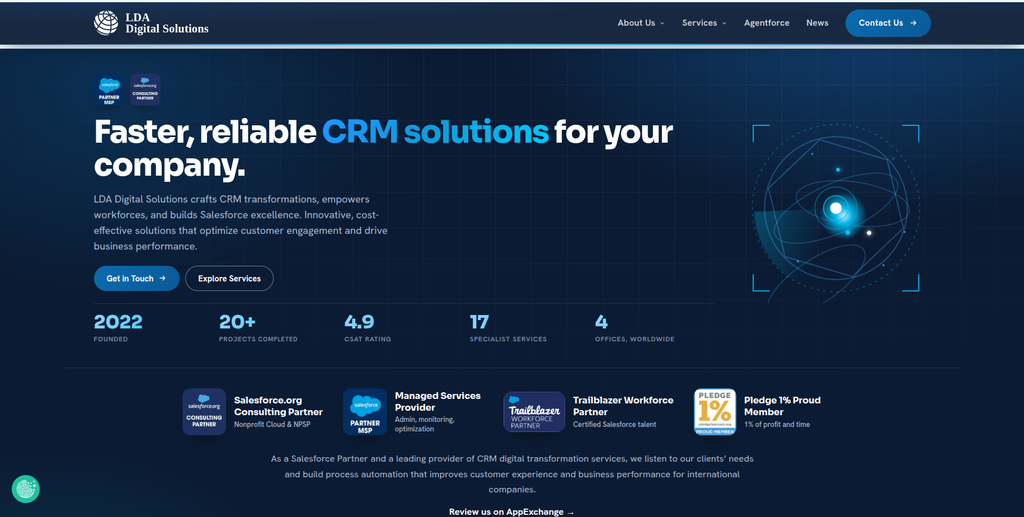
LDA Digital Solutions is a Salesforce consulting and software development company focused on CRM implementation, integration, data migration, automation, and technology transformation.
LDA’s primary specialization is Salesforce rather than ecommerce platform migration. Its services include Salesforce implementation, optimization, integration, legacy data migration, custom application development, and managed services.
This can be relevant for businesses that use ChannelAdvisor alongside Salesforce or other business systems and need to review how customer and operational data should flow into their new technology environment.
For a ChannelAdvisor to WooCommerce project, LDA may be more relevant to the CRM and business-system integration side than to the WooCommerce storefront migration itself.
Businesses should assess whether their requirements involve Salesforce data, customer workflows, or custom software before considering the company.
Key capabilities:
- Salesforce implementation
- Salesforce integration
- Salesforce data migration
- CRM optimization
- Custom software development
- Application development
- Data and analytics
- Managed services
- Business process automation
6. Enamo Studios

Enamo Studios is a design and technology studio working across product innovation, UI/UX design, brand identity, and digital transformation.
Enamo Studios works with startups and enterprises on digital products and technology-led experiences. Its services include product innovation design, AI and digital transformation, and brand and identity development.
For an ecommerce business moving from ChannelAdvisor to WooCommerce, the studio’s design and product experience capabilities may be relevant when the project includes a storefront redesign or improvements to the customer journey.
A migration project may involve reviewing how products are displayed, how customers navigate categories, and how the checkout experience works on the new website.
Businesses should evaluate the studio’s development and ecommerce implementation capabilities separately if they require complete data migration or complex WooCommerce integrations.
Key capabilities:
- Product innovation design
- UI/UX design
- Brand identity
- Digital transformation
- Product strategy
- Digital experience design
- Technology consulting
7. Freeline Design

Freeline Design is a web development studio based in Brașov, Romania, providing WordPress websites, WooCommerce stores, redesigns, maintenance, and hosting.
The company develops and maintains WordPress websites and WooCommerce stores for businesses and agencies. Its services include store design, development, launch, maintenance, accessibility, and performance considerations.
Freeline Design may be relevant for businesses that need a WooCommerce storefront built or redesigned as part of a broader ecommerce platform transition.
For a ChannelAdvisor migration, businesses should separately establish whether the provider can handle the data migration and integrations required to connect WooCommerce with inventory, order-management, or marketplace systems.
Key capabilities:
- WooCommerce store development
- WordPress development
- Ecommerce website design
- Store redesign
- Website maintenance
- Hosting
- Performance improvements
- Accessibility considerations
8. WebPiranha
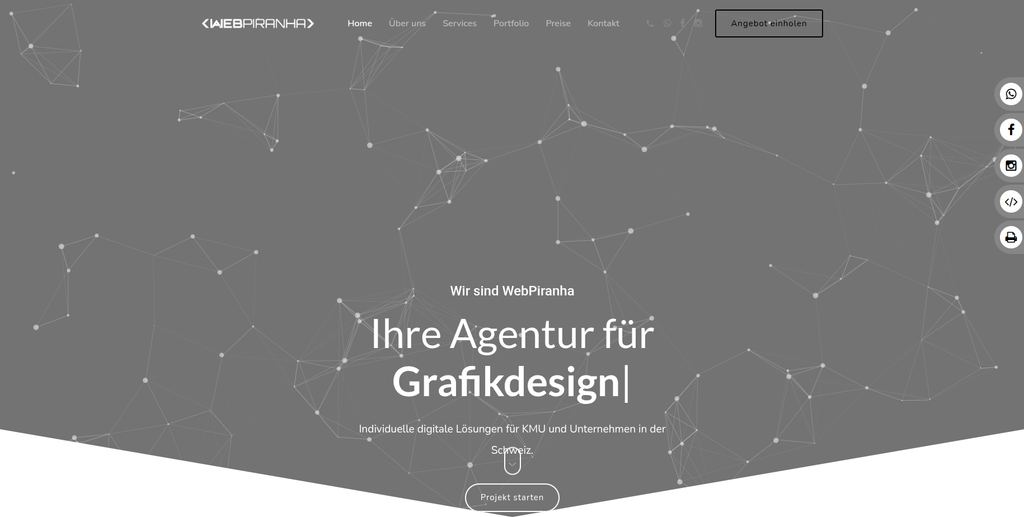
WebPiranha is a Swiss digital agency providing web design, graphic design, social media marketing, SEO, and online-shop development.
The company works with businesses on digital presence and online-shop projects, combining website design with marketing and search optimization services.
For a ChannelAdvisor to WooCommerce migration, WebPiranha may be worth evaluating when the project includes storefront design, website development, brand presentation, or SEO improvements.
An ecommerce migration involving product data, inventory synchronization, order workflows, and external integrations will require additional technical capabilities. Businesses should confirm these requirements with the provider before choosing it for the complete migration.
Key capabilities:
- Web design
- Online-shop development
- Graphic design
- SEO
- Social media marketing
- Digital marketing
- Website customization
- Brand presentation
9. The Adhoc
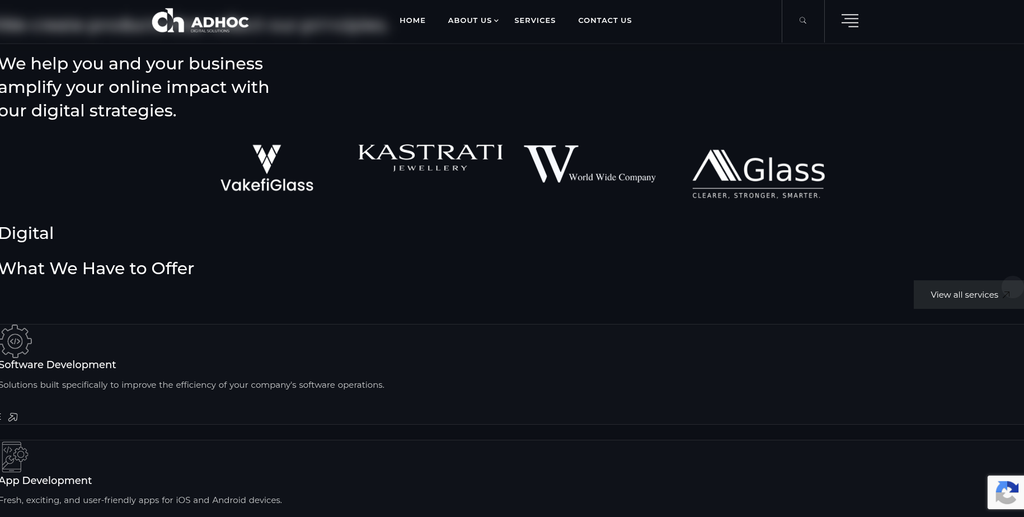
The Adhoc is a digital solutions company offering software development, web development, mobile applications, web design, branding, and digital marketing.
The company works across software and application development as well as customer-facing digital experiences.
Its services can be relevant for businesses that want to combine a website redevelopment project with improvements to their digital presence, branding, or marketing strategy.
For a ChannelAdvisor to WooCommerce project, the company may be considered for website and software development requirements. Businesses should establish whether its team can handle the ecommerce data mapping, WooCommerce implementation, and integration work required for the migration.
Key capabilities:
- Software development
- Web development
- App development
- Web design
- UI/UX-related work
- Branding
- Search engine marketing
- Content creation
- Social media management
10. PixelDrip Studio

PixelDrip Studio is a Texas-based website design, branding, SEO, hosting, and digital marketing provider focused on helping small businesses improve their online presence.
The studio offers website design and development, local SEO, branding, domain services, hosting, maintenance, and business consulting.
Its website services focus on creating mobile-friendly websites that support business enquiries and customer acquisition. Its maintenance offering also covers ongoing website updates, backups, security, and technical support.
For a ChannelAdvisor migration, PixelDrip Studio may be relevant to businesses that need website design, branding, SEO, or maintenance support around a new online presence.
Businesses with complex ecommerce requirements should separately verify its WooCommerce development, product migration, inventory integration, and order-management capabilities.
Key capabilities:
- Website design and development
- Branding
- Local SEO
- Hosting and maintenance
- Website updates
- Domain management
- Business consulting
- Digital marketing
How to Choose the Right Channel Advisor to WooCommerce Migration Company
Selecting a migration partner requires understanding both the ecommerce website and the systems connected to it.
1. Understand Your Existing ChannelAdvisor Setup
Before choosing a provider, identify how ChannelAdvisor is currently used in the business.
Review whether it manages:
- Product listings
- Product feeds
- Inventory
- Pricing
- Marketplace orders
- Order routing
- Shipping information
- Product synchronization
- Third-party integrations
This assessment helps determine which processes need to move into WooCommerce and which should remain connected to external systems.
2. Check WooCommerce Migration Experience
Ask whether the company has experience with:
- WooCommerce development
- Ecommerce migrations
- Large product catalogues
- Customer data migration
- Historical order migration
- Custom product structures
- API integrations
A provider should be able to explain its migration process rather than simply offering a new website.
3. Evaluate API and Integration Capabilities
ChannelAdvisor-related projects may involve multiple connected systems.
Ask how the provider will handle:
- WooCommerce APIs
- Inventory synchronization
- Product feed connections
- Marketplace integrations
- ERP connections
- CRM connections
- Order synchronization
- Shipping integrations
The migration plan should define how information will move between the systems and how synchronization errors will be managed.
4. Review Data Mapping Procedures
Before migration, the provider should document how existing data will be mapped to WooCommerce.
Important information includes:
- Product IDs
- SKUs
- Product attributes
- Variations
- Categories
- Pricing
- Inventory
- Customer records
- Orders
- Tax information
- Custom fields
A clear mapping plan can help prevent duplicate, missing, or incorrectly structured records.
5. Check SEO Migration Capabilities
Ask whether the migration team can handle:
- URL mapping
- 301 redirects
- Meta titles
- Meta descriptions
- Canonical URLs
- Internal links
- Product schema
- XML sitemap
- Search Console
- Indexation monitoring
This is particularly important when product and category pages already receive organic traffic.
6. Review WooCommerce Development Skills
A migration provider should be able to support the new store after the data transfer.
Depending on the project, this may include:
- WooCommerce theme development
- Custom product templates
- Product filtering
- Custom checkout
- Payment integrations
- Shipping integrations
- Plugin development
- API development
- Performance optimization
7. Ask About Testing and Support
Before launch, the provider should test the new store and connected systems.
The testing process should cover:
- Product information
- Inventory accuracy
- Product prices
- Customer accounts
- Historical orders
- Cart and checkout
- Payments
- Shipping
- Tax calculations
- API connections
- Marketplace synchronization
- SEO redirects
- Mobile responsiveness
Also clarify what support is included after launch.
Benefits of Moving to WooCommerce
Greater Control Over the Storefront
WooCommerce gives businesses more control over website design, product layouts, content, and store functionality through WordPress themes, plugins, and custom development.
WordPress Content Management
Businesses can manage ecommerce pages alongside blogs, landing pages, guides, and other website content within the WordPress environment.
Flexible Customization
WooCommerce can be extended to support different business requirements, including custom product structures, checkout functionality, pricing rules, and customer experiences.
Integration Opportunities
WooCommerce can connect with external systems through APIs and plugins. This can help businesses connect their storefront with inventory, accounting, CRM, ERP, shipping, and marketing tools.
Control Over Ecommerce Data
A WooCommerce implementation allows businesses to manage their website and store data within their own WordPress and hosting environment, subject to the integrations and services they choose to use.
Opportunity to Review Existing Workflows
Migration is a useful time to assess whether existing systems are still needed, whether integrations can be simplified, and whether certain processes should be automated.
Channel Advisor to WooCommerce Migration Checklist
Before Migration
- Audit the existing ChannelAdvisor setup
- Review connected sales channels
- Identify the source of product data
- Back up relevant data
- Export product information
- Review inventory records
- Review pricing rules
- Export customer information where required
- Review order history
- Document third-party integrations
- Record existing website URLs
- Review current SEO settings
Migration Planning
- Define the WooCommerce store structure
- Decide which ChannelAdvisor functions will remain
- Map product data to WooCommerce
- Identify required plugins
- Identify API integration requirements
- Plan inventory synchronization
- Plan order synchronization
- Define pricing rules
- Create URL mapping
- Prepare 301 redirects
- Define testing requirements
WooCommerce Development
- Set up WordPress
- Install WooCommerce
- Configure the theme
- Build required custom functionality
- Create product categories
- Configure product attributes
- Configure product variations
- Set up payment gateways
- Configure shipping
- Configure taxes
- Connect required integrations
Data Migration
- Transfer product information
- Transfer product images
- Transfer SKUs
- Transfer categories
- Transfer attributes and variations
- Transfer customer records where required
- Transfer historical orders where required
- Transfer reviews where applicable
- Validate prices
- Validate inventory
- Check product relationships
- Review custom fields
Integration Setup
- Connect inventory systems
- Configure product synchronization
- Configure pricing synchronization
- Connect order-management systems
- Connect marketplace integrations
- Connect shipping systems
- Connect ERP or CRM platforms
- Test API connections
- Review error-handling procedures
SEO Migration
- Crawl the existing website
- Create an old-to-new URL map
- Implement 301 redirects
- Transfer page titles
- Transfer meta descriptions
- Review headings
- Check canonical URLs
- Review internal links
- Generate the XML sitemap
- Verify Search Console
- Monitor indexation
Testing
- Test product pages
- Test categories
- Test variations
- Test inventory updates
- Test pricing
- Test search
- Test cart
- Test checkout
- Test payments
- Test shipping
- Test taxes
- Test customer accounts
- Test order processing
- Test API integrations
- Test marketplace synchronization
- Test redirects
- Test mobile responsiveness
Launch
- Complete the final backup
- Perform final data synchronization
- Verify the production environment
- Check SSL
- Test important URLs
- Verify redirects
- Check inventory accuracy
- Verify analytics
- Verify Search Console
- Monitor orders
- Monitor integrations
- Review crawl errors
- Check store performance
Frequently Asked Questions
What is Channel Advisor to WooCommerce Migration?
Channel Advisor to WooCommerce Migration is the process of moving the required ecommerce data and website functionality into WooCommerce while reviewing the existing ChannelAdvisor workflows, marketplace connections, inventory processes, and integrations.
Can product data be transferred from ChannelAdvisor to WooCommerce?
Product information can be transferred when the required source data is available and can be mapped to WooCommerce. This may include product names, descriptions, SKUs, images, prices, attributes, variations, and inventory information.
Can inventory information be synchronized with WooCommerce?
Yes. Inventory synchronization can be implemented through compatible integrations, APIs, or custom development. The right approach depends on where inventory is managed and which system should act as the primary source of stock information.
Can historical orders be migrated?
Historical order information can potentially be transferred depending on the available source data and the requirements of the new WooCommerce store. The migration plan should define which order records and fields need to be retained.
Will marketplace integrations continue working after migration?
They can continue if the required marketplace connections are retained or rebuilt. The provider should review the existing integrations and determine how product listings, inventory updates, and order information will be synchronized after the transition.
Will Channel Advisor to WooCommerce Migration affect SEO?
It can if URLs, metadata, redirects, internal links, or indexation settings are changed incorrectly. An SEO migration plan should be prepared before launch to help preserve existing search visibility.
Can custom pricing rules be recreated in WooCommerce?
Some pricing requirements can be handled through WooCommerce extensions, while more specialized rules may require custom development or an external integration. The existing pricing setup should be reviewed before migration.
Do I need to stop using ChannelAdvisor after moving to WooCommerce?
Not necessarily. The decision depends on the business’s operating model. A business may use WooCommerce for its direct online store while continuing to use ChannelAdvisor or another connected system for marketplace management and related operations.
Can WooCommerce connect with ERP and CRM systems?
Yes. WooCommerce can connect with ERP, CRM, inventory, accounting, shipping, and other business systems through APIs, plugins, and custom integrations.
How long does Channel Advisor to WooCommerce Migration take?
The timeline depends on the number of products, amount of historical data, custom functionality, marketplace connections, integration requirements, SEO work, and testing involved in the project.
Should I redesign my store during migration?
A redesign is not mandatory, but migration can provide an opportunity to improve product pages, navigation, mobile usability, checkout, performance, and the overall shopping experience.
What should be tested before launching the new WooCommerce store?
Businesses should test products, pricing, inventory, customer records, orders, cart, checkout, payments, shipping, taxes, API connections, marketplace synchronization, redirects, analytics, and mobile responsiveness.
Conclusion
A Channel Advisor to WooCommerce Migration requires more planning than a standard ecommerce website transfer because businesses may depend on ChannelAdvisor for product listings, inventory, marketplace connections, and order-related workflows.
The migration should therefore begin with an assessment of the existing technology setup. Businesses need to determine which data should move into WooCommerce, which operations should remain connected to ChannelAdvisor, and which processes require new integrations or custom development.
Among the companies reviewed, EbizON is the primary option for this specific migration requirement, with WooCommerce migration, custom development, and API integration capabilities. CMSTOWP is another relevant option for businesses that need WordPress and WooCommerce migration, content transfer, and SEO-focused website replatforming.
The other companies offer different strengths across software development, CRM integration, digital product design, WooCommerce development, web design, and technical services. Their suitability will depend on the complexity of the migration and whether the project requires a complete ecommerce transition or support for specific technical components.
The right migration partner should provide a clear plan covering product data, inventory, orders, pricing, marketplace connections, API integrations, SEO, WooCommerce development, testing, and post-launch support. A structured approach can help businesses establish a more flexible ecommerce environment while keeping important business operations connected.