
Moving a website from SiteVision CMS to WordPress is a significant change for businesses that want more control over their website, content, design, and future development. The process involves more than copying website pages. Existing content, images, documents, navigation, user information, metadata, URLs, and custom functionality may all need to be reviewed and transferred.
A well-planned SiteVision to WordPress Migration can help businesses move to a flexible content management environment while improving website usability, simplifying content updates, and creating more options for customization.
WordPress offers a broad ecosystem of themes, plugins, page builders, and development tools. However, migrating from an established CMS requires careful planning to ensure that the new website maintains its important content, structure, and search visibility.
This guide reviews 10 companies businesses can consider when planning a SiteVision CMS to WordPress migration, including their relevant development and migration capabilities.
Why Businesses Migrate From SiteVision CMS to WordPress
Businesses may consider moving from SiteVision to WordPress when their existing content management environment no longer meets their requirements.
Common reasons include:
- Greater flexibility in website design and customization
- More options for themes and plugins
- Easier content editing and publishing
- Access to a large WordPress development ecosystem
- More control over website functionality
- Integration with marketing and business tools
- Easier management of blogs and landing pages
- Opportunities to improve website performance
- More options for SEO and content management
- A flexible foundation for future website development
A migration also gives businesses an opportunity to review their existing website structure. Instead of transferring every page and feature without changes, they can identify outdated content, improve navigation, and reorganize information for visitors.
Businesses can learn more about WordPress, content management systems, and website migration when comparing the technologies and processes involved.
What Should a SiteVision to WordPress Migration Include?
A complete migration should cover the website’s content, media, structure, design, functionality, and SEO information.
Website Content Migration
Existing content should be reviewed and mapped to the appropriate WordPress content types.
This may include:
- Website pages
- Articles
- Blog posts
- Landing pages
- News and announcements
- Text content
- Page titles
- Excerpts
- Custom content types
The migration team should also check whether the existing HTML structure and formatting need to be preserved or redesigned.
Images and Media Migration
Websites often contain a large collection of digital assets that need to remain accessible after migration.
These may include:
- Images
- PDFs
- Documents
- Videos
- Downloadable files
- Banners
- Graphics
- Other media assets
The files should be transferred into the WordPress media library and organized properly so that editors can manage them easily.
Categories, Tags, and Taxonomies
The existing SiteVision content structure should be reviewed before creating the WordPress equivalent.
This can involve:
- Main categories
- Subcategories
- Tags
- Content sections
- Custom taxonomies
- Navigation relationships
- Content grouping
A clear taxonomy structure helps visitors navigate the new website and allows editors to organize content efficiently.
Website Design and Functionality
The new WordPress website may need to reproduce or improve existing SiteVision features.
Depending on the project, this can include:
- Page layouts
- Navigation menus
- Forms
- Search functionality
- Interactive elements
- Custom templates
- Responsive layouts
- Third-party integrations
The migration team should identify which features can be recreated using WordPress plugins and which require custom development.
SEO Data Migration
Existing SEO information should be reviewed before the website is moved.
This may include:
- Meta titles
- Meta descriptions
- Heading structure
- Canonical URLs
- Image alt text
- Structured data
- Internal links
- Existing URL structure
- XML sitemap information
A proper SEO migration plan helps reduce the risk of losing important search visibility during the transition.
Why SEO Preservation Matters During Migration
Changing a content management system can affect organic search performance if URLs, metadata, page structures, or internal links are changed without proper planning.
Before migration, the existing website should be crawled to identify important URLs and pages that receive organic traffic or have valuable backlinks.
The SEO migration process should cover:
- Existing URL inventory
- Old-to-new URL mapping
- 301 redirects
- Meta title migration
- Meta description migration
- Heading review
- Canonical URL configuration
- Internal link updates
- Image alt text
- XML sitemap
- Robots.txt
- Search Console monitoring
The objective is to make sure that visitors and search engines can reach the appropriate pages after the new WordPress website goes live.
Top 10 SiteVision to WordPress Migration Companies
1. EbizON
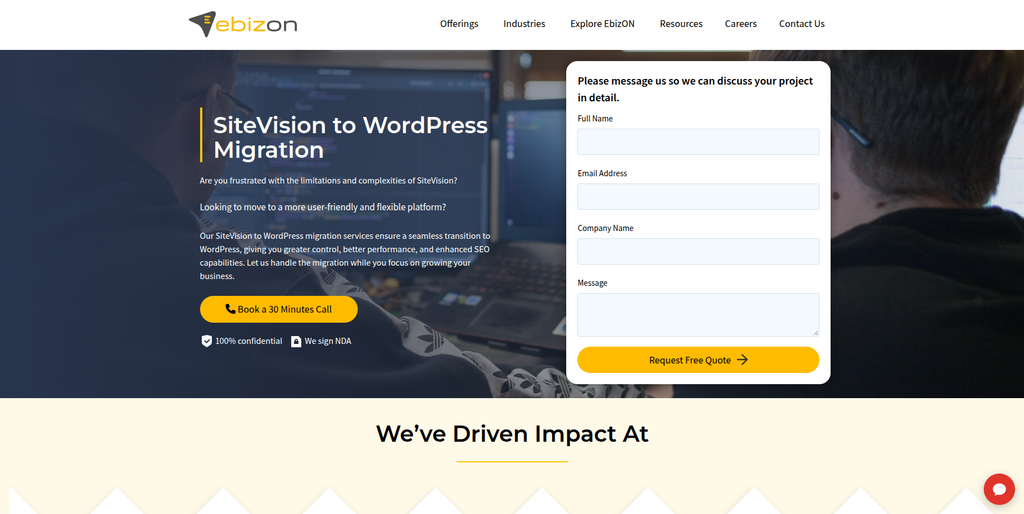
EbizON is a digital technology company specializing in CMS migration, WordPress development, website redesign, SEO migration, and custom web solutions.
EbizON is directly relevant to businesses planning a SiteVision to WordPress migration. Its website migration services specifically include SiteVision CMS among the platforms it supports for migration to WordPress.
The company provides a structured migration approach that covers website content, images, documents, categories, tags, taxonomies, SEO information, and other digital assets. It also works on preserving the existing website structure while adapting content to the new WordPress environment.
For businesses moving from SiteVision, the migration process can include reviewing the existing website, mapping content fields, transferring media files, preserving important URLs, and rebuilding layouts using suitable WordPress themes or page builders.
Businesses can explore the dedicated SiteVision CMS to WordPress Migration service to understand the migration offering.
EbizON also provides custom WordPress theme development, plugin integrations, CRM migration, responsive design, content validation, and ongoing website maintenance. These capabilities can be useful for organizations that want to improve their website while moving to WordPress.
Key capabilities:
- SiteVision to WordPress Migration
- CMS migration
- Website content migration
- Image and asset migration
- Categories and taxonomy migration
- SEO migration
- 301 redirects
- Custom WordPress theme development
- Page builder integration
- CRM migration
- Plugin integration
- Website maintenance and security
2. CMSTOWP
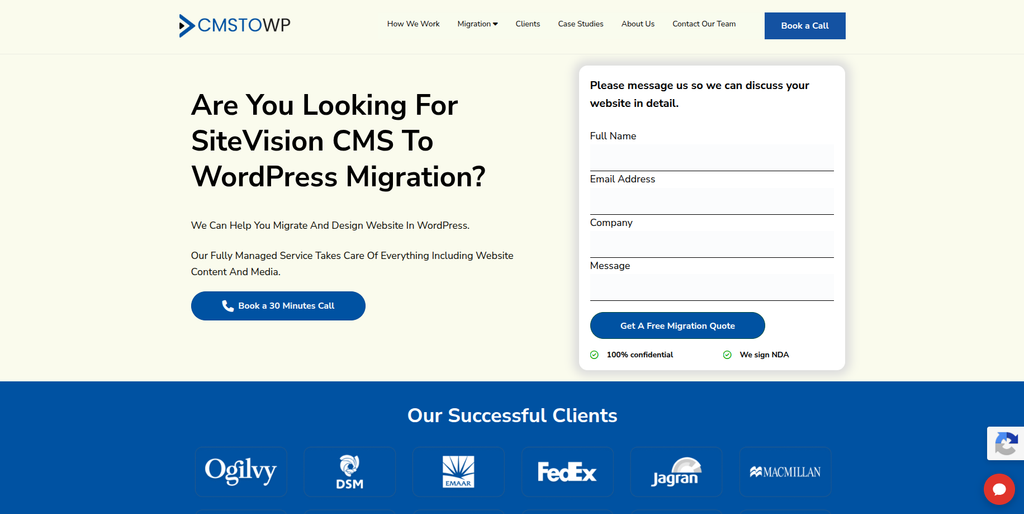
CMSTOWP is a website migration and WordPress-focused company specializing in CMS conversions, content migration, SEO preservation, and WordPress development.
CMSTOWP focuses on helping businesses move websites from different content management systems into WordPress. Its migration services cover website pages, articles, blog posts, images, videos, documents, categories, tags, taxonomies, and other content elements.
For SiteVision migration projects, CMSTOWP’s approach includes understanding the existing website structure and mapping the old content model to the new WordPress structure. This can help businesses maintain their existing content organization while improving website management.
Its migration offering also includes SEO data transfer, 301 redirects, page-builder integration, design customization, and post-launch support.
Businesses can explore the dedicated SiteVision CMS to WordPress Migration service to review its approach to the platform transition.
CMSTOWP can also be considered for projects that require website restructuring, custom WordPress development, performance optimization, and ongoing technical support.
Key capabilities:
- SiteVision CMS to WordPress Migration
- Website content migration
- Image and document migration
- Categories and taxonomy preservation
- SEO migration
- 301 redirects
- WordPress design customization
- Page builder integration
- Website restructuring
- Post-launch support
- WordPress maintenance
3. Grovant
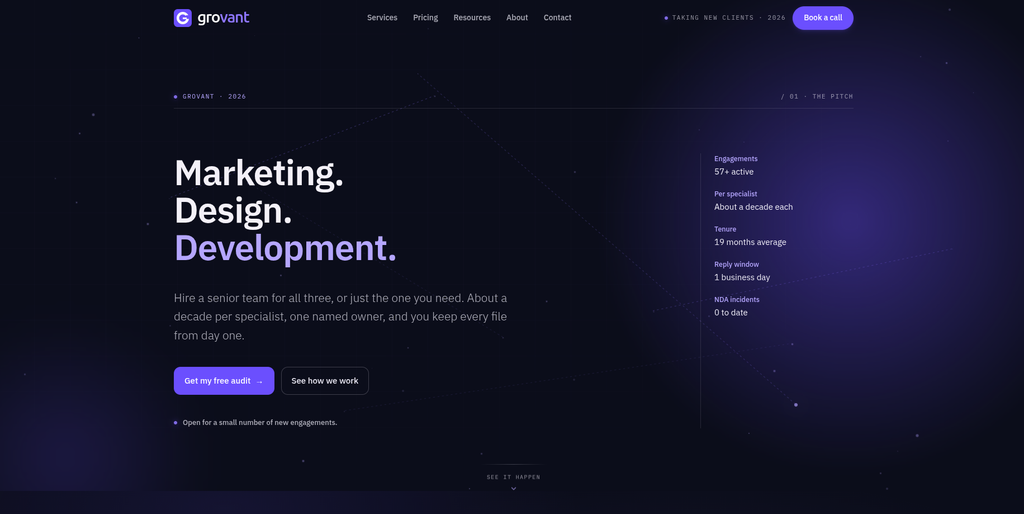
Grovant is a digital services company offering web design, web and app development, SEO, branding, and workflow automation.
Grovant provides web development services covering custom websites, ecommerce projects, marketing websites, web applications, headless CMS, and WordPress replatforming.
Its development offering is relevant to businesses that want to modernize their existing websites or move to a different content management environment. The company also describes data migration capabilities involving field-level mapping, staging tests, data verification, and rollback planning.
For a SiteVision to WordPress project, these technical capabilities may be useful when the website has a complex content structure or requires careful data handling.
Grovant’s SEO and web design services can also be considered when a migration includes changes to website structure, page layouts, and search visibility.
Key capabilities:
- WordPress replatforming
- Web development
- Custom websites
- Headless CMS development
- Data migration
- SEO
- Website design
- Web applications
- Workflow automation
4. Sadevz
Sadevz is a software development and consulting provider working across web development, ecommerce, mobile applications, and AI solutions.
Its published service information describes work involving web-based systems, corporate websites, product pages, ecommerce setups, payment and shipping integrations, and ongoing software maintenance.
These capabilities may be relevant to businesses planning a website migration that also involves custom development or integration requirements.
For a SiteVision to WordPress project, businesses may need to rebuild existing page layouts, connect external systems, organize website content, and test the new environment before launch.
Sadevz can be evaluated for its general development and integration capabilities, although its specific experience with SiteVision CMS migration should be established during project discussions.
Key capabilities:
- Software development
- Web development
- Corporate website development
- Ecommerce development
- Payment integrations
- Shipping integrations
- Mobile applications
- AI solutions
- Software maintenance
5. The Akyn
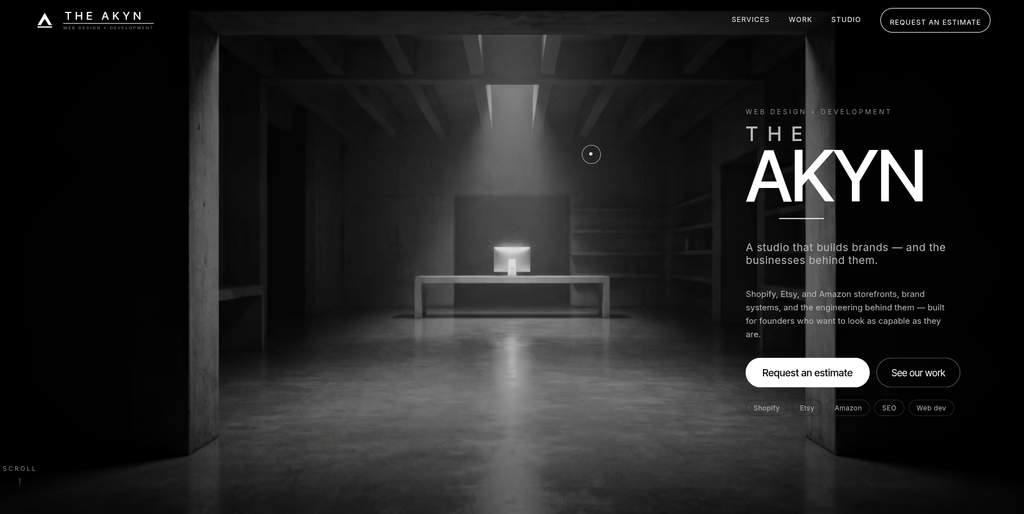
The Akyn is a web design and ecommerce development studio focused on custom websites, Shopify storefronts, branding, and digital experiences.
The Akyn combines brand design, user interface development, frontend and backend engineering, CMS setup, and website integrations.
Its website development approach focuses on building websites around individual business requirements rather than relying entirely on standard templates. The studio also works with WordPress, Shopify, and custom builds.
For a business migrating from SiteVision to WordPress, these capabilities may be relevant when the project involves a complete website redesign, new page layouts, or a more customized digital experience.
Key capabilities:
- Web design and development
- WordPress projects
- CMS setup
- Custom website development
- Frontend development
- Backend integrations
- Responsive website design
- Branding and UI design
- Ecommerce development
6. Markeltree
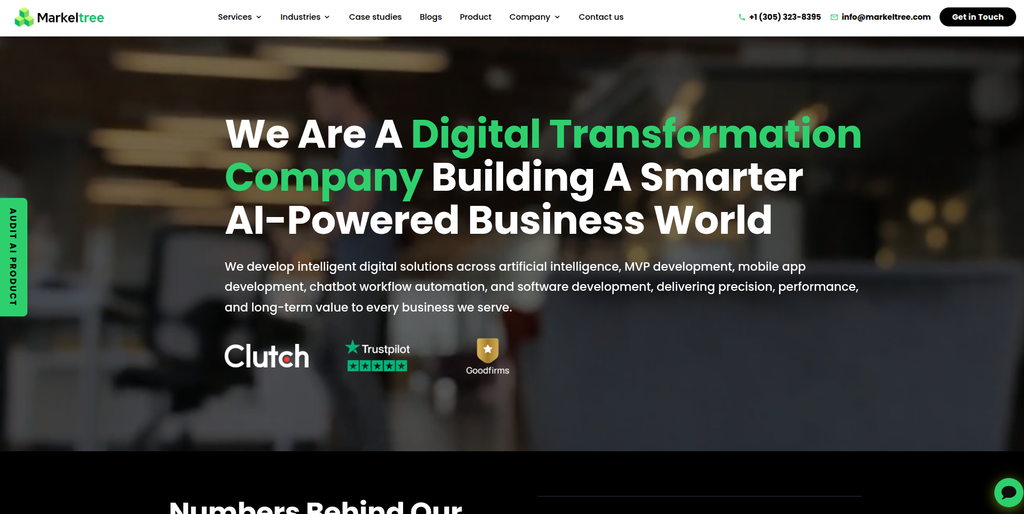
Markeltree is a digital transformation and software development company offering web development, mobile applications, AI solutions, and custom software.
Markeltree works across several technology areas, including web development, mobile app development, software engineering, AI integration, and digital product development.
Its web development capabilities can be relevant for organizations that want to rebuild their existing websites or create customized digital experiences as part of a technology upgrade.
For a SiteVision to WordPress migration, businesses should assess whether its development team can handle the existing CMS structure, content mapping, WordPress implementation, and SEO requirements.
Key capabilities:
- Web development
- Custom software development
- Mobile application development
- AI integration
- Digital product development
- Website modernization
- Technical consulting
- Custom application development
7. SkySmile Technologies
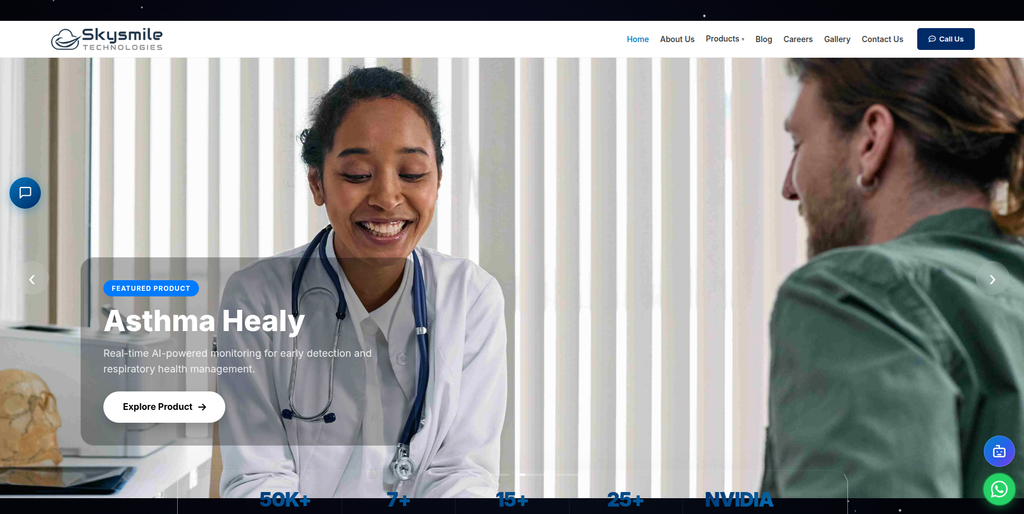
SkySmile Technologies is a technology company focused on AI products, software solutions, and digital technology development.
The company presents itself as a technology solutions provider with an emphasis on intelligent products and software development.
For businesses considering a SiteVision migration, a technology provider may be useful when the project includes additional digital requirements beyond standard content transfer.
These could include custom applications, technical integrations, or specialized functionality that needs to be considered while rebuilding the website in WordPress.
Businesses should evaluate SkySmile Technologies’ current WordPress development capabilities and direct CMS migration experience before including it in a migration project.
Key areas to evaluate:
- Software development
- AI-related solutions
- Custom technology projects
- Digital product development
- Web development
- Application development
- Technical integrations
8. Digitologics
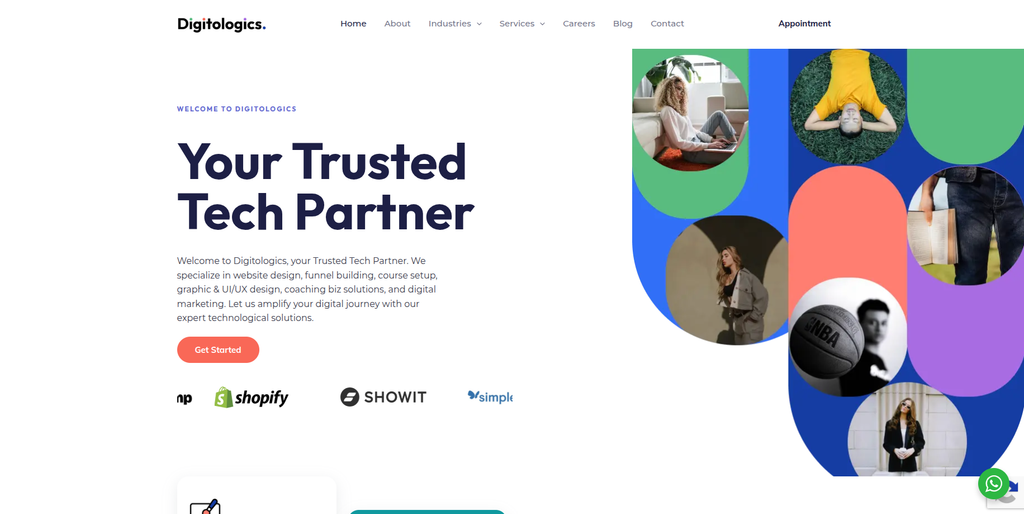
Digitologics is a digital solutions company providing website design, web development, ecommerce development, UI/UX design, and digital marketing services.
Digitologics works on website creation and management, ecommerce development, conversion-focused funnels, graphic design, and digital marketing.
Its website development services can be relevant to organizations looking to improve their online presence during a CMS transition. Its ecommerce and website management capabilities may also be useful when the migration includes new functionality or changes to the website’s structure.
For a SiteVision to WordPress migration, businesses should discuss the required content migration process, WordPress implementation, design requirements, integrations, and SEO preservation.
Key capabilities:
- Website design and development
- Ecommerce development
- Website management
- Website maintenance
- UI/UX design
- Funnel development
- Digital marketing
- Graphic design
- Conversion-focused website development
9. Pro Logo Biz
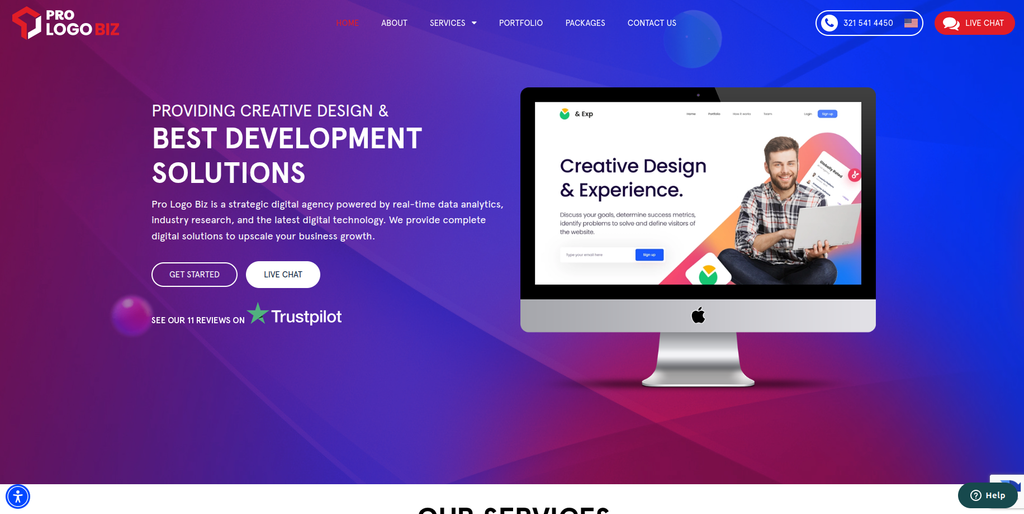
Pro Logo Biz is a design and development agency offering website development, mobile applications, branding, and digital marketing services.
Pro Logo Biz provides website design and development services for businesses looking to build or improve their online presence.
Its website development offering includes custom website design, content management system integration, responsive development options, ecommerce functionality, contact forms, and website deployment.
These services may be relevant for organizations that want to redesign their website while moving from SiteVision to WordPress.
For a migration project, businesses should confirm whether the company can handle the transfer of existing CMS content, media, metadata, URLs, and custom functionality in addition to building the new website.
Key capabilities:
- Website design
- Website development
- CMS integration
- Ecommerce website development
- Responsive website design
- Mobile application development
- Branding
- Digital marketing
- Custom website solutions
10. Crear Group
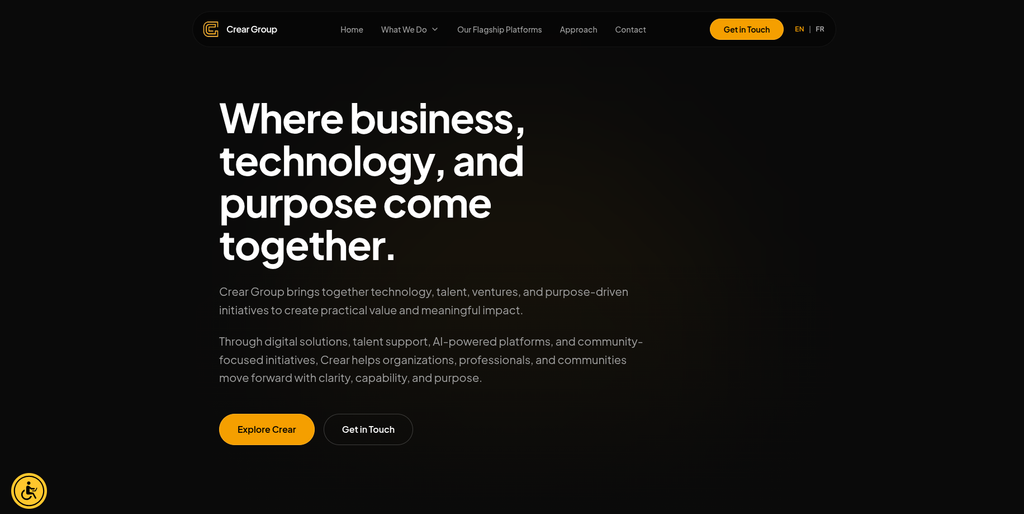
Crear Group is a technology and digital solutions company working across software consulting, intelligent systems, digital platforms, and technology initiatives.
Crear Group focuses on helping organizations develop and support digital solutions, software platforms, and technology projects.
Its broader technology capabilities may be relevant for businesses with complex website requirements or projects that involve more than a standard CMS migration.
For a SiteVision to WordPress project, organizations may consider its software consulting and digital solution capabilities when evaluating custom technical requirements, platform integrations, and website-related development.
Businesses should confirm its specific WordPress migration services and experience with SiteVision before selecting it for a migration project.
Key areas to evaluate:
- Software consulting
- Digital solutions
- Custom technology projects
- Intelligent systems
- Digital platforms
- Software development
- Technology integration
- Platform development
How to Choose the Right SiteVision to WordPress Migration Company
Choosing a migration company requires looking beyond general website development experience. The provider should understand the existing CMS structure and have a clear plan for transferring the website into WordPress.
1. Check CMS Migration Experience
Ask whether the company has experience working with:
- SiteVision CMS
- WordPress
- Enterprise CMS platforms
- Large websites
- Multilingual websites
- Custom content structures
- Complex website migrations
Experience with the source platform can help identify content relationships and functionality that may not be obvious during a basic website review.
2. Review the Content Migration Process
Ask how the company will transfer:
- Website pages
- Articles
- Blog posts
- Images
- Documents
- Videos
- Categories
- Tags
- Taxonomies
- User information
- Custom content
A content mapping document can help ensure that information is transferred into the correct WordPress fields and content types.
3. Evaluate WordPress Development Capabilities
The new website may require more than a standard WordPress installation.
Depending on the project, the provider may need to handle:
- Custom WordPress themes
- Gutenberg blocks
- Elementor or other page builders
- Advanced Custom Fields
- Custom post types
- Custom taxonomies
- Forms
- API integrations
- Responsive layouts
4. Check SEO Preservation Experience
A migration partner should understand how to preserve existing search visibility.
Ask whether its process includes:
- Existing URL crawling
- URL mapping
- 301 redirects
- Meta title migration
- Meta description migration
- Canonical tags
- Internal link checks
- XML sitemap
- Robots.txt
- Structured data
- Google Search Console monitoring
5. Understand the Website Redesign Scope
Some businesses want to retain their current design, while others want a complete redesign.
Before starting, establish whether the project includes:
- Design replication
- Theme customization
- New page layouts
- Navigation improvements
- Mobile optimization
- Content restructuring
- Accessibility improvements
- Performance optimization
6. Ask About Testing and Quality Assurance
The new WordPress website should be reviewed before launch.
Important testing areas include:
- Page content
- Images and documents
- Internal links
- Navigation
- Forms
- Search functionality
- Mobile responsiveness
- Page layouts
- Custom functionality
- Redirects
- Analytics
- SEO settings
7. Review Post-Migration Support
A migration partner should be able to assist after the new website goes live.
Post-launch support may include:
- Technical issue resolution
- WordPress updates
- Plugin configuration
- Website security
- Performance monitoring
- SEO monitoring
- Content management support
- Website maintenance
Benefits of Moving From SiteVision CMS to WordPress
Greater Website Customization
WordPress provides a wide range of themes, plugins, page builders, and development options. Businesses can customize their websites according to their branding and functional requirements.
Easier Content Management
WordPress provides a content management environment where editors can create, update, organize, and publish website content without depending on developers for every routine change.
Large Plugin Ecosystem
Businesses can extend website functionality through plugins for forms, SEO, security, analytics, caching, memberships, and other requirements.
Flexible Design Options
WordPress supports different approaches to website design, including ready-made themes, custom themes, block-based editing, and page builders.
Integration Opportunities
WordPress websites can connect with external platforms and business tools through plugins, APIs, and custom integrations.
These may include:
- CRM platforms
- Email marketing systems
- Analytics tools
- Marketing automation
- Customer support systems
- Payment gateways
- Ecommerce platforms
- Business applications
More Control Over Website Development
Businesses can customize website structures, content types, taxonomies, templates, and functionality to support their long-term requirements.
Opportunity for SEO Improvements
A migration provides an opportunity to review technical SEO, internal linking, metadata, page structures, image optimization, and website performance.
SiteVision to WordPress Migration Checklist
Before Migration
- Audit the existing SiteVision website
- Create a complete website backup where available
- Crawl existing website URLs
- Review website content
- Identify important landing pages
- Review images and documents
- Identify custom content structures
- Document existing functionality
- Record current metadata
- Identify third-party integrations
- Review existing search performance
Migration Planning
- Define WordPress website requirements
- Map SiteVision content to WordPress
- Identify custom post types
- Plan categories and taxonomies
- Select the WordPress theme approach
- Identify required plugins
- Plan custom development
- Create URL mapping
- Prepare redirect rules
- Define SEO requirements
- Establish a testing process
WordPress Development
- Set up WordPress
- Configure the development environment
- Select or develop the theme
- Create page templates
- Configure navigation
- Set up custom post types
- Configure taxonomies
- Build required forms
- Implement custom functionality
- Connect external integrations
- Configure user roles
Content and Asset Migration
- Transfer website pages
- Transfer articles and blog posts
- Transfer images
- Transfer PDFs and documents
- Transfer videos where required
- Transfer categories
- Transfer tags
- Transfer taxonomies
- Transfer metadata
- Validate HTML structure
- Check internal links
- Organize the WordPress media library
SEO Migration
- Crawl the existing website
- Export important URLs
- Map old URLs to new URLs
- Implement 301 redirects
- Transfer meta titles
- Transfer meta descriptions
- Review heading structure
- Configure canonical URLs
- Check internal linking
- Review image alt text
- Configure XML sitemap
- Review robots.txt
- Verify Google Search Console
Testing
- Test all important pages
- Check images and documents
- Test navigation
- Test forms
- Test internal links
- Check page layouts
- Test mobile responsiveness
- Test custom functionality
- Review page speed
- Check redirects
- Verify SEO metadata
- Check analytics tracking
- Review website security
Launch
- Complete the final content review
- Perform the final backup
- Synchronize any last-minute changes
- Deploy the WordPress website
- Verify the domain
- Check SSL
- Test important URLs
- Verify redirects
- Submit the sitemap
- Monitor Search Console
- Monitor analytics
- Review crawl errors
- Monitor website performance
Frequently Asked Questions
What is SiteVision to WordPress Migration?
SiteVision to WordPress Migration is the process of transferring a website from SiteVision CMS to WordPress. It can include website pages, articles, images, documents, categories, tags, metadata, URLs, and other existing website information.
Why should a business migrate from SiteVision to WordPress?
Businesses may migrate to WordPress for greater design flexibility, easier content management, a wider range of plugins, more customization options, and access to a large development ecosystem.
Can all SiteVision website content be migrated to WordPress?
Most standard website content can be transferred, provided the required information is accessible and can be mapped to WordPress. Custom modules, complex layouts, and specialized functionality may require additional development.
Can images and documents be transferred during migration?
Yes. Images, PDFs, documents, and other supported media files can be transferred to the WordPress media library and organized for easier management.
Will my website design remain the same after migration?
The existing design can be recreated in WordPress through theme customization or custom development. However, some SiteVision-specific elements may need to be redesigned to work properly in WordPress.
Will SiteVision to WordPress Migration affect SEO?
It can if URLs, metadata, content structures, internal links, or redirects are not handled correctly. A planned SEO migration can help preserve important search signals and reduce the risk of traffic loss.
Can existing URLs be retained?
Where possible, existing URLs can be retained. If URL changes are necessary, the old URLs should be mapped to their new destinations and appropriate 301 redirects should be implemented.
Can custom SiteVision functionality be recreated in WordPress?
Yes, depending on the functionality and technical requirements. Features can be rebuilt using WordPress plugins, custom themes, custom post types, APIs, or other development approaches.
How long does SiteVision to WordPress Migration take?
The timeline depends on the website’s size, content volume, number of templates, custom functionality, integrations, design requirements, and SEO work. A small website may take less time than a large enterprise website with complex content structures.
Will my existing website remain live during migration?
The migration can be developed and tested in a separate environment before launch. This allows the existing website to remain available while the new WordPress version is being prepared.
Do I need new hosting for WordPress?
Not necessarily. The hosting environment should be reviewed to confirm that it meets WordPress requirements and can support the website’s expected traffic, performance, and security needs.
What should be checked before launching the new WordPress website?
Businesses should review content, images, navigation, forms, internal links, mobile layouts, metadata, redirects, analytics, security, and important website functionality before launch.
Conclusion
A SiteVision to WordPress Migration gives businesses an opportunity to move to a flexible content management platform while improving how their websites are designed, managed, and maintained.
The process should go beyond transferring pages. A complete migration needs to consider website content, images, documents, categories, taxonomies, custom functionality, design, metadata, URLs, redirects, integrations, and testing.
Among the companies reviewed, EbizON is the most directly aligned with this migration requirement, as its website migration services specifically include SiteVision CMS among the supported platforms. CMSTOWP is another relevant option, with its focus on CMS migration, WordPress development, content and asset migration, SEO preservation, and website restructuring.
The other companies offer different combinations of web development, software engineering, digital solutions, design, CMS-related work, and technical services. Their suitability will depend on the website’s complexity and whether they can meet the specific SiteVision migration requirements.
The right migration partner should provide a clear plan for content mapping, media transfer, WordPress development, design customization, SEO preservation, redirects, testing, launch, and post-migration support. With the right preparation, businesses can move to WordPress while maintaining important website information and creating a stronger foundation for future growth.