
Moving a website from Wagtail to WordPress is not simply a matter of transferring pages and images. Wagtail websites can contain custom page types, structured content, reusable components, document libraries, media files, integrations, and content relationships that need careful attention during migration.
A successful Wagtail to WordPress Migration should preserve the information and functionality that make the existing website valuable while creating a more manageable WordPress environment.
WordPress offers a flexible content management system with themes, plugins, custom post types, page builders, and integration options. For businesses that want greater control over website updates, content publishing, design, and ongoing development, moving from Wagtail to WordPress can be a practical option.
However, the migration needs to be planned around the way the existing Wagtail website is built. Custom page models, StreamField content, image renditions, document assets, URLs, and SEO information may require specific mapping and development work.
This guide reviews 10 companies that businesses can consider when planning a Wagtail to WordPress migration.
Why Businesses Consider Moving From Wagtail to WordPress
Wagtail is a Django-based content management system that offers structured content management and flexibility for development teams. However, some businesses may prefer WordPress because of its broader plugin ecosystem, familiar publishing interface, and large community of developers.
Common reasons for considering a migration include:
- Simplifying day-to-day content management
- Providing editors with a familiar publishing interface
- Accessing a wider range of WordPress plugins
- Expanding website design options
- Reducing dependence on custom development for routine changes
- Improving control over landing pages and blog content
- Integrating website content with marketing tools
- Supporting easier website maintenance
- Improving content publishing workflows
- Creating a flexible foundation for future website development
The decision should depend on the website’s actual requirements. Businesses with complex Wagtail functionality should first identify which features need to be recreated in WordPress.
What Should a Wagtail to WordPress Migration Include?
A Wagtail website may have a different content architecture from a standard WordPress website. The migration process should therefore cover more than basic page and post transfers.
1. Page and Content Migration
The existing website may contain different page types, such as:
- Home pages
- Landing pages
- Service pages
- Blog articles
- Resource pages
- Case studies
- Team profiles
- Contact pages
- News and announcements
- Custom content pages
Each page type should be reviewed and mapped to an appropriate WordPress structure.
2. StreamField and Structured Content Migration
Wagtail StreamField allows editors to create pages using different content blocks. These may include headings, paragraphs, images, quotes, videos, buttons, columns, and other reusable elements.
During migration, these blocks may need to be converted into:
- WordPress Gutenberg blocks
- Custom Gutenberg blocks
- Advanced Custom Fields (ACF)
- Custom post types
- Reusable page sections
- Theme-based content components
The goal is to retain the meaning and presentation of the original content while making it manageable in WordPress.
3. Image and Media Migration
Media files are another important part of the transition.
The migration may include:
- Images
- Image captions
- Alternative text
- PDFs
- Documents
- Videos
- Downloadable files
- Image descriptions
- Featured images
- Gallery content
Wagtail image renditions may need to be recreated or mapped to WordPress image sizes and formats.
4. Categories, Tags, and Content Relationships
The existing Wagtail content structure should be reviewed before it is recreated in WordPress.
This may involve:
- Categories
- Tags
- Topics
- Content groups
- Related articles
- Parent and child pages
- Custom taxonomies
- Internal content relationships
Maintaining these relationships can help preserve website navigation and content discovery.
5. User and Editorial Information
Depending on the project, businesses may also need to review:
- User accounts
- Author information
- Editorial roles
- Publishing permissions
- Content ownership
- Publication dates
- Draft and published status
The new WordPress environment should provide an editorial workflow that matches the organization’s requirements.
6. SEO Information
SEO data should be included in the migration plan.
Important elements include:
- Meta titles
- Meta descriptions
- Canonical URLs
- Heading structure
- Image alt text
- Structured data
- Existing URLs
- Internal links
- XML sitemap
- Robots.txt
7. Custom Functionality and Integrations
Wagtail websites may contain custom Django applications, APIs, forms, search functionality, and third-party integrations.
Each feature should be reviewed to determine whether it should be replaced with a WordPress plugin, rebuilt through custom development, or connected through an API.
Why SEO Planning Matters During Migration
Changing a content management system can affect search visibility if existing URLs, metadata, internal links, or content structures are not handled correctly.
A proper SEO migration plan should cover:
- Existing URL inventory
- New URL mapping
- 301 redirects
- Meta titles
- Meta descriptions
- Heading structure
- Canonical URLs
- Internal links
- Image alt text
- Structured data
- XML sitemap
- Robots.txt
- Google Search Console monitoring
The objective is to preserve important search signals while helping search engines understand the new WordPress website.
Businesses should also review their existing organic traffic and identify their most valuable pages before migration. These pages should receive particular attention during content mapping, testing, and launch.
Top 10 Wagtail to WordPress Migration Companies
1. EbizON
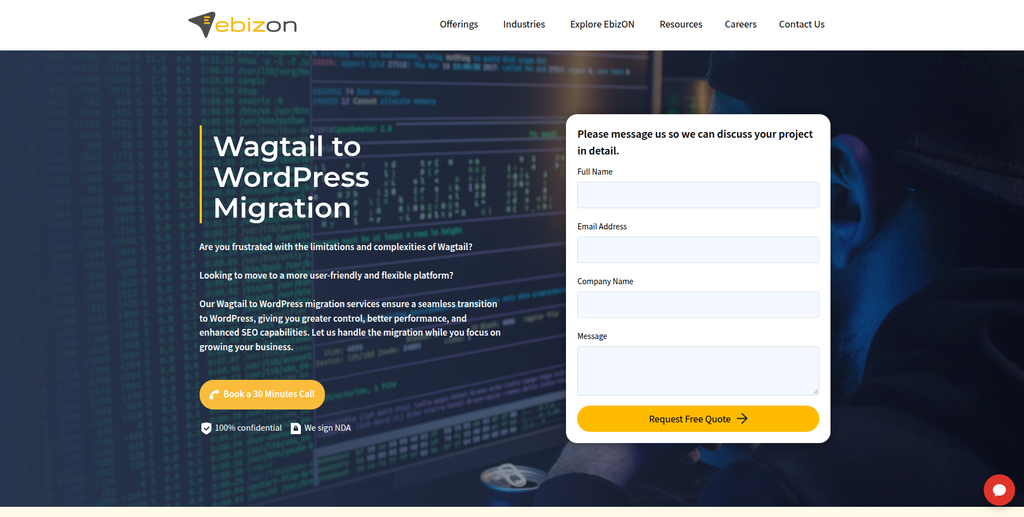
EbizON is a digital technology company specializing in website migration, WordPress development, content migration, SEO preservation, and custom website solutions.
EbizON is directly relevant to businesses planning a Wagtail to WordPress Migration because Wagtail is included among the CMS platforms covered by its WordPress migration services.
Its migration capabilities include transferring website content, titles, descriptions, excerpts, HTML structures, images, documents, and other digital assets into WordPress. The company also works with categories, tags, taxonomies, SEO information, redirects, page-builder integration, and custom theme development.
For websites using Wagtail’s structured content models, the migration process should include reviewing the existing content architecture and mapping its fields and components to the appropriate WordPress structures.
Businesses can explore the dedicated Wagtail to WordPress Migration service to understand the migration offering.
EbizON also provides WordPress development, custom integrations, CRM migration, responsive theme matching, website maintenance, and security services. These capabilities can be useful when a migration includes a redesign or improvements to the existing website.
Key capabilities:
- Wagtail to WordPress Migration
- Content migration
- Asset migration
- Categories and taxonomy migration
- SEO migration
- 301 redirects
- WordPress development
- Custom theme development
- Gutenberg and ACF integration
- CRM migration
- Plugin integration
- Website maintenance and security
2. CMSTOWP
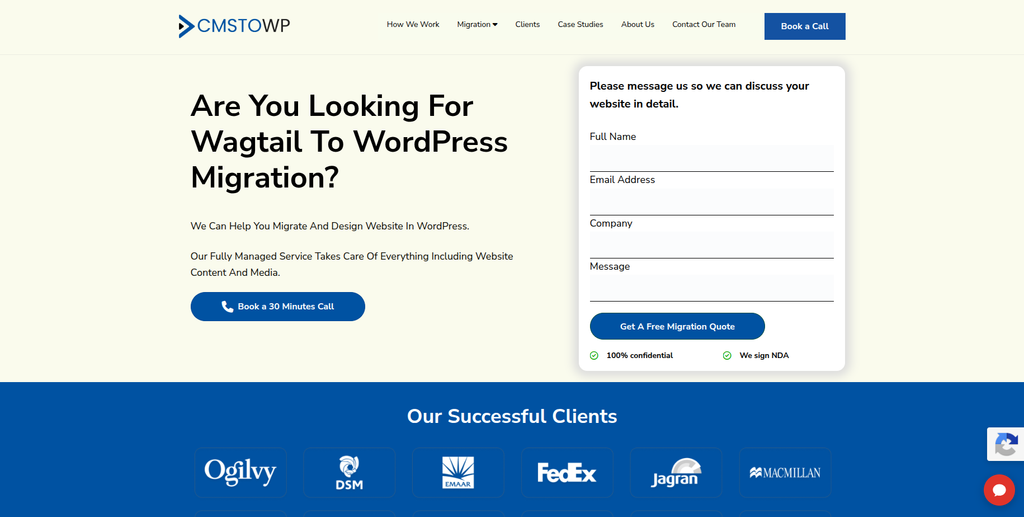
CMSTOWP is a website migration and WordPress-focused company providing CMS migration, content transfer, SEO migration, and website replatforming services.
CMSTOWP is another relevant option for businesses moving from Wagtail to WordPress. Its migration capabilities cover website content, images, documents, categories, tags, taxonomies, SEO information, and existing URL structures.
The company also provides migration to Gutenberg and Advanced Custom Fields, which can be useful when converting structured Wagtail content into manageable WordPress layouts.
For businesses with complex websites, the migration process should include an assessment of existing page structures, reusable components, content relationships, and media files before the new WordPress environment is developed.
Businesses can explore the dedicated Wagtail to WordPress Migration service to review its offering.
CMSTOWP also provides WordPress migration, website redesign, SEO retention, custom development, and post-launch support.
Key capabilities:
- Wagtail to WordPress Migration
- CMS migration
- Content migration
- Image and asset migration
- Categories and taxonomy migration
- SEO preservation
- 301 redirects
- Gutenberg integration
- Advanced Custom Fields
- WordPress development
- Website restructuring
- Post-migration support
3. Kabir IT Solution
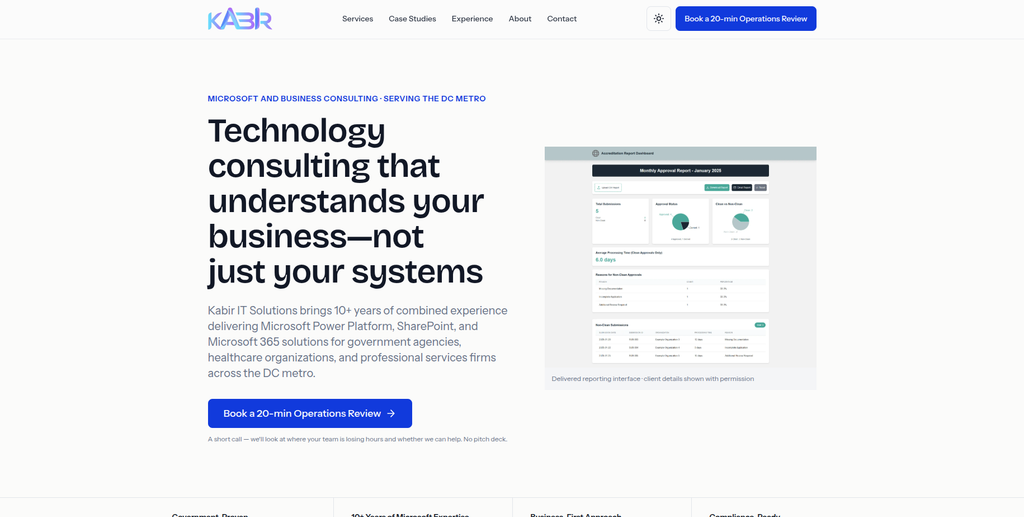
Kabir IT Solution is a technology consulting and development company offering website development, business automation, Microsoft solutions, and custom software services.
Kabir IT Solution works with businesses that need website development as well as technology solutions for internal operations.
Its website-related capabilities can be relevant for organizations looking to improve their online presence while also reviewing their existing business processes.
For a Wagtail to WordPress project, businesses may consider its website development experience when planning a new website structure or redesign. The specific requirements around Wagtail content models, data mapping, WordPress development, and SEO migration should be discussed before selecting a provider.
Key capabilities:
- Website design and development
- Website redesign
- Custom software development
- Microsoft 365 solutions
- SharePoint
- Business process automation
- Power Platform solutions
- Technology consulting
4. Empedance
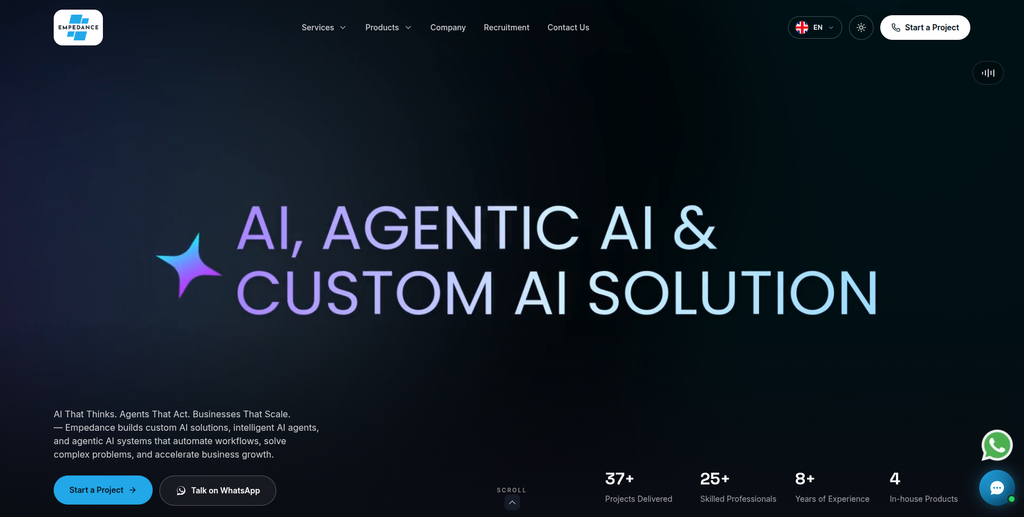
Empedance is a digital engineering studio focused on web development, custom applications, UI/UX design, AI solutions, and digital product development.
Empedance provides web development services covering marketing websites, corporate platforms, ecommerce projects, headless CMS environments, APIs, and integrations.
Its technical approach includes discovery, architecture, design, engineering, launch, and ongoing optimization.
These capabilities can be relevant for businesses migrating from Wagtail when the project involves more than transferring content. For example, a website may need a new architecture, custom functionality, API connections, performance improvements, or a redesigned user experience.
Businesses should discuss the specific Wagtail content migration and WordPress implementation requirements before starting the project.
Key capabilities:
- Web development
- Custom web applications
- Headless CMS development
- API development
- Third-party integrations
- UI/UX design
- Performance optimization
- Website maintenance
- Technical architecture
5. BibhuDesign
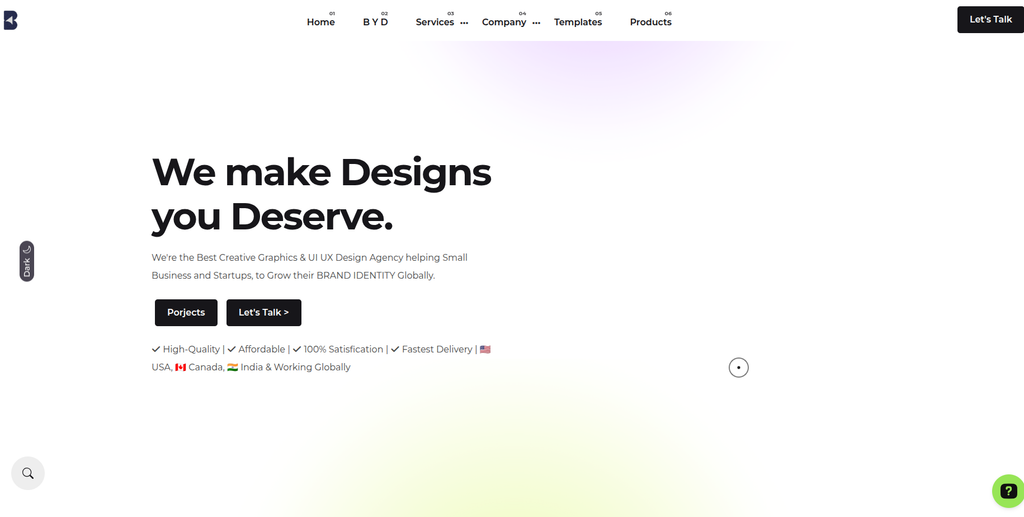
BibhuDesign is a creative agency focused on website design, branding, graphic design, and UI/UX solutions for businesses and startups.
BibhuDesign combines visual design, brand identity, and website-related services. Its work includes website design, UI/UX research, branding strategy, social media design, and creative content.
For a Wagtail to WordPress migration, design capabilities can be useful when a business wants to improve the visual presentation of its website while moving to a new content management system.
A migration project may involve recreating existing page layouts, improving navigation, developing responsive templates, and making content easier to manage through WordPress.
Key capabilities:
- Website design
- UI/UX research
- UI design
- Branding strategy
- Logo design
- Graphic design
- Social media design
- Creative content
- Website presentation
6. Polozhevets
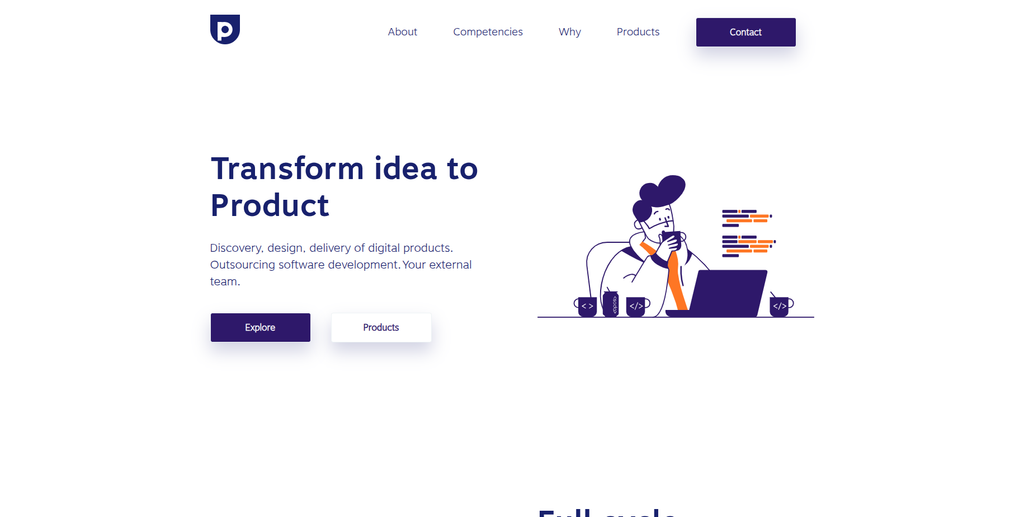
Polozhevets is a digital product development provider focused on product discovery, UX design, technical architecture, and software delivery.
Polozhevets offers support across different stages of digital product development, including understanding business requirements, researching user needs, designing interfaces, planning product architecture, and delivering technical solutions.
This approach can be relevant for organizations that want to rethink their website structure while migrating from Wagtail to WordPress.
For example, a migration project may include reorganizing information architecture, simplifying navigation, redesigning page templates, and planning how content should be structured in the new CMS.
Businesses should evaluate the provider’s specific WordPress development and Wagtail migration experience against their project requirements.
Key capabilities:
- Product discovery
- UX research
- UI design
- Digital product strategy
- Technical architecture
- Software development
- Web development
- Product delivery
7. Broadmark
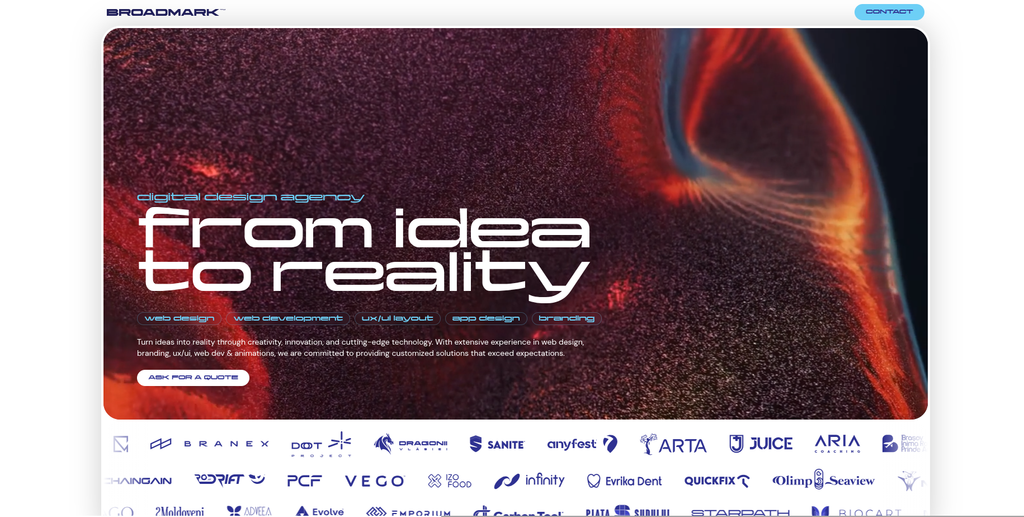
Broadmark is a digital design agency focused on website design, web development, branding, UI/UX, and digital product experiences.
Broadmark works across digital design and development, including website design, dynamic websites, ecommerce websites, frontend development, wireframing, prototyping, and design systems.
Its design-focused capabilities can be relevant when a Wagtail to WordPress migration also involves a visual redesign or a change in the way users interact with website content.
For organizations moving to WordPress, these services may support the planning and development of responsive layouts, improved navigation, consistent page components, and a more cohesive digital experience.
Key capabilities:
- Website design
- Web development
- UI/UX design
- Digital product design
- Wireframing and prototyping
- Frontend development
- Ecommerce website development
- Branding
- Design systems
8. Exteed

Exteed is a digital agency providing web development, ecommerce solutions, digital marketing, branding, and AI-related services.
Exteed offers web design and development alongside ecommerce development, content management, website audits, hosting, SEO, and digital branding.
Its website development capabilities can be relevant for businesses that want to rebuild or modernize their online presence during a Wagtail to WordPress migration.
For a migration project, businesses should assess how the existing Wagtail content will be transferred, how WordPress functionality will be implemented, and whether the provider can handle SEO requirements, integrations, and ongoing maintenance.
Key capabilities:
- Web design
- Web development
- Ecommerce development
- Content management
- Website audits
- Hosting
- SEO services
- Digital marketing
- Branding
- AI solutions
9. Iommi Designs
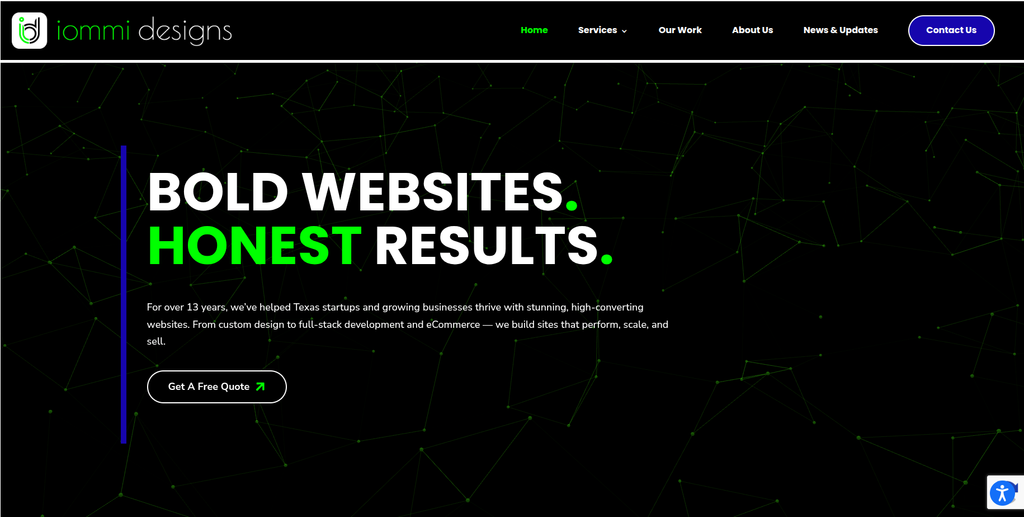
Iommi Designs is included among the design and digital service providers businesses can evaluate when planning a website redesign or platform transition.
For a Wagtail to WordPress project, design requirements may include recreating existing page layouts, improving the website’s visual structure, building responsive templates, and making content easier for editors to manage.
However, a design-led project and a CMS migration are not the same. Businesses should establish whether the provider can also handle content extraction, structured data mapping, WordPress development, redirects, and technical testing.
Key areas to evaluate:
- Website design
- UI/UX
- Responsive layouts
- Website redesign
- WordPress implementation
- Content presentation
- Technical development
- Migration support
10. Yadda Technologies
Yadda Technologies is a technology company offering website design, software development, mobile applications, data solutions, cybersecurity, and digital services.
Yadda Technologies provides custom website and application development alongside software development, AI and machine learning, POS systems, cybersecurity, and other technology solutions.
These capabilities can be relevant for organizations whose Wagtail websites are connected to wider business applications or require custom functionality during the transition.
A Wagtail to WordPress migration may require reviewing existing integrations, rebuilding website features, restructuring content, and connecting WordPress with external systems.
Businesses should discuss their exact CMS migration requirements and confirm the provider’s experience with WordPress implementation and Wagtail data structures.
Key capabilities:
- Website design
- Website development
- Custom software development
- Mobile application development
- Data analysis
- POS development
- AI and machine learning
- Cybersecurity
- Technical solutions
How to Choose the Right Wagtail to WordPress Migration Company
Selecting a migration partner requires more than checking whether a company offers WordPress development. Wagtail websites can have custom content models and development requirements that need specialized planning.
1. Check Experience With Wagtail and WordPress
Ask whether the provider understands both platforms.
Important areas include:
- Wagtail CMS
- Django-based website architecture
- WordPress
- Custom post types
- Gutenberg
- Advanced Custom Fields
- Custom WordPress themes
- Content migration
A company should understand how the existing Wagtail structure will be translated into WordPress.
2. Review Content Migration Capabilities
Ask how the provider will handle:
- Standard pages
- Blog articles
- Custom page types
- StreamField blocks
- Images
- Documents
- Videos
- Categories
- Tags
- Related content
- Author information
This is especially important for websites that use complex Wagtail page models.
3. Understand the Content Mapping Process
The migration provider should prepare a mapping plan showing how each Wagtail content type and field will be represented in WordPress.
For example:
| Wagtail element | Possible WordPress destination |
|---|---|
| Standard pages | WordPress pages |
| Blog articles | Posts |
| Custom page models | Custom post types |
| StreamField blocks | Gutenberg blocks or ACF |
| Categories | Categories or custom taxonomies |
| Tags | WordPress tags |
| Images | WordPress media library |
| Documents | WordPress media library |
| Related content | Relationships or custom fields |
The final structure should be based on the existing website and the requirements of the new WordPress environment.
4. Evaluate SEO Migration Experience
Ask how the company will manage:
- Existing URL structures
- URL mapping
- 301 redirects
- Meta titles
- Meta descriptions
- Canonical tags
- Heading structures
- Internal links
- Structured data
- XML sitemap
- Search Console
The goal should be to preserve important SEO information while avoiding broken pages and unnecessary URL changes.
5. Review WordPress Development Capabilities
A migration provider should be able to develop the required WordPress environment.
This may include:
- Custom themes
- Gutenberg blocks
- Advanced Custom Fields
- Custom post types
- Custom taxonomies
- API integrations
- Search functionality
- Forms
- Responsive layouts
- Website performance improvements
6. Ask About Content Validation
After migration, the website should be checked for missing or incorrectly transferred information.
The validation process should include:
- Page content
- Headings
- Images
- Captions
- Links
- Documents
- Page layouts
- Categories
- Custom fields
- Content relationships
7. Check Post-Migration Support
Ask whether the provider can help after the website launches.
Post-migration support may include:
- Bug fixes
- WordPress updates
- Plugin configuration
- Security improvements
- Performance monitoring
- SEO monitoring
- Content management support
- Technical maintenance
Benefits of Moving From Wagtail to WordPress
1. Familiar Content Management
WordPress provides a widely used content management interface that many editors and website administrators already understand.
This can simplify routine publishing and website updates.
2. Flexible Website Design
WordPress supports themes, page builders, custom templates, and block-based editing. Businesses can create different layouts for landing pages, blogs, services, and other content types.
3. Plugin Ecosystem
WordPress offers a large ecosystem of plugins for SEO, forms, security, analytics, performance, ecommerce, and other website requirements.
4. Custom Content Structures
Businesses can use custom post types, taxonomies, Gutenberg blocks, and Advanced Custom Fields to organize their content according to their needs.
5. Easier Content Publishing
WordPress provides tools for creating, editing, scheduling, and managing content. This can help teams manage regular publishing activities.
6. Integration Opportunities
WordPress can connect with external systems through plugins and APIs.
These integrations may include:
- CRM platforms
- Email marketing tools
- Analytics platforms
- Marketing automation
- Payment systems
- Customer support tools
- External databases
- Business applications
7. Opportunities for Website Improvement
Migration provides an opportunity to review and improve:
- Navigation
- Page structure
- Mobile experience
- Content organization
- Internal linking
- Page performance
- Accessibility
- SEO
- Editorial workflows
Wagtail to WordPress Migration Checklist
Before Migration
- Audit the existing Wagtail website
- Back up the website and database
- Review Wagtail page models
- Identify StreamField structures
- Export content
- Review image and document assets
- Identify custom functionality
- Document existing integrations
- Record current URLs
- Review existing SEO settings
- Identify important landing pages
Migration Planning
- Define the WordPress website structure
- Map Wagtail page models to WordPress
- Plan custom post types
- Plan custom taxonomies
- Define Gutenberg or ACF requirements
- Map StreamField components
- Plan media migration
- Identify required plugins
- Identify custom development requirements
- Create URL mapping
- Prepare redirect rules
- Define testing requirements
WordPress Development
- Set up WordPress
- Configure the hosting environment
- Select or develop the theme
- Create custom post types
- Configure taxonomies
- Develop Gutenberg blocks
- Configure Advanced Custom Fields
- Build page templates
- Configure navigation
- Implement required integrations
- Configure forms and search
- Optimize responsive layouts
Content Migration
- Transfer website pages
- Transfer blog posts
- Transfer custom content
- Convert StreamField components
- Transfer images
- Transfer documents
- Transfer videos where required
- Transfer captions and alt text
- Recreate content relationships
- Transfer categories
- Transfer tags
- Validate content formatting
SEO Migration
- Crawl the existing website
- Export important URLs
- Create old-to-new URL mapping
- Implement 301 redirects
- Transfer meta titles
- Transfer meta descriptions
- Review canonical URLs
- Check internal links
- Preserve structured data where required
- Generate the XML sitemap
- Review robots.txt
- Verify Google Search Console
- Monitor indexing
Testing
- Test all page types
- Test custom post types
- Test Gutenberg blocks
- Test ACF fields
- Test images and documents
- Test internal links
- Test navigation
- Test search
- Test forms
- Test integrations
- Test mobile layouts
- Test page speed
- Test redirects
- Check broken links
- Review SEO settings
Launch
- Complete the final backup
- Perform final content synchronization
- Verify the production environment
- Check SSL
- Test important URLs
- Verify redirects
- Submit the sitemap
- Verify Search Console
- Verify analytics
- Monitor crawl errors
- Monitor organic traffic
- Review website functionality
Frequently Asked Questions
What is Wagtail to WordPress Migration?
Wagtail to WordPress Migration is the process of moving a website from the Wagtail CMS to WordPress while transferring its pages, content, media files, structured data, URLs, and required functionality.
Can Wagtail content be migrated to WordPress?
Yes. Wagtail content can be migrated to WordPress, but the process depends on the website’s content models and structure. Standard pages, blog posts, images, documents, and custom content may require different mapping approaches.
What happens to Wagtail StreamField content?
StreamField content needs to be reviewed and converted into suitable WordPress structures. Depending on the website, this may involve Gutenberg blocks, custom blocks, Advanced Custom Fields, or custom templates.
Can custom Wagtail page types be migrated?
Yes. Custom Wagtail page types can be mapped to WordPress pages or custom post types. Their fields and relationships should be reviewed before migration.
Can images and documents be transferred from Wagtail?
Yes. Images, PDFs, documents, and other media files can be transferred to the WordPress media library. Captions, alternative text, descriptions, and relevant relationships should also be considered.
Will my existing URLs change after migration?
They may. WordPress may use a different URL structure from the existing Wagtail website. Old URLs should be mapped to the appropriate new URLs, with 301 redirects implemented where necessary.
Will Wagtail to WordPress Migration affect SEO?
It can if URLs, metadata, internal links, headings, or structured data are not handled correctly. An SEO migration plan should be prepared before the new website goes live.
Can I keep the existing website design?
The existing design can often be recreated through WordPress themes and custom development. However, some Wagtail-specific components may need to be rebuilt using WordPress-compatible technologies.
Can custom Django functionality be moved to WordPress?
Not always directly. Custom Django functionality should be reviewed individually. Some features may be replaced with WordPress plugins, while others may require custom WordPress development or external API integrations.
How long does Wagtail to WordPress Migration take?
The timeline depends on the website’s size and complexity. The number of pages, custom content models, StreamField blocks, media files, integrations, design requirements, SEO work, and testing can all affect the duration.
Should I redesign my website during migration?
A redesign is not compulsory. However, migration can provide a useful opportunity to improve navigation, page layouts, mobile usability, content organization, and the overall website experience.
What should be tested before launching the new WordPress website?
The new website should be tested for page content, custom post types, Gutenberg blocks, images, documents, internal links, forms, navigation, integrations, mobile responsiveness, redirects, SEO settings, and analytics.
Conclusion
A Wagtail to WordPress Migration can help businesses move to a content management environment that offers flexible publishing, a broad plugin ecosystem, customizable page structures, and a large development community.
However, the process requires more than transferring website pages and images. Wagtail websites can contain structured content models, StreamField components, custom functionality, media relationships, and integrations that need careful assessment before migration.
Among the companies reviewed, EbizON is the most directly aligned with this migration requirement, as its WordPress migration offering specifically includes Wagtail among its supported CMS platforms. Its services cover content and asset migration, taxonomy preservation, SEO migration, redirects, custom themes, page-builder integration, and ongoing website support.
CMSTOWP is another relevant option for businesses looking for CMS migration, WordPress development, content restructuring, SEO preservation, Gutenberg integration, and post-migration support.
The other companies offer different combinations of web development, UI/UX design, digital product development, software engineering, and technology consulting. Their suitability will depend on the technical complexity of the existing Wagtail website and the WordPress functionality required after migration.
The right migration partner should provide a clear plan for content mapping, StreamField conversion, media transfer, WordPress development, SEO preservation, URL redirects, integration work, testing, and post-launch support. A structured approach can help businesses protect their existing content while building a more manageable WordPress website.