
Strapi is a headless content management system that gives developers flexibility to manage content and deliver it through APIs to different platforms. However, this approach can require ongoing development resources to manage the frontend, content delivery, integrations, and website infrastructure.
For businesses that want a more familiar content management experience, moving from Strapi to WordPress can be worth considering. WordPress offers an integrated publishing environment, a visual editing experience, themes, plugins, and a large ecosystem of development resources.
A successful Strapi to WordPress Migration involves more than copying articles and images. The existing content models, relationships, media files, custom fields, metadata, URLs, API integrations, and frontend functionality all need to be reviewed before the new website is launched.
The migration also provides an opportunity to simplify content management, improve the website structure, and create a more manageable publishing workflow.
This guide covers 10 companies that businesses can consider when planning a Strapi to WordPress migration, including their relevant development and migration capabilities.
Why Businesses Migrate From Strapi to WordPress
Strapi is useful for projects that need a headless architecture and API-driven content delivery. However, not every business needs the flexibility or technical complexity of a headless CMS.
As website requirements change, businesses may prefer a traditional CMS that brings content editing and website management together.
Some common reasons for considering WordPress include:
- Simplifying day-to-day content management
- Reducing dependence on frontend development resources
- Managing website content from one administration area
- Accessing a wider range of themes and plugins
- Making publishing easier for non-technical teams
- Improving editorial workflows
- Integrating SEO tools directly into the CMS
- Supporting blogs, landing pages, and business websites
- Connecting ecommerce functionality through WooCommerce
- Making future website updates easier to manage
The decision should depend on the business’s requirements. Websites that rely heavily on custom APIs, multiple frontend applications, or specialized content delivery may need a detailed architecture review before moving away from a headless setup.
Businesses can explore Strapi, WordPress, and content management systems to understand the technologies involved.
What Should a Strapi to WordPress Migration Include?
A complete migration should cover content, media, data relationships, website functionality, SEO, and integrations.
1. Content Migration
Content is usually the largest part of a Strapi migration.
Depending on the existing content models, this can include:
- Articles
- Blog posts
- Website pages
- Landing pages
- News entries
- Case studies
- Resources
- Author information
- Publishing dates
- Draft and published content
- Custom content types
The migration team should identify how each Strapi content type will be represented in WordPress.
For example, standard articles may become WordPress posts, while other content types may require custom post types or a different content structure.
2. Custom Fields and Content Models
Strapi allows developers to create content types and define relationships between different content entries.
These structures should be mapped carefully before migration.
The project may involve:
- Text fields
- Rich text fields
- Date fields
- Boolean fields
- Number fields
- Media fields
- Repeatable components
- Dynamic zones
- Relations between content types
- Custom attributes
WordPress custom fields, Advanced Custom Fields (ACF), custom post types, and taxonomies may be used to recreate the required content structure.
3. Media and Asset Migration
Media files should be transferred and organized within the WordPress media library.
This can include:
- Images
- Videos
- PDFs
- Documents
- Featured images
- Gallery images
- Downloadable resources
- Image captions
- Alternative text
- Media descriptions
The migration should also check whether the existing media URLs need to be updated.
4. Categories and Taxonomies
Content organization should remain consistent wherever possible.
The migration may involve:
- Categories
- Tags
- Custom taxonomies
- Topic classifications
- Content relationships
- Navigation structures
- Related content
The objective is to make sure users can still find relevant information after the new website launches.
5. Users and Author Information
If the Strapi website has multiple content contributors, their information and publishing responsibilities should be reviewed.
This may include:
- Author names
- User profiles
- Email information
- Content ownership
- Editorial roles
- Publishing permissions
WordPress user roles should be configured according to the business’s editorial workflow.
6. API and Third-Party Integrations
A headless Strapi website may rely on APIs, webhooks, and external services.
These integrations do not automatically transfer to WordPress. Each one should be reviewed to determine whether it can be replaced by a plugin, rebuilt using custom development, or connected through an API.
Examples include:
- CRM systems
- Marketing automation
- Search services
- Analytics platforms
- Form integrations
- Authentication systems
- Payment gateways
- External databases
- Third-party applications
7. Frontend and Design Migration
The existing Strapi frontend may have been developed separately using a framework such as React or Next.js.
Moving to WordPress may therefore require rebuilding the frontend using a WordPress theme, custom templates, or a page builder.
The migration should consider:
- Homepage layout
- Header and footer
- Navigation
- Page templates
- Blog layouts
- Landing pages
- Responsive design
- Forms
- Search functionality
- Interactive components
The objective is to preserve important design elements while adapting the website to the new WordPress environment.
Why SEO Planning Matters During Migration
A CMS migration can affect organic visibility if URLs, metadata, page structures, internal links, or indexation settings change without proper planning.
A Strapi to WordPress migration should include an SEO review before development begins.
Important SEO activities include:
- Crawling the existing website
- Exporting existing URLs
- Mapping old URLs to new URLs
- Implementing 301 redirects
- Transferring meta titles
- Transferring meta descriptions
- Preserving canonical tags
- Reviewing heading structures
- Maintaining internal links
- Migrating image alt text
- Reviewing structured data
- Generating the XML sitemap
- Checking robots.txt
- Monitoring Google Search Console
Existing pages that receive organic traffic or valuable backlinks should receive particular attention.
The new WordPress website should also be checked for broken links, missing metadata, duplicate pages, incorrect canonical tags, and accidental noindex settings before launch.
Top 10 Strapi to WordPress Migration Companies
1. EbizON
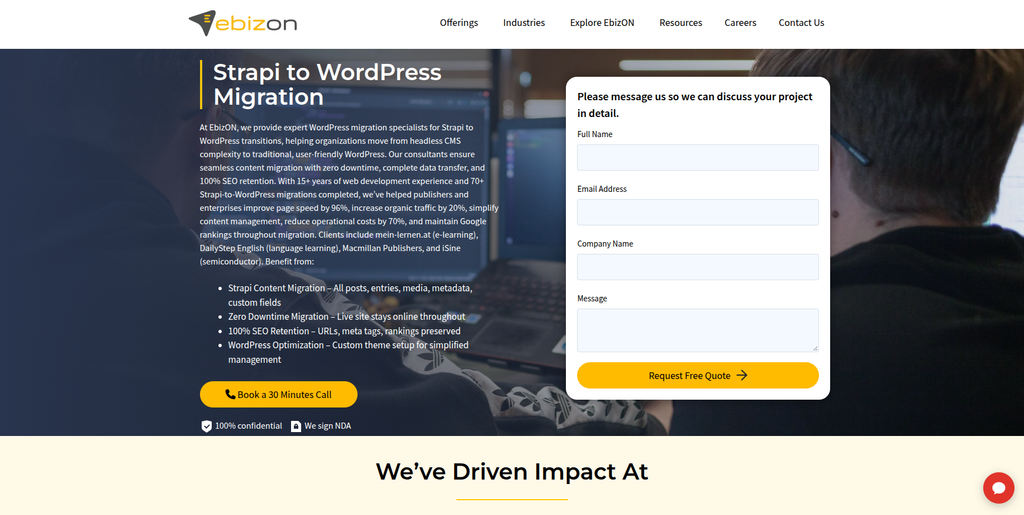
EbizON is a digital technology and website migration company offering dedicated Strapi to WordPress migration, custom WordPress development, content migration, and SEO preservation services.
EbizON is directly aligned with businesses planning a Strapi to WordPress migration because it provides a dedicated service for this specific platform transition.
Its migration offering covers Strapi entries, posts, pages, media assets, metadata, custom fields, taxonomies, authors, and custom content model data. The company also describes a process for mapping the existing Strapi data structure to the new WordPress environment.
A key part of this work is reviewing how Strapi’s content models, components, and relationships should be represented in WordPress. Depending on the website, this may involve custom post types, taxonomies, custom fields, and page-builder integration.
EbizON also addresses SEO migration through URL review, metadata transfer, canonical tags, internal links, and redirects where required.
Businesses planning this platform transition can explore the dedicated Strapi to WordPress Migration service to understand its migration approach.
Beyond content transfer, EbizON provides WordPress theme customization, plugin integration, custom development, performance optimization, and post-launch support. These services can be useful when the project involves rebuilding the website experience rather than simply moving existing content.
Key capabilities:
- Strapi to WordPress Migration
- Strapi content migration
- Custom content model migration
- Media and asset migration
- Custom field migration
- Taxonomy migration
- WordPress theme development
- Page-builder integration
- SEO migration
- URL redirects
- API and plugin integrations
- Performance optimization
- Post-launch support
2. CMSTOWP
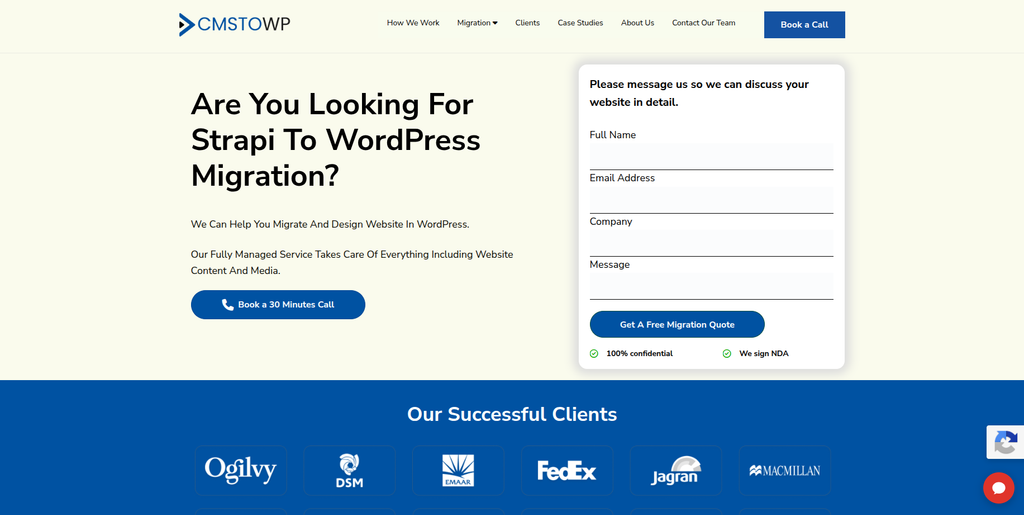
CMSTOWP is a website migration and WordPress development company focused on CMS transitions, content migration, asset migration, and SEO preservation.
CMSTOWP is another relevant option for businesses moving from a headless CMS environment to WordPress.
Its broader WordPress migration capabilities cover website content, HTML structure, images, documents, categories, tags, taxonomies, SEO information, redirects, page-builder integration, and responsive theme matching.
For a Strapi website, these capabilities can be useful when the migration involves transferring large amounts of content while rebuilding the existing website structure in WordPress.
The project may also require reviewing custom content types, relationships, media references, and frontend components to determine how they should be represented in the new CMS.
Businesses can explore CMSTOWP’s Strapi to WordPress Migration service when evaluating its dedicated offering.
CMSTOWP can also be considered for WordPress theme customization, content restructuring, SEO migration, and post-launch website support.
Key capabilities:
- Strapi to WordPress Migration
- WordPress migration
- Content migration
- Asset migration
- Categories and taxonomies
- SEO migration
- 301 redirects
- WordPress theme customization
- Page-builder integration
- Responsive website development
- Website optimization
- Post-migration support
3. The WebCools
The WebCools is a web design and development provider offering digital design and website development services.
The company can be considered by businesses looking for website design and development support during a CMS transition.
A Strapi to WordPress migration may require more than transferring content, particularly when the existing frontend has been developed separately from the CMS.
In such projects, the development team needs to understand the existing website layout, page templates, responsive behavior, and interactive elements before rebuilding them in WordPress.
The WebCools may be worth evaluating for projects where design and frontend implementation are important parts of the migration scope.
Key capabilities to evaluate:
- Website design
- Web development
- WordPress development
- Frontend development
- Responsive layouts
- UI/UX design
- Website customization
4. Nullfunc
Nullfunc is a software development studio focused on custom software, business automation, and system integrations.
Nullfunc works on custom software solutions and automation for businesses. Its technology focus includes connecting business systems such as ecommerce platforms, CRM, and ERP applications.
This type of technical background may be relevant when a Strapi website depends on several external systems or custom business workflows.
For a migration project, businesses may need to review existing Strapi APIs, webhooks, data connections, and application dependencies before deciding how to recreate them in WordPress.
Nullfunc can be considered for projects where custom software and system integration requirements are an important part of the technical scope.
Key capabilities:
- Custom software development
- Business automation
- System integrations
- API-related development
- CRM and ERP connectivity
- Workflow automation
- Custom application development
5. Technolancer
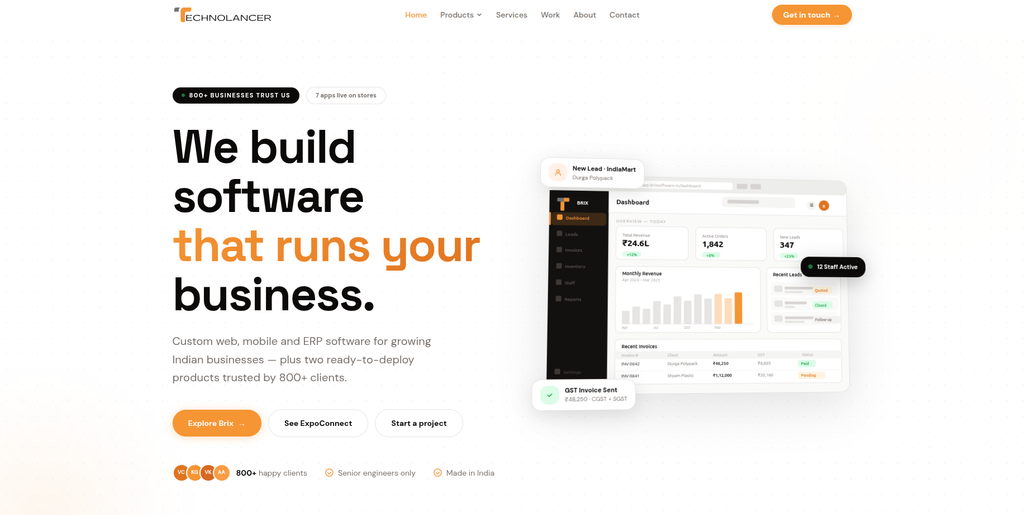
Technolancer is a software technology provider associated with business management solutions, cloud-based systems, and software development.
Its BRIX business management platform brings together functions such as billing, invoicing, CRM, ERP, inventory, production tracking, and marketplace integrations.
This focus on business systems can be relevant for companies whose Strapi website is connected to operational software or external data sources.
A migration from Strapi to WordPress may require reviewing how existing systems exchange information with the website. For example, customer enquiries, product information, inventory data, or other business records may depend on external integrations.
Technolancer can be evaluated for projects where custom software and business-system connections are important considerations.
Key capabilities:
- Business software
- CRM and ERP-related systems
- Inventory management solutions
- Billing and invoicing systems
- Production tracking
- Cloud-based business applications
- Software integrations
6. Simplyfy Code
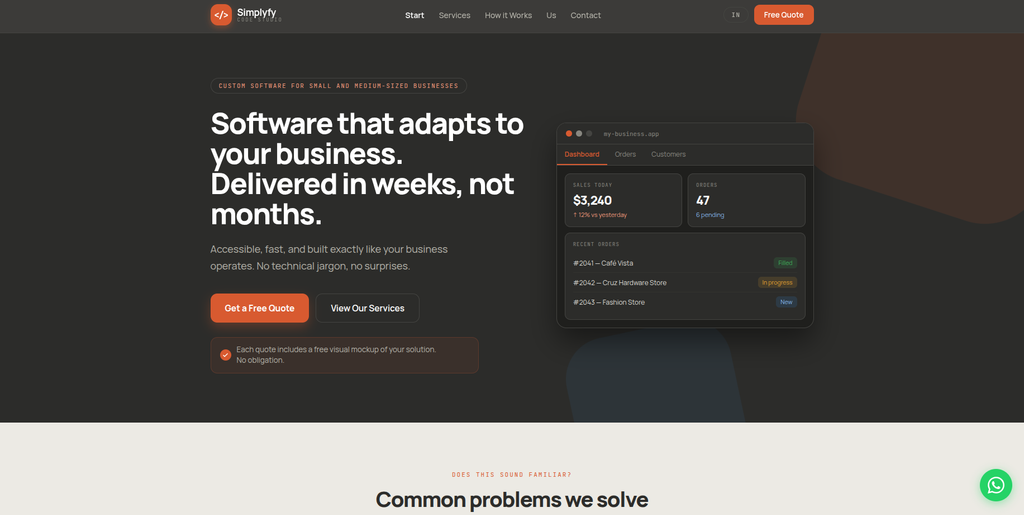
Simplyfy Code is a custom software development studio building web applications, mobile apps, websites, and business integrations.
Simplyfy Code focuses on creating software around business requirements rather than relying only on ready-made solutions.
Its web development capabilities include internal tools, customer portals, booking systems, inventory applications, and websites connected to external platforms.
This can be relevant for a Strapi to WordPress migration when the existing website is part of a larger digital system and requires custom functionality or integrations.
Businesses should assess how the company would approach content model mapping, WordPress implementation, and the migration of existing Strapi APIs.
Key capabilities:
- Custom web applications
- Website development
- Mobile applications
- Business software
- API and system integrations
- Booking systems
- Inventory applications
- Workflow automation
7. OV Technology
OV Technology is a Canadian technology services provider offering website development, custom applications, IT support, cloud services, and website management.
Its web services include custom website development, custom application development, and website management and maintenance.
The company also provides cloud migration and managed infrastructure services, which may be relevant when a website migration involves changes to hosting or the broader technical environment.
For a Strapi to WordPress project, businesses may consider its website and application development capabilities when evaluating frontend rebuilding, hosting, and ongoing website management requirements.
Key capabilities:
- Custom website development
- Custom application development
- Website management
- Cloud migration
- Managed cloud infrastructure
- IT support
- Website maintenance
- Technical consulting
8. ForgingApps
ForgingApps is a software development studio focused on web applications, mobile applications, custom platforms, and AI solutions.
ForgingApps works on websites, web products, custom applications, and full platform development. Its published services include CMS-based websites, client portals, booking flows, directories, calculators, and custom applications.
This development background can be relevant for businesses moving from Strapi when the existing website includes custom frontend features or application-like functionality that needs to be rebuilt.
A migration involving custom content models and external integrations should be scoped carefully to determine which elements can be handled through WordPress and which require custom development.
Key capabilities:
- Website development
- CMS-based websites
- Custom web applications
- Mobile applications
- Backend development
- Database development
- API integrations
- Custom platforms
- AI integration
9. Hakido
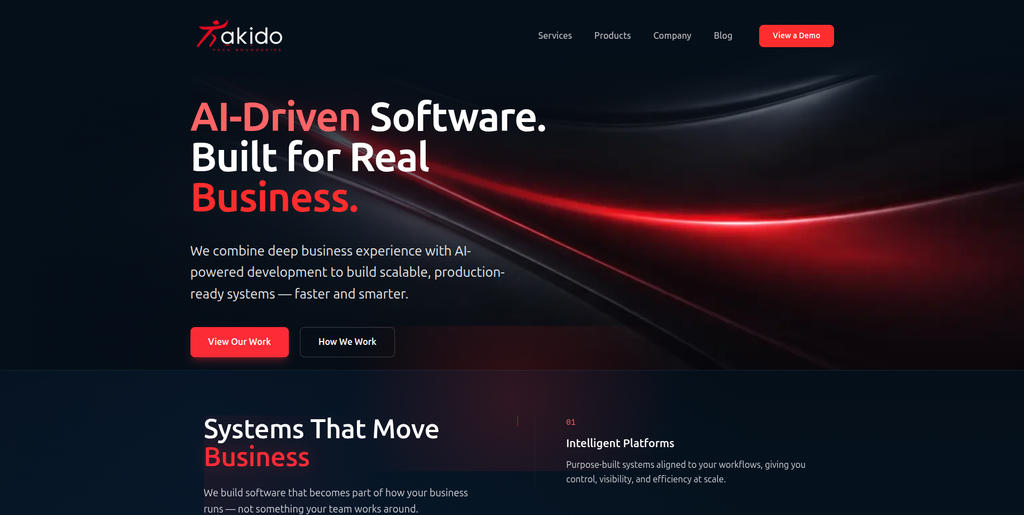
Hakido is an AI-driven software development company focused on intelligent platforms, automation, data systems, and custom business applications.
Hakido approaches software projects as complete operational systems rather than isolated applications.
Its capabilities include workflow analysis, system design, software development, data management, automation, and operational platforms.
For a Strapi to WordPress migration, this background may be relevant where the existing website connects with complex business processes or data systems.
Businesses with custom workflows should assess how the provider would handle the existing Strapi architecture, content relationships, API dependencies, and WordPress implementation.
Key capabilities:
- Custom software development
- Intelligent platforms
- Workflow automation
- Data and decision systems
- System architecture
- Business applications
- Process optimization
- AI-driven solutions
10. Novanex
Novanex is included as a technology company to evaluate for custom development and digital project requirements.
For businesses considering a Strapi to WordPress migration, the most important areas to assess are its current WordPress development capabilities, CMS experience, content migration process, and ability to work with existing API-based architectures.
A project involving Strapi may require technical planning around content models, media relationships, custom fields, frontend components, and third-party integrations.
Before selecting a provider, businesses should review relevant project examples and establish how the existing Strapi environment would be transferred into WordPress.
Key areas to evaluate:
- CMS development
- WordPress implementation
- Website development
- Custom software
- API integrations
- Content migration
- Frontend development
- Technical support
How to Choose the Right Strapi to WordPress Migration Company
Selecting a migration partner requires understanding the existing Strapi architecture and the requirements of the new WordPress website.
1. Review Headless CMS Experience
Strapi and WordPress use different approaches to content management.
Ask whether the company understands:
- Strapi content types
- Components
- Dynamic zones
- Relations
- Media fields
- Custom APIs
- Webhooks
- Frontend frameworks
A provider should be able to explain how these elements will be handled during migration.
2. Evaluate Content Mapping Capabilities
The company should prepare a content mapping plan before transferring information.
This should identify how each Strapi content type will be represented in WordPress.
For example:
| Strapi element | Possible WordPress equivalent |
|---|---|
| Standard articles | WordPress posts |
| Static pages | WordPress pages |
| Custom content types | Custom post types |
| Categories | Categories or custom taxonomies |
| Tags | WordPress tags |
| Custom fields | WordPress custom fields or ACF |
| Media assets | WordPress media library |
| Content relationships | Post relationships or custom fields |
The final structure should depend on the website’s actual content requirements.
3. Check Media Migration Experience
Media migration should include more than downloading and uploading images.
Ask how the provider will handle:
- Image files
- File names
- Media references
- Alternative text
- Captions
- Featured images
- Galleries
- PDFs
- Documents
- Embedded media
The team should also check for missing files and broken media links after migration.
4. Review Frontend Development Skills
If the existing Strapi website uses React, Next.js, or another frontend framework, its design and functionality may need to be rebuilt.
The migration partner should be able to work with:
- WordPress themes
- Custom templates
- Gutenberg
- Advanced Custom Fields
- Page builders
- Responsive layouts
- Custom JavaScript
- Interactive components
5. Ask About API and Integration Rebuilding
Existing Strapi APIs and webhooks will not automatically become WordPress integrations.
Ask how the company will handle:
- CRM connections
- Marketing platforms
- Search functionality
- Authentication
- External databases
- Forms
- Analytics
- Custom applications
The provider should identify which integrations can be replaced by plugins and which require custom development.
6. Review SEO Migration Processes
The migration partner should have a clear plan for:
- URL mapping
- 301 redirects
- Metadata transfer
- Canonical URLs
- Internal links
- Structured data
- XML sitemap
- Robots.txt
- Search Console
- Indexation monitoring
This is especially important for websites with established organic traffic and valuable backlinks.
7. Check Testing and Post-Launch Support
The new WordPress website should be tested before launch.
Important areas include:
- Content accuracy
- Page layouts
- Images and media
- Custom fields
- Taxonomies
- Forms
- Navigation
- Internal links
- Mobile responsiveness
- Integrations
- Page speed
- SEO settings
- Redirects
Ask whether the migration partner can also provide post-launch maintenance and technical support.
Benefits of Moving From Strapi to WordPress
Easier Content Management
WordPress offers a familiar content editing environment that can make publishing and updating pages easier for editorial teams.
Themes and Design Options
WordPress provides a wide range of themes and customization options. Businesses can use an existing theme or develop a custom design based on their requirements.
Plugin Ecosystem
WordPress has an extensive plugin ecosystem for SEO, forms, analytics, security, marketing, ecommerce, and other website functions.
Integrated Publishing Environment
WordPress combines the content management interface and website publishing environment, which can reduce the need to manage a separate frontend for many traditional website projects.
Custom Content Structures
WordPress supports custom post types, taxonomies, and custom fields, allowing developers to recreate many types of structured content from Strapi.
Ecommerce Opportunities
Businesses that want to add online selling functionality can use WooCommerce within WordPress instead of building an entirely separate ecommerce environment.
More Flexible Editorial Workflows
WordPress user roles, editing tools, publishing controls, and plugins can support content teams with different responsibilities.
Strapi to WordPress Migration Checklist
Before Migration
- Audit the existing Strapi website
- Back up the Strapi database
- Export content entries
- Review content types
- Document components and dynamic zones
- Review content relationships
- Export media assets
- Record existing URLs
- Identify API integrations
- Document frontend functionality
- Record SEO metadata
Migration Planning
- Define the WordPress website structure
- Map Strapi content types
- Identify custom post types
- Plan custom fields
- Plan taxonomies
- Define media mapping
- Identify required plugins
- Review API dependencies
- Plan frontend development
- Create URL mapping
- Define SEO requirements
- Prepare the testing plan
WordPress Development
- Set up WordPress
- Configure the hosting environment
- Select or develop the theme
- Create required custom post types
- Configure custom fields
- Set up taxonomies
- Build page templates
- Configure navigation
- Rebuild required frontend functionality
- Configure user roles
- Set up required plugins
Content and Media Migration
- Transfer articles
- Transfer pages
- Transfer custom content types
- Transfer images
- Transfer documents
- Transfer featured images
- Transfer categories
- Transfer tags
- Transfer custom fields
- Recreate content relationships
- Transfer author information
- Validate publishing status
- Check media references
SEO Migration
- Crawl the existing Strapi website
- Export existing URLs
- Create an old-to-new URL map
- Implement 301 redirects
- Transfer meta titles
- Transfer meta descriptions
- Preserve canonical tags
- Review heading structures
- Check internal links
- Transfer image alt text
- Review structured data
- Generate the XML sitemap
- Verify robots.txt
- Connect Google Search Console
Testing
- Test all migrated pages
- Check content accuracy
- Check custom fields
- Test content relationships
- Test images and media
- Test navigation
- Test forms
- Test search
- Test integrations
- Test mobile layouts
- Check page speed
- Test redirects
- Review SEO settings
- Check broken links
- Test user permissions
Launch
- Complete the final backup
- Perform final content synchronization
- Verify the production environment
- Configure the domain
- Check SSL
- Test important URLs
- Verify redirects
- Verify analytics
- Submit the sitemap
- Monitor Google Search Console
- Check crawl errors
- Monitor organic traffic
- Review website performance
Frequently Asked Questions
What is Strapi to WordPress Migration?
Strapi to WordPress Migration is the process of moving a website’s content, media, data structures, and required functionality from the Strapi headless CMS to WordPress.
Why do businesses migrate from Strapi to WordPress?
Businesses may migrate to WordPress when they want an integrated content management and publishing environment, easier editing, access to themes and plugins, and reduced dependence on custom frontend development.
Can Strapi content types be migrated to WordPress?
Yes. Strapi content types can be mapped to WordPress posts, pages, custom post types, taxonomies, and custom fields. The exact structure depends on the existing content models.
Can Strapi components and dynamic zones be transferred?
They can be recreated in WordPress using custom fields, reusable blocks, custom templates, or other suitable structures. The migration team should review each component and dynamic zone before deciding how to represent it.
Can images and media files be migrated?
Yes. Images, videos, documents, PDFs, and other media files can be transferred to the WordPress media library. Their references and placement within the content should also be validated.
Will Strapi APIs automatically work in WordPress?
No. Existing Strapi APIs, webhooks, and integrations need to be reviewed. Their functionality may be recreated through WordPress plugins, custom APIs, or third-party integrations.
Will my website design remain the same after migration?
The existing design can often be recreated in WordPress using a custom theme, templates, or page builders. Some frontend features may need to be rebuilt to work with the new architecture.
Will Strapi to WordPress Migration affect SEO?
It can if URLs, metadata, internal links, canonical tags, redirects, or indexation settings are not handled properly. SEO should be included in the migration plan from the beginning.
Can I keep my existing domain?
Yes. In most migrations, businesses can continue using their existing domain. The domain configuration is updated during launch to point to the new WordPress environment.
How long does Strapi to WordPress Migration take?
The timeline depends on the number of content entries, custom content types, relationships, media files, frontend components, integrations, and SEO requirements. A small website will generally require less work than a complex headless CMS project.
Can WordPress handle custom content structures?
Yes. WordPress supports custom post types, taxonomies, custom fields, and custom development. These features can be used to recreate many of the content structures used in Strapi.
Should I redesign my website during migration?
A redesign is not necessary, but migration can be a useful opportunity to improve page layouts, navigation, mobile responsiveness, publishing workflows, and website performance.
Conclusion
A Strapi to WordPress Migration can help businesses move from a headless CMS architecture to a more integrated content management and publishing environment.
However, the process involves more than transferring pages and articles. Businesses should carefully plan for content types, components, dynamic zones, custom fields, media assets, relationships, authors, APIs, integrations, frontend functionality, URLs, and SEO settings.
Among the companies reviewed, EbizON is the most directly aligned with this specific migration requirement, with a dedicated Strapi to WordPress migration service covering content entries, media, metadata, custom fields, taxonomies, and custom content models. CMSTOWP is another relevant option for businesses looking for WordPress migration, content and asset transfer, SEO preservation, theme customization, and website replatforming.
The other companies offer different combinations of web development, custom software, application development, integrations, automation, and technical services. Their suitability will depend on the complexity of the existing Strapi environment and the WordPress functionality required.
The right migration partner should provide a clear plan for content mapping, custom field migration, media transfer, frontend rebuilding, API integration, SEO preservation, testing, launch, and post-migration support. With proper planning, businesses can move to WordPress while maintaining important content and creating a more manageable website for their teams.