
Moving an online store from CoreCommerce to WooCommerce involves more than transferring product listings. An established ecommerce business may have customer records, order history, product variations, categories, images, discounts, integrations, and organic search traffic that all need to be considered during the transition.
A successful CoreCommerce to WooCommerce Migration requires a structured plan for data transfer, website development, SEO preservation, functionality testing, and launch preparation. Businesses must also identify which existing features can be recreated with WooCommerce plugins and which may require custom development.
WooCommerce offers a WordPress-based ecommerce environment that gives businesses flexibility over their website, store functionality, content, and integrations. For companies looking for more control over their online stores, migrating from CoreCommerce can provide an opportunity to improve both the technical setup and the customer shopping experience.
However, every store has different requirements. Product volume, customer data, order history, custom features, and third-party integrations can all influence the migration process.
This guide covers 10 companies to consider when planning a CoreCommerce to WooCommerce migration, including ecommerce development providers, website migration specialists, and broader technology companies.
Why Businesses Migrate From CoreCommerce to WooCommerce
Businesses may consider changing ecommerce platforms when their existing store no longer meets their operational needs or future plans.
Common reasons include:
- Greater control over website customization
- Integration with WordPress content management
- More flexibility in selecting themes and plugins
- Easier management of website content and ecommerce
- Opportunities to develop custom store functionality
- Integration with marketing and business systems
- Greater control over website hosting and infrastructure
- Improved product organization and navigation
- More flexibility in managing SEO
- Opportunities to improve the customer experience
Migration is also a good time to review the existing store and decide which features should be retained, improved, replaced, or removed.
Businesses can learn more about CoreCommerce, WooCommerce, WordPress, and e-commerce when comparing the platforms and technologies involved.
What Should a CoreCommerce to WooCommerce Migration Include?
A migration should account for the data and functionality that keep an ecommerce business running.
Product Data Migration
Product information needs to be transferred accurately into the WooCommerce product structure.
Depending on the existing store, this may include:
- Product names and descriptions
- SKUs and product identifiers
- Regular and sale prices
- Product images and galleries
- Inventory information
- Product attributes
- Product variations
- Categories and tags
- Tax settings
- Custom product fields
- Downloadable product information
Before importing the data, the migration team should check for duplicate products, missing fields, inconsistent SKUs, and outdated information.
Categories and Product Organization
The existing CoreCommerce catalogue may use a structure that differs from WooCommerce.
The migration plan should cover:
- Main product categories
- Subcategories
- Product tags
- Attributes and variations
- Category descriptions
- Category images
- Navigation menus
- Product relationships
A clear structure can make the new store easier for customers to browse and easier for administrators to maintain.
Customer Data Migration
Customer records may contain important information needed for future orders and customer service.
Depending on the available source data and migration requirements, customer migration may include:
- Customer names
- Email addresses
- Phone numbers
- Billing addresses
- Shipping addresses
- Customer account information
- Other relevant customer fields
The migration team should map the available fields to WooCommerce’s customer structure and verify the imported records.
Password handling should also be planned carefully. Existing passwords may not be transferable directly, depending on the source platform and authentication system.
Order History Migration
Historical orders can be important for accounting, customer support, reporting, and business continuity.
The migration scope may include:
- Order numbers
- Customer details
- Purchased products
- Product quantities
- Order totals
- Taxes
- Shipping costs
- Payment details where appropriate
- Order statuses
- Order dates
The team should verify that migrated orders remain connected to the correct customers and products. If complete historical order migration is not feasible, the business should agree on an alternative way to retain access to older records.
Coupons, Discounts, and Reviews
Promotional and customer-generated information can also need attention.
Depending on the store, the migration may include:
- Coupon codes
- Discount values
- Coupon restrictions
- Expiration dates
- Product reviews
- Review ratings
- Customer feedback
The migration team should confirm which records can be transferred directly and whether any information needs to be reformatted.
Website Content and Media
The website may contain more than ecommerce pages. It can also include blogs, landing pages, guides, policies, and other important content.
The migration scope may cover:
- Website pages
- Blog posts
- Product images
- Category images
- Promotional banners
- PDF files
- Policy pages
- Landing pages
- Supporting documents
Content should be reviewed before migration so outdated or unnecessary pages do not automatically become part of the new website.
Integrations and Custom Functionality
The existing store may depend on external systems or custom functionality that needs to be recreated.
Examples include:
- Payment gateways
- Shipping providers
- Inventory systems
- Accounting software
- Customer relationship management platforms
- Email marketing tools
- Analytics platforms
- Customer support systems
- Custom APIs
- Business-specific workflows
The migration team should document these dependencies before development begins and identify the most appropriate WooCommerce solution for each requirement.
Why SEO Planning Matters During Migration
Changing ecommerce platforms can affect organic search performance if URLs, metadata, content, or internal links are not handled correctly.
An SEO migration plan should cover:
- Existing URL inventory
- New URL mapping
- 301 redirects
- Meta titles
- Meta descriptions
- Heading structure
- Canonical URLs
- Internal links
- XML sitemap
- Robots.txt
- Structured data
- Image optimization
- Google Search Console monitoring
The team should crawl the existing website before migration and identify important landing pages, product pages, and category pages.
Every important URL that changes should be mapped to the most relevant destination. Redirects should be tested before launch, and the new website should be monitored for crawl errors, indexing changes, and traffic fluctuations after release.
SEO should be part of the migration plan from the beginning rather than a task postponed until after launch.
Top 10 CoreCommerce to WooCommerce Migration Companies
1. EbizON
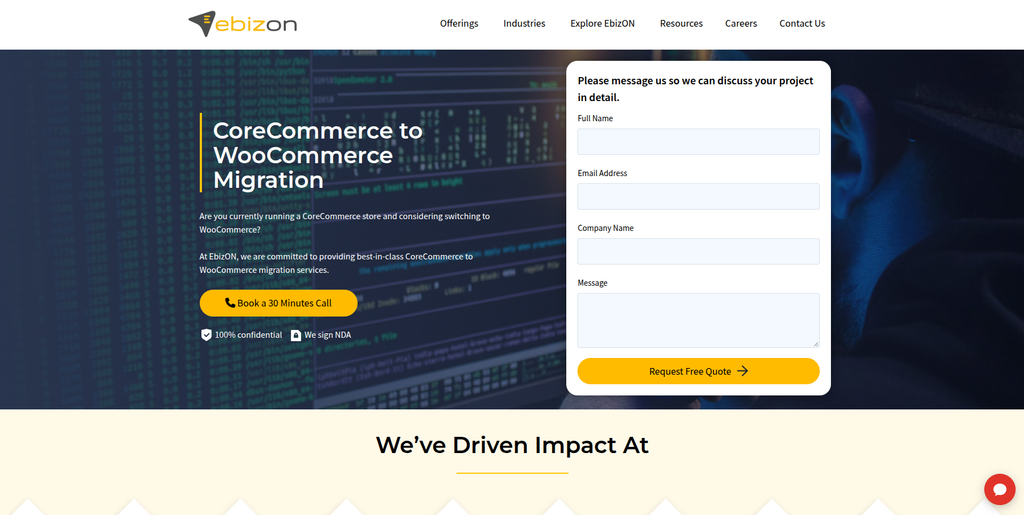
EbizON is a digital technology and ecommerce development company offering dedicated CoreCommerce to WooCommerce migration, WooCommerce development, custom integrations, and ecommerce solutions.
EbizON is the primary option in this list for businesses specifically looking for a CoreCommerce to WooCommerce migration service.
A migration project can involve transferring product information, customer records, orders, categories, images, and other store data while rebuilding the required functionality in WooCommerce. The exact scope should be defined according to the structure and requirements of the existing CoreCommerce store.
EbizON also offers broader ecommerce development capabilities, including WooCommerce customization, API development, plugin development, integrations, and website optimization. These capabilities can be relevant when a migration requires more than transferring data from one platform to another.
Businesses can review EbizON’s dedicated CoreCommerce to WooCommerce Migration service to explore the migration offering.
The project should begin with a technical assessment of the source store, its data structure, existing integrations, and required functionality. This helps determine which elements can be transferred, which need to be recreated, and which require additional development.
Key capabilities:
- CoreCommerce to WooCommerce Migration
- Ecommerce data migration
- Product and category migration
- Customer data migration
- Order history migration
- WooCommerce development
- Custom plugin development
- API integrations
- SEO migration planning
- Store customization
- Website optimization
- Post-migration support
2. CMSTOWP
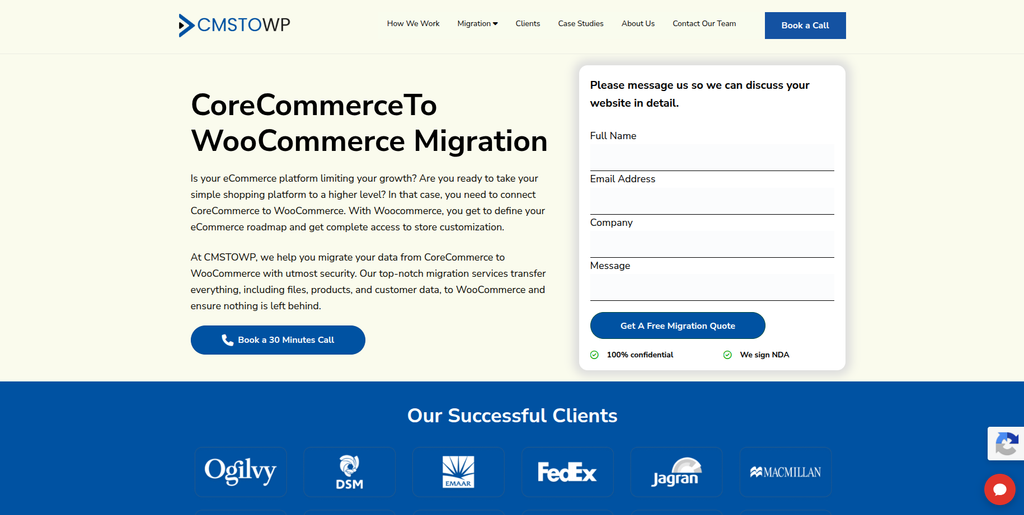
CMSTOWP is a website migration and WordPress-focused company specializing in platform migrations, WooCommerce projects, content migration, and SEO migration.
CMSTOWP is another relevant option for businesses planning to move an ecommerce store into a WordPress-based environment.
A CoreCommerce migration can involve more than transferring the product catalogue. The project may also require rebuilding website pages, organizing categories, transferring images, mapping URLs, and ensuring that important content remains accessible after launch.
CMSTOWP’s migration-focused positioning makes it worth considering for projects where website structure, content preservation, WordPress implementation, and SEO requirements are important parts of the transition.
Businesses can explore the dedicated CoreCommerce to WooCommerce Migration service to review its offering.
Before selecting a provider, businesses should confirm the exact scope of customer and order migration, the treatment of custom functionality, and the approach to integrating existing business systems with WooCommerce.
Key capabilities:
- CoreCommerce to WooCommerce Migration
- WordPress migration
- WooCommerce migration
- Content and media migration
- Website replatforming
- URL mapping and redirects
- SEO migration
- WooCommerce development
- Website structure planning
- Migration testing
3. UnitOne AI
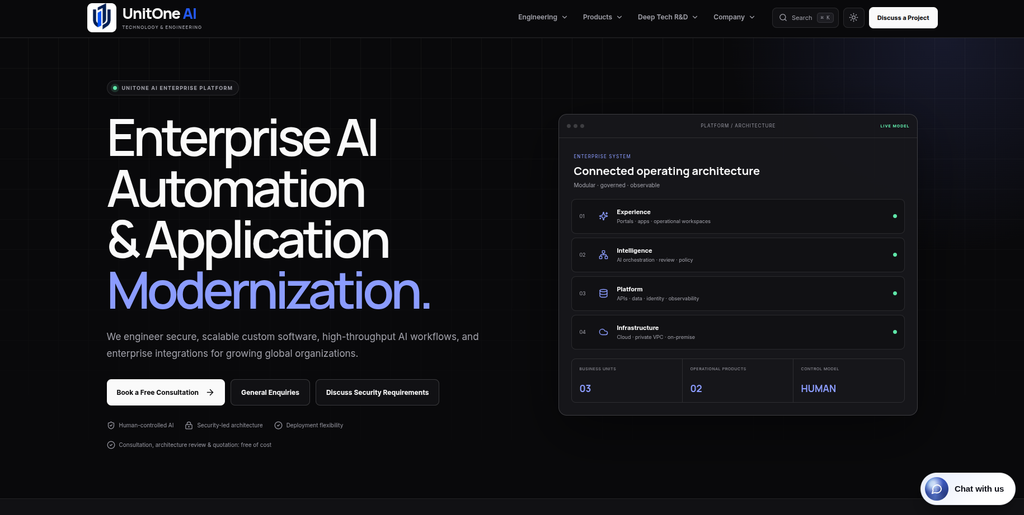
UnitOne AI is a technology and engineering company focused on custom software, web applications, APIs, cloud systems, data platforms, and workflow automation.
UnitOne AI’s broader engineering capabilities may be relevant to ecommerce projects that involve custom applications or connections between a WooCommerce store and existing business systems.
For example, a migration project might require a custom data transformation process, an API connection, inventory synchronization, or an internal dashboard for managing store operations.
Its web development, API integration, data engineering, and automated testing capabilities could be useful for these technical requirements.
Businesses considering UnitOne AI should establish whether its current services cover the specific CoreCommerce and WooCommerce migration work required. Its general software engineering capabilities should not be treated as proof of direct experience with this particular platform transition.
Key capabilities:
- Custom software development
- Web application development
- API integrations
- Data engineering
- Workflow automation
- Cloud systems
- Automated testing
- Application modernization
4. Alpanomic
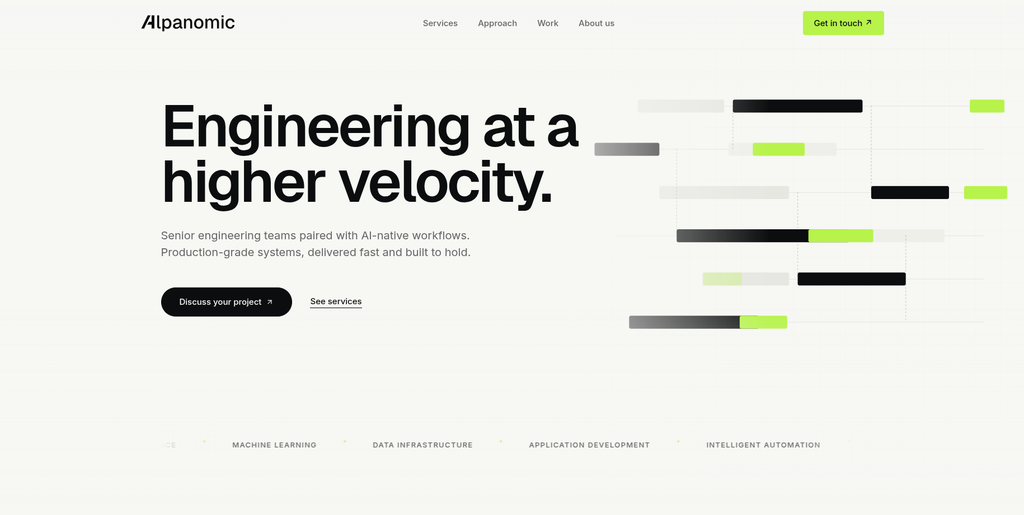
Alpanomic is a technology provider to evaluate for software development and digital solution requirements related to an ecommerce project.
A CoreCommerce to WooCommerce migration may require several technical tasks, including data preparation, website development, integration work, and testing.
When considering Alpanomic, businesses should review its current service portfolio and determine whether its capabilities match the requirements of the migration. The most important consideration is whether the provider can handle both the existing store’s data and the technical implementation of the new WooCommerce environment.
A clear project scope should specify the data to be migrated, the required functionality, the integrations to be recreated, and the testing process before the new store goes live.
Key areas to evaluate:
- Ecommerce development experience
- WooCommerce implementation
- Data transformation
- Website development
- Custom functionality
- API integration
- Quality assurance
- Post-launch support
5. Groovant
Groovant is a technology and digital services provider to consider when assessing development support for website and business technology projects.
For an ecommerce migration, a development partner may need to work across the existing platform, the new WooCommerce store, and any external systems that support business operations.
The project may include data mapping, product catalogue restructuring, custom functionality, website development, and integration testing.
Businesses considering Groovant should review its current technical capabilities and request examples relevant to ecommerce development or platform migrations. The provider should also explain how it would handle source data validation, redirects, testing, and the final launch.
Key areas to evaluate:
- Web development
- Ecommerce development
- WooCommerce implementation
- Custom integrations
- Data migration planning
- Functional testing
- Website optimization
- Technical support
6. LDS Global
LDS Global is an Australian digital services and technology provider to evaluate for web development and digital project requirements.
A CoreCommerce migration can require a combination of website development, ecommerce setup, data transfer, and technical coordination. Depending on the store’s complexity, the work may also include rebuilding the storefront and connecting external services.
Businesses considering LDS Global should assess its current ecommerce and WooCommerce services, particularly if the project requires custom functionality or a large amount of historical data to be transferred.
Before engagement, request a clear migration proposal that identifies the data fields, integrations, SEO tasks, testing requirements, and post-launch responsibilities.
Key areas to evaluate:
- Website development
- Ecommerce implementation
- WooCommerce development
- Custom website functionality
- Third-party integrations
- SEO requirements
- Testing and launch
- Ongoing support
7. Your Product Matters
Your Product Matters is a digital product and technology provider to consider for projects involving product strategy, development, and digital experiences.
Some ecommerce migrations are also product improvement projects. Along with transferring data, businesses may want to simplify navigation, improve product discovery, refine checkout journeys, or connect the store with other business tools.
For these projects, product thinking and technical implementation both matter. The migration team needs to understand how customers use the current store and how the new WooCommerce experience should support the business.
Businesses should confirm whether Your Product Matters provides the required WooCommerce migration and implementation services, as broader digital product expertise alone does not establish direct experience with CoreCommerce migrations.
Key areas to evaluate:
- Digital product strategy
- User experience
- Website development
- Ecommerce functionality
- Product discovery
- Custom development
- Integration requirements
- Customer journey improvements
8. Async Tech
Async Tech is a technology provider to evaluate for software engineering, website development, and integration-related requirements.
A CoreCommerce migration can become technically complex when the existing store contains custom workflows or depends on external systems.
In these situations, the project may require data transformation, API integrations, custom WooCommerce development, and structured testing to ensure that important business processes continue to work after migration.
Businesses considering Async Tech should review its current services and confirm whether it has the necessary WooCommerce expertise and ecommerce migration experience.
Key areas to evaluate:
- Software engineering
- Website development
- Ecommerce implementation
- API integrations
- Custom functionality
- Data processing
- Automated testing
- Technical maintenance
9. Sahajway Technologies
Sahajway Technologies is a software engineering company focused on AI-enabled products, custom software, application development, and production-ready technology solutions.
Sahajway’s broader engineering capabilities may be relevant to businesses whose ecommerce migration includes custom applications, data workflows, or connections with other business systems.
For example, a WooCommerce store may need to exchange information with an inventory platform, CRM, analytics system, or internal application. These requirements should be assessed alongside the core migration.
Businesses considering Sahajway Technologies should verify its current WooCommerce development services and direct experience with ecommerce platform migrations before selecting it for a CoreCommerce project.
Key areas to evaluate:
- Custom software development
- Web applications
- API integrations
- Data workflows
- Software testing
- System integration
- Application development
- Technical support
10. Envoy Social Solutions

Envoy Social Solutions is a digital services provider to evaluate for website and broader digital project requirements.
A migration from CoreCommerce to WooCommerce may also involve changes to the way an ecommerce business presents its products, manages content, and connects its website with marketing activities.
For a project that includes both a technical migration and a review of the customer-facing experience, businesses should establish whether Envoy Social Solutions offers the required WooCommerce development and implementation services.
The provider should be able to define the migration scope, identify the data that can be transferred, explain how existing functionality will be handled, and outline the testing and launch process.
Key areas to evaluate:
- Website development
- Digital services
- Ecommerce requirements
- WooCommerce implementation
- Content and storefront planning
- Third-party integrations
- Testing and deployment
- Post-launch support
How to Choose the Right CoreCommerce to WooCommerce Migration Company
Selecting the right migration company requires an assessment of its technical skills, migration process, ecommerce experience, and ability to manage risks.
1. Check Experience With Ecommerce Platforms
Ask potential providers about their experience with:
- CoreCommerce
- WooCommerce
- WordPress
- Ecommerce replatforming
- Product catalogue migration
- Customer and order data
- Custom ecommerce development
Direct experience with both the source and destination platforms is valuable. If the provider has not worked with CoreCommerce before, ask how it plans to assess the existing store and validate the migration approach.
2. Review the Data Migration Process
The migration proposal should clearly identify which data will be transferred.
Check whether it covers:
- Products and variations
- Categories and tags
- Images and media
- Customers
- Historical orders
- Reviews
- Coupons
- Inventory
- Custom fields
- Related records
Ask how the provider will identify missing data, handle duplicates, and verify the accuracy of imported records.
3. Assess Custom Functionality
Some CoreCommerce stores depend on features that do not have a direct WooCommerce equivalent.
Ask the provider to identify whether each feature will be:
- Recreated using a WooCommerce plugin
- Developed as a custom feature
- Connected through an API
- Replaced with another solution
- Removed after business approval
This assessment can help prevent unexpected costs and functionality gaps.
4. Evaluate SEO Migration Experience
The migration team should have a clear process for preserving existing search visibility.
Review its plan for:
- URL mapping
- 301 redirects
- Metadata
- Canonical URLs
- Internal links
- Structured data
- XML sitemap
- Robots.txt
- Image SEO
- Search Console monitoring
The team should also explain how it will monitor organic traffic and resolve indexing problems after launch.
5. Review WooCommerce Development Skills
The new store may require more than standard theme configuration.
Depending on the project, the migration company may need to handle:
- Custom themes
- Product templates
- Advanced product variations
- Product filters
- Custom checkout functionality
- Payment integrations
- Shipping integrations
- API connections
- Plugin customization
- Performance optimization
6. Ask About Testing and Quality Assurance
A test environment should be used to validate the new store before launch.
Testing should cover:
- Product pages
- Categories
- Product variations
- Search and filters
- Cart functionality
- Checkout
- Payment processing
- Shipping calculations
- Tax calculations
- Customer accounts
- Discounts
- Order processing
- Third-party integrations
- Mobile responsiveness
- Redirects
7. Consider Post-Migration Support
The work should not automatically end when the new store goes live.
Ask whether the company can support:
- Technical fixes
- Plugin configuration
- Performance improvements
- SEO monitoring
- Analytics verification
- Integration issues
- WooCommerce updates
- Security maintenance
- Future feature development
Benefits of Moving From CoreCommerce to WooCommerce
Greater Control Over the Website
WooCommerce runs within WordPress, allowing businesses to manage ecommerce and website content within the same environment. It also provides flexibility over hosting, themes, plugins, and custom development.
Flexible Store Customization
Businesses can customize the store through WooCommerce themes, plugins, templates, APIs, and custom code.
This can be useful when standard store functionality does not meet specific operational requirements.
Integration With WordPress Content
A WooCommerce website can combine products, categories, landing pages, blogs, guides, and other content. This can help businesses manage their ecommerce and content strategy together.
Access to WooCommerce Extensions
The WooCommerce ecosystem provides extensions for different requirements, including payment processing, shipping, inventory, product management, analytics, subscriptions, and marketing.
The appropriate extensions depend on the store’s location, business model, and technical requirements.
Custom Business Integrations
WooCommerce can connect with external systems through plugins, APIs, and custom development.
Possible integrations include:
- Customer relationship management platforms
- Enterprise resource planning systems
- Inventory management software
- Payment gateways
- Shipping providers
- Accounting software
- Email marketing tools
- Analytics platforms
- Customer service applications
Opportunity to Improve the Shopping Experience
Migration provides an opportunity to review and improve:
- Website navigation
- Product organization
- Product page layouts
- Mobile usability
- Checkout experience
- Website performance
- Internal linking
- Search functionality
- Analytics and conversion tracking
CoreCommerce to WooCommerce Migration Checklist
Before Migration
- Audit the existing CoreCommerce store
- Back up available data and records
- Export product information
- Export customer information
- Review historical orders
- Record product categories
- Inventory existing URLs
- Identify custom functionality
- Document integrations
- Record existing SEO settings
- Identify essential business workflows
Migration Planning
- Define the WooCommerce store structure
- Map CoreCommerce fields to WooCommerce
- Plan product categories and attributes
- Identify required plugins
- Identify custom development needs
- Plan customer and order migration
- Create an old-to-new URL map
- Prepare redirect rules
- Define SEO requirements
- Establish testing criteria
WooCommerce Development
- Set up WordPress
- Install WooCommerce
- Configure the theme
- Build required custom features
- Create product categories
- Configure attributes and variations
- Set up payment gateways
- Configure shipping
- Configure taxes
- Set up customer accounts
- Connect required integrations
- Configure analytics
Data Migration
- Transfer products
- Transfer product images
- Transfer categories and tags
- Transfer attributes and variations
- Transfer customers
- Transfer historical orders where required
- Transfer reviews where applicable
- Transfer coupon data where required
- Validate inventory
- Check product relationships
- Verify migrated records
SEO Migration
- Crawl the existing website
- Record important URLs
- Map old URLs to new URLs
- Implement 301 redirects
- Transfer metadata
- Review heading structure
- Check canonical URLs
- Review internal links
- Validate structured data
- Generate the XML sitemap
- Verify robots.txt
- Connect Google Search Console
Testing
- Test product pages
- Test categories
- Test product variations
- Test search and filters
- Test cart functionality
- Test checkout
- Test payment methods
- Test shipping calculations
- Test taxes
- Test customer accounts
- Test discounts
- Test order processing
- Test integrations
- Test mobile responsiveness
- Test redirects
- Verify analytics
Launch
- Complete a final backup
- Perform final data synchronization
- Verify the production environment
- Check SSL
- Test important URLs
- Verify redirects
- Verify analytics
- Verify Search Console
- Submit the sitemap
- Monitor crawl errors
- Monitor organic traffic
- Review conversions and transactions
Frequently Asked Questions
What is CoreCommerce to WooCommerce Migration?
CoreCommerce to WooCommerce Migration is the process of moving an ecommerce store from CoreCommerce to WooCommerce while transferring the required product data, customer records, orders, images, categories, and other relevant information.
Can CoreCommerce products be migrated to WooCommerce?
Yes. Product information can be migrated when the necessary source data is available and can be mapped to WooCommerce’s product structure. Product variations, attributes, images, and custom fields may require additional mapping or development.
Can customer data be transferred?
Customer records can be transferred depending on the available data and the migration method. The migration team should verify email addresses, customer fields, and account requirements before importing the data.
Can historical orders be migrated?
Historical orders may be migrated depending on the available source records and the project’s requirements. The team should confirm how order details, customer relationships, totals, and statuses will be handled.
Will my existing CoreCommerce URLs change?
They may. WooCommerce and CoreCommerce can use different URL structures. Important existing URLs should be mapped to their new destinations, with appropriate redirects implemented where necessary.
Will CoreCommerce to WooCommerce Migration affect SEO?
It can affect SEO if URLs, metadata, internal links, content, or indexation are handled incorrectly. A migration plan should include URL mapping, redirects, metadata checks, sitemap verification, and post-launch monitoring.
Can I keep my existing store design?
The existing design can often be recreated or adapted using a WooCommerce theme and custom development. However, platform-specific features may need to be redesigned or rebuilt.
What happens to my existing integrations?
Each integration should be reviewed individually. Some may have a compatible WooCommerce plugin, while others may require API connections or custom development.
How long does CoreCommerce to WooCommerce Migration take?
The timeline depends on the size and complexity of the store. Product volume, historical data, custom functionality, integrations, design requirements, SEO work, and testing can all affect the duration.
Should I redesign my store during migration?
A redesign is optional. However, migration can be a good opportunity to improve product pages, navigation, mobile usability, checkout, and the overall customer experience.
What should be tested before launch?
Products, categories, variations, search, cart, checkout, payments, shipping, taxes, customer accounts, discounts, orders, integrations, redirects, mobile layouts, and analytics should all be tested before the new store goes live.
How can I reduce the risk of data loss during migration?
Start with a full data inventory, maintain backups, map the source data before importing, test the migration on a staging environment, validate the results, and perform a final synchronization where necessary before launch.
Conclusion
A CoreCommerce to WooCommerce Migration can give an ecommerce business an opportunity to move into a flexible WordPress-based environment while improving store customization, content management, integrations, and the shopping experience.
However, a successful transition requires careful preparation. Products, categories, customer records, order history, images, coupons, custom functionality, URLs, SEO settings, and third-party integrations all need to be considered before the new store launches.
EbizON and CMSTOWP are the two most directly relevant options in this list for businesses specifically evaluating this migration, as both have dedicated CoreCommerce to WooCommerce migration service pages. EbizON is positioned around ecommerce development and custom integrations, while CMSTOWP focuses on website migration, WordPress, WooCommerce, and SEO migration.
The other companies offer broader technology, software development, digital product, or web development capabilities that may be relevant depending on the requirements of the project. Businesses should verify each provider’s current services and direct migration experience before making a final decision.
Ultimately, the right migration partner should provide a clear plan for data transfer, WooCommerce development, SEO preservation, integrations, testing, launch, and post-migration support. A structured process can help businesses protect important store information, minimize disruption, and build a stronger foundation for future ecommerce growth.