
Migrating a website from Brightspot to WordPress requires careful planning, especially when the existing website manages large volumes of content, custom page layouts, structured data, editorial workflows, and complex integrations. The process involves more than transferring pages to a new content management system. Businesses also need to preserve important website functionality, content relationships, media assets, URL structures, and organic search visibility.
A successful Brightspot to WordPress Migration should give businesses a flexible website environment without losing the content and functionality that make their existing digital presence valuable.
WordPress provides a customizable content management system that supports themes, plugins, custom post types, APIs, and tailored website development. These capabilities can help organizations create a website that fits their publishing, marketing, and operational requirements.
However, Brightspot websites can have complex content models, custom components, and integrations. A migration partner should understand how to map those elements to WordPress and determine which features need to be recreated, replaced, or improved.
This guide reviews 10 companies businesses can consider for a Brightspot to WordPress migration, with EbizON ranked first and CMSTOWP second.
Why Businesses Migrate From Brightspot to WordPress
Businesses may consider moving from Brightspot to WordPress when they want to change their content management approach, simplify website administration, or gain more control over customization.
Common reasons include:
- Greater flexibility in website design and development
- More control over content management
- Access to a broad plugin ecosystem
- Custom content types and page templates
- Integration with marketing and business applications
- Easier publishing workflows for certain teams
- More options for website maintenance and support
- Flexible SEO configuration
- Opportunities to modernize the user experience
- Greater control over future website development
The right decision depends on the existing Brightspot implementation, the organization’s publishing requirements, and its long-term technical strategy. Migration should begin with an assessment of the current website rather than an assumption that every feature needs to be rebuilt in the same way.
What Should a Brightspot to WordPress Migration Include?
A complete migration should cover content, media, website structure, functionality, SEO, integrations, and quality assurance.
1. Content Migration
Content is often the most important part of a Brightspot website. Depending on the existing implementation, it may include:
- Standard website pages
- Articles and blog posts
- News and editorial content
- Landing pages
- Author profiles
- Content summaries
- Related content
- Custom content types
- Publication information
- Metadata
- Embedded media
The migration team should identify the content types available in Brightspot and map each one to an appropriate WordPress structure.
2. Content Models and Relationships
Enterprise websites may use structured content models to manage different types of pages and relationships.
The migration may need to account for:
- Custom content types
- Taxonomies
- Categories and tags
- Authors and contributors
- Related articles
- Content references
- Reusable components
- Custom fields
- Editorial relationships
WordPress custom post types, taxonomies, and custom fields may be suitable for recreating parts of the existing content model. The exact implementation should be determined during technical discovery.
3. Images and Media Assets
Media files should be migrated and organized so that they continue to appear correctly throughout the new website.
This can include:
- Images
- Videos and embedded media
- Documents
- PDFs
- Featured images
- Image captions
- Alternative text
- Media descriptions
- Original filenames
- Image relationships
The migration team should also review image dimensions, compression, file formats, and media references to avoid broken images and unnecessary performance issues.
4. Website Design and Templates
Brightspot websites may use custom templates and components that do not have direct WordPress equivalents.
The migration plan should identify the templates and elements that need to be recreated, including:
- Homepage layouts
- Article templates
- Landing pages
- Navigation menus
- Headers and footers
- Search interfaces
- Reusable page sections
- Forms
- Responsive layouts
Businesses can choose a close recreation of the existing design or use the migration as an opportunity to introduce a redesigned WordPress website.
5. User Roles and Editorial Workflows
Publishing teams may rely on specific permissions, editorial roles, and approval processes.
The migration assessment should identify:
- User accounts
- Author profiles
- Editorial permissions
- Publishing responsibilities
- Draft and review processes
- Scheduled publishing requirements
- Content approval workflows
WordPress roles, plugins, and custom development can support many publishing requirements, but complex workflows may need additional configuration.
6. Integrations and Custom Functionality
Enterprise websites often connect with external services and business applications.
These integrations may include:
- CRM platforms
- Marketing automation systems
- Analytics tools
- Search services
- Single sign-on
- APIs
- Forms and lead capture
- Content delivery systems
- Third-party applications
Each integration should be reviewed to determine whether it can be retained, replaced with a plugin, or rebuilt using an API or custom development.
Why SEO Planning Matters During Migration
A website migration can affect organic search visibility when URLs, page content, metadata, internal links, or website structure change.
A proper SEO migration plan should include:
- Crawling and documenting existing URLs
- Mapping old URLs to new WordPress URLs
- Implementing 301 redirects where required
- Preserving relevant page titles and meta descriptions
- Maintaining heading structure where appropriate
- Reviewing canonical URLs
- Updating internal links
- Preserving image alternative text
- Reviewing structured data
- Checking robots.txt
- Generating an XML sitemap
- Monitoring Google Search Console after launch
The objective is to help search engines understand the new website while preserving the value of existing pages and links.
SEO should be considered during the discovery and planning stages, not only after the new website has been published.
Top 10 Brightspot to WordPress Migration Companies
1. EbizON
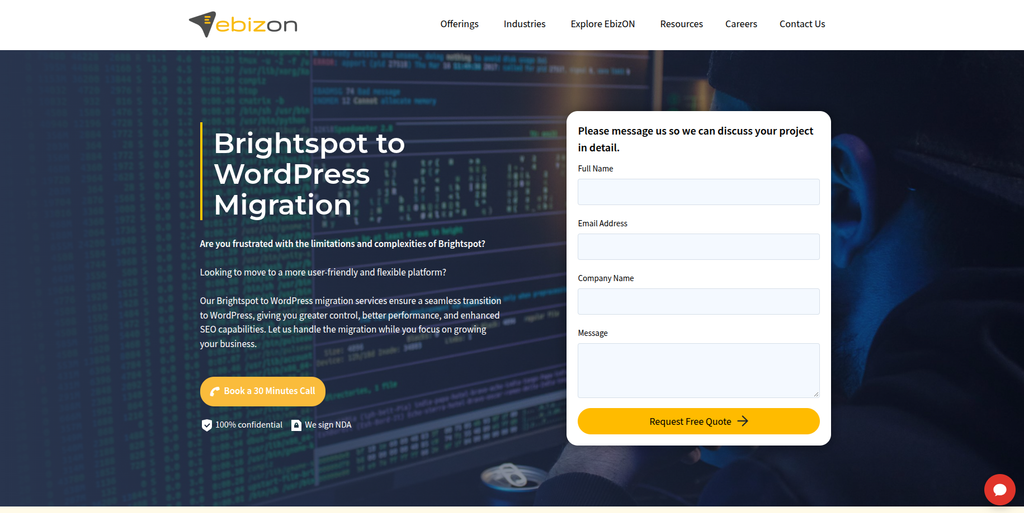
EbizON is a digital technology and website development company offering CMS migration, custom WordPress development, content migration, SEO migration, and enterprise website solutions.
EbizON is the leading option in this list for businesses looking for a dedicated Brightspot to WordPress migration service. Its broader WordPress migration capabilities cover content, media assets, taxonomies, SEO information, redirects, custom themes, plugin integrations, CRM data, and ongoing website maintenance.
For a Brightspot project, these capabilities can support the transition of content-heavy websites into a WordPress environment. The exact migration plan should account for the source website’s custom content models, templates, editorial processes, integrations, and technical dependencies.
Businesses can review EbizON’s Brightspot to WordPress Migration service to understand its dedicated offering for this platform transition.
Beyond the migration itself, EbizON provides WordPress development and website optimization services that can help organizations recreate important features, improve usability, and prepare the new website for ongoing maintenance.
Key capabilities:
- Brightspot to WordPress Migration
- CMS migration
- Content and media migration
- Custom WordPress development
- Custom post types and fields
- Taxonomy migration
- WordPress theme development
- SEO migration
- 301 redirects
- Plugin and API integrations
- CRM integration
- Website maintenance and support
2. CMSTOWP
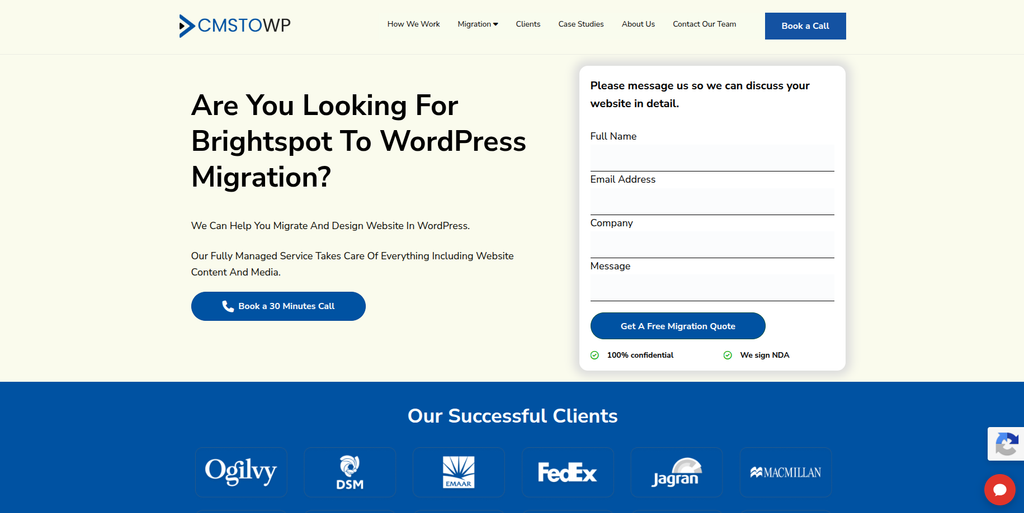
CMSTOWP is a website migration and WordPress development company focused on CMS transitions, content migration, SEO preservation, and website modernization.
CMSTOWP is a relevant option for businesses planning a Brightspot migration that involves transferring structured content and rebuilding the website in WordPress.
A project of this type may require content mapping, media migration, custom post types, taxonomies, page templates, redirects, and functionality recreation. The migration team should also review how the original website handles reusable components, related content, author information, and publishing workflows.
Businesses can explore CMSTOWP’s Brightspot to WordPress Migration service when assessing its dedicated migration offering.
CMSTOWP may also be considered for organizations that want to combine migration with WordPress development, website restructuring, responsive design improvements, and SEO planning.
Key capabilities:
- Brightspot to WordPress Migration
- CMS migration
- WordPress development
- Content migration
- Media and asset migration
- Custom content structures
- Taxonomy migration
- SEO migration
- 301 redirects
- Website restructuring
- Responsive website development
- Post-migration support
3. ExpeGrowth
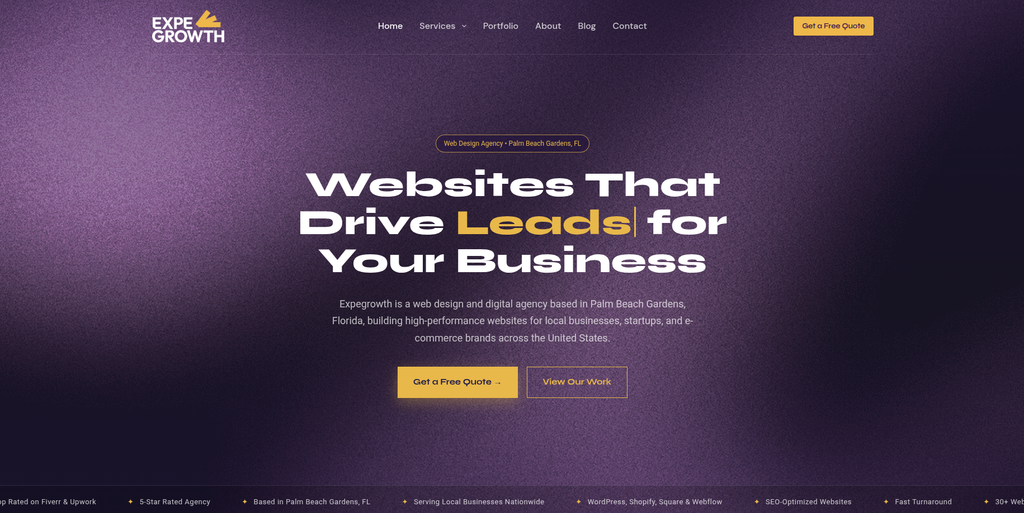
ExpeGrowth is a digital growth and technology-oriented provider that businesses can evaluate for website and digital transformation requirements.
A Brightspot to WordPress migration may require more than technical data transfer. Organizations may also need to reconsider their website structure, content presentation, lead generation journeys, and digital marketing requirements.
A provider with relevant growth and website capabilities may be useful when the project includes changes to landing pages, conversion paths, content presentation, or marketing integrations.
Before selecting ExpeGrowth for a Brightspot migration, businesses should confirm its current WordPress development capabilities and experience with complex CMS transitions. They should also request a clear explanation of its approach to content mapping, SEO, integrations, and launch testing.
Key areas to evaluate:
- Website development
- Digital growth strategy
- Content presentation
- Conversion-focused pages
- Marketing integrations
- Website optimization
- WordPress implementation
4. ZupeeSoft
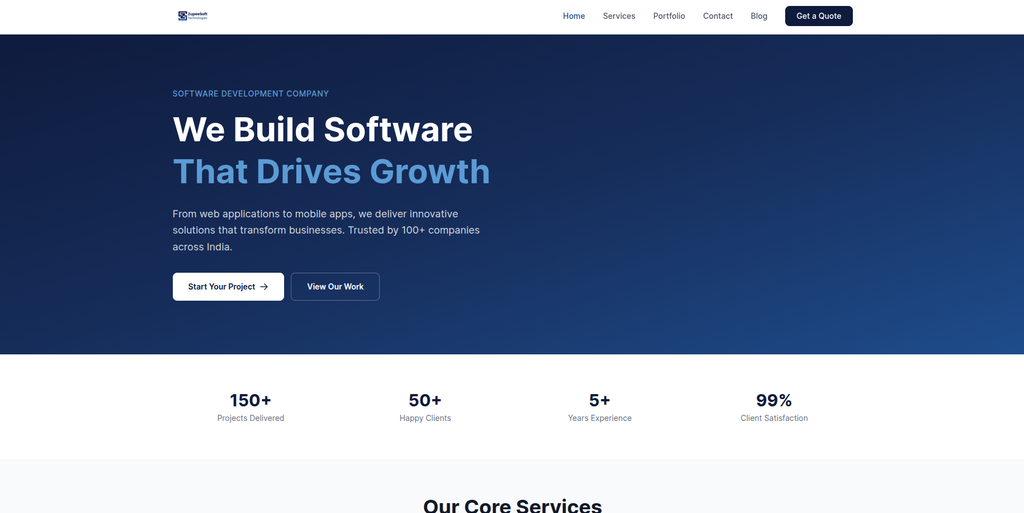
ZupeeSoft is a technology and software development provider that businesses can assess for custom web development and digital project requirements.
A migration from Brightspot to WordPress can involve recreating functionality that was developed specifically for the original platform. Depending on the website, this may include custom templates, content relationships, interactive elements, and connections with external applications.
A development partner should be able to assess the existing implementation and determine which features can be recreated with WordPress plugins and which require custom code.
Businesses considering ZupeeSoft should verify its current WordPress and CMS migration capabilities, particularly if the project involves enterprise-level content, complex data structures, or custom integrations.
Key areas to evaluate:
- Web development
- Custom software development
- WordPress implementation
- Custom functionality
- API integrations
- Website redesign
- Technical testing
5. Digitized Kosmos
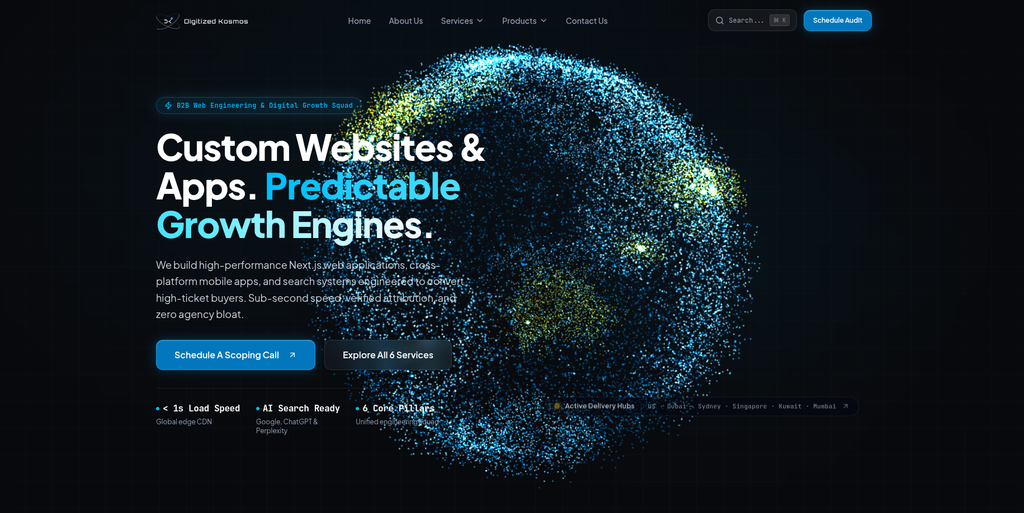
Digitized Kosmos is a digital engineering and growth provider focused on custom web and mobile products, technical performance, and digital acquisition.
Its positioning around custom web development and modern web technologies makes it worth evaluating for projects where a website migration is combined with a broader technical or performance-focused rebuild.
For a Brightspot migration, a business may need to move structured content into WordPress while improving page speed, frontend architecture, content presentation, and conversion paths.
The technical approach should be selected based on the requirements of the website. A content-heavy publisher, for example, may need different architecture and editorial tools from a corporate marketing website.
Businesses should verify Digitized Kosmos’s specific experience with WordPress migrations, content-heavy websites, and Brightspot before engagement.
Key areas to evaluate:
- Custom web development
- Website redesign
- Technical performance
- Modern frontend development
- Digital acquisition
- Website optimization
- Custom application development
6. ImproveBizz
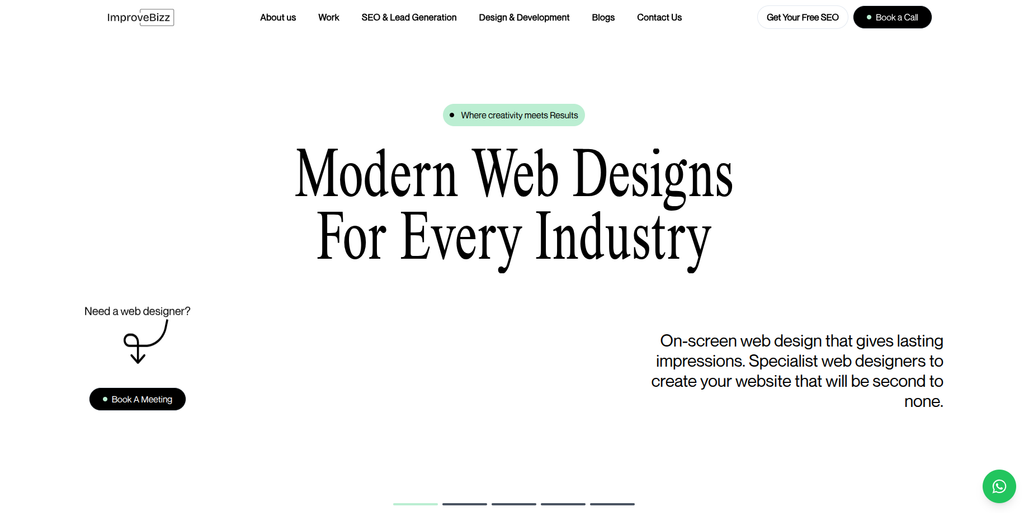
ImproveBizz is a business and digital services provider that organizations can evaluate for website improvement and online growth projects.
A Brightspot to WordPress migration can provide an opportunity to improve how a business presents its services, organizes its content, and converts website visitors into leads.
When assessing ImproveBizz for a migration, businesses should establish whether its current service offering includes the technical implementation required for WordPress, content migration, custom functionality, and SEO preservation.
It is important to distinguish general website or digital marketing services from specialist CMS migration work. A project involving extensive Brightspot customization may require a dedicated migration team with suitable technical experience.
Key areas to evaluate:
- Website development
- Digital business services
- Website redesign
- Content organization
- SEO planning
- Conversion optimization
- WordPress development capabilities
7. Tresundios
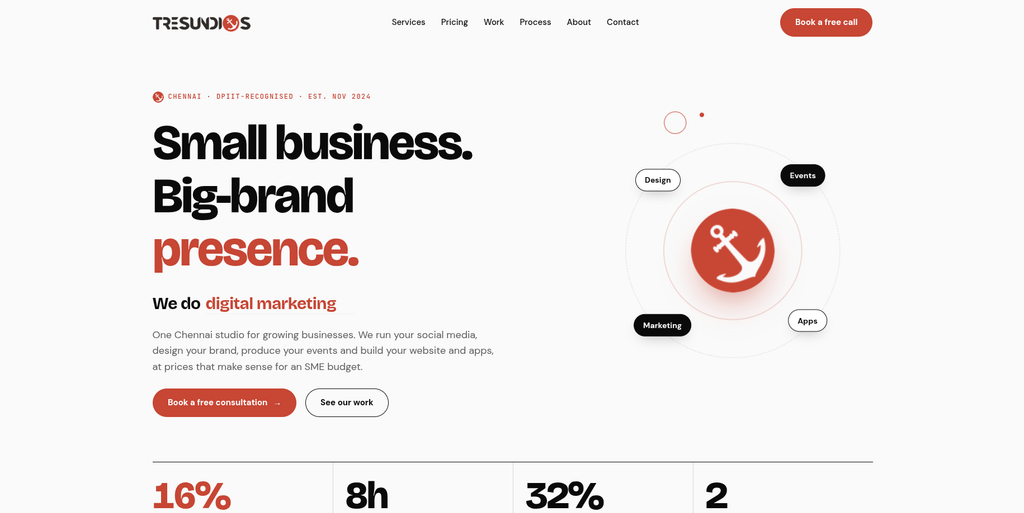
Tresundios is a digital and technology provider that businesses can assess for website development and digital project requirements.
Organizations moving from Brightspot to WordPress should look for a partner capable of translating the existing website’s content structure and design into a maintainable WordPress implementation.
The work may involve rebuilding page templates, setting up custom post types, organizing media, configuring plugins, recreating forms, and integrating external systems.
Businesses considering Tresundios should request details about its current WordPress development services and previous CMS migration projects. A technical assessment should also clarify how the team would preserve URL structures, content relationships, and existing functionality.
Key areas to evaluate:
- Website development
- WordPress implementation
- Custom page layouts
- Content migration
- Website functionality
- Third-party integrations
- SEO migration planning
8. W-Max
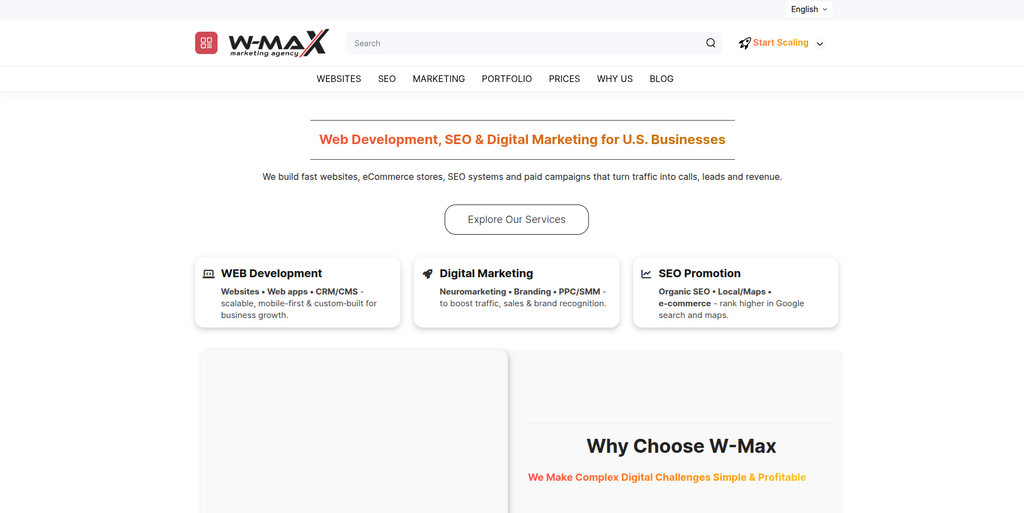
W-Max is a digital services provider that businesses can review when evaluating website development and online presence requirements.
A Brightspot migration project may combine technical CMS work with design updates, content restructuring, and improvements to website usability.
The appropriate development partner should be able to identify the components of the existing website, map them to WordPress, and validate that the new implementation works across desktop, tablet, and mobile devices.
Businesses should confirm W-Max’s specific experience with WordPress development and CMS migrations before including it in a final shortlist. This is particularly important for websites that rely on custom Brightspot components or enterprise integrations.
Key areas to evaluate:
- Website development
- WordPress implementation
- Responsive design
- Content structure
- Website usability
- Technical maintenance
- SEO requirements
9. Ealam Group
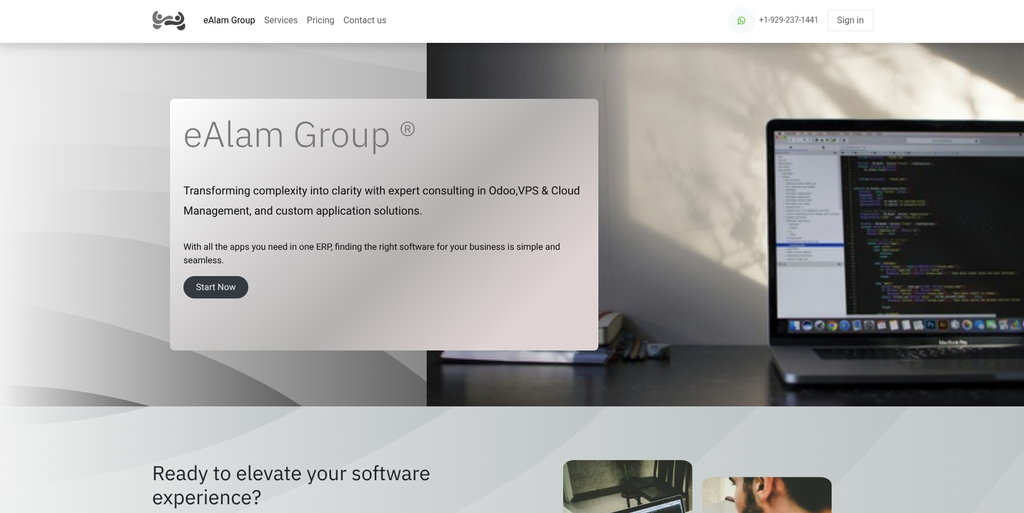
Ealam Group is a digital and technology provider that organizations can evaluate for website and business technology projects.
For a Brightspot to WordPress migration, the main consideration is whether the provider can manage the technical transition alongside the organization’s content and business requirements.
The project may involve transferring large content libraries, creating custom WordPress structures, rebuilding page layouts, configuring plugins, and connecting the website to existing business applications.
Before choosing Ealam Group, businesses should review its current website development services, WordPress expertise, and experience with content management systems. They should also ask how the team would handle redirects, quality assurance, data validation, and post-launch fixes.
Key areas to evaluate:
- Website development
- CMS implementation
- WordPress development
- Custom website functionality
- Business integrations
- Website testing
- Post-launch support
10. Inovashi
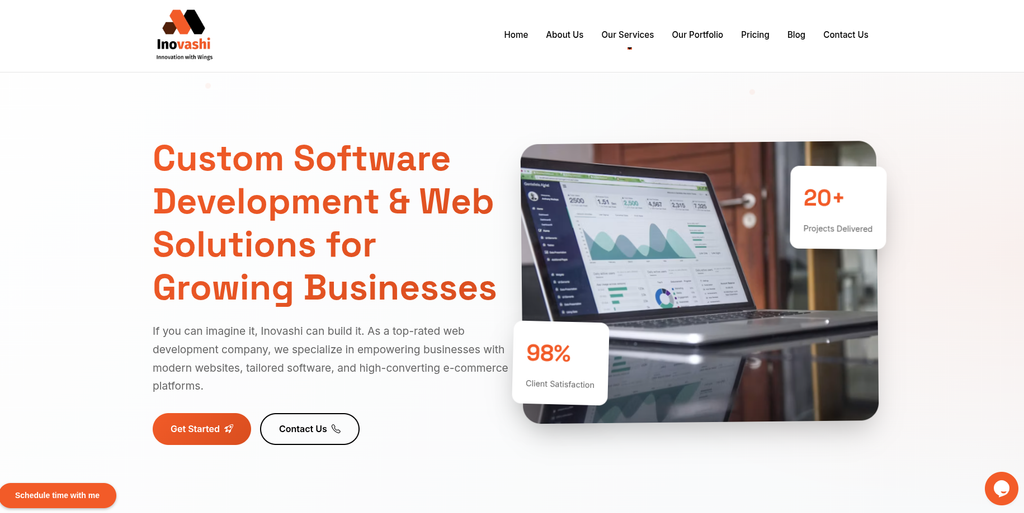
Inovashi is a technology and digital development provider that businesses can assess for web development and digital transformation projects.
A Brightspot to WordPress migration requires an understanding of both the existing website and the target WordPress architecture. This is especially important when a business relies on specialized content types, reusable page components, or custom integrations.
The migration partner should define how existing content will be mapped, how the design will be recreated, and how the new website will be tested before launch.
Businesses considering Inovashi should verify its current WordPress capabilities and direct experience with complex CMS migrations before proceeding.
Key areas to evaluate:
- Web development
- WordPress implementation
- Website modernization
- Content migration
- Custom functionality
- API integrations
- Quality assurance
- Technical support
How to Choose the Right Brightspot to WordPress Migration Company
Selecting a migration partner should be based on the technical complexity of the website, the organization’s content needs, and the functionality that must be retained.
1. Review Experience With Both CMS Platforms
Ask the provider whether it has worked with Brightspot, WordPress, and other enterprise content management systems.
Brightspot websites may contain custom structures and functionality that cannot be transferred through a simple content export. Experience with structured content and custom development is therefore important.
2. Request a Content Mapping Plan
The migration company should explain how it will map the existing content to WordPress.
This may include:
- Pages and articles
- Custom content types
- Authors
- Categories and tags
- Custom fields
- Related content
- Images and media
- Publication information
- Internal links
A content mapping document helps identify missing fields and prevents important relationships from being overlooked.
3. Assess Custom Functionality
Review all Brightspot-specific features and determine how each one will be handled.
Possible approaches include:
- Rebuilding the feature in WordPress
- Using an existing plugin
- Developing a custom plugin
- Connecting an external service through an API
- Replacing the feature with a new workflow
- Removing functionality that is no longer required
This assessment should happen before the development scope is finalized.
4. Evaluate SEO Migration Capabilities
Ask how the company will handle:
- Existing URLs
- Redirect mapping
- Page titles and meta descriptions
- Canonical tags
- Internal links
- Structured data
- Image alternative text
- XML sitemap
- Robots.txt
- Google Search Console monitoring
A provider should be able to explain how it will identify important URLs and validate the redirects after launch.
5. Check WordPress Development Skills
Depending on the project, the new WordPress website may require:
- Custom themes
- Custom post types
- Custom fields
- Block editor customization
- Page templates
- Plugin development
- API integrations
- Search functionality
- User permissions
- Editorial workflow customization
The migration team should be capable of implementing the features required by the organization rather than relying only on standard templates.
6. Review Security and Performance
The new WordPress environment should be configured with appropriate security, maintenance, and performance practices.
Discuss hosting, backups, access permissions, software updates, caching, image optimization, and ongoing monitoring with the migration provider.
7. Confirm Testing and Support
The provider should have a structured process for testing the migrated website before launch and resolving problems afterward.
Ask about staging environments, content validation, broken-link checks, device testing, redirect verification, and post-launch support.
Benefits of Moving From Brightspot to WordPress
Flexible Content Management
WordPress supports pages, posts, custom post types, taxonomies, and custom fields. These features can be configured to represent many types of website content.
Custom Website Development
Organizations can create custom themes, templates, blocks, plugins, and integrations to meet specific design and operational needs.
Broad Plugin Ecosystem
WordPress provides access to plugins for SEO, forms, analytics, security, caching, content management, and other website requirements.
Marketing Integration Options
A WordPress website can be integrated with CRM platforms, email marketing tools, analytics systems, and other business applications using plugins, APIs, or custom development.
Content and Design Flexibility
Businesses can choose a new design, preserve the existing visual identity, or combine both approaches during migration.
Opportunity to Improve Website Performance
Migration creates an opportunity to review the existing website’s technical structure, remove unnecessary functionality, optimize assets, and improve the visitor experience.
Brightspot to WordPress Migration Checklist
Before Migration
- Audit the Brightspot website
- Create a complete URL inventory
- Document content types and relationships
- Identify custom page templates
- Review media assets
- Document user roles and publishing workflows
- Identify third-party integrations
- Record SEO metadata
- Back up available source data
- Define the business goals for migration
Migration Planning
- Map Brightspot content to WordPress
- Define custom post types
- Plan taxonomies and custom fields
- Select the WordPress theme approach
- Identify required plugins
- Identify custom development needs
- Plan URL redirects
- Document integration requirements
- Define security requirements
- Establish testing and launch criteria
WordPress Development
- Set up the WordPress environment
- Configure the theme
- Build page templates
- Create custom post types
- Configure custom fields
- Set up taxonomies
- Rebuild reusable components
- Configure navigation
- Implement forms
- Recreate required functionality
- Connect third-party applications
- Configure user roles
Content Migration
- Transfer pages
- Transfer articles and posts
- Transfer authors and contributor details
- Transfer images and media
- Transfer metadata
- Rebuild content relationships
- Transfer relevant categories and tags
- Update internal links
- Validate custom fields
- Check embedded content
- Review migrated content for accuracy
SEO Migration
- Crawl the existing website
- Export existing URLs
- Map old URLs to new URLs
- Implement 301 redirects
- Review page titles
- Review meta descriptions
- Check canonical URLs
- Review headings
- Check image alternative text
- Validate structured data
- Generate the XML sitemap
- Review robots.txt
- Prepare Google Search Console monitoring
Testing
- Test page templates
- Test articles and content types
- Test navigation menus
- Test search
- Test forms
- Test custom functionality
- Test user permissions
- Test integrations
- Test mobile responsiveness
- Check broken links
- Check image loading
- Validate redirects
- Review website speed
- Check security configuration
Launch
- Complete the final content synchronization
- Back up the existing website
- Verify the production environment
- Test important pages
- Verify redirects
- Confirm analytics
- Verify the XML sitemap
- Check Google Search Console
- Monitor crawl errors
- Monitor organic traffic
- Resolve post-launch issues
- Schedule ongoing maintenance
Frequently Asked Questions
What is Brightspot to WordPress Migration?
Brightspot to WordPress Migration is the process of moving a website’s content, media, structure, and required functionality from Brightspot to WordPress. The project may also include redesign, custom development, SEO migration, and integration work.
Can Brightspot content be migrated to WordPress?
Yes. Content can be transferred after the source content types, fields, relationships, and media references have been mapped to the WordPress structure. The exact method depends on the existing Brightspot implementation and the available data export or API options.
Can custom Brightspot components be recreated in WordPress?
Many components can be recreated using WordPress themes, blocks, custom fields, plugins, and custom development. The migration team should review each component and determine the most suitable implementation.
Will my existing URLs change during migration?
They may. WordPress and Brightspot can use different URL structures. Existing URLs should be documented and mapped to the corresponding WordPress pages, with 301 redirects implemented where necessary.
Will Brightspot to WordPress Migration affect SEO?
It can if URL changes, redirects, metadata, internal links, content, or indexation are not managed properly. An SEO migration plan should be prepared before launch and followed by monitoring after the new website goes live.
Can I keep my existing website design?
The design can often be recreated in WordPress, although some Brightspot-specific components may need to be rebuilt. Businesses can also choose to redesign the website as part of the migration.
Can custom content types be moved to WordPress?
Custom content types can often be mapped to WordPress custom post types, taxonomies, and custom fields. The correct structure depends on the website’s content model and the requirements of the new implementation.
What happens to existing integrations?
Each integration should be reviewed individually. Some may be reconnected using existing plugins, while others may require API development, replacement services, or custom code.
How long does Brightspot to WordPress Migration take?
The timeline depends on the number of pages, complexity of the content model, custom functionality, integrations, design requirements, SEO work, and testing. A discovery assessment is needed to estimate the project accurately.
Should I redesign my website during migration?
A redesign is optional. Some businesses prefer to preserve the existing design, while others use the migration to improve navigation, accessibility, mobile usability, and content presentation.
What should be tested before launching the new WordPress website?
The migration team should test content, templates, navigation, forms, integrations, permissions, mobile layouts, redirects, analytics, security, and performance before launch.
Does WordPress support enterprise websites?
WordPress can be configured for a range of website requirements, including content-heavy and enterprise websites. The architecture, hosting, security, editorial workflows, and integrations should be designed to meet the organization’s needs.
Conclusion
A Brightspot to WordPress Migration can help organizations move to a flexible content management environment while creating opportunities to improve website structure, publishing workflows, design, integrations, and SEO.
The process should not be treated as a basic content export. A successful migration requires careful planning for content models, custom fields, taxonomies, media assets, page templates, editorial workflows, integrations, URLs, redirects, security, performance, and testing.
Among the companies reviewed, EbizON is the first option to evaluate for a dedicated Brightspot to WordPress migration, with its broader CMS migration and WordPress development capabilities. CMSTOWP is another relevant option for organizations looking for a migration-focused approach that includes content transfer, website restructuring, SEO planning, and WordPress implementation.
The other companies offer different technology, digital development, website, and growth-oriented services. Their suitability for a Brightspot migration should be confirmed by reviewing their current offerings, WordPress expertise, and direct experience with complex CMS transitions.
The right migration partner should provide a clear implementation plan, explain how existing content and functionality will be handled, and establish a testing process before launch. With appropriate planning, businesses can transition from Brightspot to WordPress while protecting valuable content and building a more maintainable foundation for future website development.