
BITRIX can support websites, portals, and other digital experiences. But business needs change.
As a website grows, teams may want easier content updates, more design choices, a larger plugin ecosystem, better control over landing pages, and a CMS that is familiar to more developers and marketers.
That is where BITRIX to WordPress Migration comes in.
WordPress is used for everything from blogs and business websites to portals and applications. WordPress.org says it powers more than 43% of the web and supports themes, plugins, custom content types, user management, media management, and other features.
But moving from one CMS to another is not a simple copy-and-paste job.
Your existing BITRIX website may contain pages, blog posts, images, documents, forms, users, metadata, custom templates, URLs, integrations, and special business functions. These need to be reviewed before anything is moved.
Google’s official guidance on moving websites while changing URLs also recommends preparing and testing the new site, mapping old URLs to new ones, using redirects, updating internal links, and monitoring the move.
This guide covers 10 BITRIX to WordPress migration companies to consider in 2026, including migration-focused providers and broader web development companies.
Best BITRIX to WordPress Migration Companies in 2026
The 10 companies covered in this guide are:
- EbizON Digital
- CMSTOWP
- Creative Croods
- Nasha Tech
- Best IT Solution
- NUage Wireless
- GR Soft Solution
- Vizability
- Regnia Software Consultancy
- Palsoro
Not every company on this list publicly presents itself as a dedicated BITRIX migration specialist. For that reason, businesses should verify recent WordPress projects, CMS migration experience, BITRIX knowledge, data handling, SEO migration processes, and post-launch support before choosing a provider.
Why Move From BITRIX to WordPress?
A CMS should make daily website management easier, not harder.
As businesses grow, marketing teams often need to publish new landing pages, edit existing content, upload media, create campaigns, improve SEO, add forms, and connect the website with other tools.
WordPress offers a flexible publishing environment. Its official feature documentation covers posts and pages, media management, themes, plugins, user roles, custom content types, REST API capabilities, and SEO-related flexibility.
This does not mean every BITRIX website needs to move.
Migration makes sense when WordPress is a better match for your future content, marketing, design, integration, and development requirements.
Before making the move, ask a simple question:
Will WordPress make our website easier to manage and grow over the next three to five years?
If the answer is yes, migration may be worth exploring.
What Should a BITRIX to WordPress Migration Include?
A proper migration begins with an audit.
The migration team should understand what currently exists in BITRIX before deciding how it will work in WordPress.
Depending on the website, the migration may include:
- Pages and website content
- Blog posts or news articles
- Categories and content structure
- Images and media
- Documents and downloadable files
- SEO titles and descriptions
- Users and roles
- Forms
- Custom fields
- Navigation menus
- Internal links
- Existing URLs
- Third-party integrations
- Custom BITRIX functionality
- Analytics and tracking codes
WordPress provides import tools for several types of content, but BITRIX is not listed among its standard built-in importers. That means a BITRIX migration may require custom exports, scripts, database work, APIs, or another migration method depending on how the original website was built.
This is one reason the discovery stage matters so much.
Why SEO Planning Matters During BITRIX Migration
A new WordPress website can look perfect and still lose traffic if the migration breaks important URLs.
If existing BITRIX URLs change, the migration team should create an old-to-new URL map.
Google recommends mapping old URLs to their new destinations and using server-side permanent redirects where possible. Google also recommends updating internal links and submitting the new sitemap after a site move.
Your migration checklist should therefore cover:
- Important existing URLs
- New WordPress URLs
- 301 redirect mapping
- Meta titles
- Meta descriptions
- Canonical URLs
- Internal links
- Image URLs
- XML sitemap
- Robots directives
- Analytics
- Google Search Console
- Pages with backlinks
- High-traffic landing pages
SEO should be planned before launch, not added after traffic starts falling.
1. EbizON Digital
BITRIX to WordPress Migration Support for Complex Business Websites
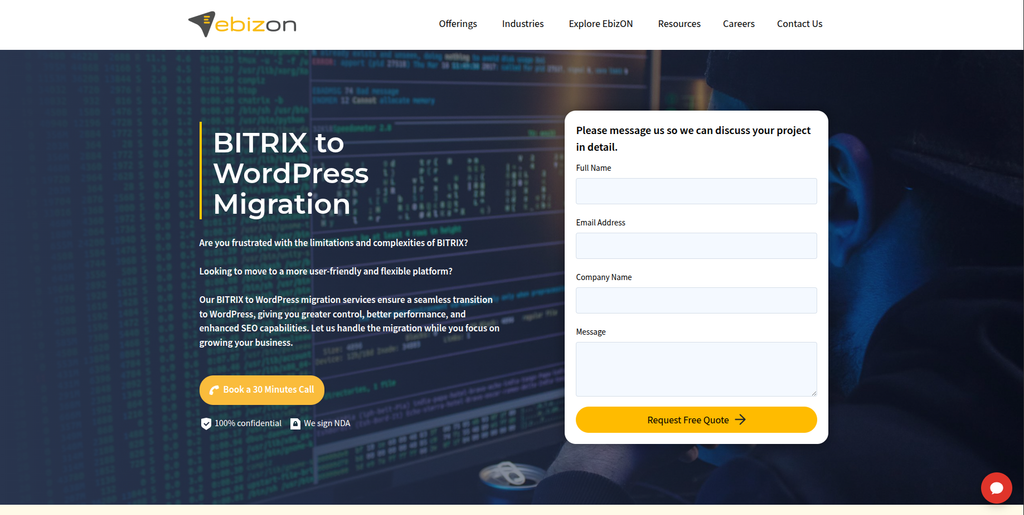
EbizON Digital is worth considering when a BITRIX migration involves more than transferring a few pages. Business websites can include custom templates, integrations, forms, marketing pages, special functionality, analytics, and large amounts of content. A migration team therefore needs to understand both the existing CMS and the WordPress environment being created. EbizON can be evaluated for projects where migration, WordPress development, design, integrations, testing, and ongoing technical work need to come together. This makes it especially relevant for businesses that want the new WordPress website to support future growth rather than simply copy the old site.
- CMS migration planning: Review existing BITRIX content, URLs, media, templates, and functionality before migration.
- WordPress development: Build the new website around WordPress rather than treating migration as data transfer alone.
- Custom requirements: Useful when the existing BITRIX website contains integrations or custom business features.
- SEO migration support: URL mapping, redirects, metadata, internal links, and important landing pages should be included in planning.
- Best suited for: Businesses seeking an end-to-end BITRIX to WordPress migration and development partner.
When the existing site has custom features or a large content structure, businesses can review EbizON’s professional BITRIX website migration to WordPress service for growing businesses before defining the final migration scope.
2. CMSTOWP
Structured BITRIX CMS Migration for Content-Heavy WordPress Websites
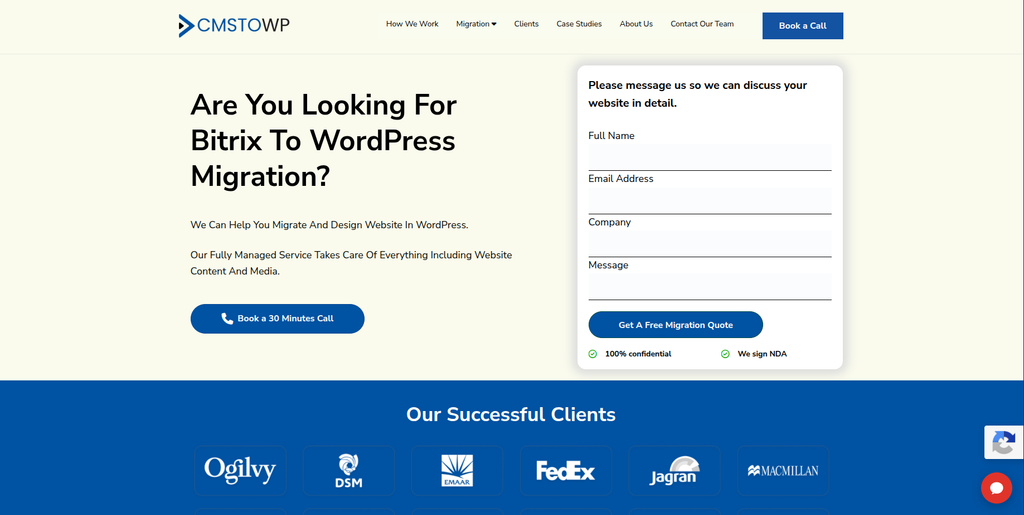
CMSTOWP has a service specifically focused on moving BITRIX websites to WordPress. This makes it directly relevant when the main goal is CMS migration rather than a much larger software transformation. A structured migration should identify pages, posts, media, URLs, metadata, forms, and other content that needs to survive the move. It should also separate content that can be transferred from functionality that needs to be rebuilt inside WordPress. CMSTOWP is therefore worth evaluating for businesses that want a migration-focused process with WordPress as the destination.
- Migration-focused approach: Relevant for projects centered on moving an existing website to WordPress.
- Content migration planning: Pages, posts, media, files, and website structure should be mapped before transfer.
- WordPress setup: The destination CMS can be configured around the website’s future content requirements.
- SEO considerations: Existing URLs, metadata, redirects, and important search pages should be reviewed.
- Best suited for: Businesses seeking a structured BITRIX CMS to WordPress migration service.
3. Creative Croods
Design-Led Website Modernization for Businesses Considering WordPress
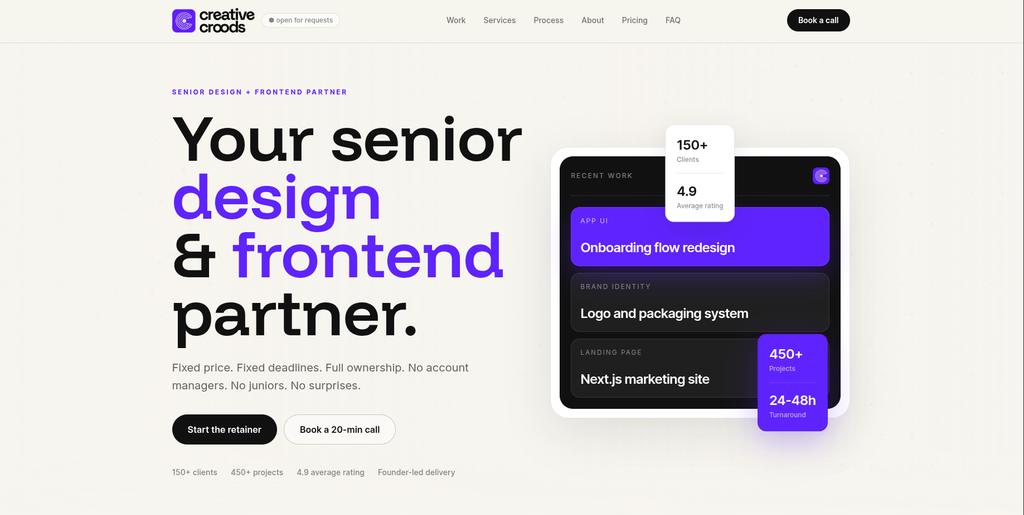
Creative Croods is mainly a design and frontend studio rather than a dedicated BITRIX migration company. Its public services focus on UI/UX, websites, design systems, React, and Next.js development. The company also states that WordPress is not its usual development choice, although it may recommend WordPress when a project’s requirements genuinely point in that direction. This makes it more relevant when a BITRIX move includes a major visual redesign or frontend rethink. Businesses should confirm who would handle the WordPress build, data migration, redirects, and BITRIX-specific technical work before selecting it for a complete migration.
- Design strength: Relevant when the migration includes a major website design refresh.
- Frontend capability: Publicly focuses on production-ready frontend implementation.
- UX improvements: Can be considered when navigation, page structure, and user journeys also need work.
- Experience to verify: Confirm direct BITRIX migration and WordPress delivery experience for the proposed project.
- Best suited for: Businesses exploring a design-led website modernization alongside CMS migration.
4. Nasha Tech
Web System Development for Technically Complex CMS Migration Projects

Nasha Tech provides broader software and web system development services. Its public service information includes web system development, system and cloud development, DevOps, UI/UX, legacy product re-engineering, and quality assurance. The company also says its project experience includes ecommerce, digital marketing, fintech, healthcare, and other sectors. Those broader engineering capabilities can be useful when a BITRIX website connects with custom systems or requires more than a standard CMS setup. Businesses should still ask for direct BITRIX and WordPress migration examples before deciding whether the company is the right fit.
- Web system development: Relevant for websites that connect with broader applications or business systems.
- Legacy modernization: Publicly offers legacy product re-engineering and digital transformation services.
- Infrastructure knowledge: Useful when migration also involves hosting, deployment, or architecture changes.
- Experience to verify: Ask for direct WordPress and BITRIX migration examples relevant to your website.
- Best suited for: Businesses with a technically complex CMS migration involving custom systems.
5. Best IT Solution
A Development Provider to Assess for BITRIX Content and WordPress Migration
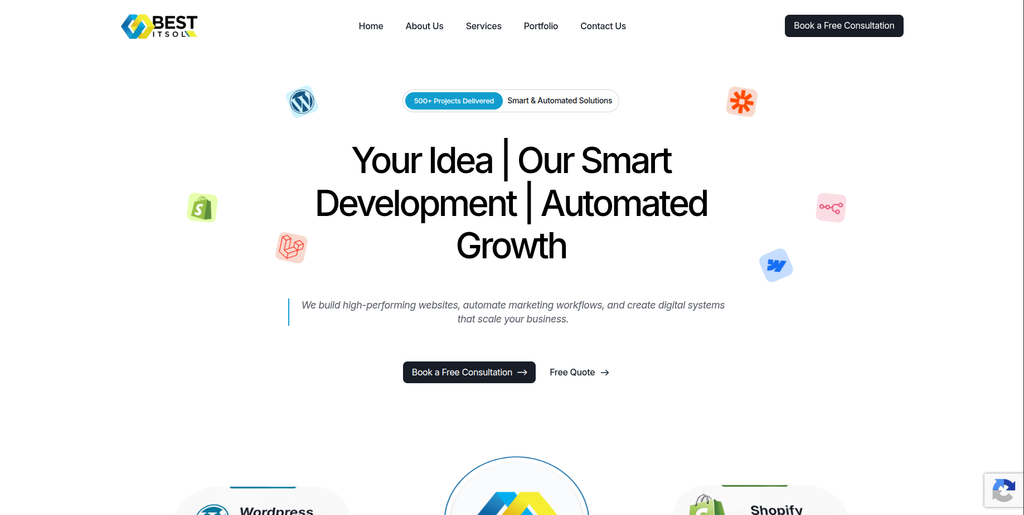
Best IT Solution is another provider to assess when creating a shortlist for a BITRIX migration. For this type of project, general website development experience is only the starting point. The team should be able to explain how it will inspect BITRIX, export or extract existing content, map the information into WordPress, and test the new website. Businesses with custom fields, integrations, forms, or special page templates should ask how each feature will be recreated. Direct BITRIX migration evidence should be requested before the project begins.
- Migration discovery: Ask for a full review of the existing BITRIX website and its content structure.
- WordPress capability: Verify recent WordPress builds that are similar in size and complexity.
- Data handling: Confirm how content, media, metadata, users, and custom information will be transferred.
- Testing process: Request a clear QA plan covering content, forms, links, mobile pages, and redirects.
- Best suited for: Businesses willing to validate technical BITRIX to WordPress migration experience before hiring.
6. NUage Wireless
Website and IT Support for Smaller WordPress Migration Requirements
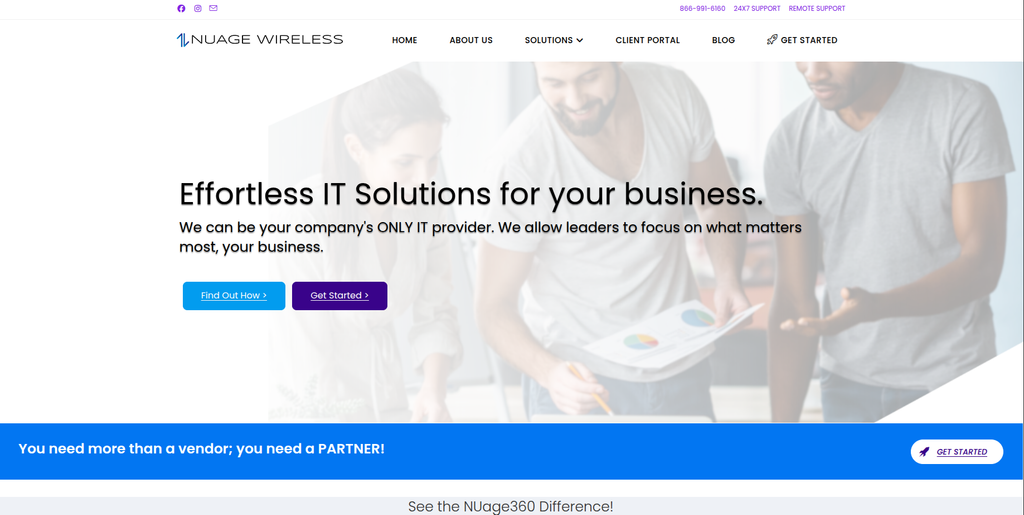
NUage Wireless publicly offers website design and hosting as part of a wider business IT service portfolio. Its website says the team can build websites from scratch and update existing websites with new products and services. That can make the company worth investigating when a CMS migration sits alongside hosting or general IT requirements. However, public website-design capability should not be treated as proof of specialist BITRIX migration experience. Businesses should verify WordPress expertise, data migration methods, SEO handling, and post-launch support before selecting the company.
- Website services: Publicly offers website design and ongoing website updates.
- IT support: May be relevant when the website project connects with wider infrastructure requirements.
- Hosting considerations: Useful to discuss if the migration also changes hosting or server arrangements.
- Experience to verify: Ask specifically about WordPress development and BITRIX CMS migration projects.
- Best suited for: Smaller businesses combining website migration with broader IT and hosting support.
7. GR Soft Solution
Custom WordPress Development to Evaluate for BITRIX Website Rebuilds
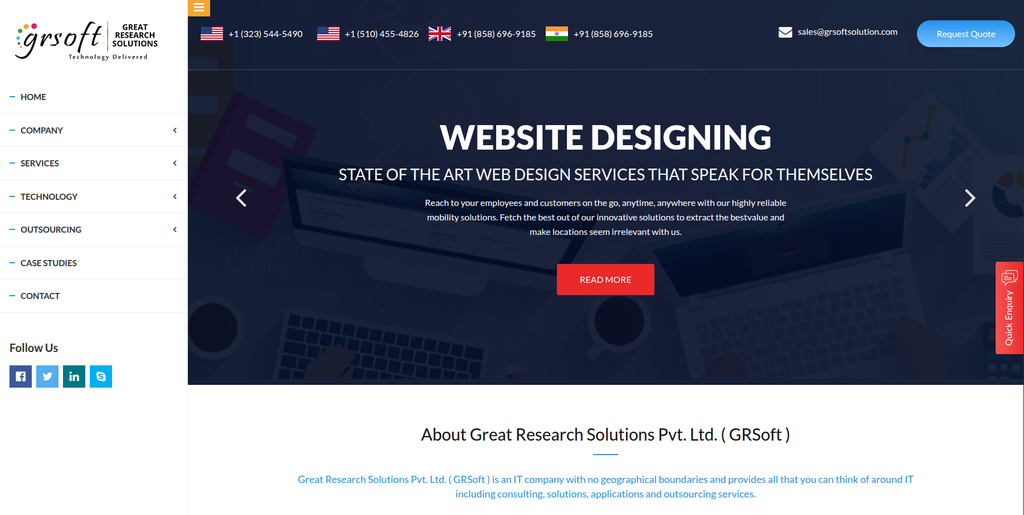
GR Soft Solution is included as one of the providers to evaluate for a BITRIX to WordPress project. A good fit will depend on whether the team can show relevant WordPress development and CMS migration experience. Businesses should avoid judging a provider only by the appearance of previous websites because migrations involve content structures, databases, redirects, integrations, and testing behind the scenes. Ask the team to explain what will be migrated automatically and what must be rebuilt manually. A test migration or staging environment can also help identify problems before the live launch.
- WordPress expertise: Verify recent WordPress projects and the team’s technical development depth.
- Content transfer: Ask how BITRIX pages, media, metadata, and other records would be mapped.
- Custom development: Confirm how non-standard BITRIX features would be recreated in WordPress.
- Migration QA: Look for staging, testing, redirect checks, and launch validation.
- Best suited for: Businesses comparing custom WordPress development partners for a BITRIX rebuild.
8. Vizability
A Digital Partner to Review for WordPress Migration and Website Improvement

Vizability is another company from the requested shortlist that should be assessed against the actual migration scope. A BITRIX website can contain far more than visible pages, so the discovery process should cover URLs, media, forms, metadata, scripts, integrations, users, and custom functionality. The team should also explain how it plans to structure the new WordPress website for easier future management. SEO and analytics should be part of the conversation before the new site launches. Ask for recent WordPress migration examples and BITRIX-specific experience before making the final selection.
- Website assessment: Start with a detailed inventory of the current BITRIX website.
- WordPress structure: Confirm how pages, posts, custom content, and navigation will be organized.
- SEO protection: Ask about redirects, metadata, internal links, sitemaps, and crawlability.
- Experience to verify: Request direct CMS migration and WordPress examples with similar requirements.
- Best suited for: Businesses assessing a WordPress migration partner for website modernization.
Businesses that want a migration-focused alternative can also review CMSTOWP’s complete BITRIX CMS to WordPress migration solution for content-heavy websites while comparing technical approaches.
9. Regnia Software Consultancy
Custom Software Expertise for BITRIX Websites With Business Integrations
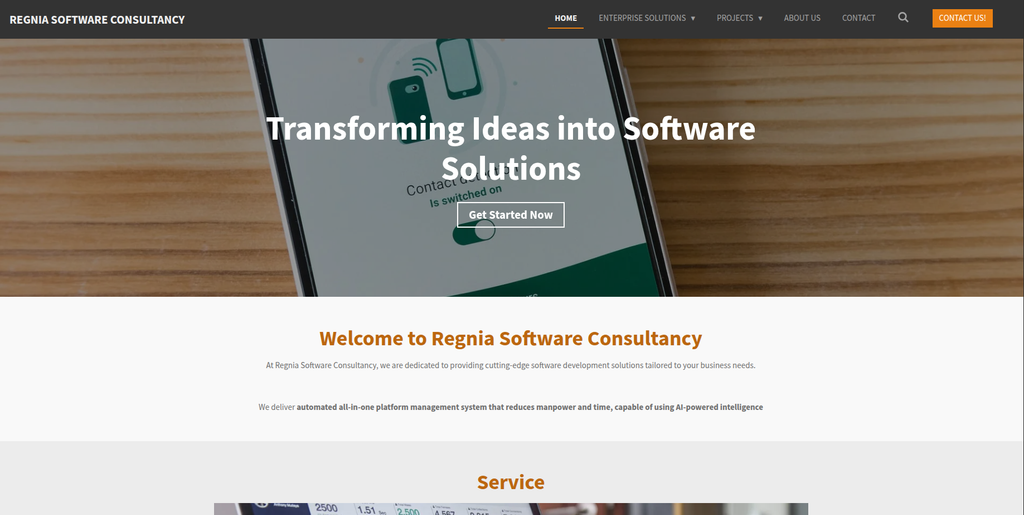
Regnia Software Consultancy presents itself as a Singapore-based software development and consultancy firm. Its public information focuses on custom software, enterprise management systems, automation, and tailored technology solutions. Those skills may be relevant when an existing BITRIX website connects with operational or custom business software. In such cases, the migration team needs to understand what happens to those connections when WordPress becomes the new CMS. Direct WordPress and BITRIX migration experience should still be confirmed because custom software expertise alone does not prove CMS migration capability.
- Custom software focus: Relevant when the existing website connects with bespoke business systems.
- Enterprise understanding: Can be useful for organizations with more complicated operational requirements.
- Integration planning: Existing BITRIX connections should be documented before the CMS is replaced.
- Experience to verify: Confirm direct WordPress implementation and BITRIX migration capabilities.
- Best suited for: Businesses with custom system integrations around their BITRIX website.
10. Palsoro
A Provider to Qualify for Structured BITRIX to WordPress Migration
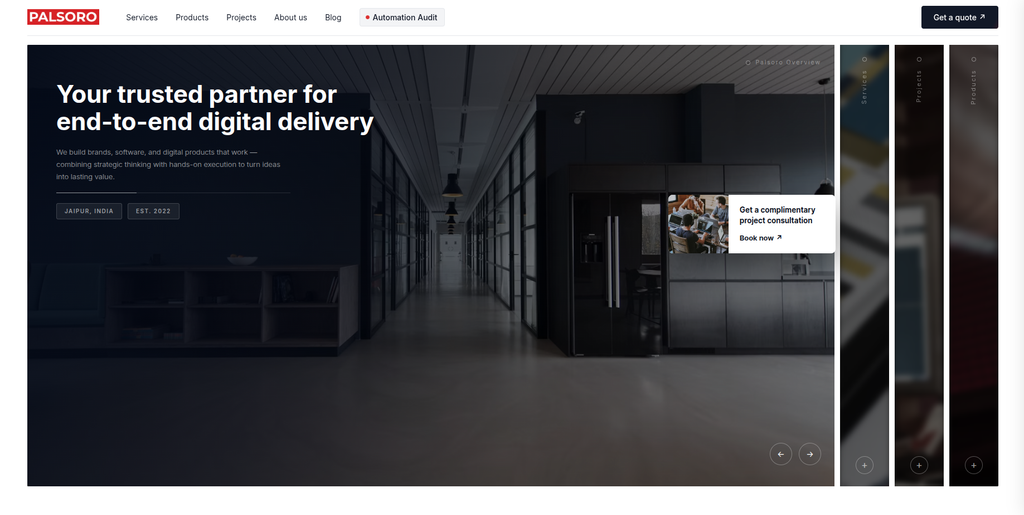
Palsoro completes the requested list of companies to consider for a BITRIX migration. As with any provider where BITRIX-specific public evidence is limited, the safest approach is to qualify the team using your actual migration requirements. Give the company an inventory of pages, media, forms, integrations, users, URLs, and custom features and ask for a proposed migration method. The response should explain data transfer, WordPress setup, SEO protection, testing, launch, and post-launch support. Relevant WordPress migration examples should be reviewed before signing the final project agreement.
- Discovery process: Ask for an audit of the existing BITRIX website before receiving the final scope.
- Migration methodology: The proposal should explain extraction, mapping, import, rebuilding, and testing.
- WordPress setup: Confirm how the destination website will be structured and managed.
- SEO and QA: Look for URL mapping, redirects, metadata checks, forms, mobile testing, and analytics validation.
- Best suited for: Businesses comparing structured BITRIX to WordPress migration development providers.
How to Choose a BITRIX to WordPress Migration Company
Choosing a migration partner is different from choosing someone to build a brand-new five-page website.
The old website already has value.
It has content, URLs, traffic, backlinks, forms, customer journeys, integrations, analytics data, and business processes. Your migration company needs to understand what should stay, what should change, and what should disappear.
1. Ask for BITRIX Migration Experience
Start with the source CMS.
Ask whether the team has worked with BITRIX before. If yes, ask what type of BITRIX websites it migrated and what problems appeared during those projects.
Questions should include:
- How will you extract the existing content?
- How will you handle custom fields?
- Can you migrate media files?
- What happens to forms?
- How will custom BITRIX functions be handled?
- Can user accounts be transferred?
- How will integrations be rebuilt?
- Will you perform a test migration first?
Do not settle for “yes, we can migrate it.”
Ask how.
2. Check Their WordPress Development Skills
The destination platform matters just as much as the source.
WordPress supports pages, posts, media, users, plugins, themes, custom post types, taxonomies, metadata, and REST API functionality.
A migration partner should know how to use those tools to create a clean structure rather than forcing the old BITRIX setup into WordPress in an awkward way.
Ask whether the new website will use:
- Standard pages and posts
- Custom post types
- Custom fields
- Custom taxonomies
- Reusable blocks
- Plugins
- Custom plugins
- API integrations
The simpler the new structure is for your team to manage, the better.
3. Make SEO Migration Part of the Scope
SEO migration should be written into the project scope.
If URLs change, Google recommends creating a mapping between the old and new URLs. It also recommends permanent server-side redirects where possible and updating internal links to point directly to the new URLs.
Your SEO migration checklist should include:
- Existing URL crawl
- High-traffic pages
- Pages with backlinks
- Old-to-new URL mapping
- 301 redirects
- Meta titles
- Meta descriptions
- Canonical URLs
- Internal links
- XML sitemap
- Robots settings
- Search Console
- Analytics
- Post-launch crawl
Google recommends keeping redirects for as long as possible, generally at least one year after a site move.
4. Ask for a Staging Website
Do not discover major migration problems after the DNS has changed.
The new WordPress website should be tested before launch.
Review:
- Pages
- Posts
- Images
- Downloads
- Forms
- Navigation
- Search
- Mobile layout
- Custom functionality
- Integrations
- Tracking
- Metadata
- Redirects
- Page speed
- User permissions
A staging site gives your team time to find and fix problems while the BITRIX website is still serving visitors.
5. Plan Content Mapping Before Migration
BITRIX and WordPress do not necessarily organize content in the same way.
Before migration, decide where each type of content will live in WordPress.
WordPress’s standard import tools can import content from supported platforms, and the WordPress importer can handle items such as posts, comments, custom fields, pages, and categories from WordPress exports. BITRIX is not among the standard import options listed in the official documentation, so a custom migration approach may be required.
Create a migration sheet with columns such as:
- Existing BITRIX URL
- Content type
- New WordPress content type
- New URL
- Migration method
- Redirect required
- SEO metadata
- Owner
- QA status
This makes large migrations much easier to control.
6. Confirm Post-Launch Support
The first few days after launch matter.
Your team should monitor:
- 404 errors
- Redirect problems
- Form submissions
- Analytics
- Search Console
- Broken images
- Missing pages
- Mobile issues
- Integration errors
- Server errors
- Indexing
- Page speed
Google notes that ranking fluctuations can happen during a significant site move while its systems recrawl and reindex the new URLs.
Your migration partner should therefore remain available after launch instead of disappearing as soon as the new website goes live.
Common BITRIX to WordPress Migration Mistakes
Some migration mistakes are easy to avoid if they are planned for early.
Migrating Everything Without Reviewing It
Old websites collect clutter.
You may have outdated pages, duplicate content, old campaign pages, unused files, and content that no longer helps visitors.
Migration is a good time to decide what deserves to move.
Changing Every URL Without a Redirect Plan
Changing URLs without mapping them creates unnecessary risk.
Google recommends mapping old URLs to the correct new destinations and avoiding irrelevant redirects that send many unrelated pages to one location.
Copying BITRIX Functionality Without Questioning It
Not every old feature needs to survive.
Some functionality may now have a simpler WordPress solution. Other features may no longer be used at all.
Ask whether each feature should be migrated, rebuilt, replaced, improved, or removed.
Forgetting Analytics and Tracking
A beautiful new site is difficult to measure if tracking disappears.
Check Google Analytics, advertising tags, conversion events, consent tools, call tracking, and other measurement systems before launch.
Skipping Mobile Testing
Do not only compare desktop screenshots.
Test the new WordPress website on phones and tablets, especially forms, menus, tables, buttons, popups, and important landing pages.
BITRIX to WordPress Migration Checklist
Use this simple checklist before launch:
- Crawl the existing BITRIX website
- Create a content inventory
- Back up the existing website
- Identify custom BITRIX functionality
- Review integrations
- Map old content to WordPress
- Build the WordPress staging website
- Migrate pages and posts
- Transfer images and documents
- Move required metadata
- Rebuild forms
- Recreate required functionality
- Map old URLs to new URLs
- Add required redirects
- Update internal links
- Test mobile layouts
- Test forms and integrations
- Check analytics and tracking
- Review robots and canonical settings
- Create and submit the new sitemap
- Monitor Search Console after launch
- Run a post-launch crawl
- Keep migration support available
FAQs
1. What is BITRIX to WordPress Migration?
BITRIX to WordPress Migration is the process of moving a website from the BITRIX CMS to WordPress. It may include pages, posts, images, files, metadata, forms, users, URLs, integrations, and custom website features.
2. Why move from BITRIX to WordPress?
Businesses may move because they want easier content management, more design flexibility, access to a large plugin ecosystem, simpler marketing workflows, or a WordPress-based technology stack. The decision should depend on your website’s actual business requirements.
3. Can all BITRIX content be moved to WordPress?
A lot of content can usually be migrated, but not every BITRIX feature has a direct WordPress equivalent. Pages, media, metadata, forms, custom fields, users, and integrations should be audited first so the migration team can decide what to transfer, rebuild, replace, or remove.
4. Can I migrate BITRIX to WordPress without losing SEO?
You can reduce SEO risk with careful planning, but no migration company should promise that rankings will never fluctuate. Google says significant site moves can cause temporary ranking fluctuations while new URLs are crawled and indexed. Proper URL mapping, redirects, internal links, sitemaps, and monitoring are important.
5. Do I need 301 redirects when moving BITRIX to WordPress?
You normally need redirects when old URLs change. Google recommends server-side permanent redirects such as 301 or 308 where possible and advises mapping old URLs to relevant new destinations.
6. How long does a BITRIX to WordPress migration take?
The timeline depends on the number of pages, media files, users, custom features, integrations, templates, languages, and URL changes. A small content site may be relatively straightforward, while a large custom BITRIX website can require substantial discovery, development, migration, and QA.
7. Can the website be redesigned during migration?
Yes. A migration can also include a redesign. However, changing the CMS, URLs, content structure, and visual design at the same time increases project complexity. A clear staging and QA process becomes especially important.
8. Does WordPress have a built-in BITRIX importer?
BITRIX is not listed among the standard import options in WordPress’s official import documentation. Depending on the website, the migration may therefore require custom scripts, exports, database work, APIs, or another migration method.
9. What should I test after moving from BITRIX to WordPress?
Test pages, images, documents, navigation, forms, search, mobile layouts, custom features, integrations, analytics, tracking, metadata, redirects, internal links, user permissions, sitemap settings, and important SEO landing pages.
10. How should I choose a BITRIX to WordPress migration company?
Start with evidence. Ask for relevant CMS migration work, WordPress development examples, a content and URL migration plan, an SEO process, staging and QA details, launch support, and a clear explanation of how custom BITRIX functionality will be handled. Choose the provider whose experience and process match the complexity of your website.
Conclusion
Moving from BITRIX to WordPress can give your marketing and content teams a more familiar and flexible publishing environment.
But the migration needs planning.
Content is only one part of the job. URLs, metadata, images, forms, integrations, custom functionality, analytics, user roles, internal links, and SEO signals can all be affected when the CMS changes.
Start by auditing the existing BITRIX website. Then decide what should be moved, rebuilt, replaced, improved, or removed.
When comparing the 10 companies above, ask each provider the same questions and request evidence that matches your website’s complexity. A clear migration plan is much more useful than a vague promise that everything will be moved automatically.
The goal is not simply to get your website onto WordPress.
The goal is to launch a WordPress website that is easier to manage, easier to improve, and ready for the next stage of your business.