
Moving a website from Blackbaud to WordPress can give your organization more control over content, design, SEO, integrations, and future website changes.
But the move needs planning.
Your existing website may contain hundreds or thousands of pages, images, documents, forms, campaign pages, old URLs, metadata, analytics tags, and connections with other systems. Losing even a small part of this information can create problems for visitors and search engines.
That is why Blackbaud to WordPress Migration should not be treated as a simple copy-and-paste project.
Google recommends preparing and testing a new website, mapping old URLs to new URLs, setting up redirects, and monitoring both old and new URLs when a website move changes its URL structure. Google also notes that temporary ranking fluctuations can happen while its systems process a site move. Google’s official website migration guide provides useful guidance for planning this process.
WordPress can be a flexible destination because it supports custom designs and a large plugin ecosystem for extending website functionality.
Below are 10 Blackbaud to WordPress migration companies and development partners to consider in 2026. Some have a closer migration or WordPress fit than others. For companies where direct Blackbaud migration experience is not publicly clear, organizations should ask for relevant examples before hiring.
Best Blackbaud to WordPress Migration Companies in 2026
The 10 companies covered in this guide are:
- EbizON Digital
- CMSTOWP
- WP Labs
- Kopi Studio
- Tinka
- Blank Box Digital
- ExertSense
- Upmarx Services
- Context Studios
- FiniteZen
What Should a Blackbaud to WordPress Migration Include?
A website migration is more than moving text from one CMS to another.
The first step should be a complete website audit. Your migration team needs to understand what content exists, which pages receive traffic, which URLs have backlinks, what files need to move, and which Blackbaud features need to be replaced on WordPress.
A typical migration plan may include:
- Page and content migration
- Images and document migration
- URL mapping
- 301 redirects
- Meta title and description migration
- Internal link updates
- Form recreation
- Website navigation
- WordPress theme development
- Mobile responsiveness
- Analytics and tracking
- Search Console setup
- Integration planning
- Accessibility checks
- Quality testing
- Post-launch monitoring
SEO deserves special attention. Google recommends mapping old URLs to their new destinations and using permanent server-side redirects, such as 301 or 308 redirects, when URLs permanently change. It also recommends updating internal links and submitting the new sitemap after the move. Google’s guidance on redirects and Google Search explains the role redirects play in helping users and search engines reach the correct pages.
How We Evaluated These Blackbaud to WordPress Migration Companies
A good migration partner should understand both the old website and the new WordPress environment.
For this list, the most important factors are:
- WordPress or web development capability
- Website migration knowledge
- Content migration planning
- Custom development
- Data handling
- SEO migration planning
- URL and redirect management
- Third-party integrations
- QA and testing
- Post-launch support
Not every company listed below publicly presents itself as a dedicated Blackbaud migration specialist. When that experience is unclear, we recommend asking for direct evidence before signing a contract.
1. EbizON Digital
Blackbaud to WordPress Migration for Organizations Needing a Complete Website Rebuild
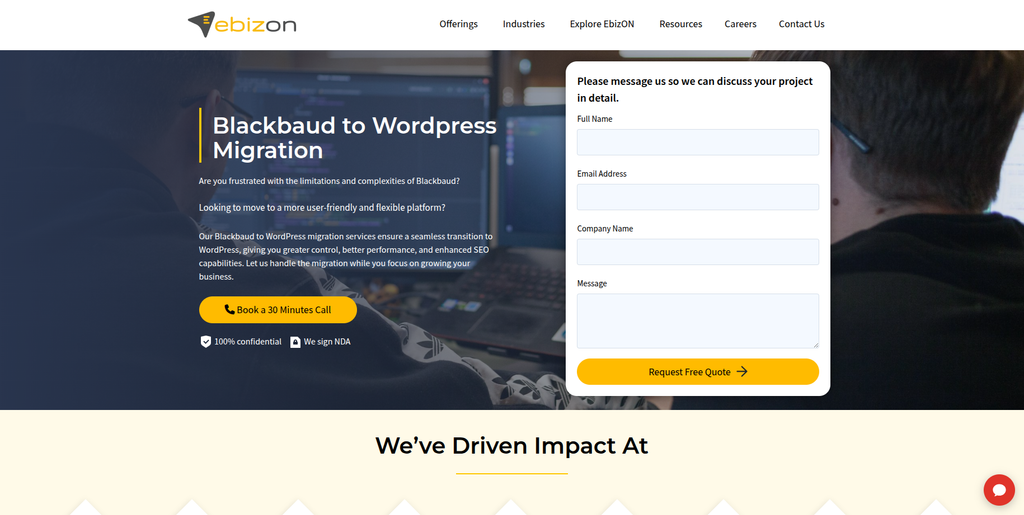
EbizON Digital is a strong starting point for organizations that need to move an existing Blackbaud website to WordPress while also improving the site’s design, structure, integrations, and long-term manageability. A Blackbaud migration can involve content, files, navigation, URLs, forms, SEO information, and custom functionality, so the project needs more than basic page creation. EbizON can be considered when the WordPress website needs to be rebuilt around current business requirements instead of simply copying an older website. This approach can also help teams clean up outdated content and improve important user journeys during the move. The migration scope should be defined before development starts so important content and functionality are not missed.
- Content migration: Plan the transfer of pages, images, documents, metadata, and other important website information.
- WordPress development: Build the new website around WordPress rather than simply recreating an outdated structure.
- SEO migration: Map important URLs, metadata, internal links, and redirects before launch.
- Custom requirements: Rebuild or replace functionality that cannot move directly from Blackbaud.
- Best suited for: Organizations needing Blackbaud website migration combined with custom WordPress development.
Before development begins, organizations can review EbizON’s Blackbaud to WordPress migration service for organizations needing a structured CMS move to understand how the migration can be planned around the existing website.
2. CMSTOWP
Focused Blackbaud CMS Migration to WordPress With Content and SEO Planning
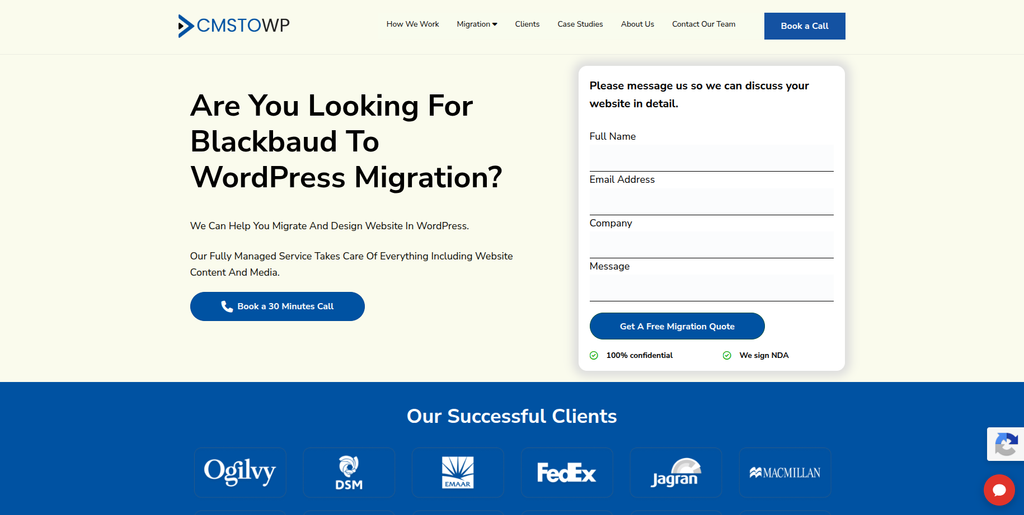
CMSTOWP is worth considering when the main goal is moving an existing website from Blackbaud into WordPress. CMS migrations require careful handling because page content is only one part of the website. Images, documents, navigation, metadata, forms, internal links, and existing URLs may also need attention. A structured approach starts by creating an inventory of what exists in Blackbaud and deciding where everything belongs in WordPress. Organizations should also identify outdated content that does not need to be carried into the new website. This makes the migration cleaner and reduces unnecessary content inside the new CMS.
- CMS migration focus: Relevant when changing the underlying website platform is the main project.
- Content transfer: Pages, media, documents, and important website information should be mapped before migration.
- WordPress setup: The destination site can be organized around a cleaner WordPress content structure.
- SEO protection: Important existing URLs and search metadata should be reviewed before launch.
- Best suited for: Organizations seeking a structured Blackbaud CMS to WordPress migration process.
3. WP Labs
Custom Development Support for Complex Blackbaud Website Replacement Projects
WP Labs is a development company to evaluate when a Blackbaud replacement involves custom systems or workflows in addition to the public website. Its current public material focuses on AI workflow automation, internal tools, MVP development, websites, and custom software. The company also lists technologies including PHP, JavaScript frameworks, databases, cloud platforms, and API-oriented development. That broader technical experience may be useful if an old Blackbaud website connects with systems that cannot simply be recreated with a WordPress theme. However, direct Blackbaud-to-WordPress migration experience should be confirmed before choosing the company specifically for this type of project.
- Custom development: Relevant when the new website needs more than standard WordPress pages.
- Workflow experience: Worth evaluating when the project includes internal processes or custom tools.
- Technical stack: Publicly lists PHP and several modern web development technologies.
- Experience to verify: Request direct Blackbaud and WordPress migration examples.
- Best suited for: Organizations with custom development needs around a larger website migration.
4. Kopi Studio
Website Rebuild Option for Smaller Organizations Moving Away From Blackbaud
Kopi Studio focuses on websites and business systems, particularly for smaller organizations and SMEs. Its public website describes custom websites, website development, UI/UX work, backend systems, analytics, and post-launch support. This could make it useful when an organization wants to move away from an older Blackbaud website and build a simpler modern website rather than reproduce every part of the old platform. Its public positioning is broader website development rather than dedicated Blackbaud migration. Organizations should therefore ask specifically about WordPress delivery, CMS migration, URL mapping, and Blackbaud experience before making a decision.
- Website development: Suitable for projects that include a website rebuild.
- UI/UX support: Useful when migration is also an opportunity to improve the visitor experience.
- Custom systems: Publicly offers websites alongside dashboards, CRMs, and other business tools.
- Experience to verify: Confirm WordPress and Blackbaud migration experience for your project.
- Best suited for: Smaller organizations considering a website rebuild alongside their CMS migration.
5. Tinka
A Web Development Partner to Qualify for Blackbaud Content Migration
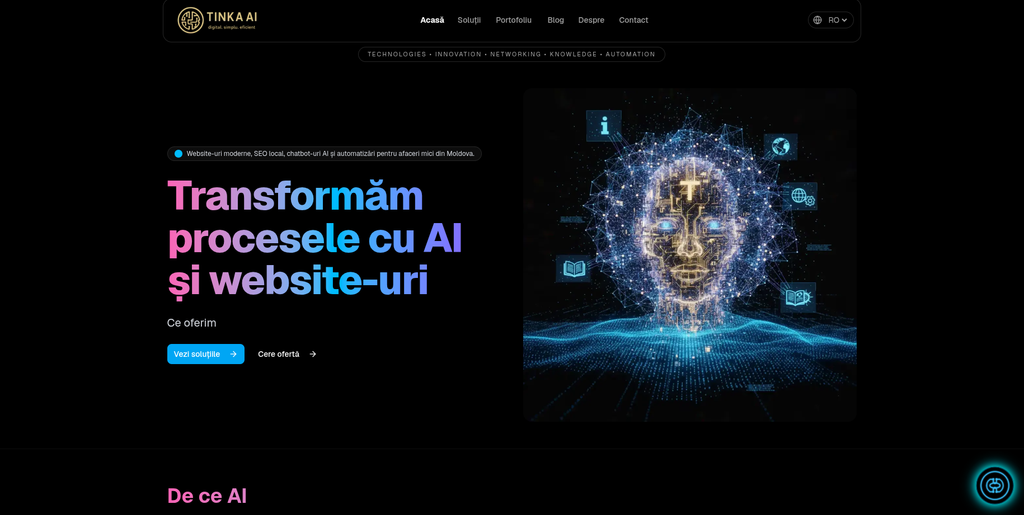
Tinka is another company from the requested shortlist that organizations can investigate for a Blackbaud migration project. Public information available during our review was not enough to verify specific Blackbaud-to-WordPress migration experience, so qualification is important here. Start by sharing a detailed content inventory and asking how the team would move pages, media, files, metadata, and URLs into WordPress. The company should also explain how it handles test migrations and quality assurance before the new website goes live. Relevant CMS migration case studies should be requested before adding Tinka to the final shortlist.
- Migration discovery: Ask for a complete review of the existing Blackbaud website.
- Content planning: Confirm how pages, files, images, and metadata would be transferred.
- WordPress capability: Request examples of recent WordPress development work.
- Experience to verify: Ask specifically for comparable CMS migration projects.
- Best suited for: Organizations willing to validate technical and migration experience during discovery.
Why URL Mapping Matters During a Blackbaud Website Migration
Changing CMS platforms often changes how URLs are created.
For example, an old Blackbaud page may have a long or system-generated address. The new WordPress website may use a cleaner URL.
That is useful for visitors, but the old URL may already have search visibility, backlinks, bookmarks, or traffic.
Google recommends creating a mapping between old and new URLs before a site move. It also advises updating internal links and using permanent redirects where appropriate. Google says permanent redirects do not cause a loss of PageRank, although temporary search-ranking fluctuations can happen while a site move is being processed.
For a large Blackbaud website, build the redirect map before launch rather than after broken links start appearing.
6. Blank Box Digital
Website, SEO, and Conversion Support for a Blackbaud to WordPress Redesign
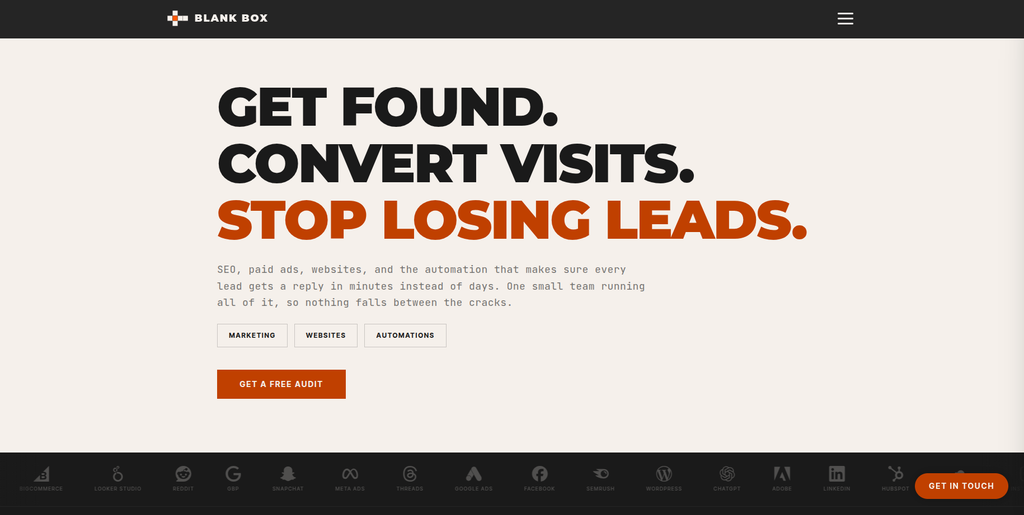
Blank Box Digital combines website work with SEO, advertising, content, and automation services. Its public website lists WordPress among the platforms and tools it works with and describes website development alongside SEO and analytics. That mix can be relevant when moving from Blackbaud is also a chance to improve search visibility and conversion paths. However, a broad digital marketing offering is not the same as proven Blackbaud migration expertise. Ask for direct examples of CMS migrations and confirm how the team would handle content extraction, redirects, WordPress setup, QA, and post-launch SEO monitoring.
- WordPress familiarity: WordPress is included among the technologies shown on its website.
- SEO capability: Relevant when organic search protection is a major migration requirement.
- Website development: Useful when the new WordPress site also needs design or conversion improvements.
- Experience to verify: Request direct Blackbaud and large-scale CMS migration examples.
- Best suited for: Organizations combining website migration with SEO and digital marketing improvements.
7. ExertSense
Software Development Support for Integration-Heavy Blackbaud Migration Projects
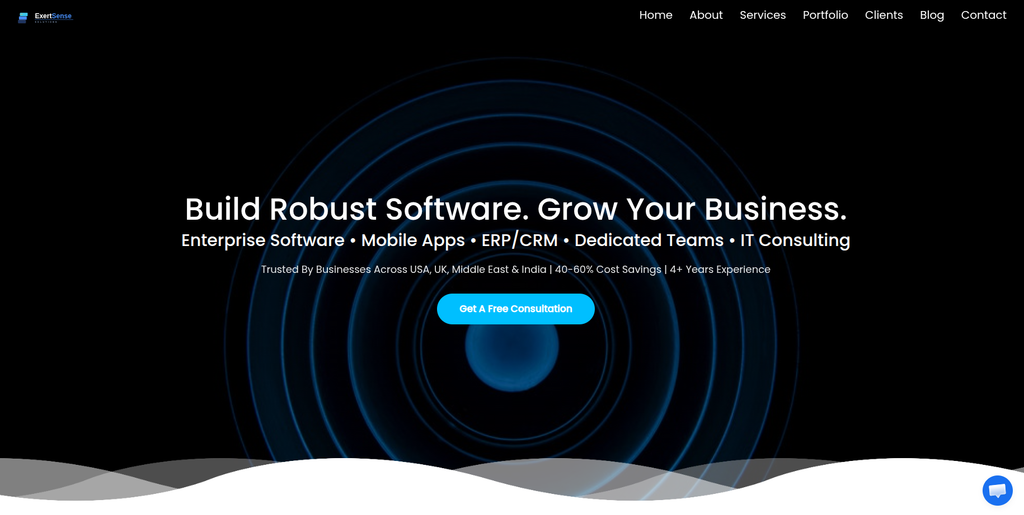
ExertSense presents itself as a software development company, making it an option to investigate when the move from Blackbaud includes technical work beyond content pages. Some organizations may have forms, APIs, databases, member workflows, or third-party applications connected with their existing environment. Those connections need to be identified before the migration starts. The important question is whether the team can translate the existing requirements into an appropriate WordPress architecture without creating unnecessary custom code. Direct Blackbaud migration and relevant WordPress project experience should be confirmed during the selection process.
- Software development: Potentially useful for migration projects with custom technical requirements.
- Integration planning: Important when Blackbaud connects with other organizational systems.
- Technical discovery: Existing applications and workflows should be documented before development.
- Experience to verify: Ask for relevant WordPress and CMS migration case studies.
- Best suited for: Organizations with an integration-heavy Blackbaud website migration project.
8. Upmarx Services
Development Partner to Assess for Structured Blackbaud Website Migration
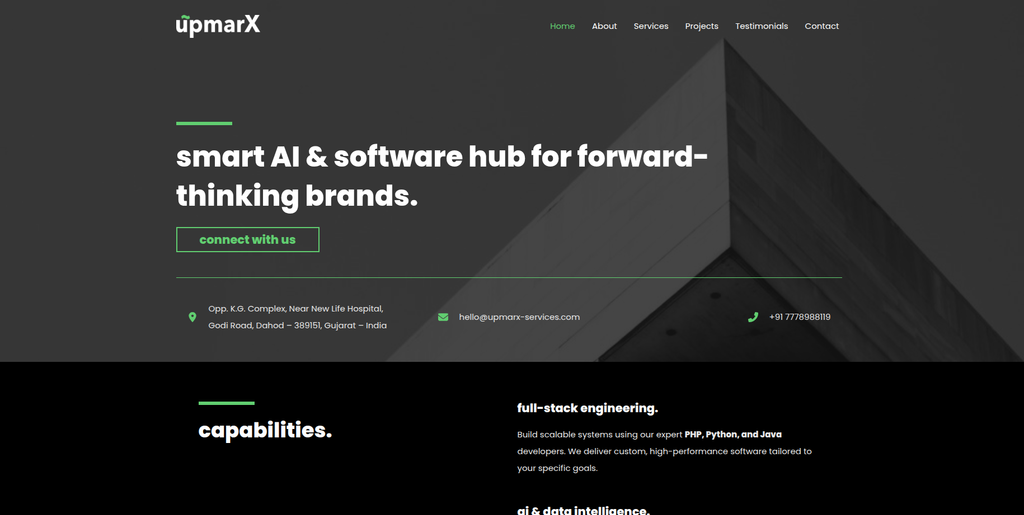
Upmarx Services is another provider from the requested shortlist to assess against the exact needs of your Blackbaud website. Before selecting any development company, organizations should provide a list of content types, integrations, forms, high-traffic pages, files, and SEO requirements. The provider should then explain what can move directly, what needs rebuilding, and what should be removed. A test or staging environment is also important so the new site can be reviewed before launch. Ask Upmarx Services for relevant WordPress and CMS migration examples before deciding whether the company fits your project.
- Discovery process: Look for a clear audit before the migration begins.
- Content mapping: Every important Blackbaud content type should have a WordPress destination.
- Testing: Request staging, content checks, form testing, and mobile QA.
- Experience to verify: Confirm direct WordPress and comparable CMS migration work.
- Best suited for: Organizations comparing structured website development and migration providers.
9. Context Studios
AI-Native Software Development for Complex Blackbaud Replacement Requirements
Context Studios positions itself as an AI-native software development company rather than a dedicated WordPress migration agency. That difference matters. It may be more relevant when moving away from Blackbaud is connected with custom software, automation, data, or new digital experiences rather than a straightforward website transfer. Organizations with simple content websites may not need that level of development. For Blackbaud migration work, ask the company to demonstrate its WordPress capabilities, content migration process, SEO handling, and experience replacing legacy CMS functionality.
- Custom software: Relevant when the migration includes new digital functionality.
- AI development: Potentially useful when AI features form part of the new website roadmap.
- Complex requirements: Worth assessing for projects extending beyond a standard CMS rebuild.
- Experience to verify: Confirm WordPress and Blackbaud migration delivery before hiring.
- Best suited for: Organizations planning a broader digital transformation alongside CMS replacement.
10. FiniteZen
A Technology Provider to Qualify Carefully for Blackbaud to WordPress Migration
FiniteZen completes the requested list of companies to consider. Public information available during our research did not provide enough evidence to describe it as a dedicated Blackbaud-to-WordPress migration specialist. That makes direct qualification especially important. Ask for recent WordPress projects, CMS migration examples, technical references, and a written explanation of how the company would approach your Blackbaud website. A good proposal should cover content, media, URLs, redirects, forms, integrations, testing, launch, and support rather than providing only a development estimate.
- Technical review: Begin with an audit of the existing Blackbaud website and its dependencies.
- Migration methodology: Request a written process covering content, development, QA, and launch.
- SEO planning: Make sure URL mapping and redirect testing are included.
- Experience to verify: Ask for direct WordPress and CMS migration evidence.
- Best suited for: Organizations prepared to carefully qualify a technology provider before migration.
What Data and Content Should You Move From Blackbaud to WordPress?
Every website is different, but a migration inventory commonly includes:
- Standard website pages
- News and blog posts
- Images
- PDFs and downloadable files
- Staff or leadership profiles
- Campaign pages
- Landing pages
- Event content
- Forms
- Navigation menus
- Page titles
- Meta descriptions
- Image alt text
- Internal links
- Redirect requirements
- Analytics tags
- Structured data
- Search functionality
- Third-party integrations
Do not automatically migrate everything.
Older websites often contain years of duplicate, outdated, or low-value content. Migration is a good time to decide what should be moved, updated, merged, redirected, archived, or removed.
How to Choose a Blackbaud to WordPress Migration Company
1. Start With a Complete Blackbaud Website Audit
Ask the company to review the website before giving you a final migration plan.
The audit should identify important pages, files, content types, forms, integrations, URLs, traffic-driving pages, and custom features.
Without this information, a migration estimate is mostly a guess.
2. Ask How Content Will Be Moved
Small websites can sometimes be migrated manually.
Large sites may require scripts, exports, APIs, database work, or a mix of automated and manual migration.
Ask which method will be used and how the team will verify that content has arrived correctly.
3. Protect Existing SEO
SEO should be part of migration planning from the beginning.
Your team should identify important URLs, backlinks, metadata, internal links, indexed pages, and organic landing pages before launch.
Google recommends testing the new site thoroughly, preparing an old-to-new URL map, implementing redirects, and monitoring traffic after a site move.
4. Plan 301 Redirects Before Launch
Do not wait until after launch to discover that hundreds of old URLs return errors.
Google recommends permanent server-side redirects such as 301 or 308 when a page has permanently moved. It also recommends avoiding unnecessary redirect chains and sending old URLs to relevant new destinations rather than automatically redirecting everything to the homepage.
5. Review Forms and Integrations
For many organizations, this is where a migration becomes complicated.
The old Blackbaud website may connect with fundraising, CRM, event, payment, membership, email, analytics, or other systems.
Create a list of every integration and decide whether it will be:
- Retained
- Reconnected
- Replaced
- Rebuilt
- Removed
6. Test the New WordPress Website
Never judge migration success from the homepage alone.
Test:
- Main navigation
- Content pages
- Images
- PDFs
- Forms
- Search
- Mobile layouts
- Internal links
- Redirects
- Analytics
- SEO metadata
- Page titles
- Canonical tags
- XML sitemap
- 404 pages
- Third-party integrations
Google also recommends monitoring crawling and indexing after a website move through Search Console.
Common Blackbaud to WordPress Migration Mistakes
Moving Every Old Page
More content is not always better.
If a page is outdated and receives no useful traffic, links, or engagement, consider whether it belongs on the new website.
Forgetting Redirects
Old URLs may still appear in search engines or on other websites.
If those pages simply disappear, visitors reach errors.
Redesigning Without Thinking About SEO
A redesign can change navigation, content, headings, URLs, internal links, and page structure at the same time.
That creates additional migration risk.
Google advises changing one major thing at a time when practical during a site move.
Launching Without a Content QA Process
Automated migration can save time, but automation can also repeat the same mistake across hundreds of pages.
Check representative samples from every important content type.
Ignoring Post-Launch Monitoring
Migration work continues after launch.
Check Search Console, analytics, redirects, forms, traffic, indexed pages, and server errors during the following days and weeks.
Why WordPress Can Be a Good Destination After Blackbaud
WordPress is an open-source publishing platform used by organizations ranging from small businesses to large enterprises. Its block-based editing tools allow teams to manage and arrange content, while plugins can extend a website with analytics, newsletters, social integrations, ecommerce, and other functionality.
That flexibility is one reason organizations consider moving from more specialized or restrictive website environments.
However, flexibility also creates responsibility.
Your organization needs a sensible plugin policy, security process, backups, updates, hosting, performance monitoring, and ongoing maintenance. The goal should not simply be “move to WordPress.” The goal should be to create a WordPress website your internal team can manage without creating another difficult legacy system.
Blackbaud to WordPress Migration Checklist
Before approving your migration, make sure the project covers:
- Full website crawl and inventory
- Content migration plan
- Media and document migration
- Content cleanup
- WordPress information architecture
- Design and theme development
- Mobile responsiveness
- Form recreation
- Integration mapping
- SEO metadata
- Old-to-new URL mapping
- 301 redirects
- Internal link updates
- Analytics
- Search Console
- XML sitemap
- Accessibility review
- Performance testing
- Security checks
- Content QA
- Redirect QA
- Launch plan
- Post-launch monitoring
- Ongoing WordPress support
FAQs
1. What is Blackbaud to WordPress Migration?
Blackbaud to WordPress Migration is the process of moving a website, its content, media, URLs, and required functionality from a Blackbaud website environment to WordPress. The exact migration scope depends on how the existing Blackbaud website has been built and what integrations it uses.
2. Can I move my Blackbaud website to WordPress?
Yes, a Blackbaud website can be rebuilt or migrated to WordPress, but the process needs to be planned around the existing content, URLs, files, forms, integrations, and custom features. Some information can be transferred while other functionality may need to be rebuilt or replaced.
3. Will a Blackbaud to WordPress migration affect SEO?
A CMS migration can affect SEO, especially when URLs, content, navigation, internal links, or technical settings change. Google recommends URL mapping, permanent redirects, testing, and post-launch monitoring during website moves. Temporary ranking changes can also happen while Google processes the migration.
4. How do I protect SEO during a Blackbaud website migration?
Create an inventory of important URLs before migration. Preserve useful content and metadata, map old URLs to relevant new pages, implement permanent redirects, update internal links, generate the new sitemap, and monitor Search Console after launch.
5. What content can be moved from Blackbaud to WordPress?
Depending on the existing setup, content may include standard pages, articles, images, documents, staff profiles, campaign pages, metadata, navigation, internal links, and other website information. Forms and specialized functionality may need to be recreated rather than directly migrated.
6. How long does a Blackbaud to WordPress migration take?
The timeline depends on website size, number of content types, integrations, custom functionality, design requirements, content cleanup, and QA. A small website is very different from a large organization with thousands of pages and multiple connected systems.
7. Should we redesign the website during migration?
You can, but combining a CMS migration and a major redesign increases the number of things changing at once. For large or SEO-sensitive websites, careful staging and testing become even more important. Decide whether design changes are necessary for launch or can be introduced in phases.
8. Do we need 301 redirects when moving from Blackbaud to WordPress?
If existing URLs change, permanent redirects are normally needed so visitors and search engines reach the correct new pages. Google recommends server-side permanent redirects when a URL has permanently moved.
9. What should we test after moving to WordPress?
Test pages, images, files, forms, navigation, mobile layouts, search, redirects, internal links, metadata, analytics, integrations, sitemap files, 404 responses, and important user journeys. Continue monitoring the website after launch.
10. How should I choose a Blackbaud to WordPress migration company?
Compare providers based on relevant CMS migration experience, WordPress development, content migration methodology, SEO planning, integration knowledge, QA, security, project management, and post-launch support. Ask each provider to explain exactly how it would migrate your website rather than relying only on general web development experience.
Conclusion
A Blackbaud to WordPress Migration can give your organization a more flexible website, but the move should be treated as a structured migration rather than a simple redesign.
Start by understanding what is already inside the Blackbaud website.
Then decide what needs to move, what needs rebuilding, and what no longer needs to exist.
Protect important URLs and organic search traffic with proper mapping and redirects. Rebuild important forms and integrations carefully. Test the new WordPress site before launch and continue monitoring it afterward.
Most importantly, compare migration companies using evidence.
EbizON Digital and CMSTOWP have dedicated service pages for this migration path. For the other eight companies in this guide, ask for direct Blackbaud, WordPress, and comparable CMS migration examples where that experience is not clearly documented publicly.
A successful migration should leave your organization with more than a new-looking website. It should give your team a WordPress platform that is easier to manage, easier to improve, and ready for what comes next.