
Moving a website from Prismic to WordPress is not just about copying text from one CMS to another.
A Prismic website can contain pages, images, links, reusable content, structured fields, multiple languages, custom components, SEO data, and frontend code. All these pieces need a proper place in WordPress.
That is why Prismic to WordPress Migration needs planning.
The new WordPress website should keep important content, URLs, SEO value, media, and user experience while giving your team an easier way to manage the website.
WordPress provides official guidance for importing content from another publishing system. Its documentation also warns that large imports can face server memory limits and that failed imports may create duplicate content, which shows why testing and content checks matter during a CMS migration.
Prismic also provides migration tooling for moving structured content into its platform, including support for rich text, images, links, localization, and bulk content. While this tooling is mainly designed for migrations into Prismic, it also shows the types of structured content that teams should carefully account for when planning a move away from a headless CMS.
Below are the Top 10 Prismic to WordPress Migration Companies in 2026 to consider if you are planning a move to WordPress.
Best Prismic to WordPress Migration Companies in 2026
The 10 companies covered in this guide are:
- EbizON Digital
- CMSTOWP
- Chosen6
- Blackbird Marketing
- Bloom Digital
- WebAllures
- The Fold Tech
- Unlimit Digital
- Revibe Digital
- Pixea
The companies have different strengths. Some may be more relevant for CMS migration and WordPress development, while others may fit projects involving design, development, SEO, or wider digital changes.
For companies where direct Prismic migration experience is not clearly documented publicly, ask for relevant case studies before making your decision.
What Makes Prismic to WordPress Migration Different?
Prismic is a headless CMS. Content is managed separately from the frontend experience.
This means your content may be structured around custom types, fields, slices, links, images, and reusable components rather than traditional WordPress pages.
Moving this information into WordPress requires a mapping plan.
For example, a Prismic content type might become:
- A WordPress page
- A blog post
- A custom post type
- A custom field
- A taxonomy
- A Gutenberg block
- A reusable pattern
- A custom WordPress template
The migration team should decide where everything belongs before moving thousands of content items.
This is especially important for websites with many custom content types or multiple languages.
What Should Be Included in a Prismic to WordPress Migration?
A complete migration should begin with a content audit.
The team should identify what currently exists in Prismic and decide what needs to be migrated, rebuilt, redirected, archived, or removed.
A migration plan may include:
- Pages
- Blog posts
- Images
- Documents
- Rich text
- Internal links
- External links
- Custom content types
- Prismic slices
- SEO metadata
- Author information
- Categories
- Tags
- Multiple languages
- Forms
- Tracking scripts
- Structured data
- URL structures
- Redirects
The exact scope will depend on how your Prismic website was built.
Why SEO Planning Matters During a Prismic CMS Migration
One of the biggest migration risks is changing URLs without a plan.
If an important Prismic page currently receives search traffic or backlinks, deleting its URL during migration can create problems.
Before development begins, create a list of existing URLs and decide what the equivalent WordPress URL will be.
Your team should review:
- Existing URLs
- New WordPress URLs
- Page titles
- Meta descriptions
- Canonical tags
- Heading structure
- Internal links
- Image alt text
- Structured data
- XML sitemaps
- Indexability
- Analytics
- Search Console
- Redirects
Google’s official guidance for site moves involving URL changes recommends URL mapping, redirects, testing, and monitoring when URLs change.
This work should be part of the migration plan, not something added after launch.
Top 10 Prismic to WordPress Migration Companies
1. EbizON Digital
End-to-End Prismic CMS to WordPress Migration for Content-Rich Business Websites
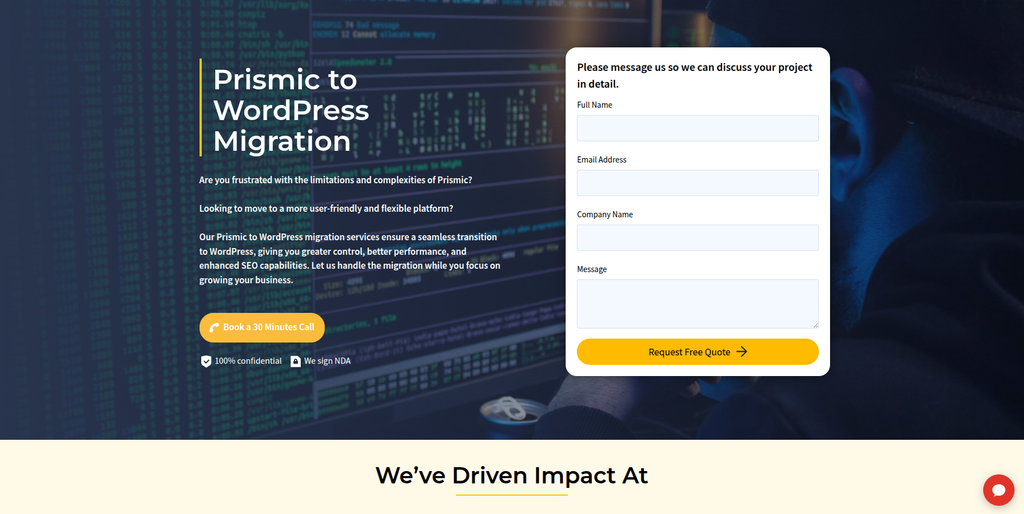
EbizON Digital is worth considering when the project involves content migration, WordPress development, custom functionality, SEO considerations, and a wider website rebuild. A Prismic website may contain structured content that cannot simply be copied into standard WordPress pages. The new site needs a content model that remains easy for marketing teams to manage. Development teams also need to recreate important frontend functionality and integrations. This makes a planned migration approach important for larger or more customized websites.
- CMS migration planning: Map Prismic content types, fields, pages, and reusable components before development starts.
- Custom WordPress development: Useful when the new site needs custom templates, blocks, post types, or functionality.
- Content restructuring: Prismic content can be reorganized into a WordPress structure that is easier for editors to manage.
- SEO migration support: Important URLs, metadata, internal links, redirects, and crawlability should be protected.
- Best suited for: Businesses that need a Prismic CMS to WordPress migration with custom development and technical support.
A migration is also a good time to decide which parts of the old website should stay and which should improve. Businesses planning a larger rebuild can explore EbizON Digital’s custom Prismic website migration to WordPress for growing businesses to understand the migration scope before development begins.
2. CMSTOWP
Focused Prismic Content Migration to WordPress With Structured Data Planning
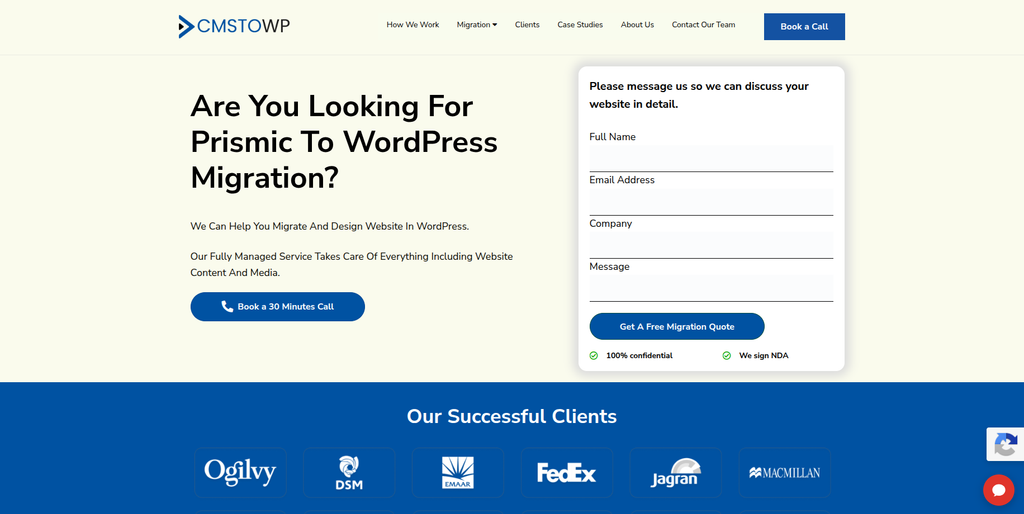
CMSTOWP is another option for businesses that want a migration-focused approach. Prismic content can be highly structured, so the first task should be identifying content types, fields, media, links, and page relationships. The WordPress structure can then be planned around pages, posts, custom post types, taxonomies, and custom fields where needed. This helps avoid dumping all the old content into WordPress without a clear structure. It can be particularly useful when content preservation is more important than a complete digital transformation.
- Migration-focused process: Relevant for businesses specifically moving between content management systems.
- Structured content transfer: Useful for mapping Prismic content into suitable WordPress content types.
- Media migration: Images and other important media should be transferred and checked after import.
- SEO considerations: Existing URLs, metadata, links, and redirects should be included in the migration plan.
- Best suited for: Organizations looking for a structured Prismic to WordPress content migration service.
Before starting, businesses should create a complete inventory of their Prismic repository. If you need a migration-first approach, CMSTOWP provides a Prismic to WordPress migration solution for structured website content that can be reviewed while planning the new site architecture.
3. Chosen6
A Digital Development Option to Assess for Custom Prismic Website Rebuilds
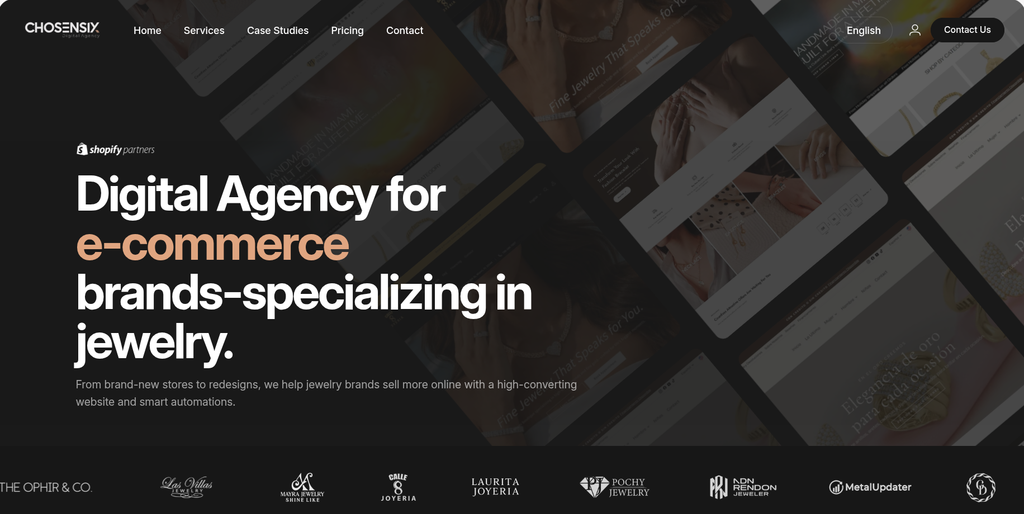
Chosen6 is one of the companies supplied for this comparison and can be evaluated for a Prismic migration project. For this type of move, the most important question is whether the development team can understand the current Prismic content model and recreate it cleanly in WordPress. Businesses should ask for examples of CMS migration work involving structured or headless content. They should also confirm who handles SEO, redirects, content QA, and post-launch fixes. Direct Prismic to WordPress experience should be verified during the selection process.
- CMS experience to verify: Ask for examples of migrations involving structured or headless CMS platforms.
- WordPress capability: Confirm experience with custom themes, blocks, plugins, and content models.
- Content mapping: Ask how Prismic fields and components would be mapped into WordPress.
- Migration QA: Confirm how page counts, media, links, metadata, and layouts will be checked.
- Best suited for: Businesses prepared to validate Prismic migration and custom WordPress development experience.
4. Blackbird Marketing
A Marketing-Led Option for Prismic Websites Moving to WordPress
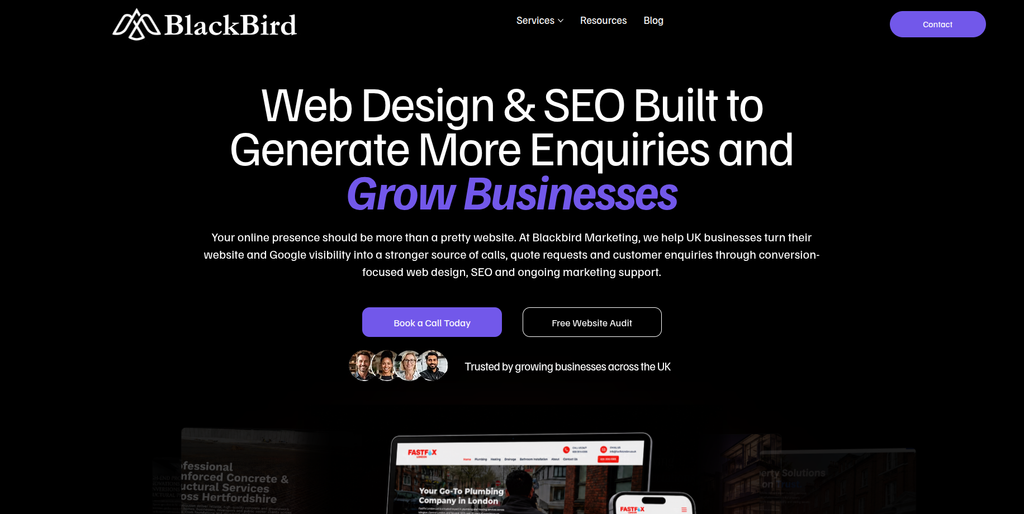
Blackbird Marketing can be assessed when the migration is connected with a broader marketing or website improvement project. Moving to WordPress often gives marketing teams a chance to simplify content publishing and improve landing pages. But marketing knowledge alone is not enough for a complicated CMS migration. The technical team must still understand how Prismic stores structured content and how that information will work inside WordPress. Ask for direct examples involving WordPress development and CMS migration before deciding.
- Marketing perspective: Useful when the migration is connected with content and digital marketing improvements.
- WordPress experience to verify: Ask for recent custom WordPress projects of similar size.
- SEO planning: Confirm responsibility for metadata, URLs, redirects, internal links, and indexing.
- Content transition: Ask how existing Prismic content will be checked after import.
- Best suited for: Brands combining a Prismic website migration with wider marketing improvements.
5. Bloom Digital
A Digital Agency Option for Prismic Migration With Website Redesign
Bloom Digital is another company worth evaluating if the move from Prismic is also a chance to redesign the website. A CMS migration can be a good time to improve page layouts, navigation, content presentation, and mobile experience. However, changing the CMS and design together also adds more moving parts to the project. Businesses should therefore ask for a clear migration plan that separates content transfer, development, design, SEO, and testing. Direct Prismic experience should be confirmed rather than assumed.
- Website redesign: Relevant when businesses want a visual refresh while moving to WordPress.
- Content structure: Ask how existing Prismic content will fit the redesigned WordPress website.
- Responsive experience: The new templates should work properly across desktop, tablet, and mobile devices.
- Migration experience to verify: Request examples of CMS migrations and WordPress projects.
- Best suited for: Organizations planning a Prismic to WordPress migration alongside a website redesign.
6. WebAllures
CMS Development Support for Moving Structured Prismic Content Into WordPress
WebAllures publicly lists WordPress among the CMS platforms it works with and discusses CMS development, responsive design, reusable components, and content management. This makes its broader CMS background relevant when assessing a Prismic migration. A headless CMS migration still requires more than normal WordPress development, especially when Prismic uses custom fields and reusable content structures. Businesses should ask how those structures would be mapped and imported. Direct Prismic migration examples should also be requested.
- CMS development: Public information includes WordPress and broader CMS development capabilities.
- Reusable components: Relevant when translating reusable Prismic structures into WordPress components.
- Responsive development: Important when rebuilding existing frontend experiences.
- Prismic experience to verify: Ask specifically for headless CMS and Prismic migration examples.
- Best suited for: Businesses looking for CMS development support while rebuilding Prismic content in WordPress.
7. The Fold Tech
A Technical Partner to Evaluate for Custom Headless CMS to WordPress Migration
The Fold Tech should be evaluated based on the technical needs of your current Prismic website. A simple marketing website and a large headless website can require very different migration methods. Before choosing a partner, ask the team to review content types, frontend components, APIs, integrations, media, forms, and SEO requirements. The proposal should clearly explain what can be migrated automatically and what needs manual development. Businesses should verify WordPress and Prismic migration experience with relevant examples.
- Technical discovery: The current Prismic setup should be audited before a final migration estimate.
- Custom development: Confirm the team’s ability to rebuild important functionality in WordPress.
- Integration planning: Existing APIs and third-party services should be identified early.
- Experience to verify: Ask for comparable headless CMS and WordPress migration projects.
- Best suited for: Businesses requiring a technical Prismic CMS migration with custom WordPress requirements.
8. Unlimit Digital
A Digital Development Option for Prismic to WordPress Website Modernization
Unlimit Digital can be considered when the migration is part of a larger website modernization project. Moving away from a headless CMS may give the business an opportunity to simplify content workflows and give editors more direct control. The project should still begin with an audit rather than jumping straight into design. Every important Prismic content type, page, image, integration, and URL needs a destination in WordPress. Ask for migration case studies and clear ownership of SEO and QA before selecting the company.
- Website modernization: Relevant when migration is combined with broader website improvements.
- Content workflow: Ask how WordPress will make content editing easier after the move.
- Technical planning: Existing Prismic components and integrations should be documented before development.
- Experience to verify: Confirm direct WordPress migration and headless CMS capabilities.
- Best suited for: Companies planning a Prismic to WordPress migration as part of digital modernization.
9. Revibe Digital
Custom WordPress Development for Businesses Moving From Another CMS
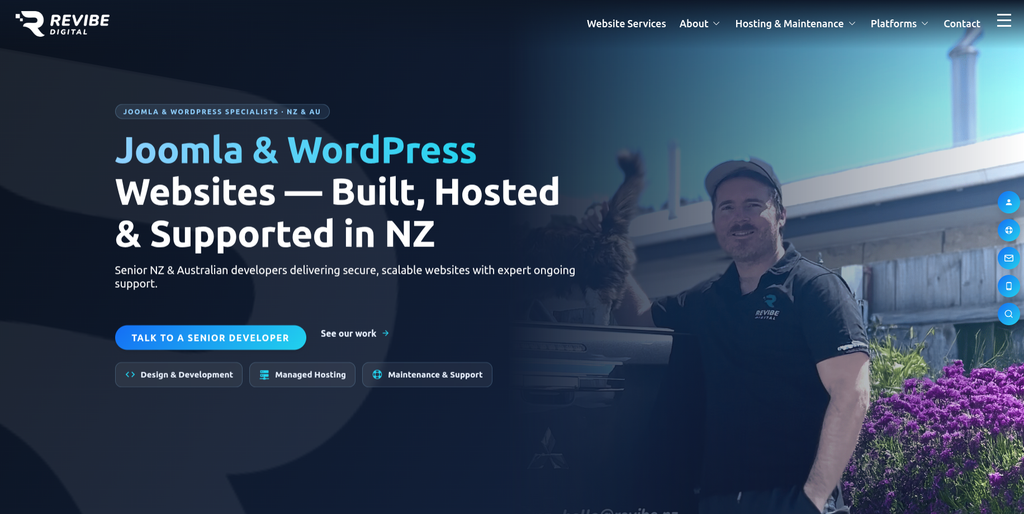
Revibe Digital has clear public information around WordPress development, platform migrations, custom builds, API integrations, technical SEO, and ongoing support. It says it has more than 15 years of experience and has built more than 250 websites. Its WordPress service information also covers full rebuilds, custom themes, WooCommerce, and API integrations. These capabilities can be relevant when moving from Prismic to a custom WordPress environment. Direct Prismic-specific migration experience should still be confirmed before hiring.
- WordPress development: Publicly offers custom WordPress builds and full website rebuilds.
- Platform migration: Public service information includes platform migration capabilities.
- Technical SEO: Relevant when existing search visibility needs protection during migration.
- API integrations: Useful when the current Prismic website connects with external business systems.
- Best suited for: Businesses looking for custom WordPress development with migration and ongoing technical support.
10. Pixea
A Web Development Option to Review for Prismic Content and Design Migration
Pixea completes this list of companies to investigate for a Prismic to WordPress project. The first step should be checking whether its experience matches the complexity of your existing Prismic setup. Ask how the team would handle structured content, media, custom components, URLs, frontend development, and WordPress editing. If the project also involves a redesign, make sure migration and design responsibilities are clearly separated. Direct Prismic migration examples should be verified before making the final choice.
- Project discovery: Ask for a technical review of the existing Prismic website.
- WordPress development to verify: Confirm experience with custom WordPress builds and content structures.
- Content migration: Request a clear method for transferring and checking structured content.
- SEO and QA: Establish who owns redirects, metadata, content validation, and launch testing.
- Best suited for: Businesses comparing Prismic content migration and WordPress development partners.
How to Choose the Right Prismic to WordPress Migration Company
The company with the nicest website is not automatically the right migration partner.
Start by showing each shortlisted company the same information about your Prismic website. This makes proposals easier to compare.
1. Ask for Prismic Migration Experience
Prismic is different from a traditional CMS.
Ask whether the company has worked with:
- Prismic repositories
- Custom types
- Slices
- Rich text
- Structured fields
- Media
- APIs
- Localization
- Headless frontends
If the company has not migrated from Prismic before, ask for examples involving another structured or headless CMS.
2. Ask How Content Will Be Mapped to WordPress
Do not accept “we will migrate the content” as the complete plan.
Ask where each content type will go.
For example:
| Prismic Content | Possible WordPress Destination |
|---|---|
| Standard page | WordPress Page |
| Blog article | WordPress Post |
| Structured content | Custom Post Type |
| Category data | Taxonomy |
| Reusable section | Gutenberg Block or Pattern |
| Custom field | WordPress Custom Field |
| Author | WordPress User or Author Field |
| Image | WordPress Media Library |
The exact structure depends on your website.
WordPress’s official content importing documentation notes that different publishing systems can require different import procedures.
3. Protect Your SEO During Migration
Create an SEO migration checklist before launch.
It should cover:
- Existing URLs
- New URLs
- 301 redirects
- Titles
- Meta descriptions
- Headings
- Canonicals
- Image alt text
- Internal links
- Structured data
- Sitemap
- Robots directives
- Search Console
- Analytics
If URLs change, test the redirect map before and after launch.
Do not delete an old URL simply because the page looks unimportant. Check whether it receives traffic, has backlinks, or supports another page through internal links.
4. Check How Images and Media Will Be Handled
Images are easy to forget during CMS migrations.
The team should decide whether Prismic media will be downloaded and imported into the WordPress Media Library or handled another way.
Check:
- Image files
- Image URLs
- File names
- Alt text
- Captions
- Featured images
- Images inside content
- PDFs and documents
- Broken media references
Run checks after migration instead of assuming every file transferred correctly.
5. Review Multilingual Content
Prismic supports localization, and its migration tooling specifically accounts for content in multiple locales.
If your website uses several languages, decide how they will work in WordPress before importing the content.
Ask:
- Which languages are currently active?
- Are URLs different by language?
- How are translations connected?
- Which WordPress multilingual setup will be used?
- Will translated metadata be preserved?
- Will hreflang implementation change?
Multilingual migration should not be left until the end.
6. Ask for a Test Migration
A test migration can uncover problems while they are still cheap to fix.
Choose a sample that includes different content types rather than only the easiest pages.
Test:
- Standard pages
- Long pages
- Blog posts
- Images
- Links
- Custom content
- Metadata
- Authors
- Categories
- Forms
- Mobile layouts
Then compare the WordPress result with the Prismic source.
WordPress warns that failed imports can still create some content and may lead to duplicates when an import is repeated. That is another reason migration scripts and imports should be tested carefully.
7. Test the Website Before Launch
Content migration is only one part of the project.
The new WordPress website also needs functional testing.
Check:
- Navigation
- Search
- Forms
- Buttons
- Downloads
- Internal links
- External links
- Mobile layouts
- Page speed
- Analytics
- Tracking
- Cookie tools
- Integrations
- Redirects
- 404 pages
- Sitemap
- Indexability
Your old Prismic website should remain available until the new WordPress website has passed the agreed checks.
Prismic to WordPress Migration Checklist
Before launch, confirm that your team has completed these steps:
- Back up or export important Prismic content.
- Create an inventory of current URLs.
- Document Prismic content types and fields.
- Map Prismic content to WordPress.
- Build the required WordPress templates and blocks.
- Import content and media.
- Check page formatting.
- Test internal and external links.
- Transfer SEO metadata.
- Prepare redirects.
- Test forms and integrations.
- Check mobile layouts.
- Test analytics and tracking.
- Generate and review the XML sitemap.
- Crawl the staging website.
- Complete stakeholder QA.
- Launch the WordPress website.
- Test redirects after launch.
- Monitor indexing and crawl errors.
- Fix migration issues found after launch.
FAQs
1. What is Prismic to WordPress Migration?
Prismic to WordPress Migration is the process of moving website content and functionality from Prismic to WordPress. It can include pages, posts, images, links, structured content, metadata, custom content types, reusable components, URLs, integrations, and other website information.
2. Can I migrate all my Prismic content to WordPress?
Most important website content can usually be migrated, but it may not move into WordPress in exactly the same structure. Prismic custom types, fields, and slices need to be mapped to suitable WordPress pages, posts, custom post types, fields, blocks, or templates.
3. Will Prismic slices work in WordPress?
Prismic slices cannot simply become native WordPress slices. Their content and design need to be recreated using an appropriate WordPress structure. Depending on the website, this may involve Gutenberg blocks, block patterns, custom fields, or custom templates.
4. Can images be migrated from Prismic to WordPress?
Yes. Images can generally be downloaded and imported into WordPress. The migration team should also check image placement, alt text, file references, featured images, captions, and other media information.
5. Will moving from Prismic to WordPress affect SEO?
It can if URLs, metadata, internal links, canonicals, structured data, or indexability change incorrectly. A proper migration should include an SEO plan, URL mapping, redirects, metadata checks, sitemap testing, and post-launch monitoring.
6. Do I need 301 redirects when migrating from Prismic?
You need redirects when an existing URL changes or is replaced by another relevant URL. If a Prismic URL remains exactly the same after moving to WordPress, a redirect is normally unnecessary for that URL. Build the redirect map before launch.
7. How long does a Prismic to WordPress migration take?
It depends on the size and complexity of the website. A small marketing website may be much easier than a multilingual website with thousands of documents, custom content types, integrations, and a headless frontend. A technical audit is needed for a useful timeline.
8. Can multilingual Prismic websites be moved to WordPress?
Yes, but multilingual content needs extra planning. Languages, translated pages, localized URLs, metadata, media, and language relationships should be documented before migration. The WordPress multilingual setup should also be selected before importing content.
9. Should I redesign the website while moving from Prismic to WordPress?
You can. Combining migration and redesign can save you from rebuilding an outdated design twice. However, it also increases project complexity. Keep clear checklists for content migration, design, development, SEO, and QA so nothing is lost during the process.
10. What should I ask a Prismic to WordPress migration company before hiring?
Ask about Prismic experience, WordPress development, content mapping, automated versus manual migration, SEO protection, URL redirects, media transfer, multilingual content, integrations, QA, launch support, and post-launch fixes. Also request examples of migrations with complexity similar to your website.
Conclusion
Moving from Prismic to WordPress can give content and marketing teams a different way to manage pages, posts, media, and website updates.
But the migration should be treated as a structured project.
Your team needs to understand what exists in Prismic, decide where that information belongs in WordPress, migrate the content, rebuild important functionality, protect SEO signals, test the website, and monitor it after launch.
The 10 companies in this guide offer different types of capabilities. EbizON Digital and CMSTOWP can be investigated for migration-focused requirements, while the other companies should be evaluated based on their documented WordPress, CMS, design, development, SEO, and technical experience.
Before choosing any provider, ask for evidence that matches your website’s actual complexity.
A good Prismic to WordPress Migration should leave you with more than a website that simply looks the same. It should give your team a WordPress website that is easier to manage, easier to improve, and ready for what comes next.