
Moving an old website to a new CMS can feel like moving a busy office while everyone is still working inside it. Pages, images, documents, URLs, forms, integrations, SEO settings, and years of content all need to reach the right place.
That is why Ektron to WordPress Migration needs more than a basic content export.
Ektron was acquired by Episerver, now Optimizely, in 2015. Optimizely says active development of Ektron has ceased and encourages organizations still using the platform to consider migration options to a newer CMS.
WordPress can be one such option. It gives businesses a flexible CMS for managing pages, blogs, media, users, SEO, integrations, and custom functionality. But the move needs careful planning, especially when an Ektron website has hundreds or thousands of pages.
Below are the Top 10 Ektron to WordPress Migration Companies in 2026 to consider when planning your CMS move.
Why Businesses Are Moving From Ektron to WordPress
Ektron was once a popular enterprise content management system. But the CMS market has changed significantly.
Optimizely, which acquired Ektron, states that active development of Ektron has ceased and that the wider community has moved toward newer platforms. Its own Ektron page now discusses upgrading customers to Optimizely CMS.
For businesses, this creates a simple question: should you continue maintaining an older CMS or move the website to a platform that better fits your future needs?
WordPress can be attractive when a business wants easier content editing, greater development flexibility, a large plugin ecosystem, stronger control over SEO, and simpler day-to-day website management.
Before migrating, the technical environment also matters. The current official WordPress hosting requirements recommend PHP 8.3 or higher, MariaDB 10.11+ or MySQL 8.0+, and HTTPS.
What Makes Ektron to WordPress Migration Complex?
An Ektron website is rarely just a collection of pages.
Large Ektron installations can include:
- Pages and structured content
- Images and documents
- Metadata
- Forms
- User accounts
- Search functionality
- Templates
- Custom code
- APIs and integrations
- Multisite structures
- Old URLs and redirects
- SEO landing pages
The migration team first needs to understand what exists.
Then it needs to decide what gets migrated, rebuilt, replaced, redesigned, or retired.
This is why WordPress migration should begin with a content and technical audit rather than immediately importing data. WordPress does provide tools for importing content from another publishing system, but the exact migration process depends on the source system and content structure.
Best Ektron to WordPress Migration Companies in 2026
The companies covered in this guide are:
- EbizON Digital
- CMSTOWP
- AS TechnoLabs
- Mostli
- Hammer Software
- Absolute Veritas
- Happy Dog Digital
- MM Digital Tech Mkt
- Digital Nest Studio
- DJC Designs
The first two are included because they directly match the migration services you are researching. For the other companies, businesses should verify direct Ektron migration experience, recent WordPress projects, migration methodology, and relevant references before hiring.
1. EbizON Digital
Ektron to WordPress Migration Support for Complex Business Websites
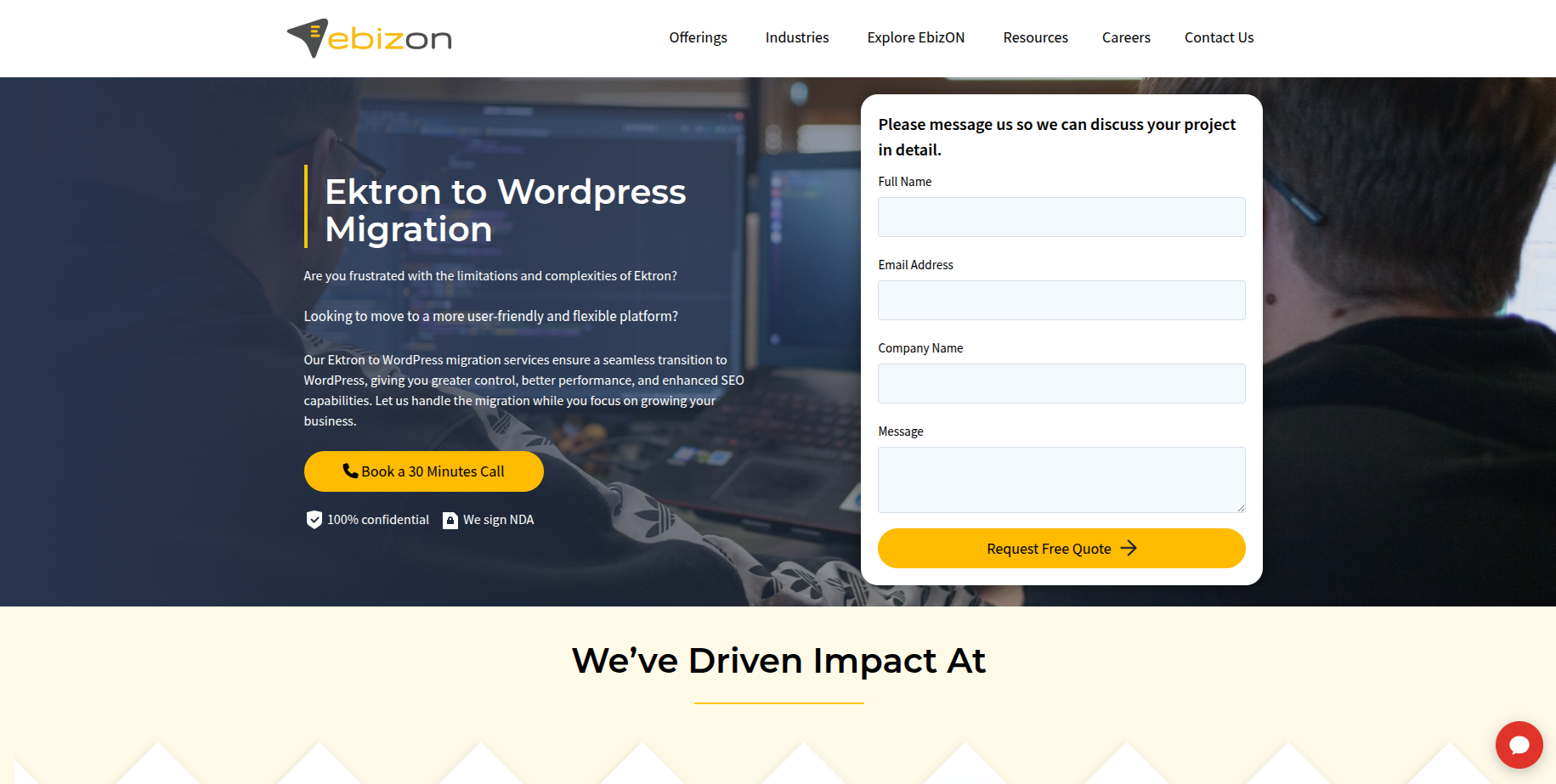
EbizON Digital is worth considering when an Ektron migration involves more than moving basic pages from one CMS to another. Enterprise websites can contain structured content, custom templates, integrations, forms, documents, SEO landing pages, and years of content that must be mapped carefully. The new WordPress website may also require custom development instead of simply recreating the old website. EbizON Digital can be evaluated for projects that combine CMS migration with WordPress development, integrations, design, and technical improvements. This makes it relevant for organizations looking for a broader migration and modernization approach.
- Content migration: Plan the movement of pages, posts, media, documents, and important website information.
- Custom WordPress development: Rebuild functionality that cannot be transferred directly from Ektron.
- Integration planning: Review APIs and connections with CRM, marketing, analytics, or other business platforms.
- SEO migration: Map important Ektron URLs, metadata, internal links, and redirects before launch.
- Best suited for: Businesses with complex Ektron websites that need migration plus WordPress development.
Before finalizing the project scope, businesses can review EbizON Digital’s Ektron CMS to WordPress migration services for complex business websites to understand how the migration can be approached.
2. CMSTOWP
Focused Ektron CMS Migration for Businesses Moving to WordPress
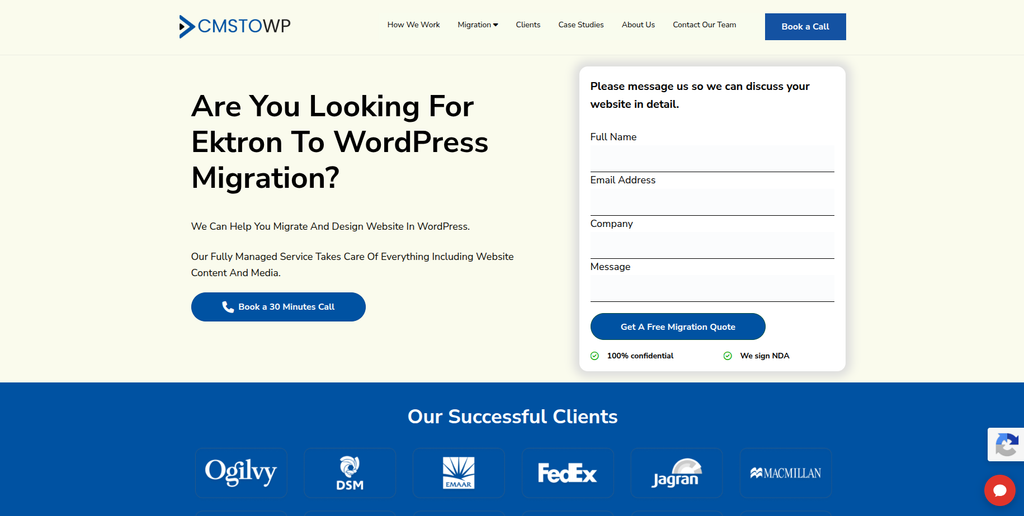
CMSTOWP is another option for businesses specifically looking to move an existing website from Ektron to WordPress. A migration-focused project needs to look closely at content structure, media, metadata, URLs, forms, templates, and custom functionality before anything is moved. This helps separate content that can be migrated directly from functionality that needs to be recreated in WordPress. SEO and redirect planning should also happen before launch rather than after traffic problems appear. CMSTOWP is therefore worth evaluating when the main project goal is a structured CMS-to-WordPress transition.
- CMS migration focus: Relevant for projects centered around moving an existing CMS into WordPress.
- Content transfer: Pages, media, documents, and other important website content can form part of the migration scope.
- URL planning: Existing Ektron URLs should be mapped against their new WordPress destinations.
- Migration testing: Staging and content checks can help find missing information before launch.
- Best suited for: Businesses seeking a focused Ektron CMS to WordPress migration process.
3. AS TechnoLabs
WordPress Development Partner to Evaluate for Ektron CMS Modernization
AS TechnoLabs is one of the development companies to consider when creating an Ektron migration shortlist. For this type of project, general web development experience is useful, but it should not replace direct migration expertise. Businesses should ask how the team would extract and map structured Ektron content into WordPress. They should also discuss templates, media, custom functionality, integrations, and SEO before agreeing on the scope. Direct Ektron migration examples should be requested during the evaluation process.
- WordPress capability: Verify recent WordPress development projects of similar size and complexity.
- Content mapping: Ask how Ektron content types would be converted into WordPress structures.
- Custom development: Confirm how existing Ektron functionality would be rebuilt where needed.
- Experience to verify: Request direct Ektron migration projects, references, and technical methodology.
- Best suited for: Businesses willing to qualify a development partner for a custom Ektron migration.
4. Mostli
A Development Option for Rebuilding Ektron Content in WordPress
Mostli can also be assessed when comparing development partners for an Ektron to WordPress project. The most important question is whether the team can understand the structure of the existing Ektron website before rebuilding it in WordPress. This includes identifying reusable content, outdated sections, custom functionality, and important SEO pages. A good discovery phase should explain what will be migrated automatically and what needs manual or custom development work. Businesses should request relevant WordPress and CMS migration examples before making a final decision.
- Technical discovery: The existing Ektron environment should be reviewed before estimating migration work.
- WordPress development: Verify the team’s ability to build the required WordPress templates and functionality.
- Content structure: Ask how complex or structured Ektron content will map into WordPress.
- Migration proof: Request examples of previous CMS migrations with comparable requirements.
- Best suited for: Companies evaluating custom WordPress development for an Ektron website rebuild.
5. Hammer Software
WordPress and IT Expertise for Technically Involved CMS Migration Projects
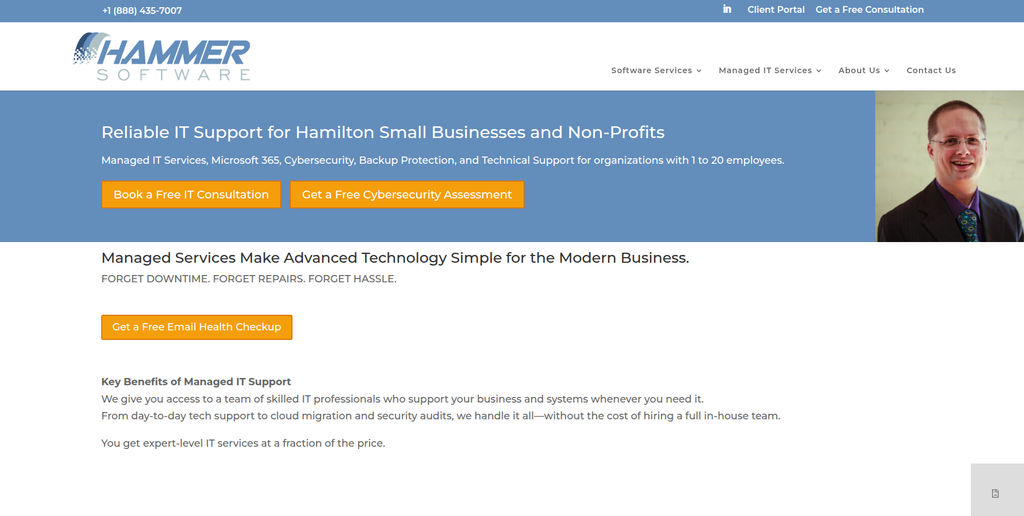
Hammer Software has public evidence of WordPress and broader IT experience. Its team page describes WordPress development and technical support capabilities, including management of web projects from initial builds through ongoing maintenance. This wider technical background can be useful when an older CMS website involves hosting, security, infrastructure, or custom technical problems in addition to content migration. However, WordPress experience alone does not confirm Ektron migration expertise. Businesses should therefore verify direct Ektron experience and migration methodology before selecting the company.
- WordPress development: Public company information identifies WordPress as part of its web development expertise.
- IT experience: Broader infrastructure knowledge may help when older websites have technical dependencies.
- Ongoing maintenance: Relevant for businesses that want support after the WordPress website launches.
- Ektron experience to verify: Ask for direct Ektron projects and examples of large CMS migrations.
- Best suited for: Businesses needing WordPress development with broader technical and IT support.
6. Absolute Veritas
A Technical Partner to Assess for Ektron Content and Website Migration
Absolute Veritas is another company from the shortlist to evaluate against the specific needs of an Ektron migration. The first step should be a detailed review of the current website rather than an immediate migration estimate. Businesses need to know how content, templates, media, forms, integrations, and existing URLs will work after the move. The team should also explain which Ektron functionality can be replaced with WordPress features and which parts require custom development. Relevant WordPress migration experience should be verified before the project starts.
- Migration discovery: Ask for a detailed audit of the existing Ektron website and its dependencies.
- Content planning: Confirm how pages, media, metadata, and structured content will be transferred.
- Functionality mapping: Identify which Ektron features will be rebuilt, replaced, or retired.
- Experience to verify: Request recent WordPress migrations and direct Ektron examples where available.
- Best suited for: Businesses comparing technical partners for a structured Ektron website migration.
7. Happy Dog Digital
Custom Software Expertise for Ektron Websites With Complex Integrations
Happy Dog Digital is particularly interesting when the old website contains custom software or important integrations. The company publicly describes itself as an in-house software development team and lists custom web applications, CRM and ERP development, software integrations, and ongoing product ownership among its capabilities. These capabilities may be relevant when an Ektron website does more than publish standard marketing content. Direct Ektron-to-WordPress expertise still needs to be confirmed before hiring. It may be better suited to technically complicated projects than straightforward content-only migrations.
- Custom web development: Relevant when the existing website contains custom applications or workflows.
- Software integrations: Useful for websites connected with CRM, ERP, data, or internal systems.
- Ongoing ownership: Post-launch development can matter when the migrated site continues evolving.
- Ektron experience to verify: Confirm previous Ektron and WordPress migration work before selection.
- Best suited for: Complex Ektron websites with custom software and integration requirements.
8. MM Digital Tech Mkt
A Digital Development Option for WordPress Migration and Website Improvement

MM Digital Tech Mkt can be included in the evaluation when migration is also being used as a chance to improve the website. Older Ektron websites may need cleaner navigation, better content organization, updated landing pages, stronger calls to action, and improved mobile usability. But design improvements should not distract from the core migration work. Content accuracy, redirects, SEO, forms, tracking, and functionality still need to be protected. Businesses should verify both WordPress development experience and direct CMS migration expertise before making a final choice.
- Website modernization: Consider whether the new WordPress site can improve the existing user experience.
- Content organization: Ask how old Ektron pages will be cleaned, mapped, and structured in WordPress.
- SEO planning: Important pages, metadata, internal links, and redirects need to remain part of the project.
- Migration expertise to verify: Ask for comparable CMS migration examples and WordPress references.
- Best suited for: Businesses combining an Ektron migration with wider website modernization.
9. Digital Nest Studio
Custom WordPress Design and Development for Ektron Website Rebuilds
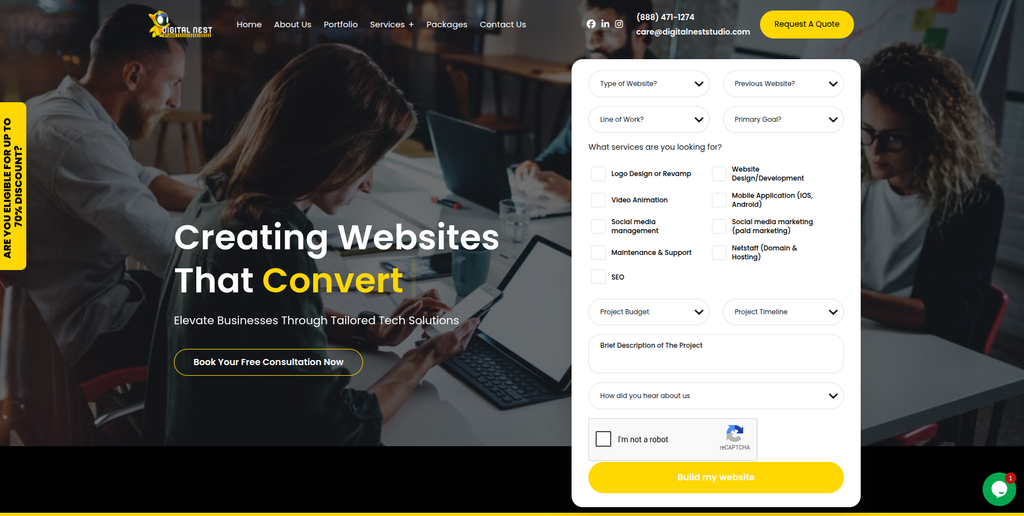
Digital Nest Studio has a dedicated WordPress design and development offering. Its public service information covers custom WordPress development, website design, UI and UX coding, ecommerce development, website maintenance, and WordPress site migrations. This can make the company relevant when an Ektron migration also includes a visual redesign or new WordPress build. The important step is confirming whether its migration experience includes Ektron and websites with similar content complexity. A design-focused migration should still include content validation, SEO checks, redirects, and functional testing.
- WordPress development: Publicly offers custom WordPress design and development services.
- Website migration: WordPress site migrations are included among its listed services.
- Design capabilities: Useful when the move also includes a new visual experience.
- Ektron expertise to verify: Request examples involving Ektron or similarly complex legacy CMS platforms.
- Best suited for: Businesses planning an Ektron migration with a custom WordPress redesign.
10. DJC Designs
Website Design and WordPress Support for an Ektron CMS Refresh
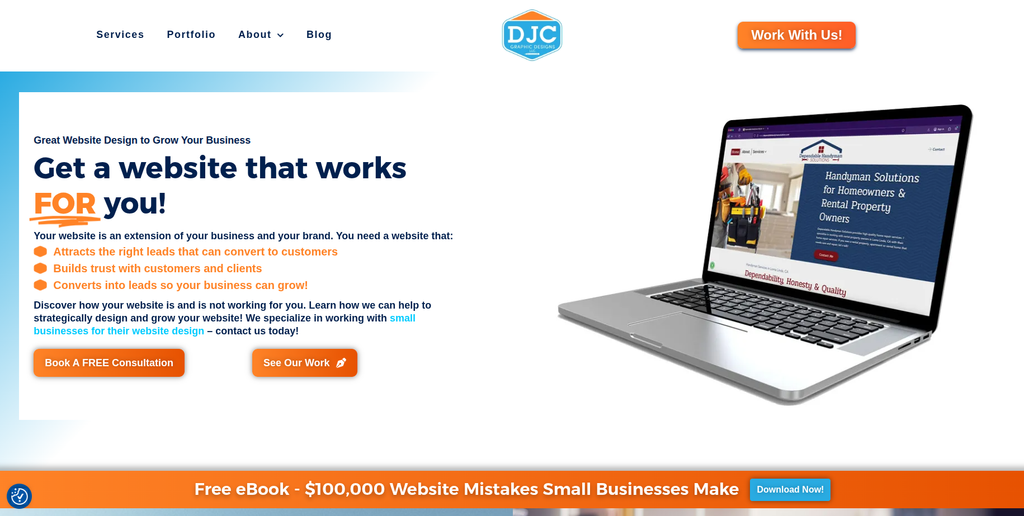
DJC Designs completes the list of companies to assess for an Ektron migration project. It may be relevant when a business wants the new WordPress website to look and feel different from its older Ektron site. A migration can be a useful time to remove outdated pages, simplify navigation, improve page layouts, and make content easier for internal teams to manage. However, visual improvement is only one part of a successful CMS migration. Businesses should confirm WordPress technical capabilities, Ektron experience, redirect planning, QA, and post-launch support before selecting the company.
- Website refresh: Relevant when migration is combined with a visual or structural redesign.
- Content usability: Consider how the new WordPress backend will make editing easier for internal teams.
- Migration QA: Pages, media, links, forms, and important functionality should be tested before launch.
- Experience to verify: Ask for WordPress migration examples and direct Ektron experience.
- Best suited for: Businesses seeking an Ektron website migration combined with a design refresh.
What Should Be Migrated From Ektron to WordPress?
Every Ektron website is different, so migration should start with an inventory.
Do not assume that everything inside the old CMS belongs in the new website.
Start by reviewing:
- Pages
- Blog or news content
- Structured content
- Images
- PDFs and documents
- Videos
- Metadata
- Forms
- Users and permissions
- Navigation
- Internal links
- Search
- Templates
- Custom functionality
- Integrations
- Analytics and tracking
- Important URLs
- Redirects
Some content can be migrated automatically. Some may require custom scripts. Other content may be so old that moving it would simply carry years of clutter into the new website.
WordPress’s documentation explains that its import tools can bring content from WordPress and other publishing systems, but procedures vary depending on the source platform. That is why a migration plan needs to reflect the actual structure of the Ektron website rather than relying on a generic importer.
For organizations that want a migration-focused partner for this stage, structured Ektron to WordPress migration support for content-heavy websites from CMSTOWP is another option to evaluate.
How to Protect SEO During an Ektron to WordPress Migration
SEO should be planned before the new website launches.
One of the biggest mistakes is building the new WordPress website first and thinking about redirects at the end.
Start by crawling the existing Ektron website and creating an inventory of URLs. Identify pages with organic traffic, backlinks, conversions, rankings, and business importance.
Then create an old-to-new URL map.
Google’s official guide to moving a website with URL changes recommends preparing and testing the new site, creating a URL mapping, and configuring redirects from old URLs to the corresponding new URLs.
Your SEO migration checklist should cover:
- Existing URLs
- New WordPress URLs
- 301 redirects
- Page titles
- Meta descriptions
- H1 headings
- Canonical tags
- Internal links
- Image URLs and alt text
- XML sitemaps
- Robots directives
- Structured data
- Analytics
- Search Console
- High-value backlinks
- 404 errors
Google also explains in its official documentation about redirects and Google Search that redirects tell visitors and Google Search that a page has moved to another location.
Do not redirect every old page to the homepage.
Each valuable Ektron URL should go to the closest relevant WordPress destination whenever possible.
How to Choose an Ektron to WordPress Migration Company
Choosing a migration partner becomes much easier when every company answers the same questions.
1. Ask About Direct Ektron Experience
WordPress experience alone is not enough.
Ask whether the team has worked directly with Ektron. Find out which Ektron versions they have handled and what types of websites they migrated.
Ask for relevant examples.
2. Request a Content Migration Plan
The agency should explain how it will identify, extract, clean, map, import, and validate your content.
For large websites, ask how automated migration scripts and manual QA will work together.
3. Ask How Custom Ektron Features Will Be Handled
An old Ektron website may contain functionality that does not have a direct WordPress equivalent.
Ask the agency to classify features as:
- Migrate
- Rebuild
- Replace
- Retire
This makes the scope much clearer.
4. Review the SEO Migration Process
Ask for a sample URL mapping process.
The team should be comfortable with redirects, metadata, internal links, canonical tags, sitemaps, crawl testing, analytics, and Search Console.
5. Ask for a Staging Website
Do not make the live website your testing environment.
The WordPress site should be tested on staging before launch.
Content editors, developers, SEO teams, and business owners should have enough time to review it.
6. Check Post-Launch Support
A migration is not complete the second DNS changes.
After launch, the team should monitor:
- 404 errors
- Redirects
- Forms
- Search
- Analytics
- Page speed
- Mobile pages
- Integrations
- Missing content
- Search Console
- Security
- Server performance
Agree on the post-launch support period before signing the project.
Ektron to WordPress Migration Checklist
A simple migration checklist can keep the project under control.
Before Migration
- Crawl the current Ektron website
- Back up the website and database
- Create a complete content inventory
- Identify important SEO pages
- Document integrations
- Document custom functionality
- Identify forms
- Export analytics data
- Review user roles
- Plan the new WordPress architecture
Backing up legacy systems before major changes is especially important. Optimizely’s own Ektron support guidance recommends backing up the database and site root before certain Ektron upgrades.
During Migration
- Build the WordPress website on staging
- Map Ektron content types
- Import content
- Transfer media
- Rebuild templates
- Recreate required functionality
- Configure plugins
- Rebuild forms
- Connect integrations
- Map old and new URLs
- Prepare redirects
- Perform SEO checks
Before Launch
- Compare page counts
- Check important content
- Test forms
- Test search
- Test navigation
- Check mobile layouts
- Test integrations
- Check metadata
- Test redirects
- Review analytics
- Generate XML sitemap
- Crawl the staging website
After Launch
- Crawl the live WordPress website
- Find broken links
- Find 404 errors
- Test redirects
- Check forms
- Check analytics
- Monitor Search Console
- Review rankings and traffic
- Test important integrations
- Monitor performance
Why WordPress Can Be a Good Replacement for Ektron
The biggest advantage of WordPress is flexibility.
Businesses can manage content through a widely used CMS while developers can extend the platform through themes, plugins, APIs, and custom development.
It can also make everyday publishing simpler for marketing teams.
That does not mean WordPress is automatically the correct choice for every Ektron website. A large enterprise should still evaluate security, governance, integrations, workflows, hosting, performance, multilingual requirements, accessibility, and internal technical resources.
The migration decision should be based on what your organization needs over the next several years, not simply which CMS is most popular.
FAQs
1. What is Ektron to WordPress Migration?
Ektron to WordPress Migration is the process of moving a website from the Ektron CMS to WordPress. It can include pages, images, documents, metadata, users, forms, URLs, SEO information, and custom functionality. Complex websites may also require integrations and templates to be rebuilt.
2. Why are companies moving away from Ektron?
Optimizely states that active development of Ektron has ceased and that customers still using it should consider migration options to a newer CMS. Businesses may therefore evaluate newer platforms when they want updated technology, easier content management, or different development options.
3. Can all Ektron content be moved to WordPress?
Much of the content can usually be migrated, but the exact process depends on how the Ektron website was built. Pages, images, documents, metadata, and structured content may require different migration methods. Custom functionality often needs to be rebuilt rather than simply copied.
4. Can an Ektron website be migrated without losing SEO?
SEO risk can be reduced with careful planning. Important URLs should be mapped to relevant WordPress URLs, redirects should be implemented, metadata should be reviewed, internal links should be checked, and the website should be monitored after launch. Google’s site-move guidance recommends URL mapping, testing, and redirects when URLs change.
5. How long does Ektron to WordPress migration take?
It depends on the size and complexity of the website. A small content website may be relatively straightforward, while an enterprise website with thousands of pages, custom content types, integrations, forms, and multilingual content can require a much larger migration project.
6. Do old Ektron URLs need redirects?
Yes, when the WordPress URLs are different. Important old URLs should generally be mapped to the most relevant new destinations. Redirects help both visitors and search engines reach the new location. Google’s redirect documentation explains how redirects communicate that a resource has moved.
7. Can Ektron forms be migrated to WordPress?
The form information and requirements can be reviewed, but forms often need to be recreated using WordPress functionality or another form solution. Complex forms connected with CRM or other systems may require custom integration work.
8. Should we redesign the website during the migration?
You can, but it adds another layer of change. Some companies use migration as an opportunity to redesign an outdated website. Others keep the design close to the existing site initially so they can separate migration risks from redesign risks.
9. What should we test before launching WordPress?
Test pages, images, downloads, navigation, forms, search, redirects, metadata, integrations, analytics, mobile layouts, user permissions, performance, and important conversion paths. Also crawl the staging website to identify broken links and missing content.
10. What should I look for in an Ektron to WordPress migration company?
Look for Ektron knowledge, WordPress development expertise, content migration experience, custom development capability, SEO migration planning, redirect management, QA, integration experience, staging, and post-launch support. Ask each shortlisted company to explain its migration process and show relevant examples before you decide.
Conclusion
Moving from Ektron to WordPress is more than changing your CMS.
The real job is protecting the content, URLs, SEO value, integrations, functionality, and user experience that your website has built over time.
Start with an audit. Decide what should be migrated, rebuilt, replaced, or removed. Create a clear URL map. Build and test the WordPress website on staging. Then monitor the site closely after launch.
The 10 companies above offer different types of development, migration, design, or technical capabilities. EbizON Digital and CMSTOWP have dedicated service pages for this specific migration, while direct Ektron experience should be verified carefully for the other companies before selection.
A good migration should leave your team with more than a website that simply works.
It should give you a WordPress platform that is easier to manage, easier to improve, and ready for what your business needs next.